
RatedPower
Pros
- Massively reduces utility-scale design and engineering time.
- Combines PV, BESS, and substation workflows into one platform.
- Unlimited-user model simplifies collaboration for large teams.
- Automated reports improve consistency and project documentation.
- Cloud-based architecture supports remote collaboration and continuous updates.
- Strong customer onboarding and support reputation.
Cons
- No transparent public pricing.
- Less flexible for highly customized manual engineering workflows.
- Very irregular terrain may still require additional manual adjustments.
- Advanced financial and electrical settings may create a learning curve for new users.
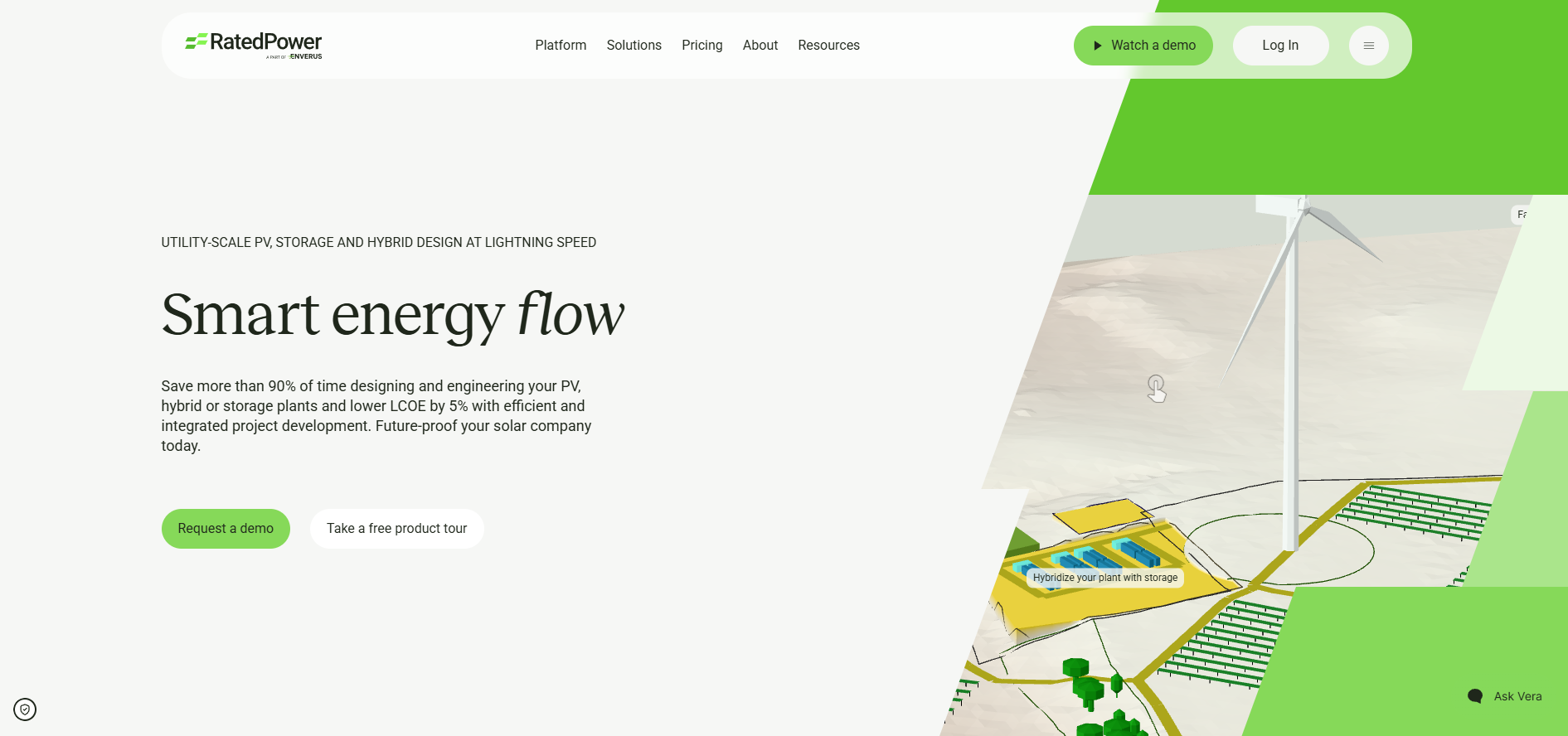
Developing utility-scale solar projects has traditionally been a slow and resource-intensive process. Engineers and developers often spend weeks creating preliminary layouts, running energy yield calculations, and preparing technical documentation across multiple disconnected tools. These inefficiencies increase development costs and delay project timelines. RatedPower solves these challenges through an automated cloud platform built specifically for large-scale solar and battery storage design.
By combining technical engineering, energy modeling, and financial analysis into one SaaS environment, RatedPower allows renewable energy teams to evaluate thousands of project configurations within minutes. This accelerates decision-making and helps developers identify the most profitable plant designs faster.
What Is RatedPower?
RatedPower is a cloud-based software platform focused on utility-scale solar and battery energy storage system (BESS) design automation.
Built for solar developers, EPC companies, independent power producers (IPPs), and financial institutions, the platform automates PV plant layouts, electrical configurations, energy yield simulations, and technical documentation for projects typically larger than 1 MW.
Features
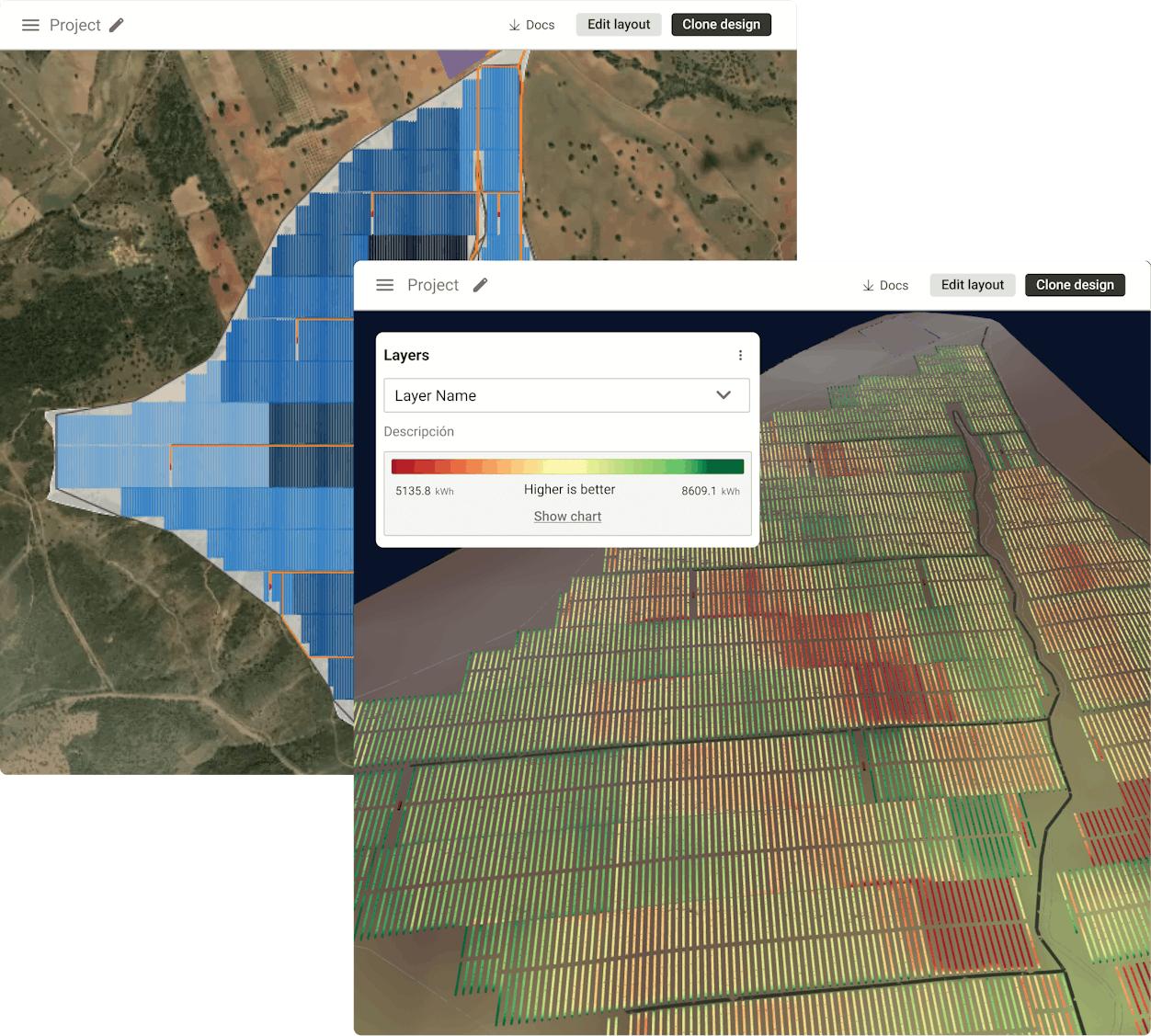
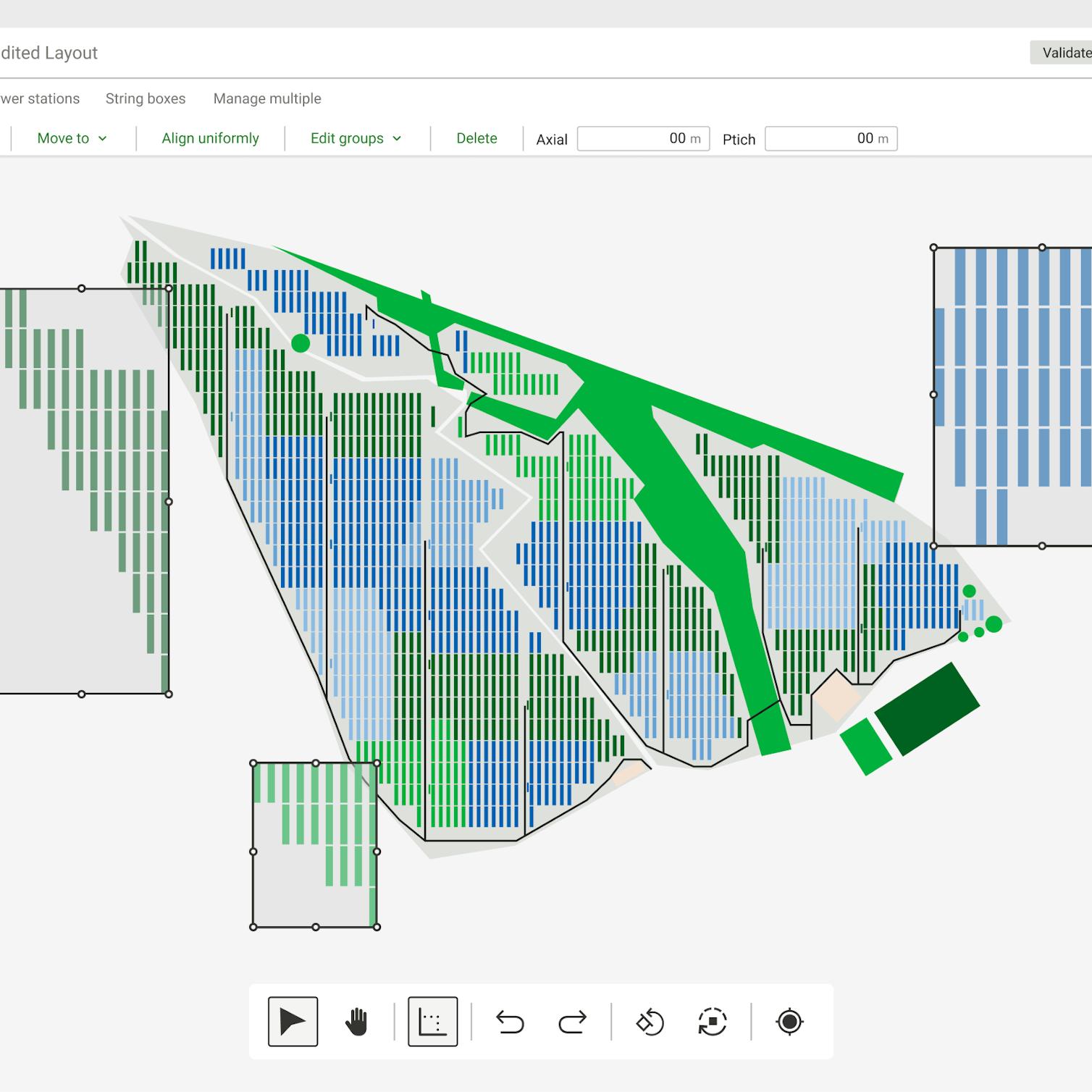
- Automated Layout Generation: Automatically generate PV layouts, cable routing, roads, and equipment placement.
- 3D Energy Yield Simulation: Use terrain-aware ray tracing and shading analysis for production forecasting.
- BESS Integration: Design standalone or AC/DC-coupled battery storage systems.
- Substation and Interconnection Engineering: Generate automated single-line diagrams and switching station designs.
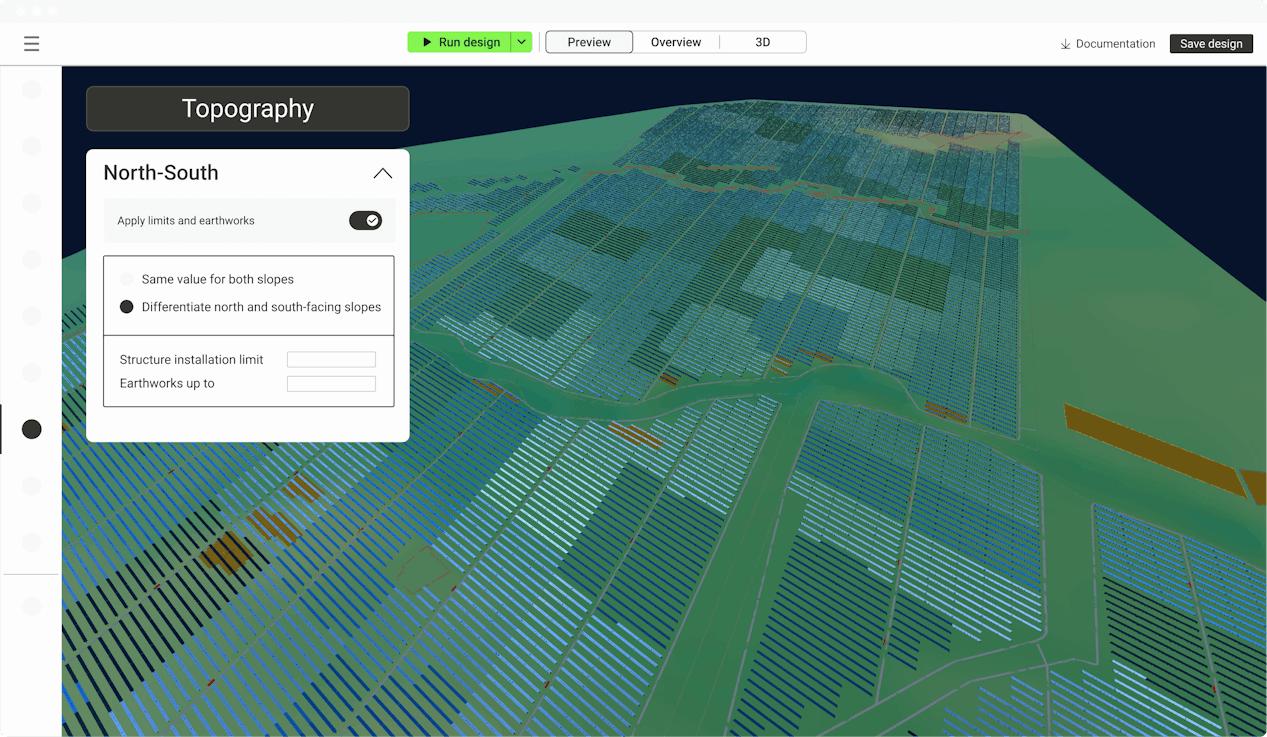
- Topography and Earthwork Analysis: Calculate grading, cut-and-fill requirements, and terrain constraints.
- Financial Analysis Tools: Estimate LCOE, NPV, IRR, and CAPEX scenarios.
- Automated Documentation: Generate CAD files, bills of quantities, and technical reports automatically.
Screenshots
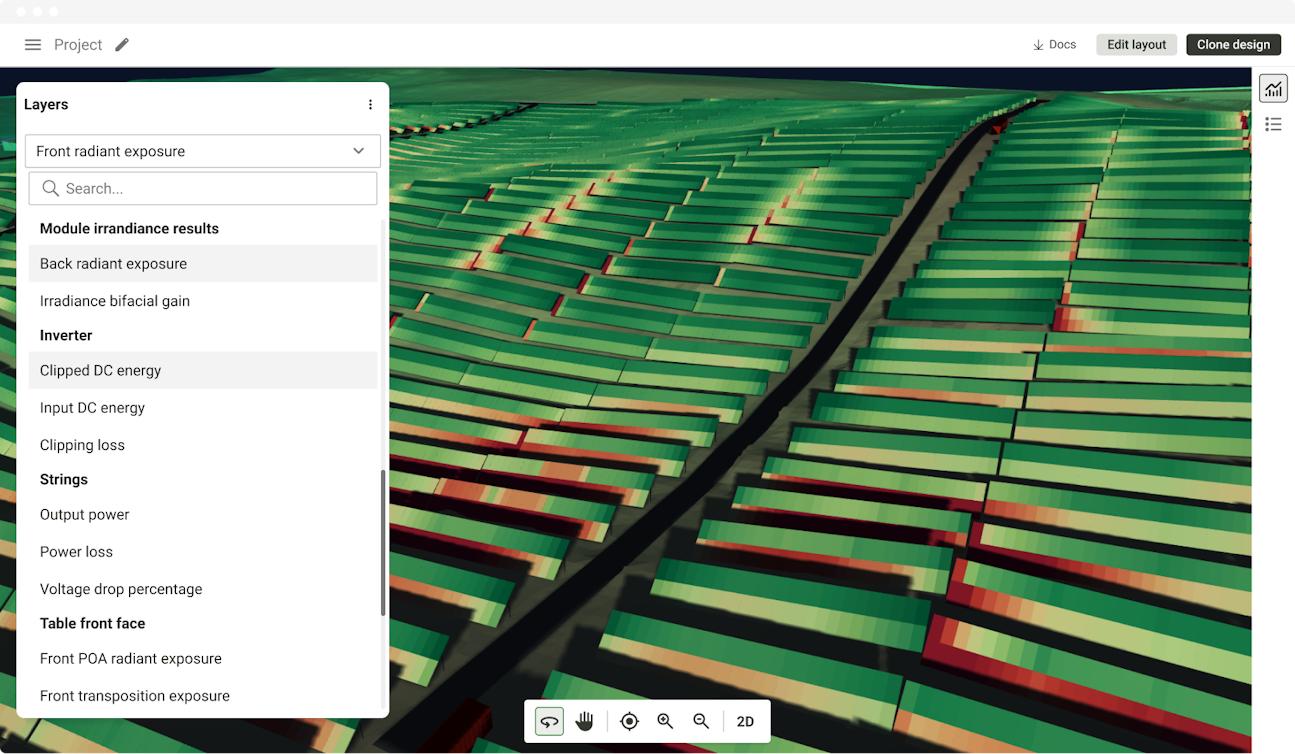
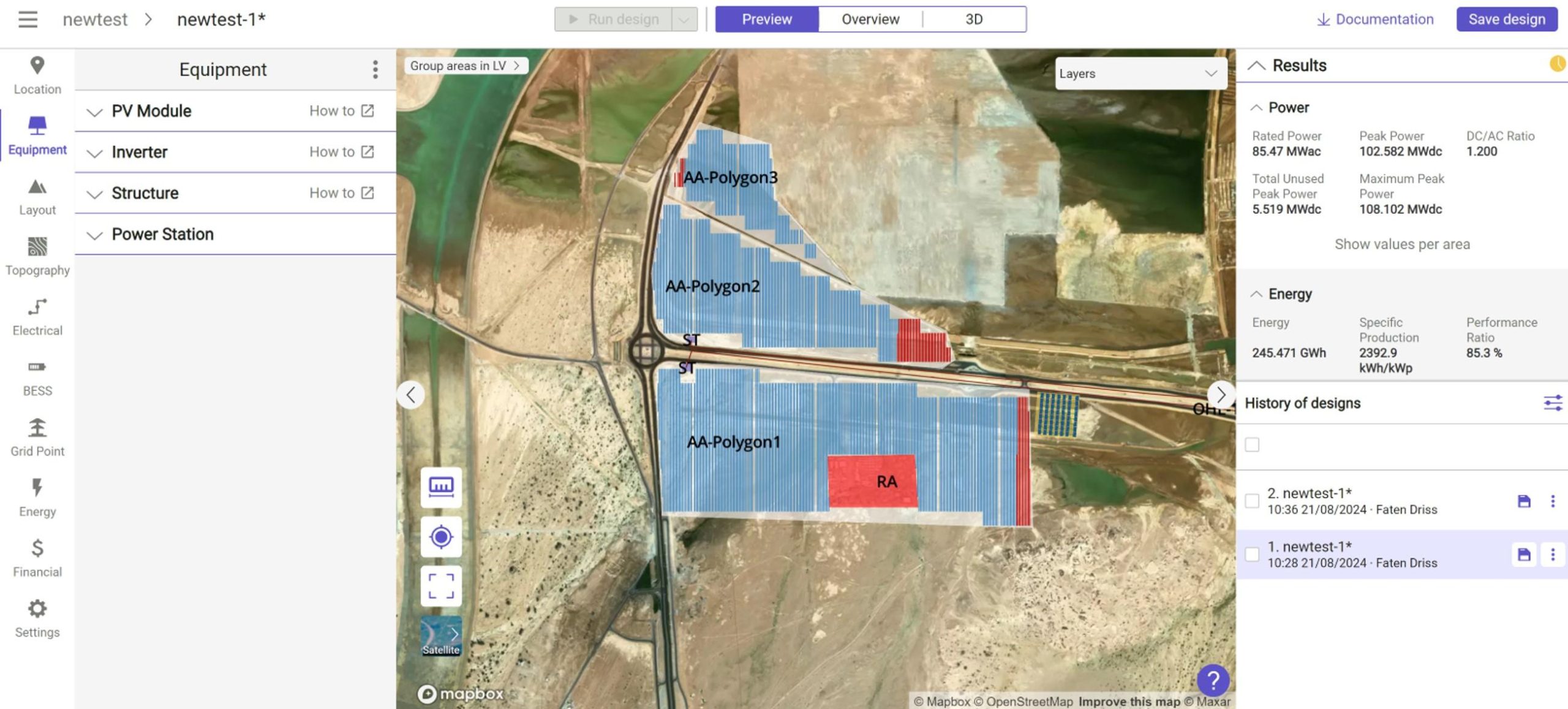
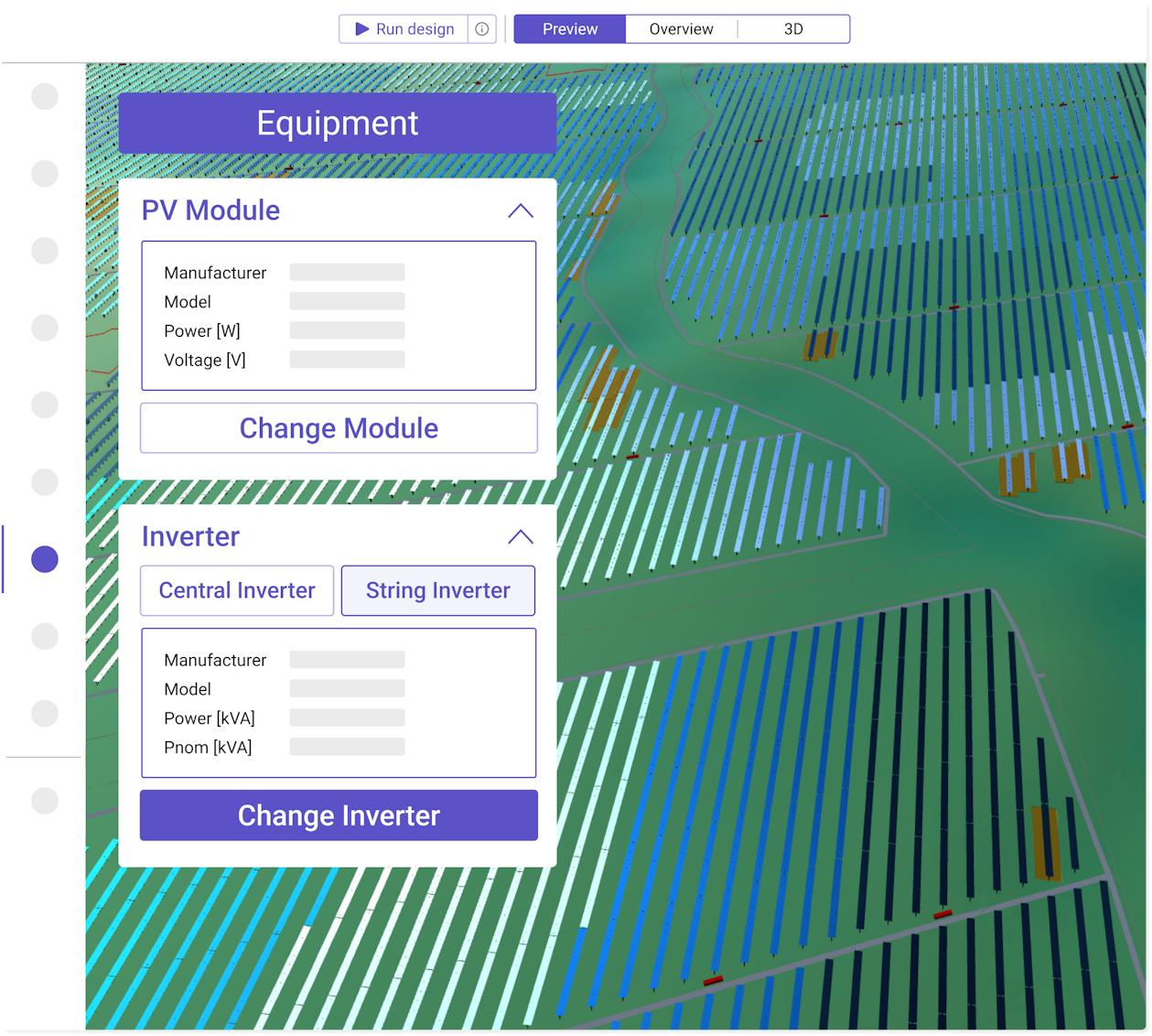
RatedPower Pricing
RatedPower uses a subscription-based licensing model with multiple enterprise tiers.
- Essentials Plan: Supports smaller teams and up to 10 projects annually.
- Professional Plan: Designed for growing teams with expanded project limits and onboarding support.
- Enterprise Plan: Unlimited projects, advanced security, and dedicated customer success management.
- Unlimited Users: All plans include unlimited user collaboration.
- No Public Pricing: Exact subscription costs require a custom sales consultation.
Integrations
RatedPower integrates with engineering, GIS, and renewable energy analysis tools.
- Engineering Software: Export directly to AutoCAD and PVsyst.
- GIS and Mapping: Supports SHP, CAD, and Google Earth data imports.
- Energy Data Platforms: Integrated with Enverus PRISM datasets.
- Hardware Libraries: Access databases of solar modules, inverters, and trackers.
- Security Integrations: Supports SAML SSO and two-factor authentication.
How to Set Up RatedPower
- Request a demo and receive a custom pricing consultation.
- Complete onboarding sessions with the RatedPower customer success team.
- Configure company standards, currencies, and engineering templates.
- Upload preferred module, inverter, and tracker libraries.
- Create workspaces and invite team members.
- Start projects by importing coordinates, parcel boundaries, or GIS data.
How to Use RatedPower
Developers typically begin by selecting a project site using GIS data, map coordinates, or uploaded parcel files. Users then define site boundaries, exclusion zones, and topographical constraints before selecting solar modules, inverters, and design goals.
Once parameters are configured, RatedPower automatically generates optimized layouts and energy simulations. Teams can compare multiple scenarios based on production, CAPEX, and LCOE, then export technical documentation and CAD-ready engineering files for permitting and construction.
What You Can Manage with RatedPower
- Solar Project Portfolios: Organize utility-scale project pipelines and design scenarios.
- Energy Yield Simulations: Generate bankable production estimates and shading analysis.
- Electrical and Civil Engineering Drawings: Export permitting and construction documentation.
- Financial Projections: Analyze CAPEX, OPEX, LCOE, IRR, and NPV.
- Topographical Constraints: Evaluate terrain and grading impacts.
- Team Collaboration: Coordinate engineering and development teams in real time.
FAQs
What does RatedPower do?
RatedPower automates the design and optimization of utility-scale solar and battery storage projects, helping developers generate layouts, energy simulations, and engineering documentation rapidly.
Who is RatedPower best for?
It is designed for utility-scale solar developers, EPC firms, independent power producers, engineers, and financial institutions evaluating large renewable energy projects.
Is RatedPower free?
No, RatedPower is a commercial SaaS platform, although free demos and guided product tours are available.
What are the main limitations of RatedPower?
Main limitations include reduced manual engineering flexibility for highly customized projects, onboarding complexity for advanced workflows, and lack of transparent pricing.
What are the best alternatives to RatedPower?
Popular alternatives include PVcase, Aurora Solar, HelioScope, and PVsyst depending on project size and workflow requirements.




