
AutoCAD
Pros
- Industry-standard precision for engineering projects.
- Excellent compatibility with contractors and permitting offices.
- Huge ecosystem of automation plugins.
- Advanced 3D modeling capabilities.
- Highly customizable workflows and shortcuts.
- Large user community and extensive documentation.
Cons
- Steep learning curve for beginners.
- Higher pricing compared to simpler solar design tools.
- Requires powerful hardware for large projects.
- Needs third-party plugins for advanced solar-specific automation.
Moving toward renewable energy takes real precision. For solar pros, AutoCAD has long been the go-to workspace for turning initial site ideas into solid, construction-ready plans. Even though it’s a general-purpose design tool, it’s used everywhere because its high-quality output is exactly what installers and developers need to clear strict local permits and utility rules.
In a typical solar project, AutoCAD bridges the gap between a quick sales sketch and the final technical documentation. It gives you the fine-tuned control required for complex site layouts and detailed wiring diagrams that simpler sales tools just can’t handle. Plus, for teams looking to grow, it serves as the home base for a massive library of solar automation plugins.
What Is AutoCAD?
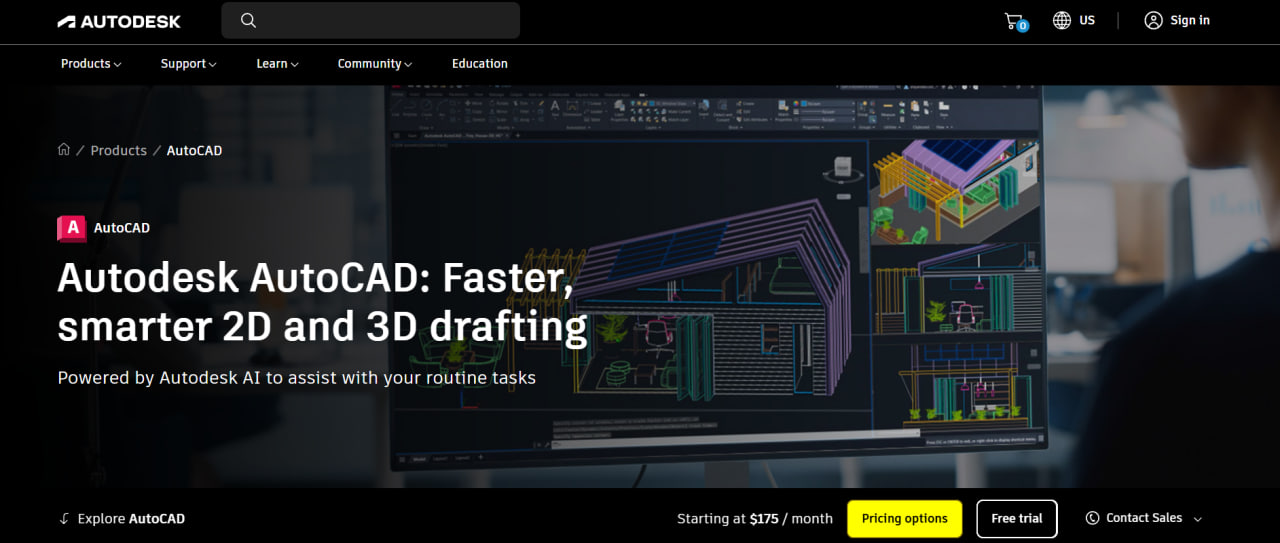
AutoCAD is the leading 2D and 3D design software from Autodesk. In the solar world, it’s the primary tool for design engineers and CAD technicians who need to create professional documentation. It’s built for EPC firms, consultants, and utility-scale developers who have to produce high-precision drawings to get their permits approved.
Think of the platform as a digital canvas where you can pull in site data—like high-res satellite photos, LiDAR, or land surveys—and layer solar components right on top. It’s used to build everything from site plans to Single Line Diagrams (SLDs).
Features
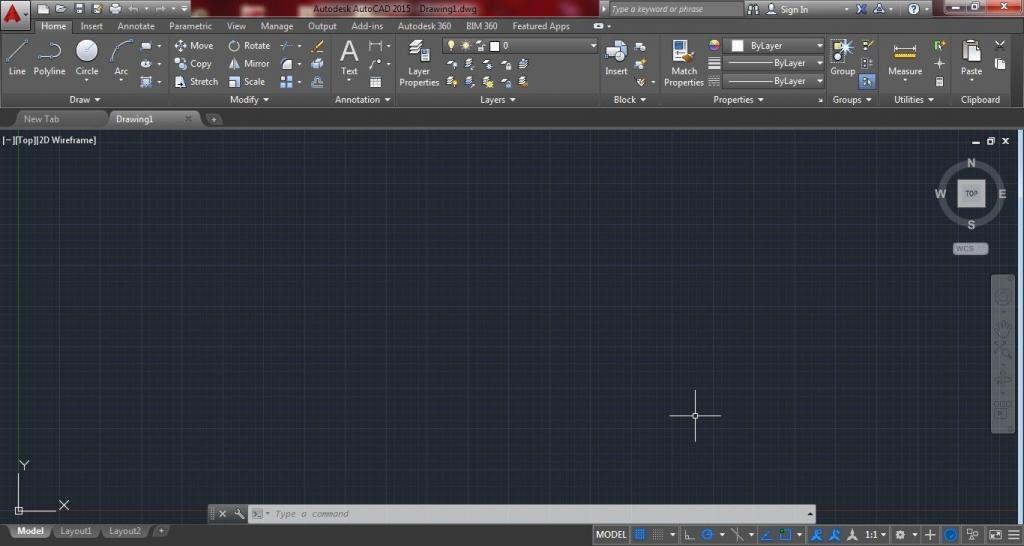
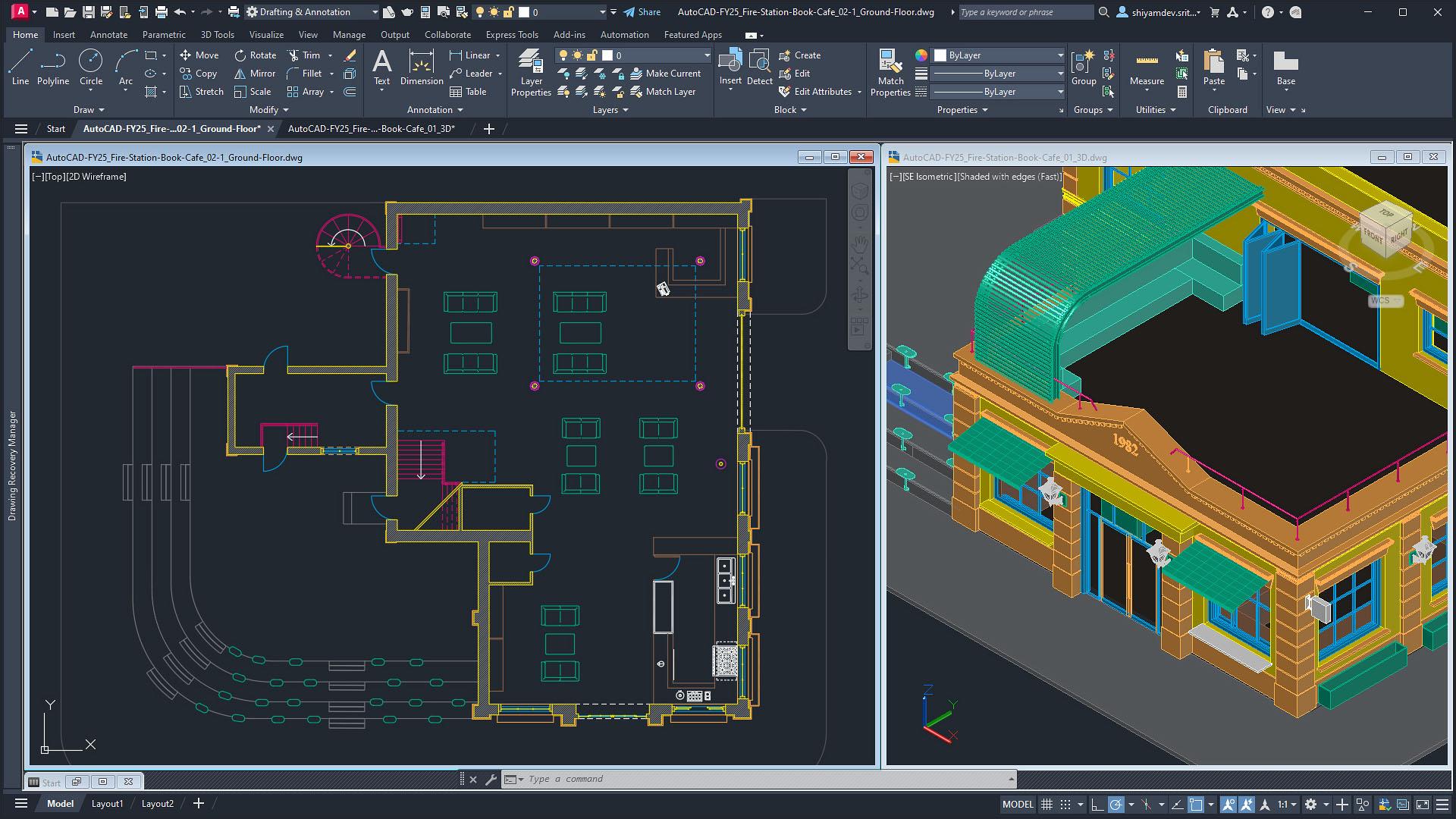
- 2D Drafting and Annotation: Create detailed site plans and electrical schematics.
- 3D Modeling and Visualization: Model roofs and terrain to identify shading or design issues.
- Layer Management: Organize wiring, layouts, and structural details separately.
- Automated Documentation: Generate Bills of Materials automatically.
- Dynamic Blocks: Use customizable smart solar components.
- Industry-Standard Compatibility: Share DWG files with contractors and authorities.
- API and Plugin Support: Integrate with PVcase, PVCAD, and other solar plugins.
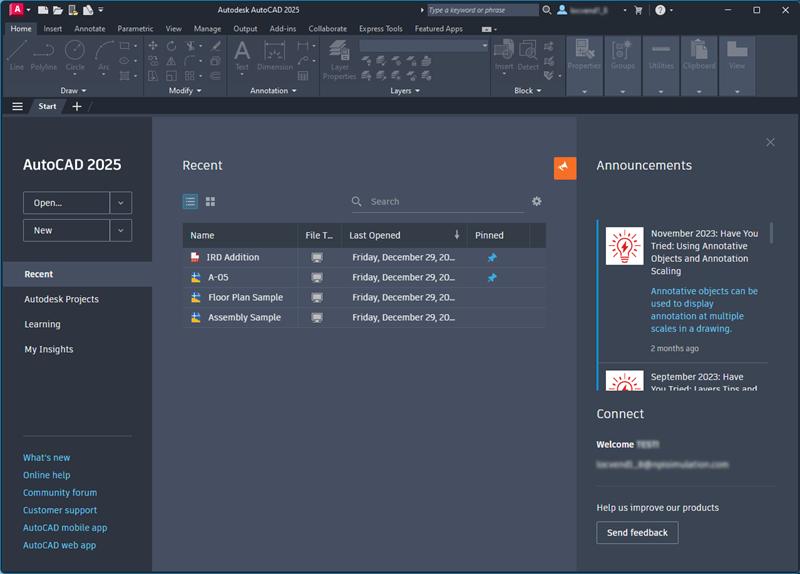
Screenshots
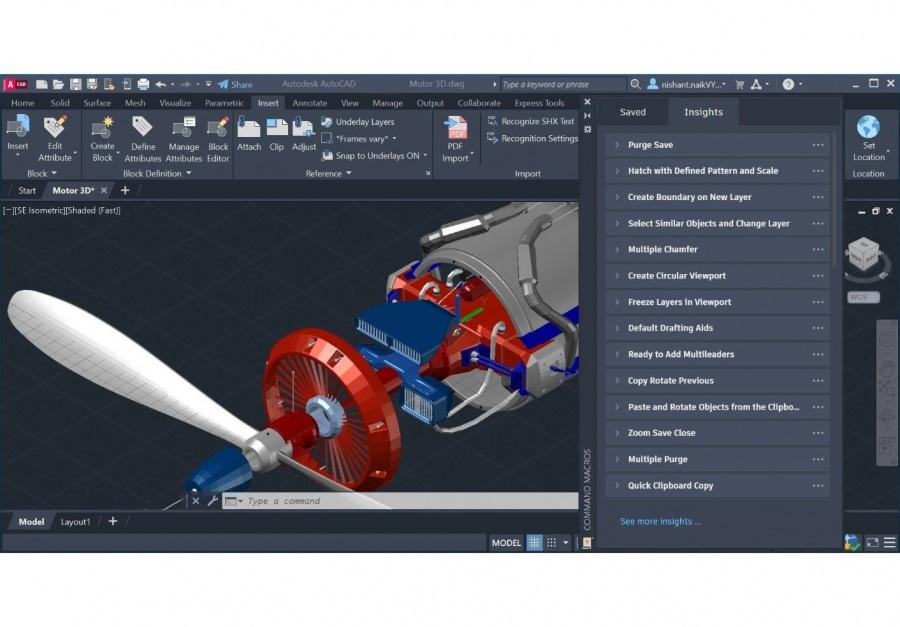
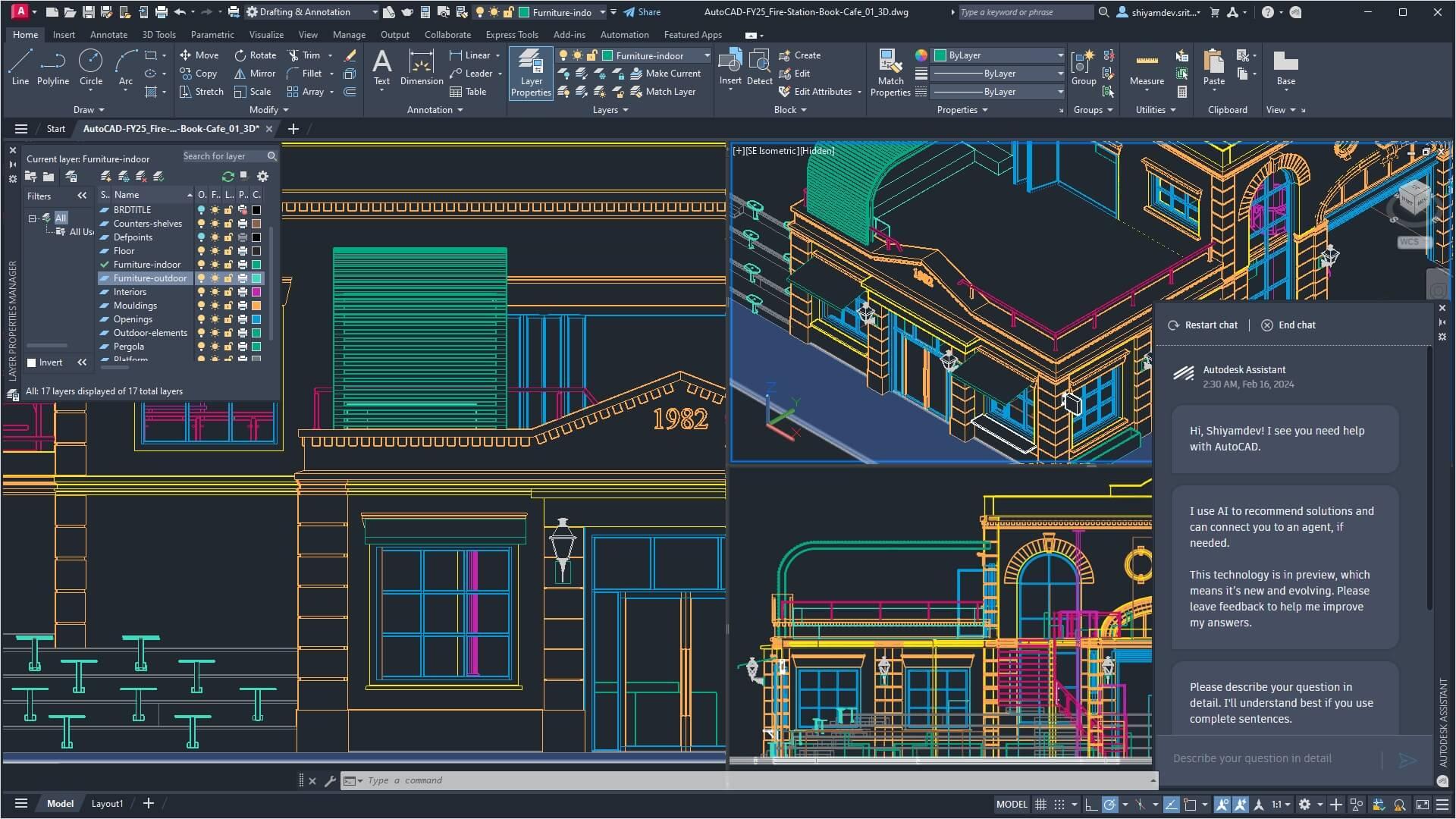
AutoCAD Pricing
AutoCAD offers several subscription options depending on your business size and workflow needs.
- Free Trial: 15-day full-feature trial.
- Monthly Subscription: Around $255 per month.
- Annual Subscription: Approximately $2,030 per year.
- 3-Year Subscription: Roughly $6,090 for long-term licensing.
- AutoCAD LT: Basic 2D drafting version for around $500–$600 annually.
- Autodesk Flex: Token-based pay-as-you-go usage model.
- Education Access: Free licenses for students and educators.
Integrations
AutoCAD integrates with a wide range of engineering and solar-specific tools.
- Solar Plugins: PVcase, PVCAD, Branch, Virto.CAD.
- Engineering Software: PVsyst and Civil 3D.
- Cloud Storage: Autodesk Construction Cloud, Google Drive, OneDrive, Dropbox.
- GIS and Mapping: Nearmap and EagleView imagery providers.
How to Set Up AutoCAD
- Create an Autodesk account and start a subscription or free trial.
- Install AutoCAD and the Autodesk Desktop App.
- Configure your drafting or 3D modeling workspace.
- Adjust units and coordinate systems for your project.
- Install solar-specific plugins like PVcase or PVCAD.
- Import site imagery or survey data and begin designing.
How to Use AutoCAD
Most solar workflows begin by importing site surveys, maps, or satellite imagery into the workspace. Designers then create project boundaries, mark restricted areas, and position solar modules based on shading and setback requirements.
Engineers use additional drawing spaces to build electrical schematics and permit-ready documents. The completed designs can then be exported as PDFs or shared directly in DWG format.
What You Can Manage with AutoCAD
- Permit-Ready Plan Sets: Construction drawings for permit approvals.
- Single Line Diagrams (SLDs): Electrical system documentation.
- Site Layouts: Precise rooftop and ground-mount array designs.
- Shading Analysis: 3D shadow tracking and optimization.
- Bills of Materials (BOM): Automated equipment and hardware lists.
- Terrain Maps: Topographic analysis for utility-scale projects.
FAQs
What does AutoCAD do for solar design?
AutoCAD helps engineers create technical drawings, electrical diagrams, and permit-ready solar project documentation.
Who is AutoCAD best for in the solar industry?
It is ideal for EPC firms, CAD designers, engineers, and utility-scale solar developers that need highly detailed technical documentation.
Is AutoCAD free?
AutoCAD is a paid platform, but Autodesk offers a 15-day free trial and free educational access for students and teachers.
How much does AutoCAD cost for solar design?
The standard annual subscription costs around $2,030, while AutoCAD LT costs approximately $500–$600 per year.
What are the best alternatives to AutoCAD for solar?
Popular alternatives include Aurora Solar, HelioScope, BricsCAD, OpenSolar, and other cloud-based solar engineering tools.




