PVsyst
Pros
- The software uses advanced physical models to deliver the most precise energy-yield simulations available.
- PVsyst reports are universally accepted by banks and investors as the benchmark for project financing.
- It supports several configurations, including grid-connected, standalone, and solar pumping systems.
- The detailed loss diagram offers a clear breakdown of every factor impacting system performance.
- Users have access to an extensive, manufacturer-verified library of modules and inverters.
Cons
- The software is quite complex, and its UI isn't user-friendly.
- It cannot create physical site plans or mechanical mounting designs.
- The software is not compatible with macOS or Linux without using a virtual machine.
You determine the viability of a solar project by estimating its output and return on investment. However, you cannot just determine these figures by looking at the equipment capacity. PVsyst fills this gap by providing a rigorous environment where every watt is tracked from the moment a photon hits a cell to the point electricity enters the grid. It also simulates resistance, inefficiency, and best configurations for your technical due diligence.
What is PVsyst?
PVsyst is a comprehensive software package used for the study, sizing, and data analysis of complete PV systems. It focuses on how a system performs electrically. Engineers use it as a simulation engine that processes meteorological data and technical hardware specifications to predict energy production over time. For developers, the tool determines the “P50/P90” production figures—statistical probabilities that tell investors exactly how much energy the plant is guaranteed to produce under varying climate conditions.
Features
The software is divided into specific product tiers and project-based modules to handle different engineering workflows.
PVsyst 8 (Main Software)
Detailed Modeling: This version serves as the full desktop environment for high-level solar engineering and validation.
3D Shading: Users can construct complex digital twins to model the impact of terrain and nearby structures on energy yield.
Bifacial Support: It includes advanced algorithms to calculate energy gains from the backside of panels and ground reflectivity.
Sub-Hourly Analysis: The software supports 1-minute and 15-minute data imports for highly granular production modeling.
PVsystCLI
Automation: This command-line interface allows users to execute simulations via scripts without opening the graphical window.
Batch Processing: It is designed to run thousands of project variations to identify the most profitable design configuration.
Workflow Integration: Advanced teams use this tool to connect PVsyst simulations directly into their internal data pipelines.
PVsystBasic
Quick Estimates: This streamlined module provides a simplified interface for preliminary energy production checks.
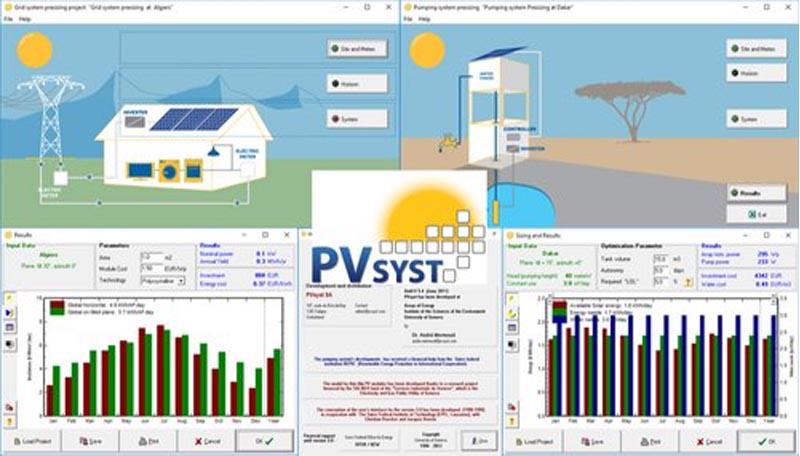
Pumping Focus: It offers dedicated tools for modeling solar water pumping systems without the complexity of grid-connected settings.
It is ideal for solar pump sales teams or junior engineers who need fast results.
Screenshots
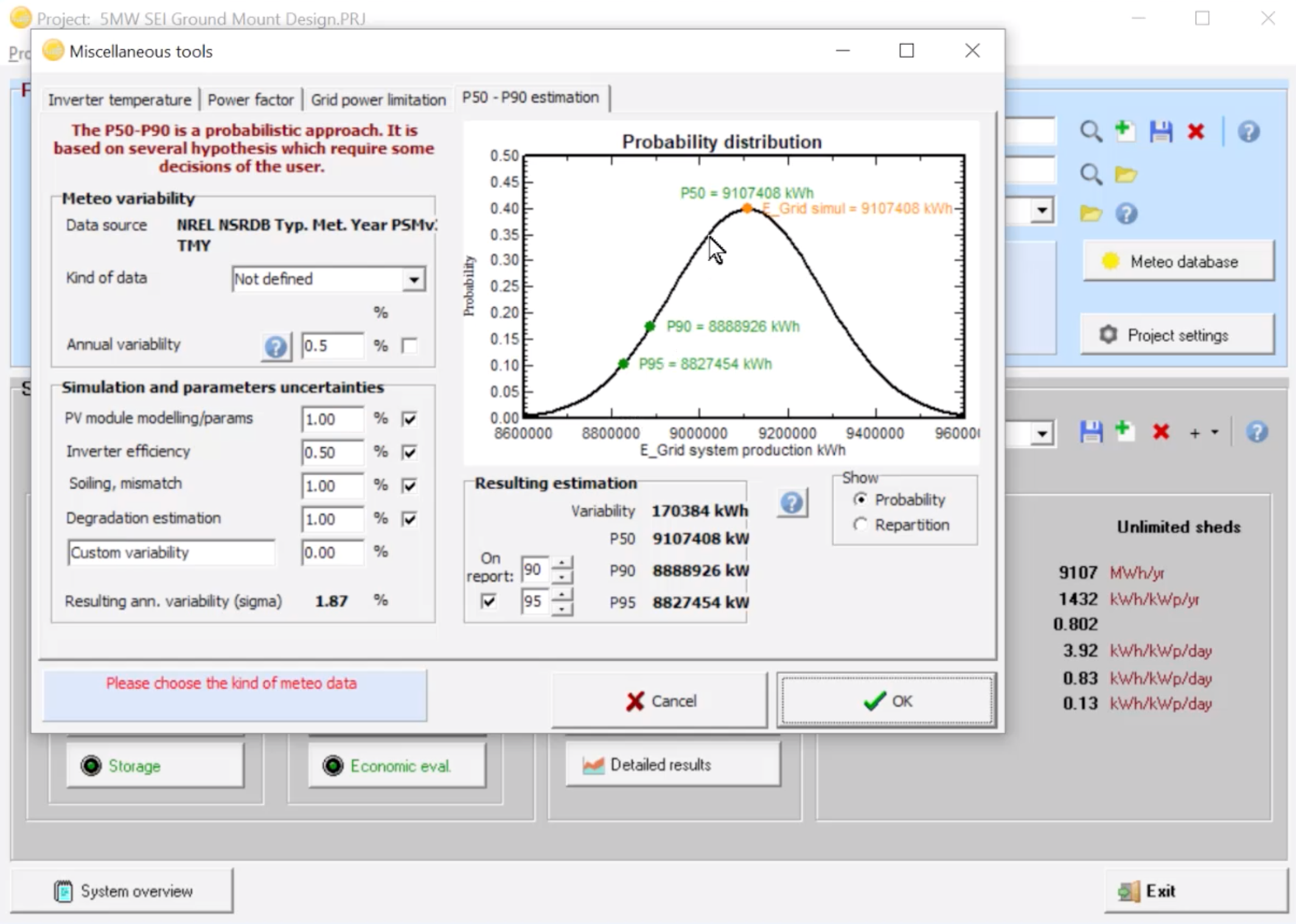
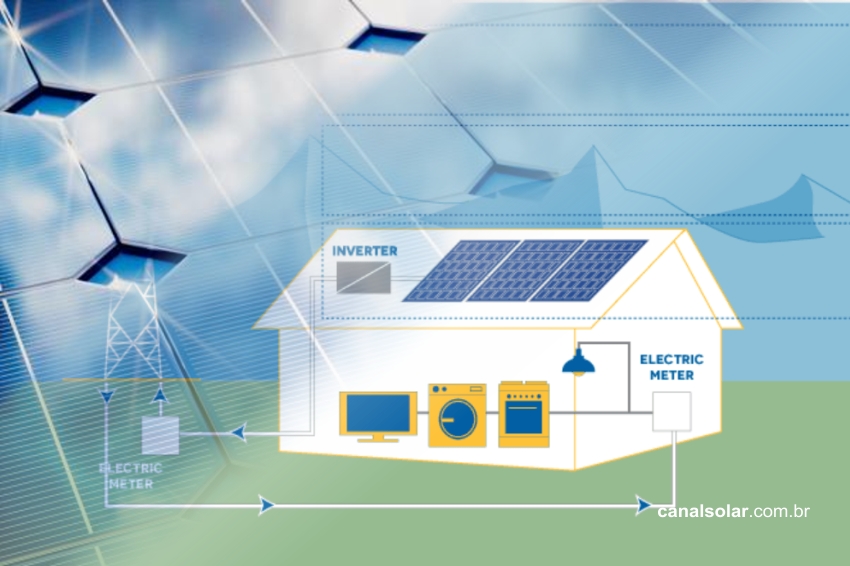
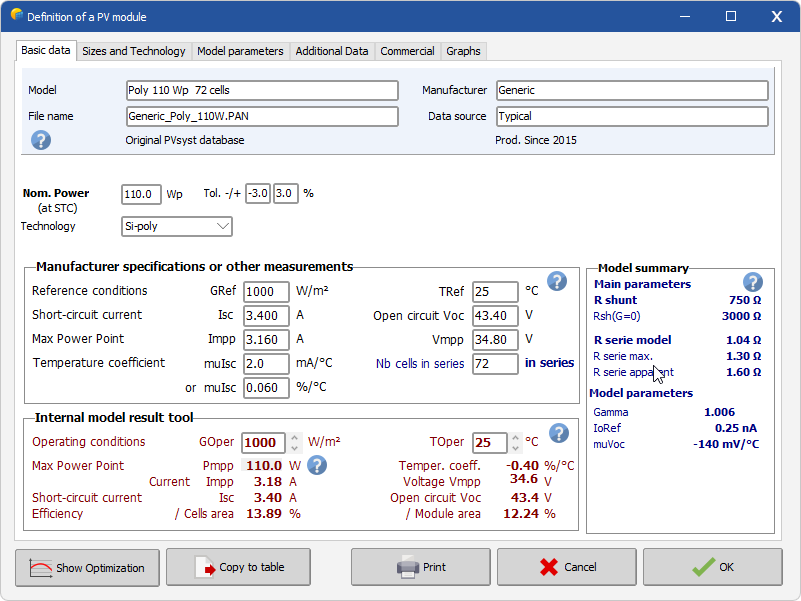
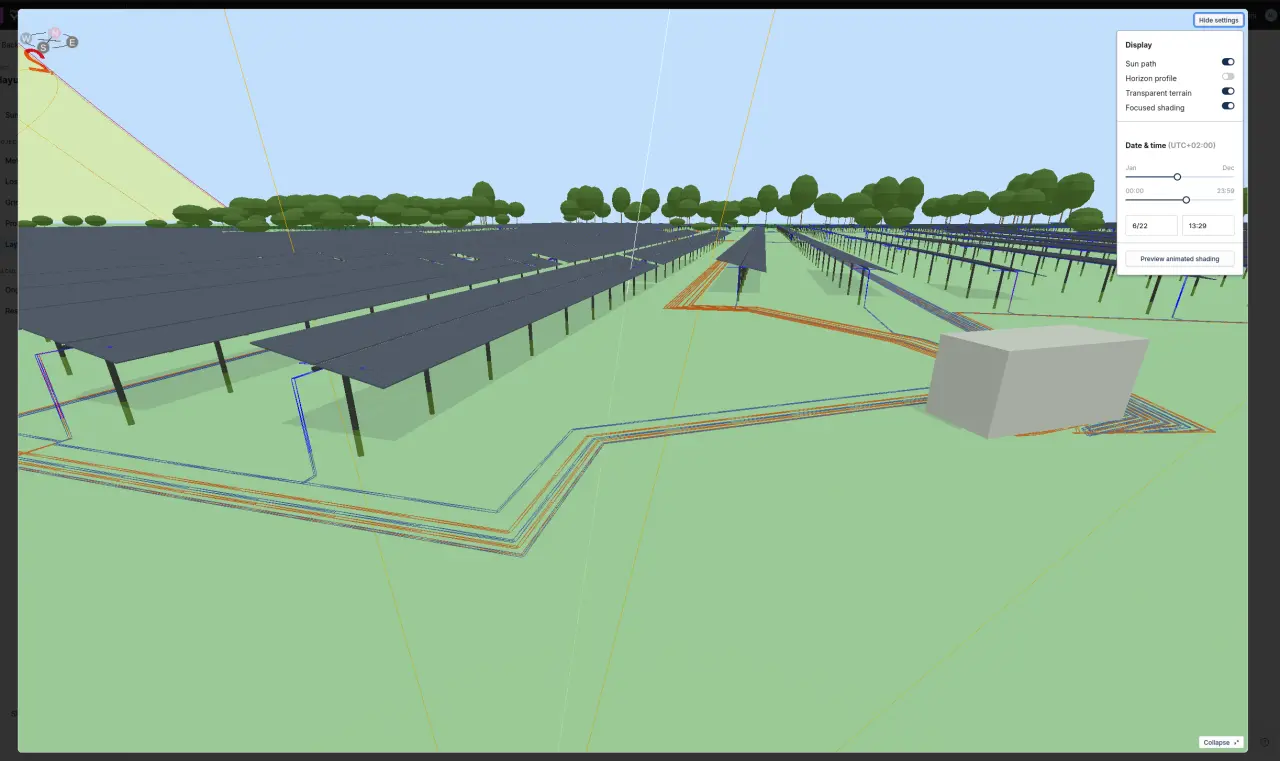
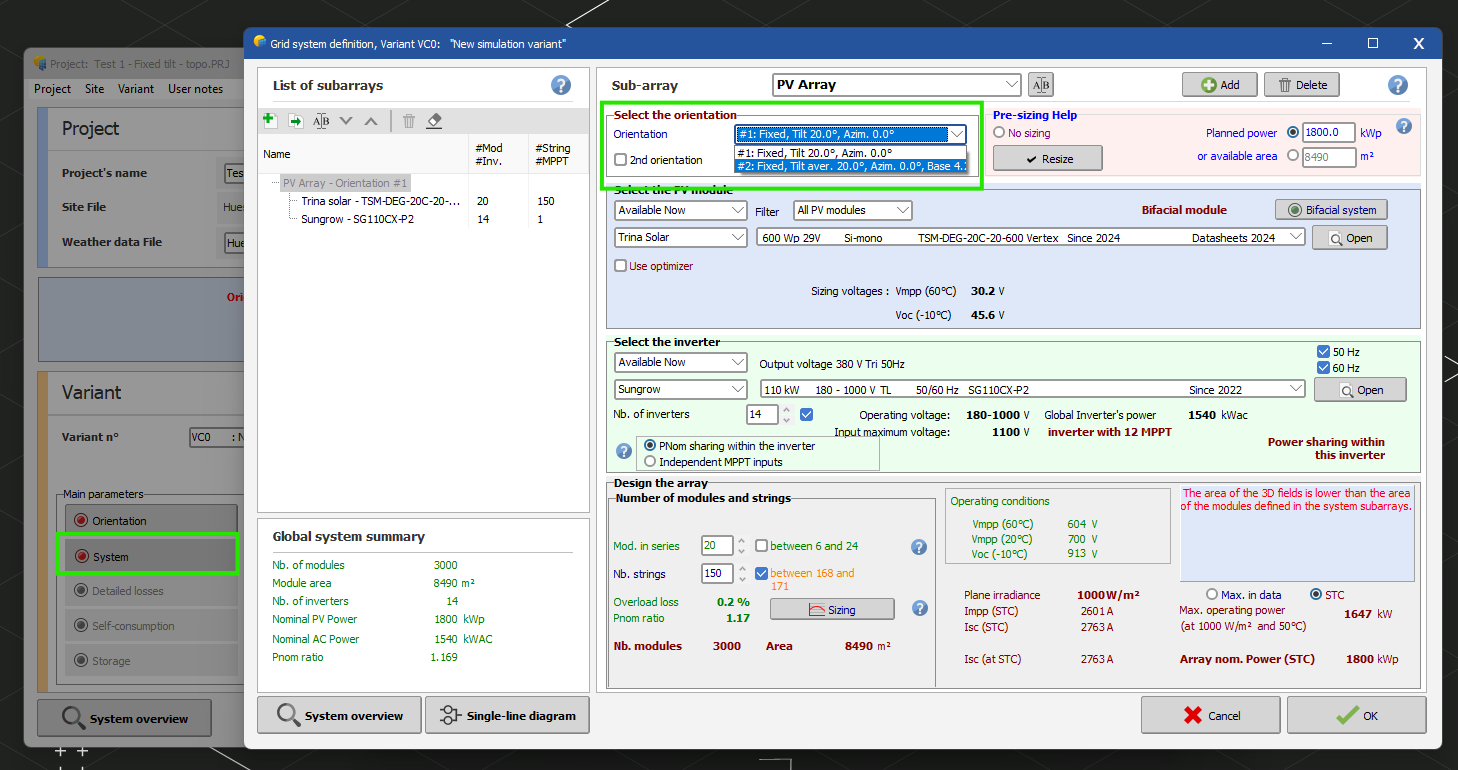
PVsyst Pricing
PVsyst operates on an annual license fee model. The license must be renewed annually to maintain full functionality and access to hardware updates.
| License Type | Annual Price (CHF) | Target User | Focus Area |
| Professional | CHF 700 | Engineers & EPCs | Full grid-connected, off-grid, and bankable modeling. |
| PVsystBasic | CHF 25 | Pumping Specialists | Direct solar water pumping only; simplified interface. |
| PVsystCLI | CHF 3,000 | Large Developers | Command-line automation for batch processing. |
| Education | CHF 420 | Researchers | Academic version for verified university faculty. |
| Classroom | CHF 25 | Students | Learning version for use in academic courses. |
Volume discounts are available for firms purchasing multiple seats. A professional license covers one physical workstation, and while a 30-day evaluation version exists, it restricts the ability to save projects or export reports.
Integrations
You can use PVsyst as an analytical hub. It helps you pull data from various sources and push results to financial models.
- Layout and CAD Design Tools: You can export 3D designs from CAD-based environments like pvCase or AutoCAD directly into PVsyst.
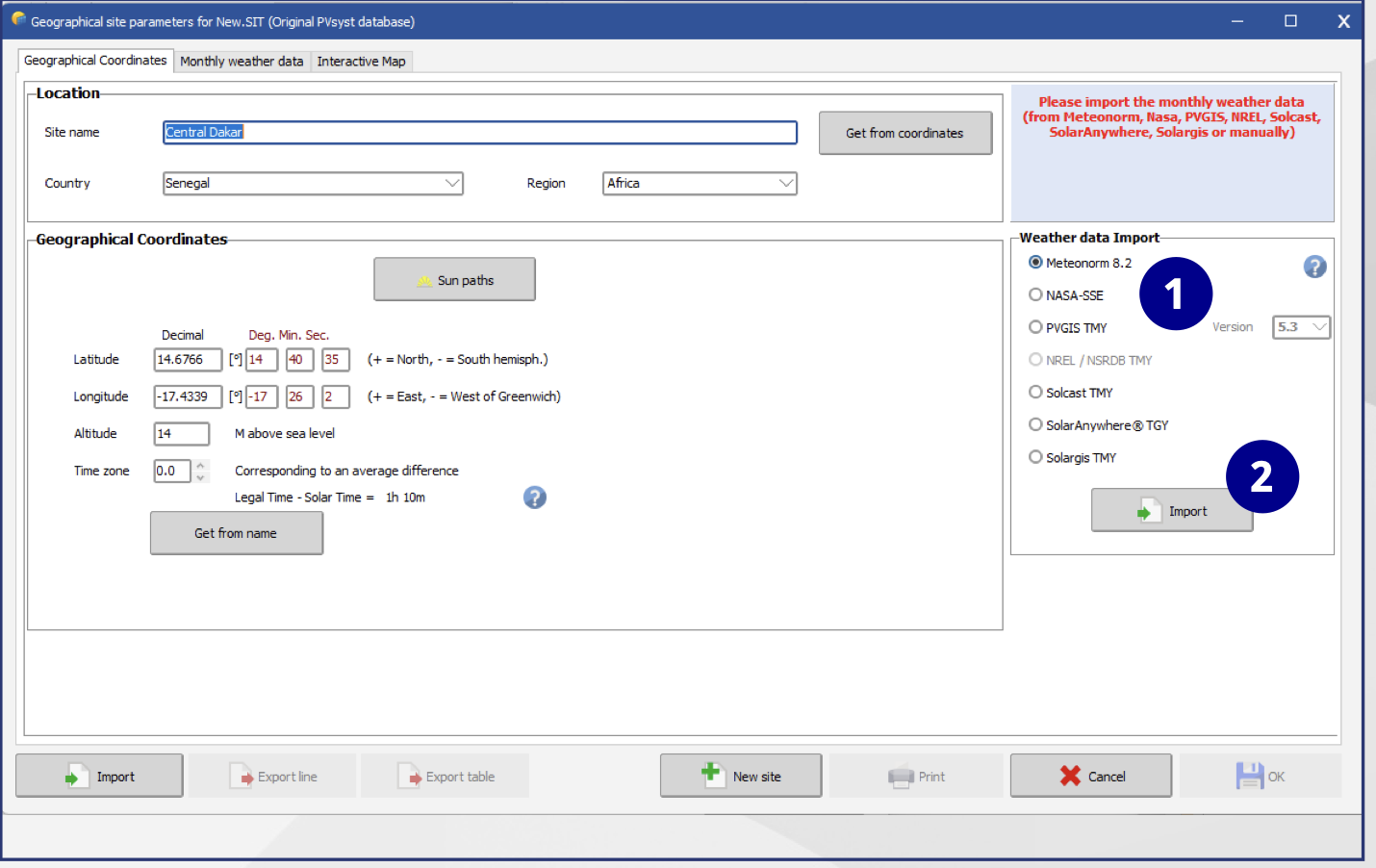
- Meteorological Data Sources: PVsyst integrates with tools like Meteonorm, SolarGIS, and NASA POWER to import high-resolution irradiance and temperature data.
- Topography and 3D Modeling: The software can import digital elevation models (DEM) and LIDAR data to calculate how uneven terrain affects shading and row spacing.
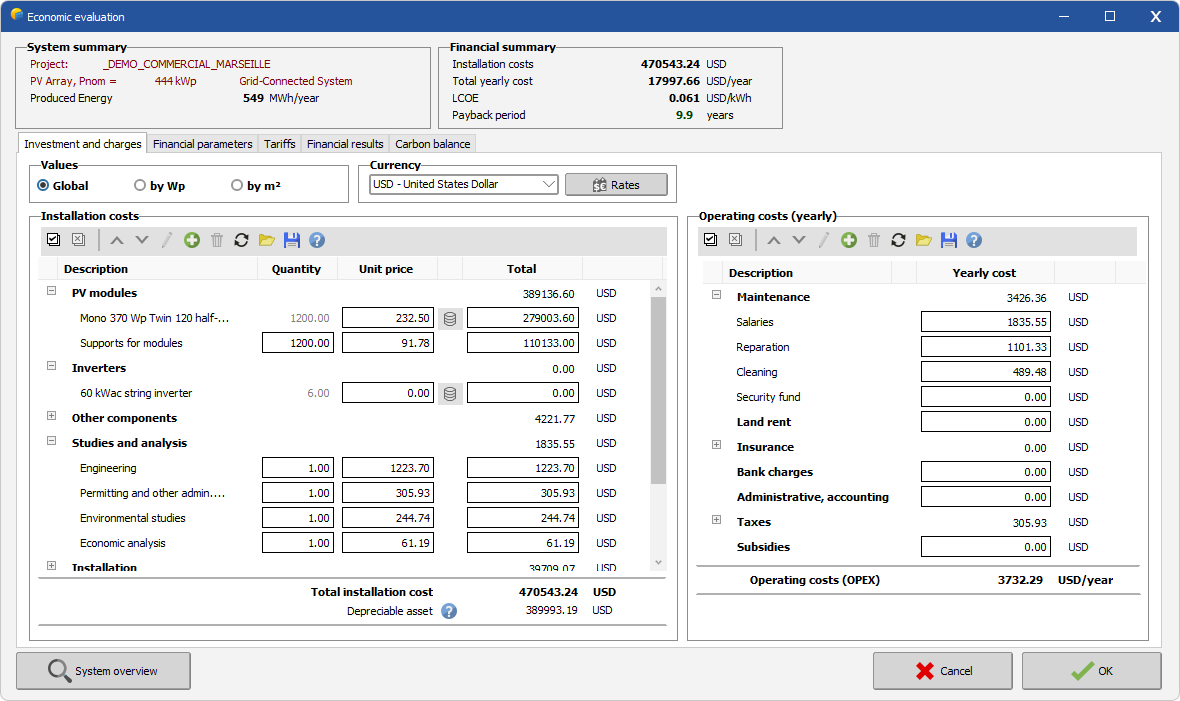
- Financial and Reporting Tools: PVsyst exports output files to Microsoft Excel and CSV.
How to Set Up PVsyst
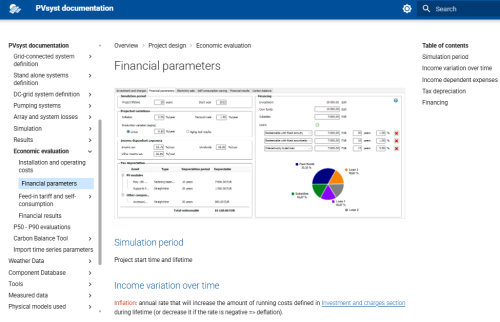
This software works on a desktop. Use the following steps to set it up.
-
Download and Install
Download the software from the official PVsyst portal and install it.
-
Activate the License
Enter your activation key to unlock the software features.
-
Synchronize Databases
Run the update tool upon first launch to download the newest hardware files.
-
Configure the Software
Configure your default project settings, including local currency, measurement units, and standard albedo values.
-
Create a Workspace
Set up a dedicated local folder to store your project files and custom hardware components.
FAQs
Can PVsyst run on a Mac?
No. You can only run it on a Mac using an emulator like Boot Camp.
What are “Bankable Reports”?
These are technical documents that follow a strict methodology, which banks use as the primary evidence to approve loans for solar projects.
Does PVsyst handle battery storage?
Yes, PVsyst 8 handles battery storage. You can use it to size battery banks and simulate hourly energy flows. This way, you predict aging, efficiency losses, and system reliability.
How often is the hardware database updated?
The database is updated every 1–2 months to include the latest hardware files provided directly by manufacturers.