HelioScope
Compatibility:
Pros
- Runs in any browser with zero installation required
- Fast turnaround, with simulations wrapping up in under a minute
- Leads the pack on ease of use, rated 8.9/10 on G2
- DNV GL-validated accuracy for C&I projects
- Extensive 45,000-component library with global weather coverage
Cons
- No native battery storage modeling
- Hard cap at 15 MW
- Full electrical documentation still requires AutoCAD.
- Financial analysis rated just 5.2/10 by G2 reviewers
- A maximum of five licenses on Basic and Pro before Enterprise pricing applies
If you work in commercial solar, HelioScope has probably come up in conversation at some point. It is more often the tool designers reach for once projects grow beyond a few rooftop panels and involve large-scale installations. Everything runs in a browser, shading analysis updates as you draw. And you never have to chase down a shared license.
What Is HelioScope?
HelioScope is a cloud-based solar design and simulation software specifically built for industrial and commercial solar professionals seeking accuracy and speed. It is not trying to serve residential installers or utility-scale developers. That focus is both its greatest strength and its clearest limitation. Folsom Labs launched HelioScope in 2011 to fill a gap that no one had properly addressed — simulation software built from the ground up for commercial and industrial solar.
Features
HelioScope packs a focused set of tools designed specifically for C&I workflows, from fast simulation engines to a deep component library and bankable accuracy validation.
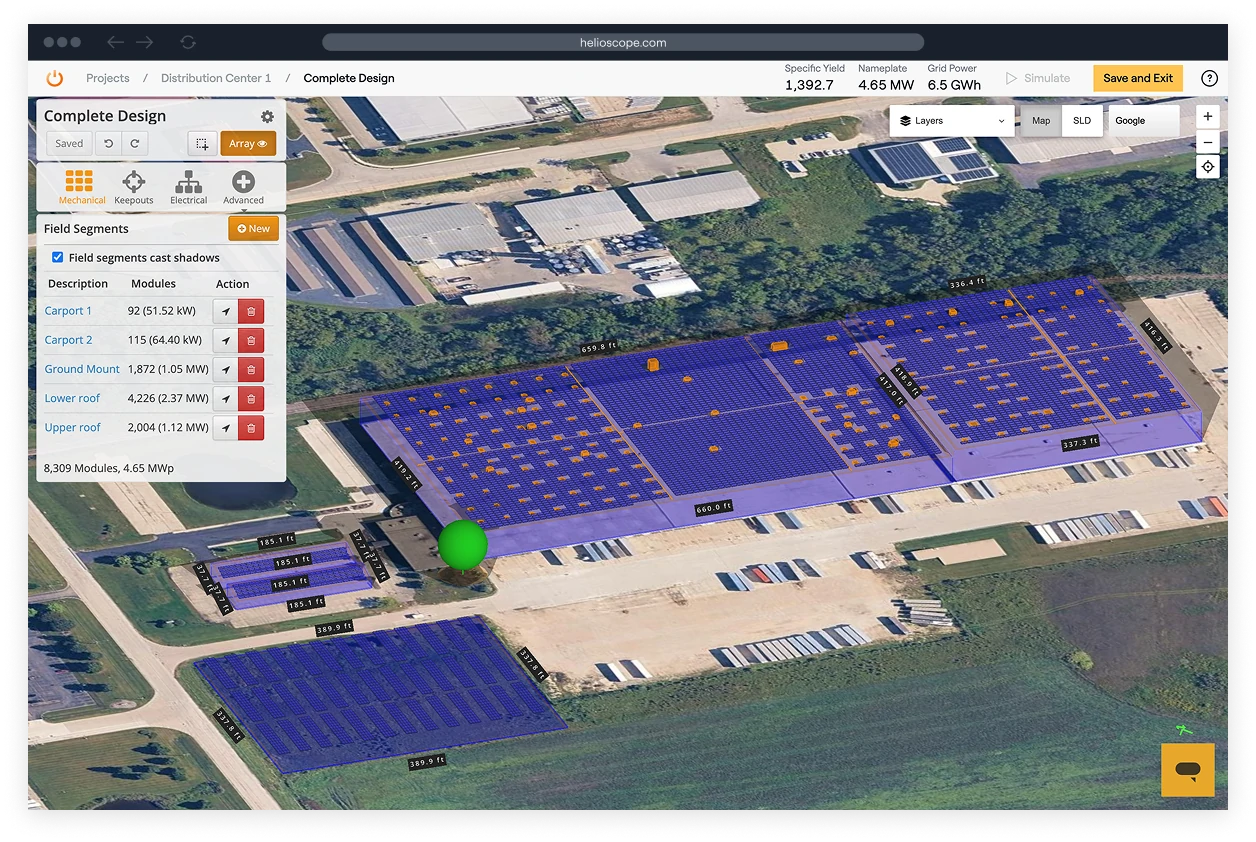
- 3D design engine that auto-populates field segments with modules
- Simulations complete in 30 to 60 seconds
- DNV GL-validated accuracy within 1% of PVsyst for typical C&I projects
- Sunstone Credit bankable recognition (October 2025), the first web-based solar platform to earn this from a major lender
- 45,000-component library covering modules and inverters
- LIDAR integration and AI-based obstruction detection (Pro and above)
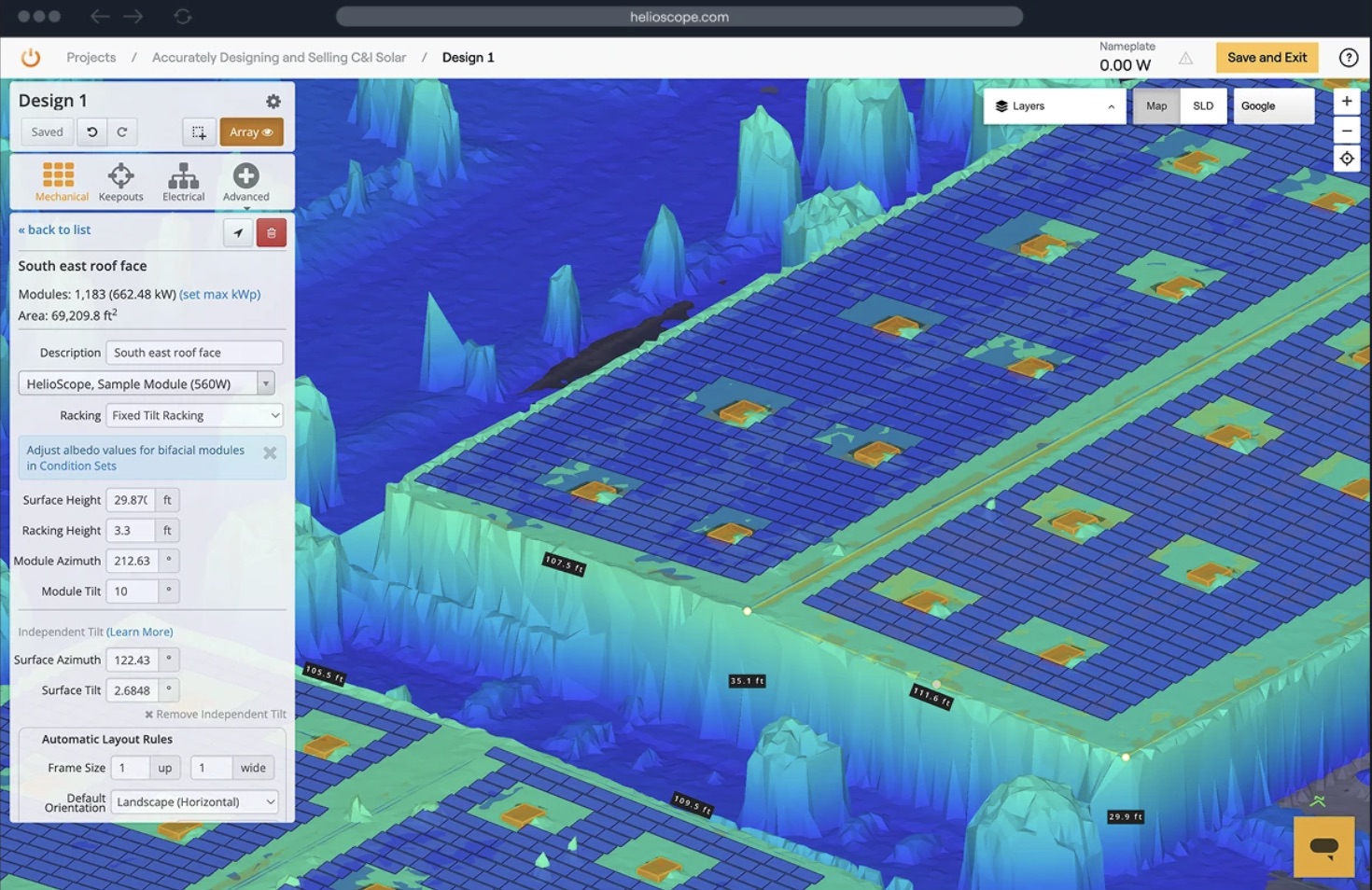
- Independent Tilt, P90 estimates, and a financial calculator (Pro and above)
- Single line diagram generation, CAD export, and one-click project sharing on all plans
Screenshots
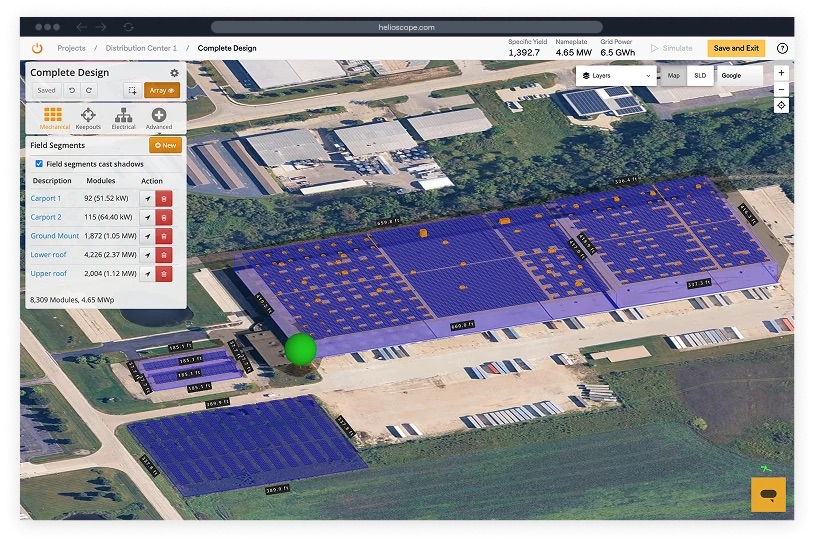
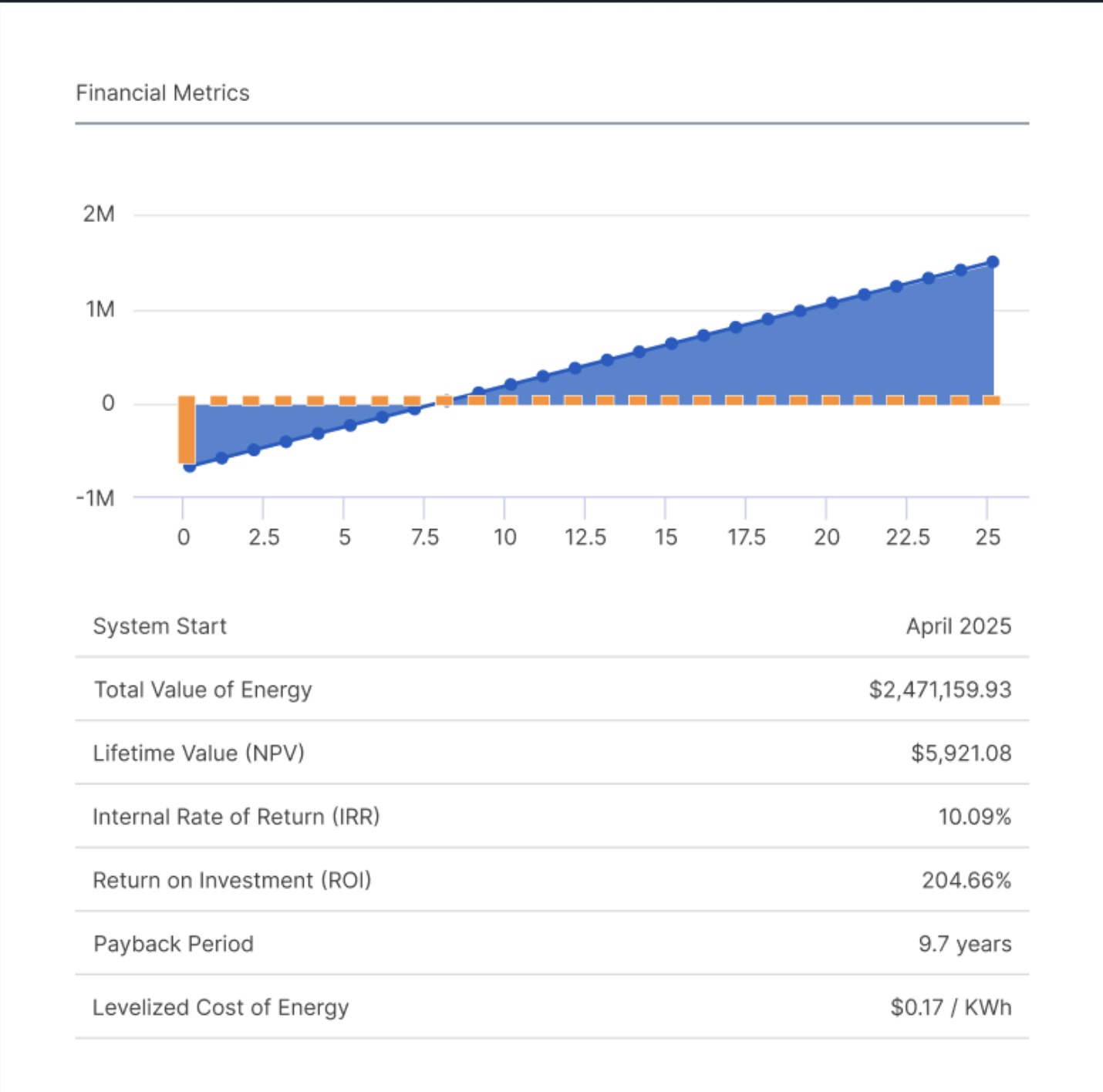
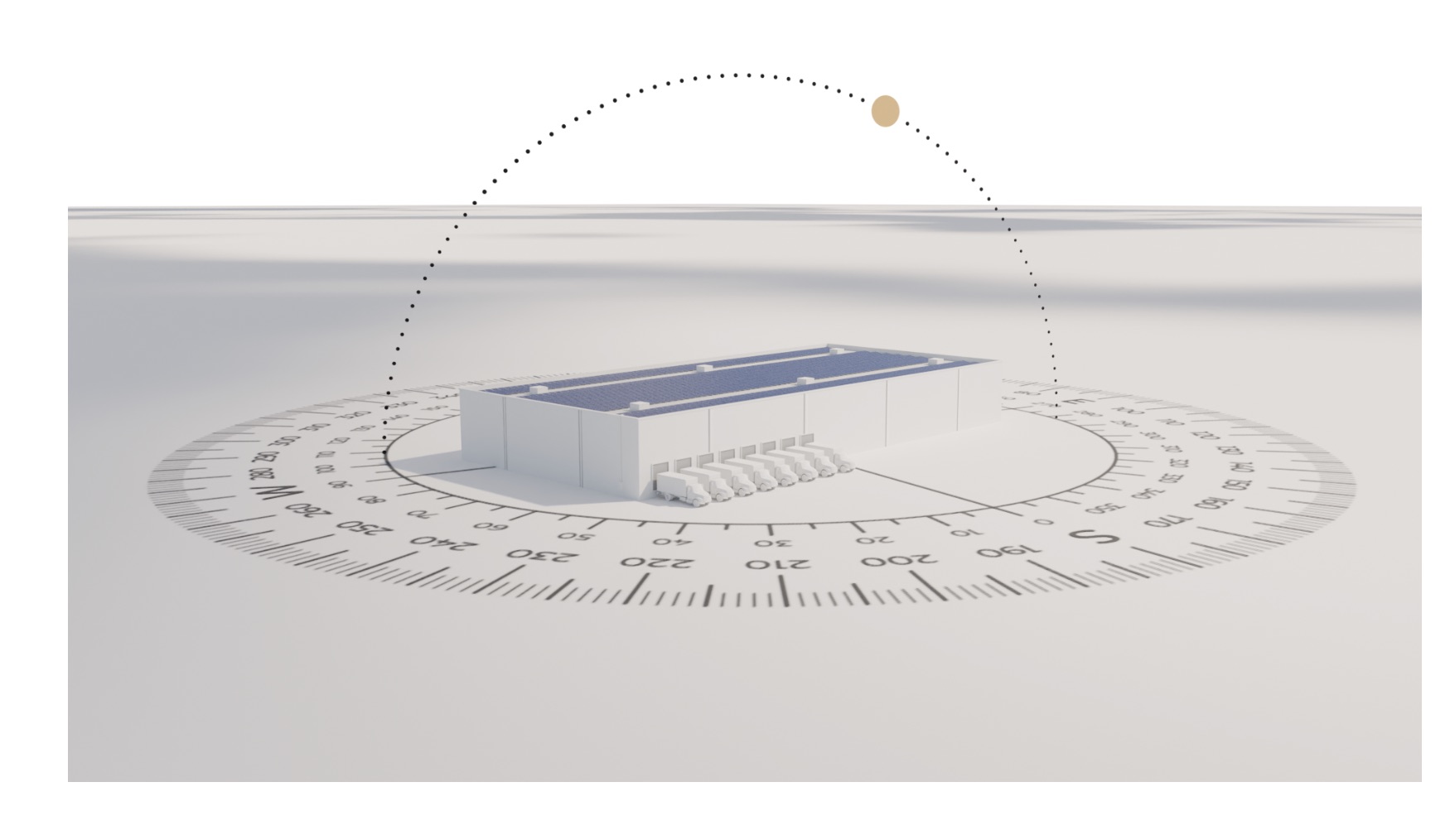
HelioScope Pricing
HelioScope offers three tiers:
- Basic plan runs $159/month per license (or $1,620/year) and covers one user with up to 10 projects monthly and designs up to 1.25 MW.
- Pro plan is $259/month (or $2,640/year) and adds LIDAR, AI obstruction detection, customizable reports, and design capacity up to 5 MW.
- Enterprise pricing is custom and built for larger teams needing more than five licenses, API access, SSO, and projects above 5 MW.
- Annual billing saves 15% on Basic and Pro.
Integrations
HelioScope connects with SketchUp for 3D obstruction modeling, supports Nearmap imagery as a paid add-on, and includes Bing Maps and Google Street View at no extra cost. Annual production data exports to Excel for use in platforms like HOMER Grid and Energy Toolbase. DXF export feeds AutoCAD for permit-ready electrical documentation.
How to Set Up HelioScope
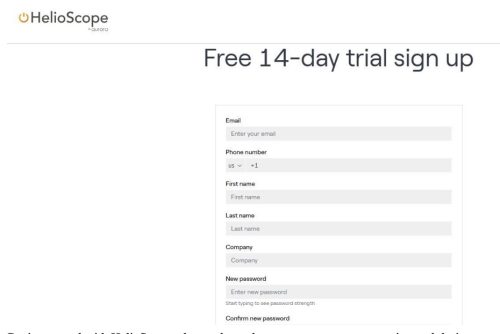
Getting started with HelioScope takes under an hour — most users are running real designs within their first day on the platform.
- Sign up at helioscope.aurorasolar.com and log in through any browser
- Add your company profile and logo under Settings
- Build your component favorites from the 45,000-item library
- On Pro plans, connect your LIDAR source under Integrations
- Click “New Project,” enter the site address, and select your preferred map imagery
- Most users are running real designs within their first day on the platform
How to Use HelioScope
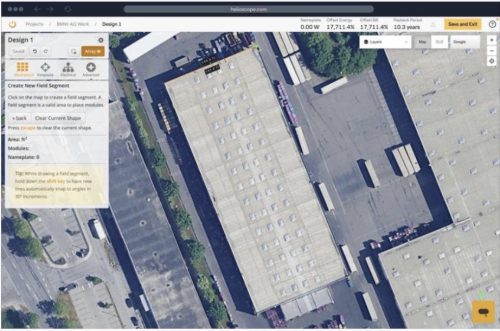
Screenshot
Once your account is set up, the core workflow moves from site entry through design, simulation, and export in a handful of steps.
- Log in and create a new project by entering the site address to pull up aerial imagery.
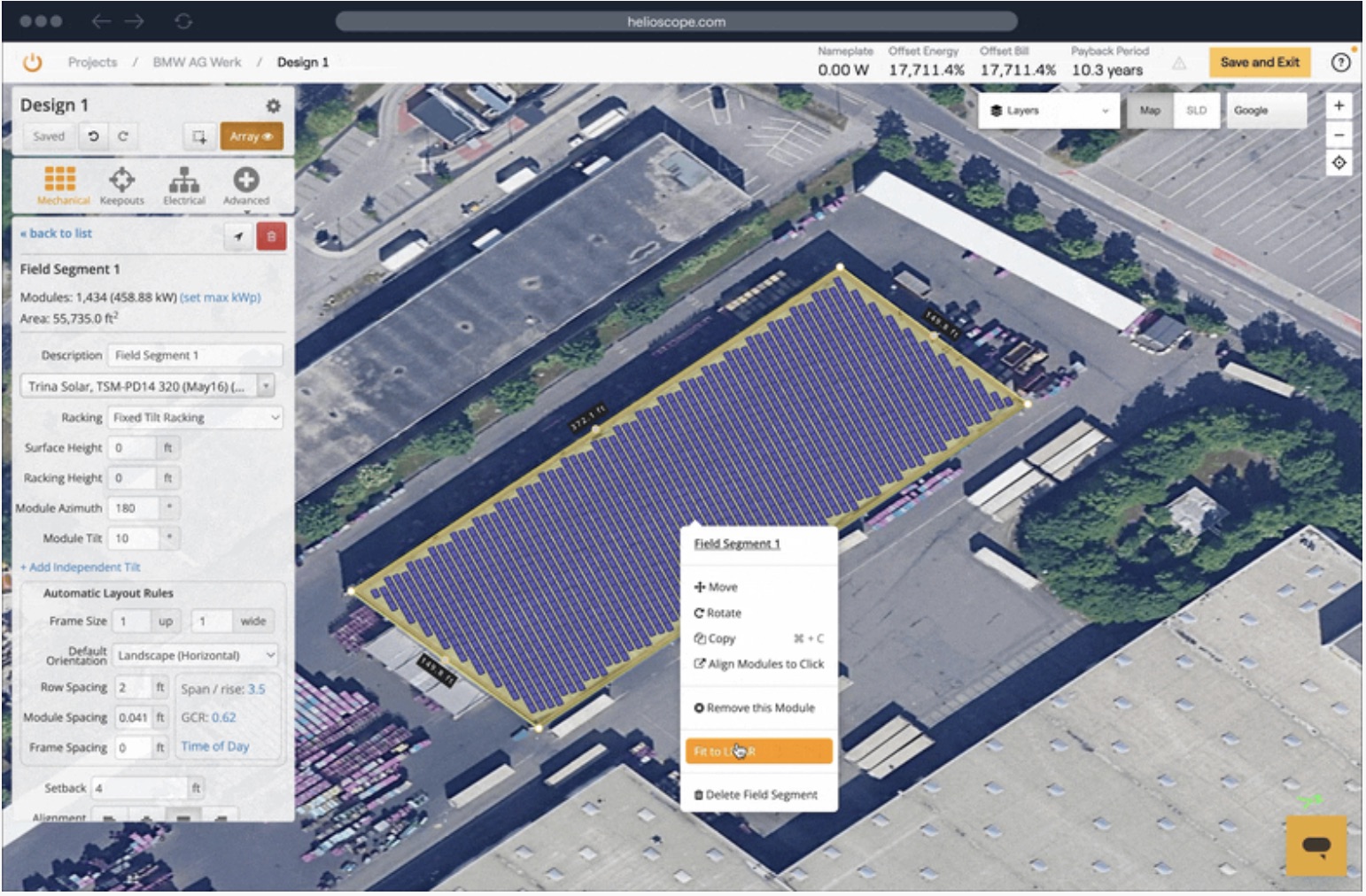
- Draw field segments over the target area and assign modules and inverters from the library.
- Mark obstructions manually or let AI detection handle it on Pro plans.
- Configure strings and review any electrical warnings before running the simulation.
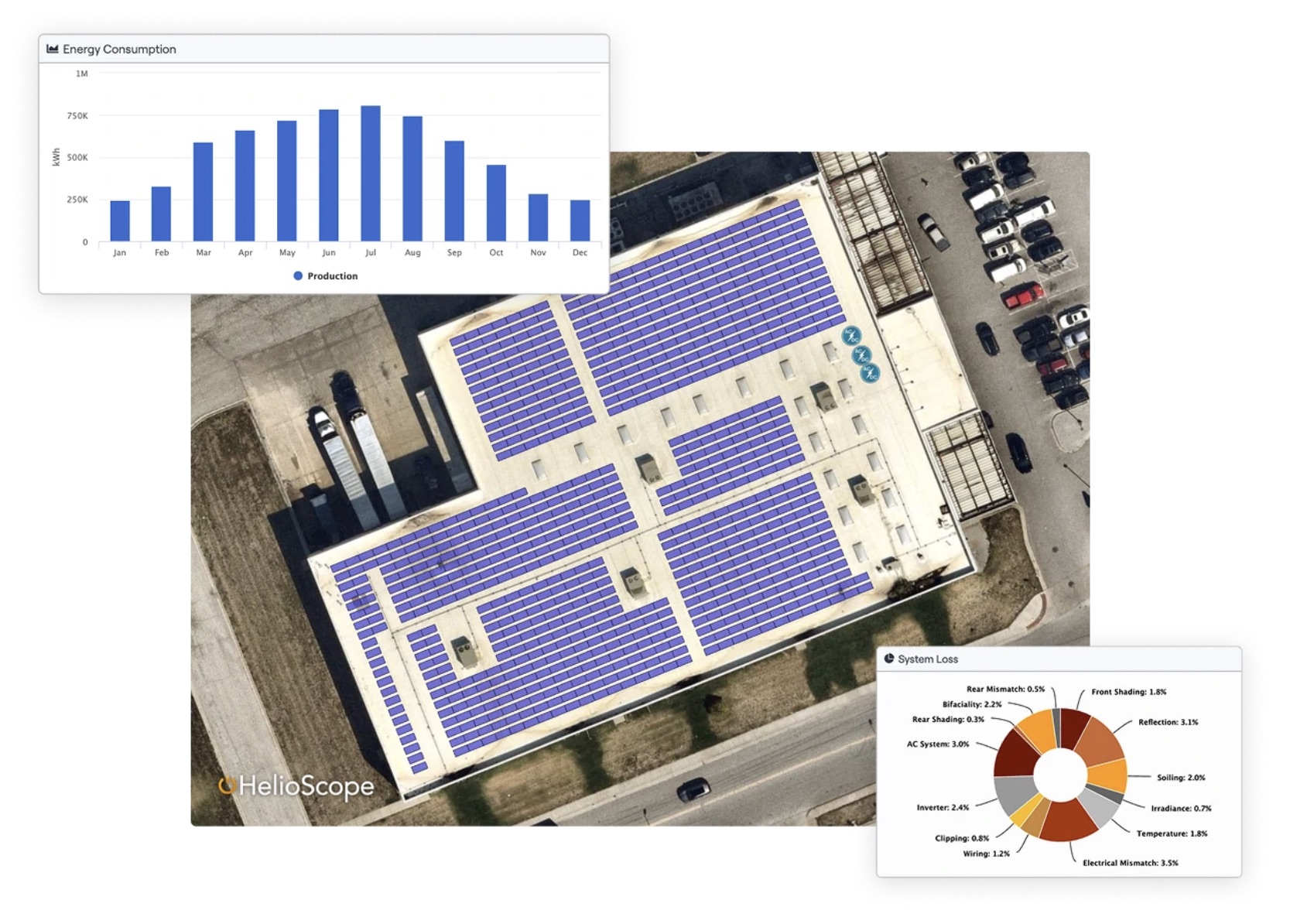
- Review results showing energy output, performance ratio, and system losses.
- Adjust the layout and re-run as needed, then export a PDF report or share via link.
How to Create a Solar Design in HelioScope
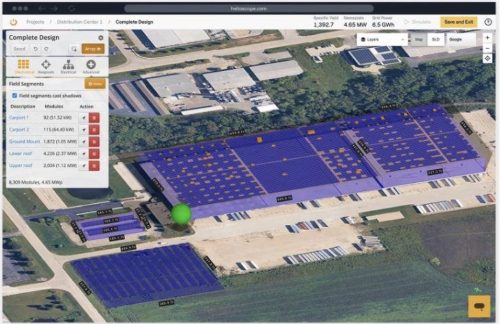
Creating a solar design in HelioScope follows a structured sequence from site layout through simulation and export:
- Draw a field segment over the target area and let the platform auto-fill it with panels.
- Select your equipment from the component library.
- Add obstructions manually or let AI detection handle it on Pro plans.
- Assign strings and review any electrical warnings.
- Hit Simulate and review energy output, performance ratio, and system losses.
- Export a PDF report, share via link, or export DXF for your CAD workflow.
FAQs
Does HelioScope offer a free trial?
Yes. HelioScope offers a free trial, giving you time to test the platform against a real project before purchasing a plan.
Is HelioScope accurate enough for lender submissions?
Yes. Sunstone Credit designated it bankable in October 2025, and DNV GL confirmed energy estimates fall within 1% of PVsyst.
Does HelioScope support battery storage design?
No. Battery and hybrid system modeling is not natively supported. You would need a separate platform or export production data to a storage-specific tool.
Can multiple users collaborate on the same project?
Enterprise users can share project access with collaborators. Basic and Pro plans are single-user licenses with limited collaborative functionality.