
PVcase
Pros
- Accurate solar layout and design tools
- Integrates with CAD and engineering software
- Improves design speed and efficiency
- Supports terrain-based optimization
- Helps reduce project risks and errors
Cons
- Not suitable for small or DIY users
- Requires CAD knowledge to use effectively
- Pricing is not publicly listed in fixed terms
- Can be complex for beginners
In solar system design, terrain, layout, and equipment choices directly impact energy output. PVcase helps engineers and developers design, iterate, and evaluate potential yield—then export CAD-ready layouts for construction planning. The software uses real-world terrain data and shading analysis to optimize land use and integrates with enterprise tools to streamline project workflows.
What is PVcase?
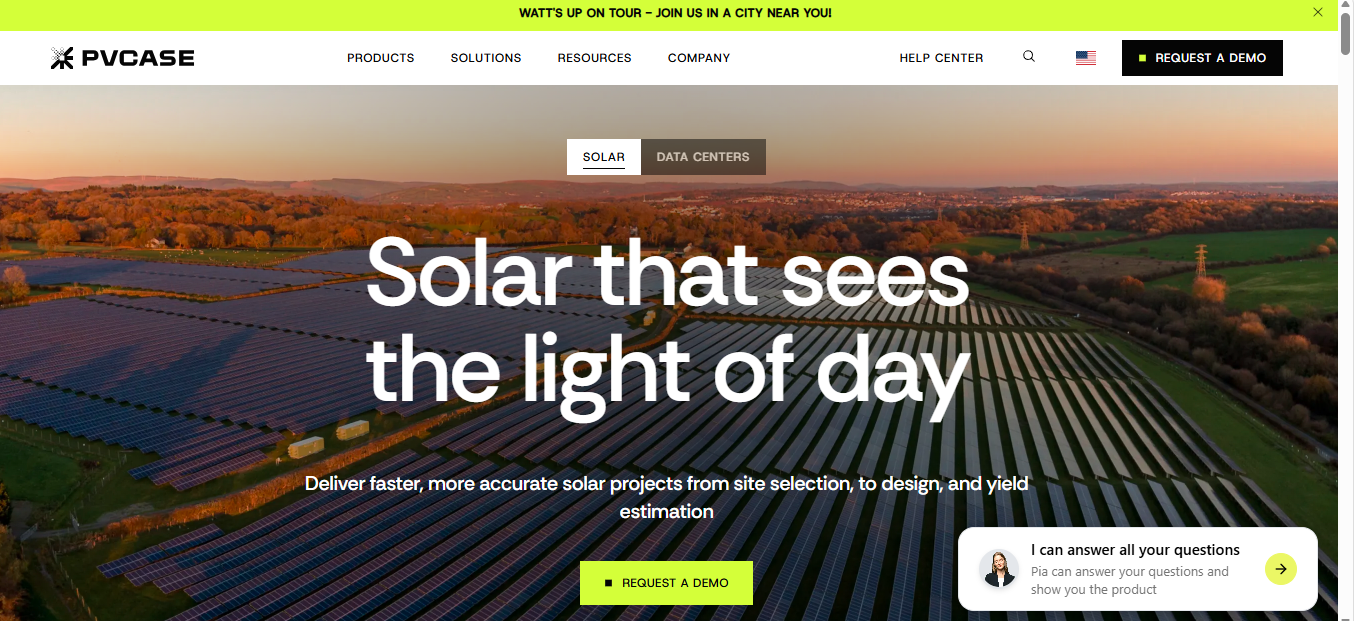
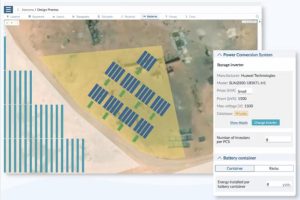
PVcase is a solar engineering suite for designing and developing photovoltaic systems. EPC contractors and engineering teams use it for site selection, layout design, and energy yield analysis. It has separate modules for each stage of the project. These cover land assessment, ground-mounted and rooftop design, and performance simulation.
The software is designed to handle large sites where issues like terrain, layout efficiency, and configuration affect the output. You can integrate with various design tools like CAD for efficiency and streamlining the process.
Features
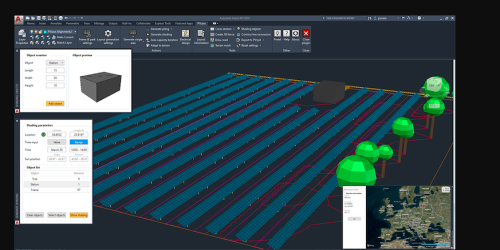
PVcase software focuses on solar design, layout optimization, and engineering workflows. Here are the core features.
Site Prospecting
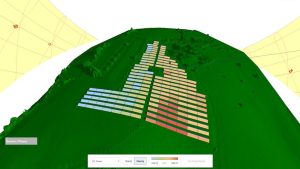
PVcase helps with rapid land assessment to determine topography and possible output. This ensures the chosen space is feasible for energy production.
Automated Layout Design
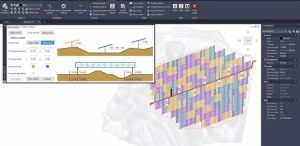
The software generates solar panel layouts based on terrain and project requirements. This reduces manual design work and saves time.
Terrain-Based Optimization
PVcase uses topography data to adjust panel placement on roofs and the ground. It ensures better energy output and avoids inefficient layouts.
Shading Analysis
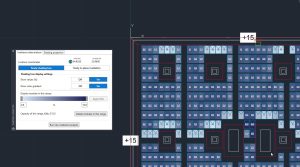
The platform analyzes shading from terrain and nearby objects. Your engineers can use it to improve system performance and avoid energy losses.
CAD Integration
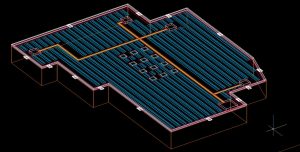
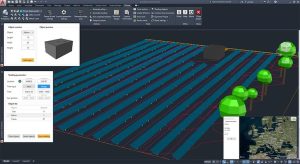
PVcase works directly with tools like AutoCAD. The integration allows engineers to draw 2D images and model them into 3D designs for planning.
Optimizing the Energy Yield
The software helps optimize tilt, spacing, and system configuration. It uses ray tracing and simulations to determine the best configurations for maximum output.
Project Collaboration
Teams can work on designs together and share updates. This improves coordination across engineering and project teams and speeds up the process.
Bankable Design Outputs
PVcase produces detailed layouts and reports that support project approvals and financing.
Screenshots
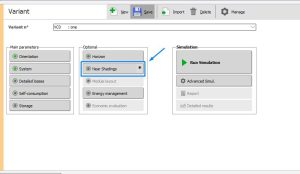
PVcase Pricing
PVcase does not publish fixed prices. Instead, it uses a custom pricing model based on project and business needs. So, you have to call the sales team for a quote.
Pricing depends on the following:
- Number of users
- Project size and complexity
- Required features and modules
- Level of support and training.
Start by requesting a demo of the software to understand if it meets your needs. Then, the team will discuss its usage to create custom pricing.
Integrations
PVcase integrates with various tools that companies use in project development and solar engineering. Here are some of them
- CAD software: When designing sites, engineers can integrate the software with AutoCAD to support detailed workflows.
- GIS and terrain data systems: PVcase accesses geographic and terrain data from tools like ArcGIS, QGIS, and Google Earth Pro to improve layout accuracy.
- Energy simulation tools: You can export ready designs to PVsyst, HelioScope, and SAM for further analysis and improvement.
How to Use PVcase
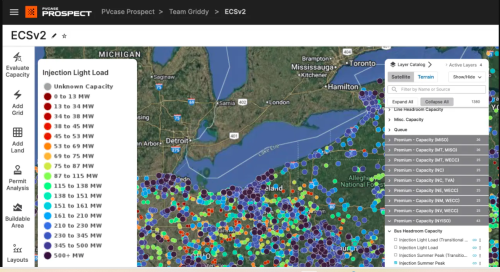
Follow these steps to get started:
- Request a demo
Visit the PVcase website and request a demo. It helps you determine if the software meets your needs.
- Consultation and onboarding
The PVCase team reviews your needs and recommends tools.
- Account setup
Access is created by the PVcase team after onboarding.
- Install CAD environment
Set up AutoCAD and the required plugins or integrations.
- Import project data
Add terrain, site boundaries, and constraints in the new project.
- Configure design settings
Define system rules and layout parameters for outputs.
- Go live
Start designing and analyzing projects.
FAQs
What is PVcase used for?
PVcase is used to design solar plant layouts on real terrain. Engineers use it to place modules, define DC capacity, and prepare layouts for simulation and construction.
Who uses PVcase?
The software supports energy project engineers, EPC teams, and PV developers.
Does PVcase work with AutoCAD?
Yes. PVcase runs as a plugin inside AutoCAD, so engineers design directly within CAD instead of switching tools.
Does PVcase improve energy output?
Yes, it improves layout decisions like spacing, tilt, and terrain fit. This leads to better energy yield when the design is simulated.




