Google Earth Pro
Pros
- Completely free for professional and personal use.
- Large archive of historical satellite imagery.
- High-quality image and video exports.
- Supports industry-standard GIS formats.
- Easy enough for beginners while powerful for professionals.
- Global 3D coverage and detailed terrain visualization.
- Can be used offline with cached or imported data.
Cons
- Requires desktop installation.
- No real-time collaboration features.
- Imagery updates vary depending on region.
- Performance can decrease with large datasets.
- Lacks advanced analytical tools found in dedicated GIS suites.
Geospatial data can be tough to access or expensive to interpret. Google Earth Pro changes that by offering an interactive 3D model of the world, pulling satellite imagery, aerial photos, and topographic maps into one easy-to-use interface.
Whether you are a real estate developer, researcher, or site specialist, you can use the platform to scout locations remotely, analyze the terrain, and track how land has changed over time. It bridges the gap between basic maps and high-end GIS, giving you professional measurement and data tools without a subscription fee.
What Is Google Earth Pro?
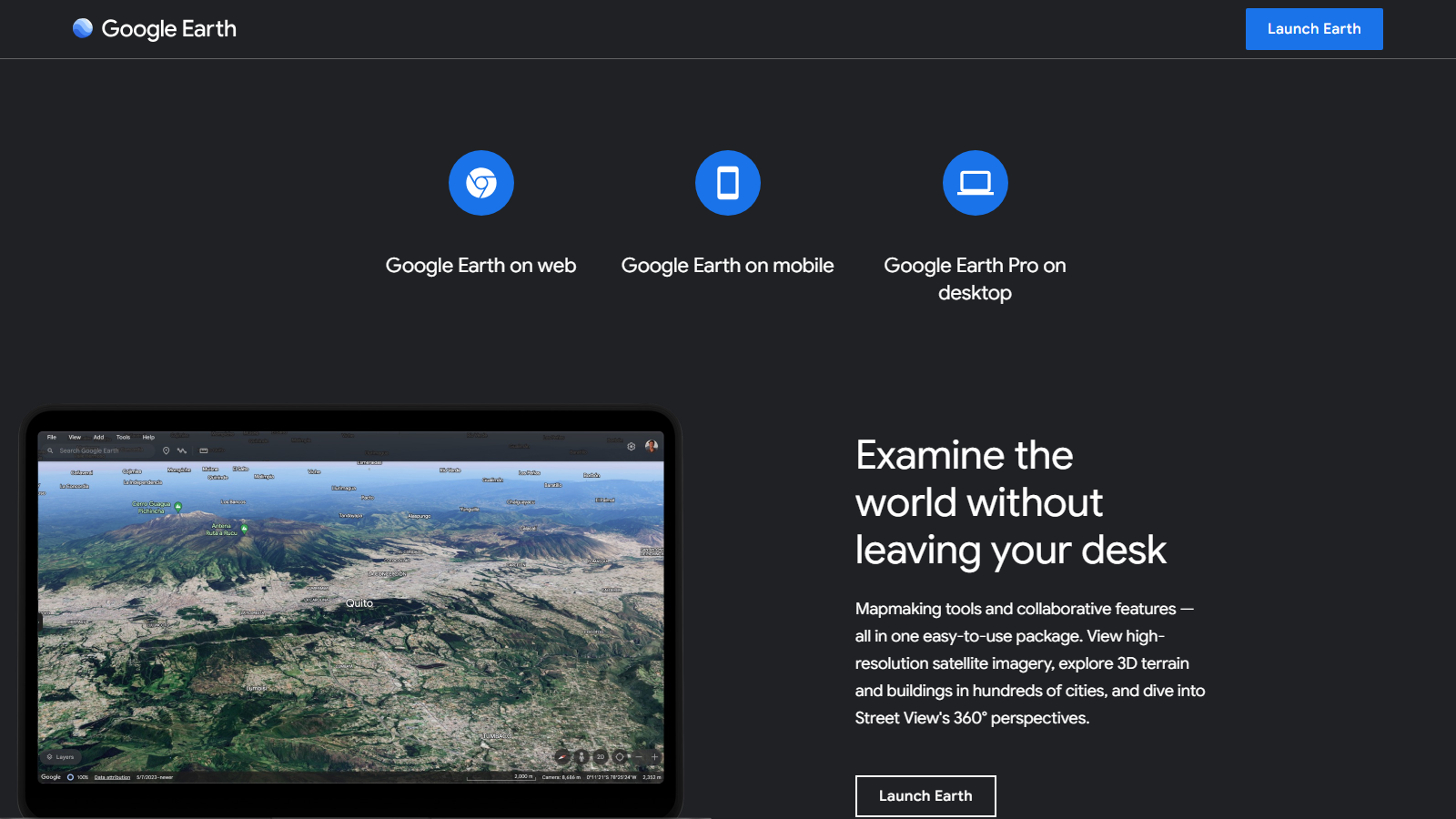
Google Earth Pro is a desktop-based Geographic Information System (GIS). While the standard version is great for web and mobile exploration, “Pro” is a dedicated desktop application built for advanced mapping and data needs. It runs smoothly on Windows, Mac, and Linux.
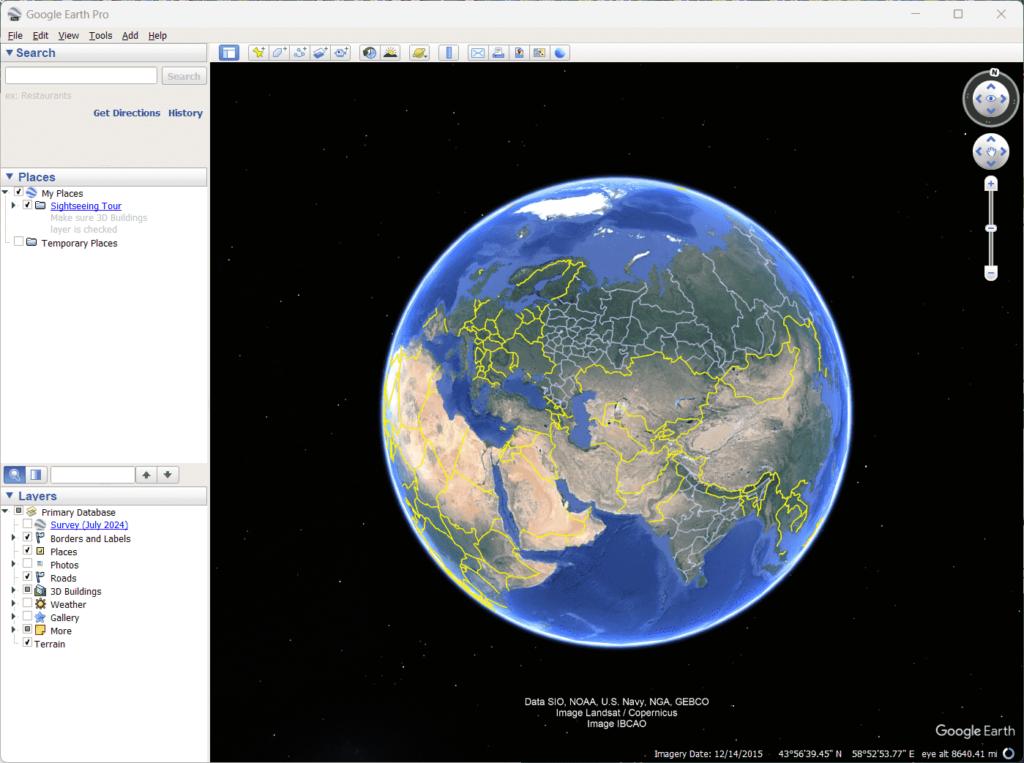
The software layers satellite images and GIS vectors onto a 3D globe, letting you tilt and rotate your view to see landscapes from any angle. It is widely used for site selection, urban planning, and creating high-quality visuals for presentations. Being part of the Google ecosystem means it draws from a massive, global imagery database.
Features
- Historical Imagery: Travel back in time to view archived images, making it easy to track urban sprawl, deforestation, or new construction projects.
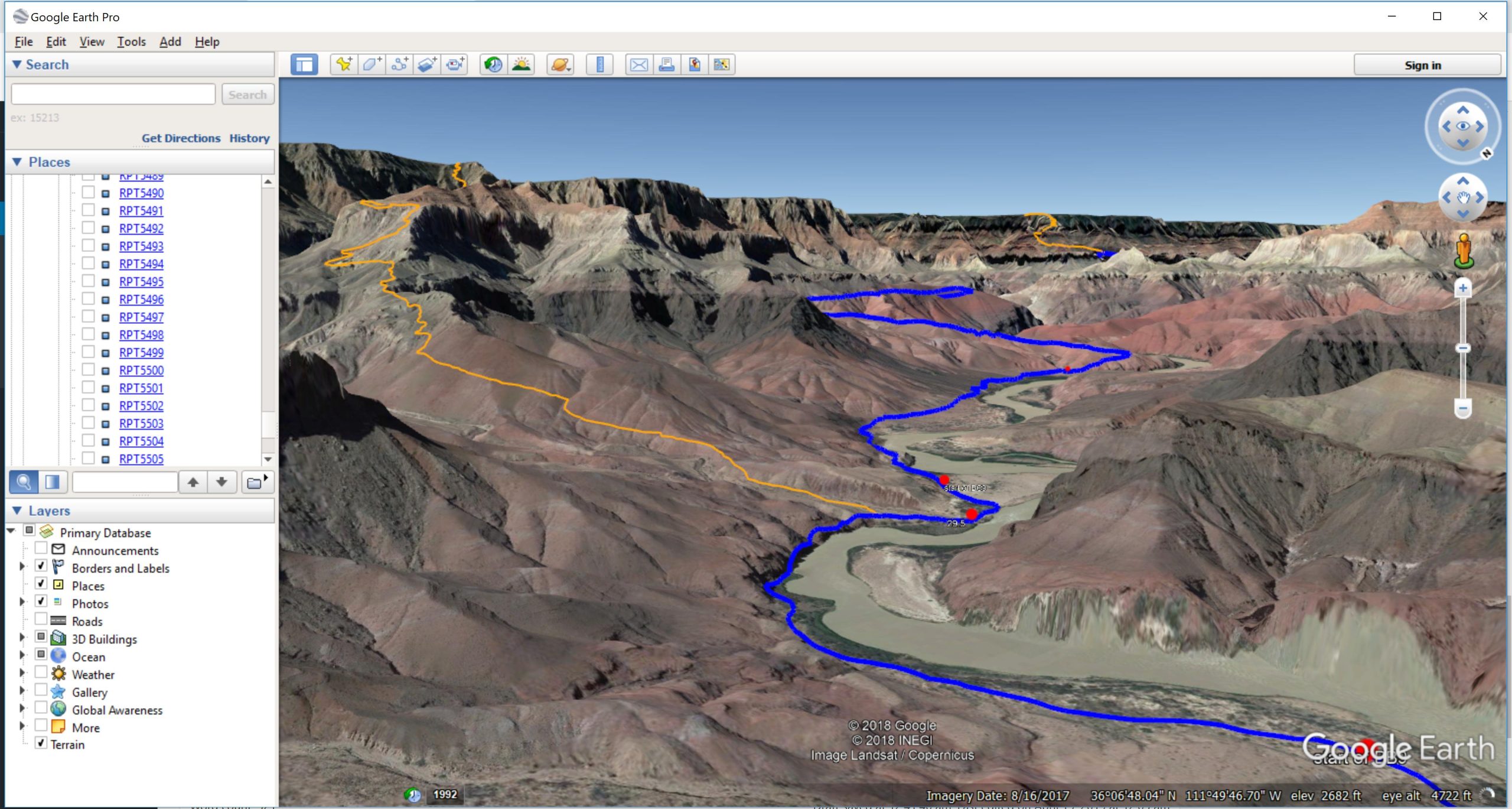
- GIS Data Import: Easily bring in your own datasets, including ESRI Shapefiles, KML/KMZ files, and GeoTIFFs, to overlay them directly on the 3D globe.
- Advanced Measurement Tools: Use the ruler and path tools to calculate exact distances, land areas, building heights, or changes in elevation.
- High-Resolution Map Printing: Export maps at resolutions up to 4800×3200 pixels—perfect for technical documents, presentations, or print materials.
- Movie Maker Tool: Record and export virtual tours of specific routes or areas, which is a great way to showcase properties or educational sites.
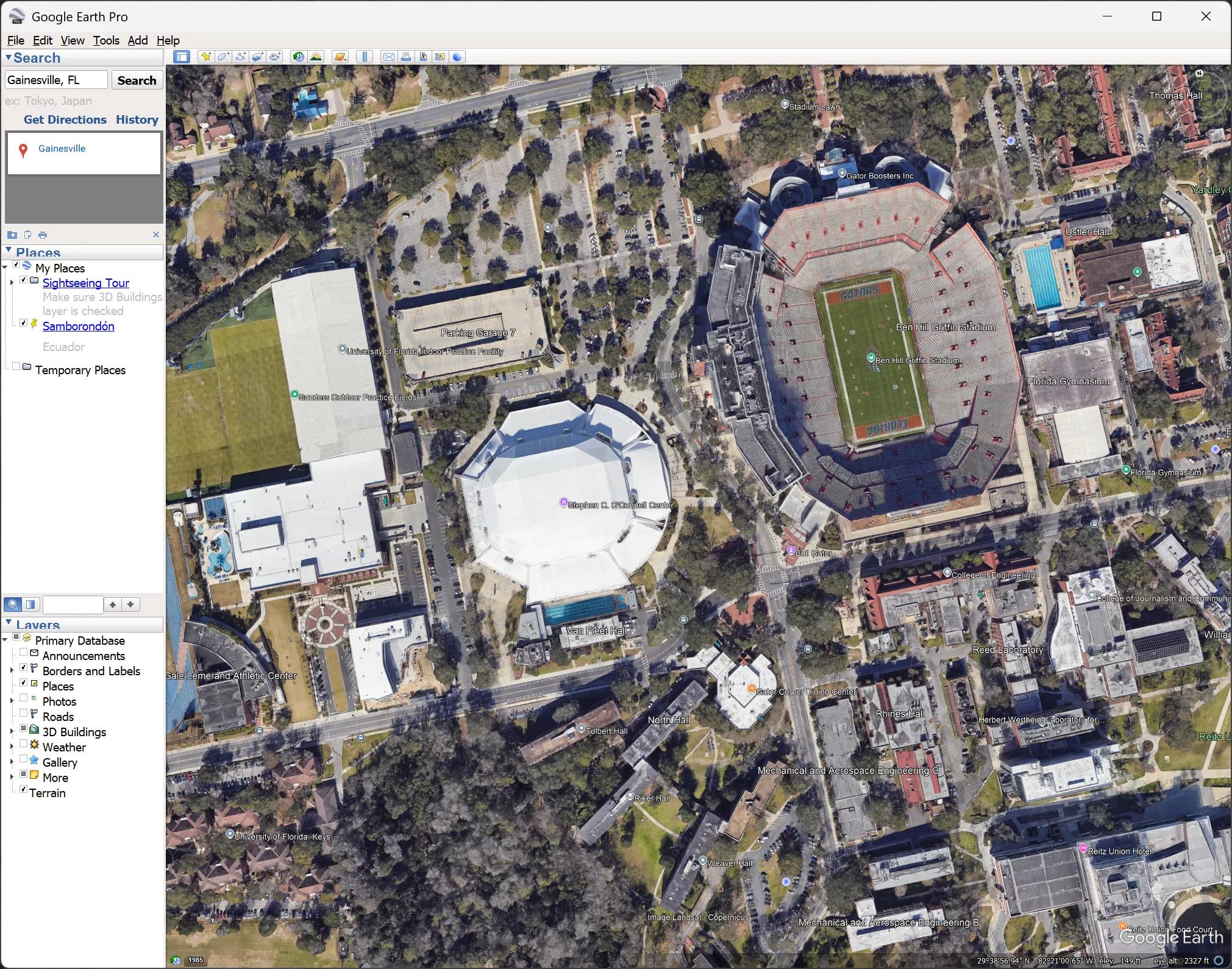
- 3D Terrain and Buildings: Explore photorealistic 3D models of natural landscapes and city buildings to get a true sense of a location’s context.
- KML/KMZ Export: Save and share your custom maps and markings using industry-standard KML or KMZ formats, compatible with most GIS platforms.
Screenshots
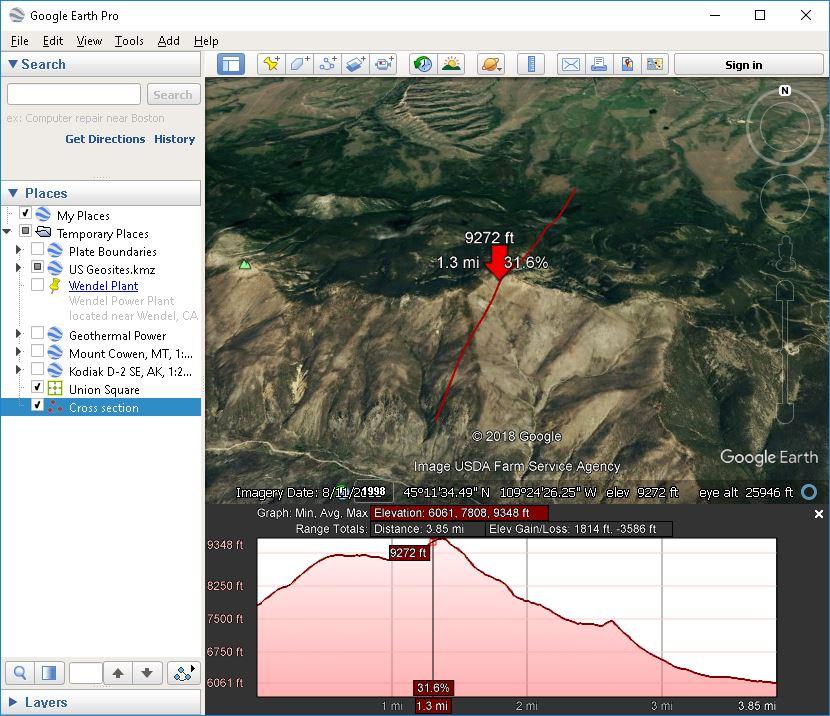
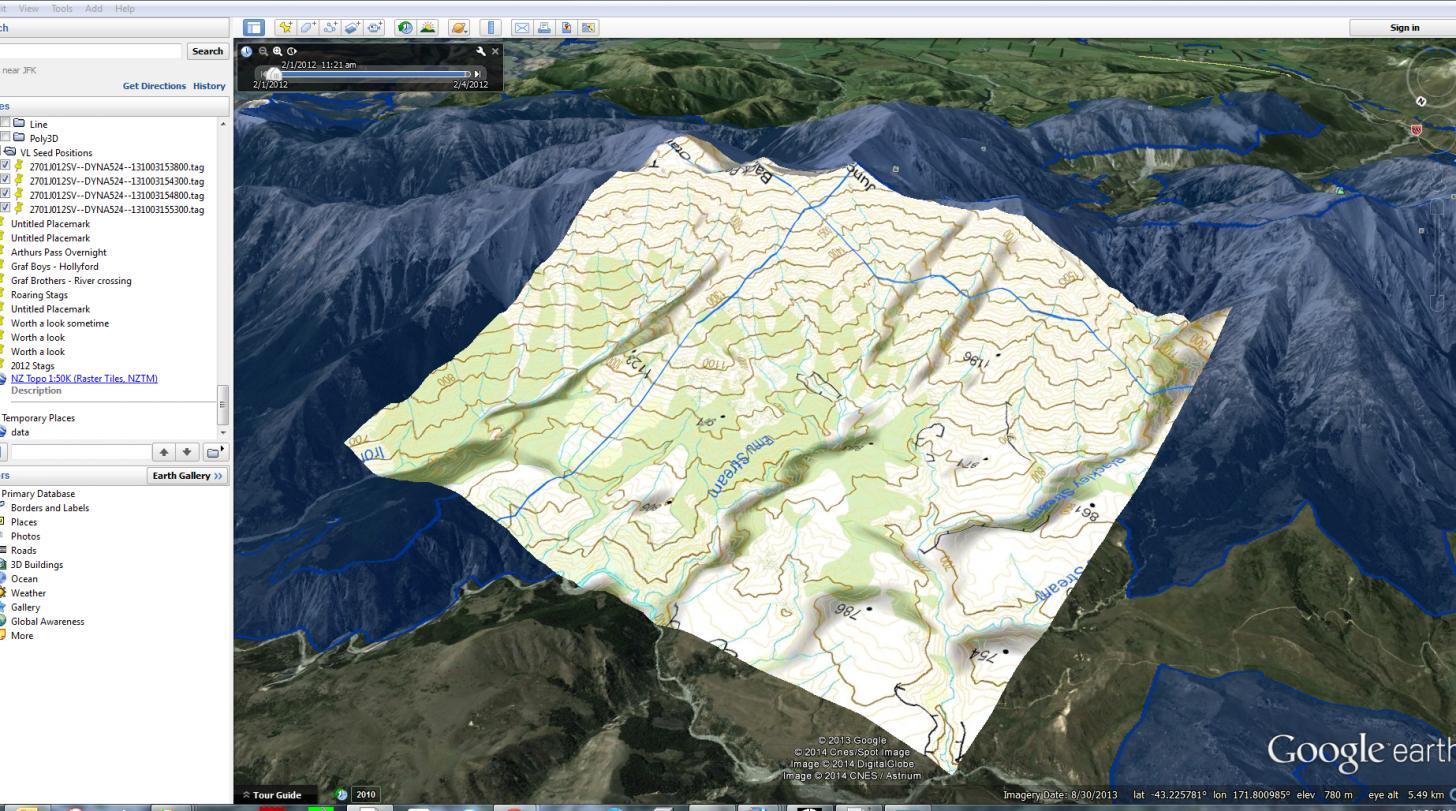
Google Earth Pro Pricing
Google Earth Pro is currently free software. It used to cost $399 per year, but Google removed the fee in 2015, making these professional tools accessible to everyone.
- Free Plan: The full desktop version is free to download and use for both personal and commercial purposes.
- Google Earth Professional Plans (Web/Cloud): Web-based professional plans start around $75 per user per month and include AI features and higher data limits.
- Google Earth Engine Pricing: Commercial Earth Engine plans start around $500 per month, while educational and research use remains free.
Integrations
Google Earth Pro typically integrates with other tools through standard file formats and data exchange methods.
- QGIS and ArcGIS: Import and export KML/KMZ files for GIS workflows.
- AutoCAD and Civil 3D: Use geographic context for engineering and planning projects.
- ESRI Shapefiles: Direct support for importing SHP files.
- Google Maps: Includes Street View integration and shared imagery sources.
- GPS Devices: Supports GPX and CSV imports for routes and coordinates.
How to Set Up Google Earth Pro
- Download Google Earth Pro from the official Google Earth website.
- Install the application on Windows, macOS, or Linux.
- Launch the software and sign in if needed.
- Enable layers such as 3D Buildings and Historical Imagery.
- Adjust display settings and measurement units.
- Start exploring locations or importing GIS data.
How to Use Google Earth Pro
Most users begin by searching for an address, place name, or GPS coordinates. Once a location is loaded, you can tilt, rotate, and zoom around the 3D environment.
The measurement tools help calculate distances and areas, while the Historical Imagery feature allows you to compare changes over time. Users can also import GIS layers, zoning maps, utility networks, and project boundaries to create professional site evaluations and reports.
What You Can Manage with Google Earth Pro
- Site evaluations and location analysis.
- Property boundary visualization.
- GIS data overlays and mapping projects.
- Historical land-use and development tracking.
- Presentation-ready maps and fly-through videos.
- KML/KMZ location sharing and collaboration.
FAQs
What does Google Earth Pro do?
Google Earth Pro is a desktop GIS application that combines satellite imagery, aerial photography, and geographic data into an interactive 3D globe for mapping, analysis, and visualization.
Who is Google Earth Pro best for?
It is widely used by urban planners, engineers, researchers, real estate professionals, educators, and anyone who needs advanced geographic visualization tools.
Is Google Earth Pro free?
Yes. Google Earth Pro has been completely free since 2015 and includes all professional desktop features.
What are the main limitations of Google Earth Pro?
Its main limitations include desktop-only operation, lack of live collaboration features, and fewer advanced GIS analytics compared to platforms such as ArcGIS.
What are the best alternatives to Google Earth Pro?
Popular alternatives include QGIS, ArcGIS, Nearmap, Bing Maps, and Google Maps depending on your requirements for analysis, imagery quality, and collaboration.