QGIS
Pros
- Completely free and open-source.
- Highly flexible with thousands of plugins and extensions.
- Supports almost every major GIS data format.
- Large global community with extensive tutorials and documentation.
- Runs well on standard desktop hardware.
- Excellent alternative to expensive commercial GIS platforms.
- Strong customization and automation capabilities.
Cons
- Steeper learning curve for users new to GIS concepts.
- No centralized enterprise support team by default.
- Some advanced plugins may require technical configuration.
- 3D and LiDAR capabilities are less mature than some premium platforms.
- Plugin quality and documentation can vary significantly.
Managing geographic and spatial data is essential for industries such as urban planning, renewable energy development, environmental analysis, and infrastructure design. However, many organizations face challenges with the high cost and complexity of professional GIS software. QGIS solves this problem by providing a powerful open-source Geographic Information System platform that delivers advanced mapping and spatial analysis capabilities completely free of charge.
Used by researchers, governments, engineers, utilities, and businesses worldwide, QGIS allows teams to combine satellite imagery, vector data, databases, and geospatial analysis tools within one flexible desktop environment. Its open ecosystem and massive plugin library have made it one of the most widely adopted alternatives to expensive proprietary GIS platforms.
What Is QGIS?
QGIS is a free and open-source desktop Geographic Information System (GIS) application used for creating, editing, visualizing, analyzing, and sharing geographic data.
The platform supports a wide range of vector, raster, and database formats, allowing users to layer spatial information such as satellite imagery, land parcels, environmental datasets, and infrastructure maps into a single analytical workspace.
Features
- Professional Cartography Tools: Create highly detailed maps with custom labels, legends, layouts, and styling.
- Broad Data Compatibility: Supports hundreds of raster, vector, and database formats.
- Spatial Analysis Toolbox: Access advanced geoprocessing and geospatial analysis tools.
- Plugin Ecosystem: Extend functionality with more than 2,000 community-developed plugins.
- Precise Editing Tools: Use CAD-style editing workflows for spatial features.
- 3D Visualization: Explore terrain, infrastructure, and urban environments in 3D.
- Database Connectivity: Connect directly to PostGIS, SQL Server, Oracle Spatial, and PostgreSQL databases.
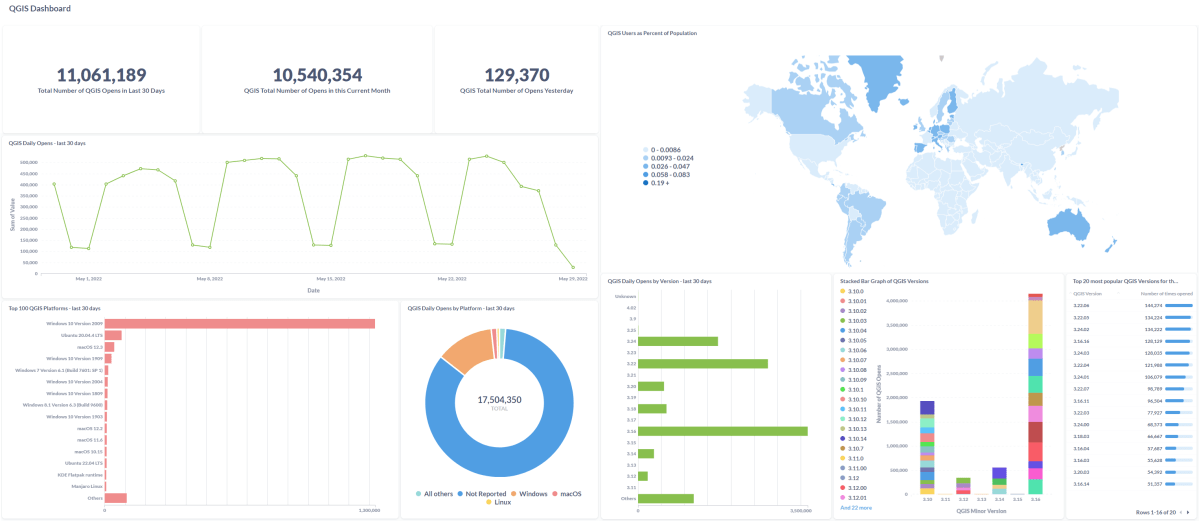
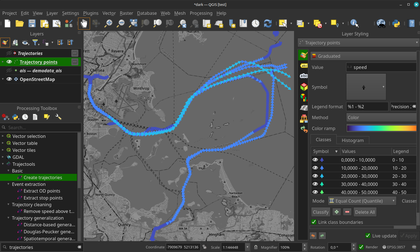
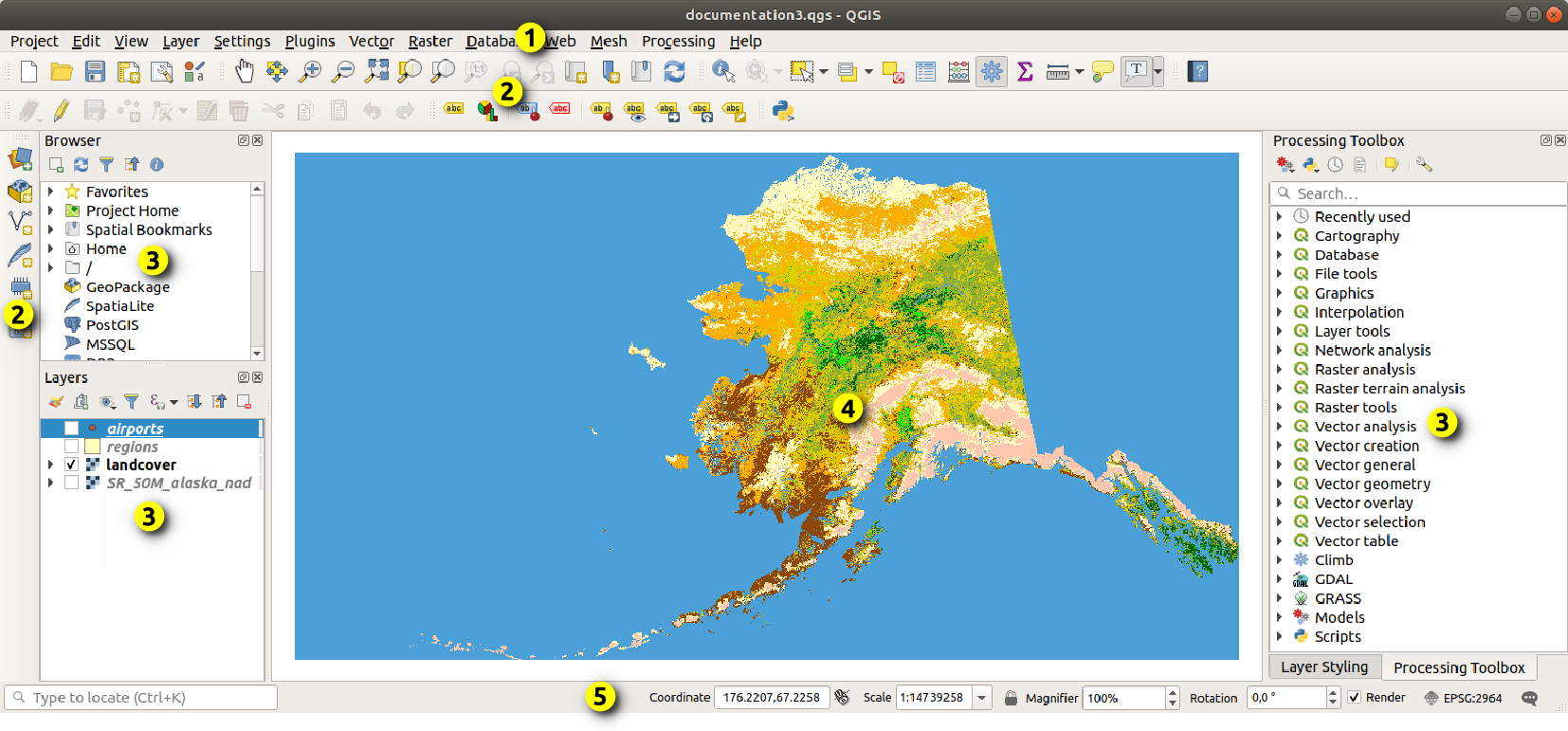
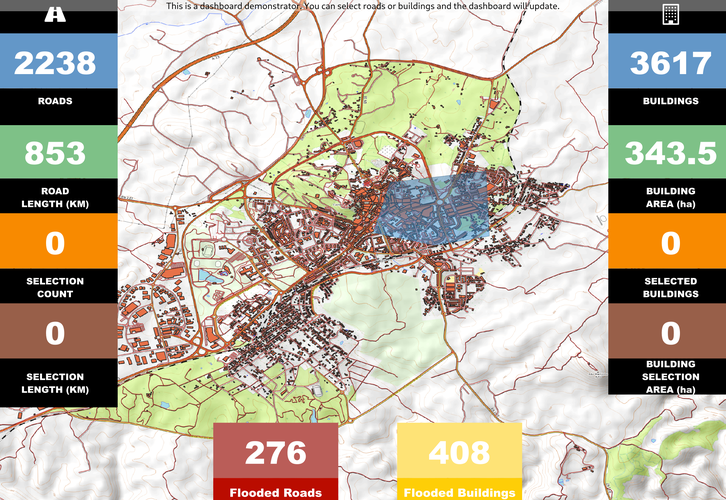
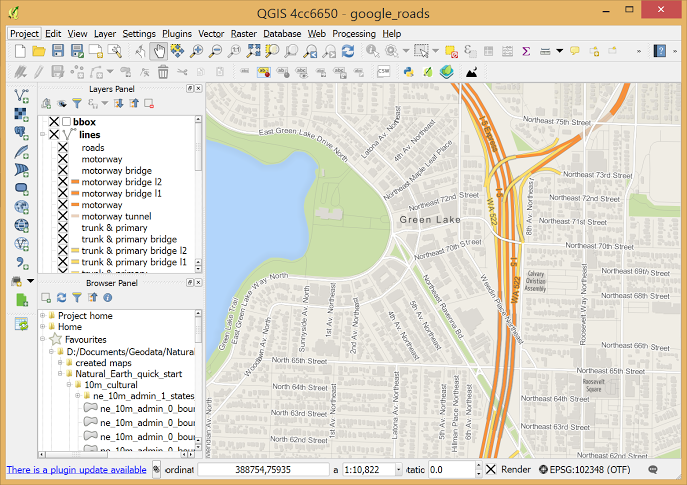
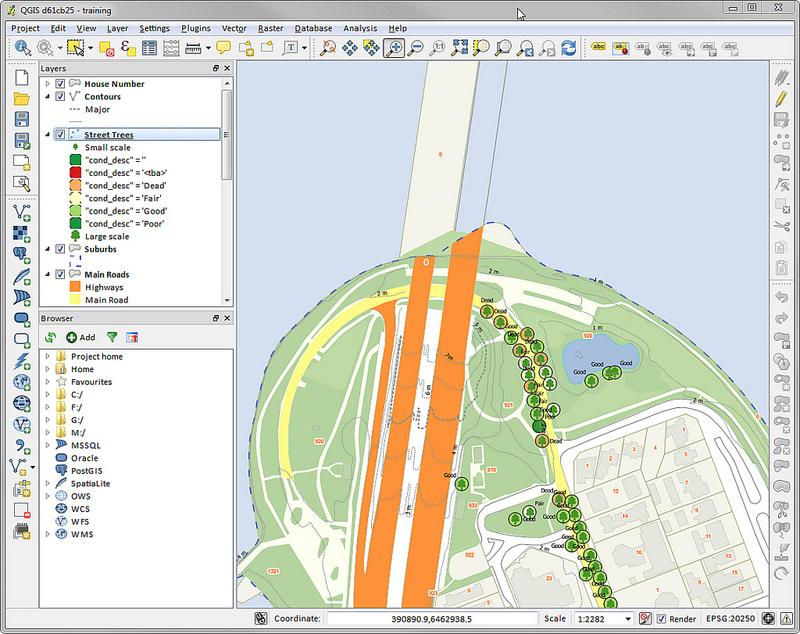
Screenshots
QGIS Pricing
QGIS is distributed under the GNU General Public License (GPL) and is completely free to use.
- Free and Open Source: No subscriptions, licensing fees, or locked features.
- Community Plugins: Most plugins are free, though some third-party services may offer paid enhancements.
- QGIS Cloud Services: Optional hosted services may include free and paid tiers.
- Consulting and Training: Businesses may optionally hire GIS consultants for support and implementation.
Integrations
QGIS integrates with a wide range of GIS, database, automation, and cloud systems.
- Spatial Databases: PostGIS, PostgreSQL, Oracle Spatial, and Microsoft SQL Server.
- Web Services: Supports WMS, WFS, and other geospatial streaming standards.
- Open-Source GIS Tools: Integration with GRASS GIS, SAGA GIS, and R.
- Python Automation: Built-in Python console and scripting API.
- Mobile and Cloud Workflows: Compatible with QField and Mergin Maps for field data collection.
How to Set Up QGIS
- Download the installer from the official QGIS website.
- Select either the Long Term Release (LTR) or the latest feature release.
- Install the application on Windows, macOS, or Linux.
- Configure your preferred workspace panels and toolbars.
- Install required plugins through the Plugin Manager.
- Set your project coordinate reference system (CRS).
How to Use QGIS
Users typically begin by importing spatial datasets such as shapefiles, satellite imagery, terrain models, or database connections into the Layers panel. They can then style map layers using custom symbology, labels, and thematic color scales to highlight geographic patterns.
Once the data is prepared, spatial analysis tools can calculate distances, terrain slopes, land areas, and environmental impacts. Users can also automate workflows with Python scripts and export professional maps using the Print Layout system for presentations and reports.
What You Can Manage with QGIS
- Spatial Databases: Organize and analyze large geospatial datasets.
- Professional Maps: Create cartographic outputs for reports and planning.
- Land and Infrastructure Analysis: Evaluate zoning, property boundaries, and utility networks.
- Environmental Monitoring: Track vegetation, terrain, and sustainability indicators.
- Field Data Collection: Synchronize mobile GIS workflows and surveys.
- Site Selection Studies: Analyze geographic suitability for renewable energy and infrastructure projects.
FAQs
What does QGIS do?
QGIS is a Geographic Information System platform used to create, edit, analyze, and visualize spatial and geographic data.
Who is QGIS best for?
It is designed for GIS professionals, researchers, engineers, students, urban planners, and organizations requiring advanced geospatial analysis tools.
Is QGIS free?
Yes, QGIS is completely free and open-source with no licensing fees or paid feature restrictions.
What are the main limitations of QGIS?
Main limitations include the learning curve for beginners, inconsistent plugin documentation, and less advanced 3D capabilities compared to some commercial GIS platforms.
What are the best alternatives to QGIS?
Popular alternatives include ArcGIS Pro, Mapbox, GRASS GIS, and other professional geospatial analysis platforms.