Aurora Solar
Pros
- Designs feel reliable enough to build from
- Shading analysis is detailed and useful
- Proposals look clean and professional
- Keeps design, calculations, and sales in one place
- Works well for teams, not just individuals
Cons
- Price can be a barrier for smaller businesses
- There’s a learning curve at the start
- Needs a stable internet connection
- Might be too much for very simple projects
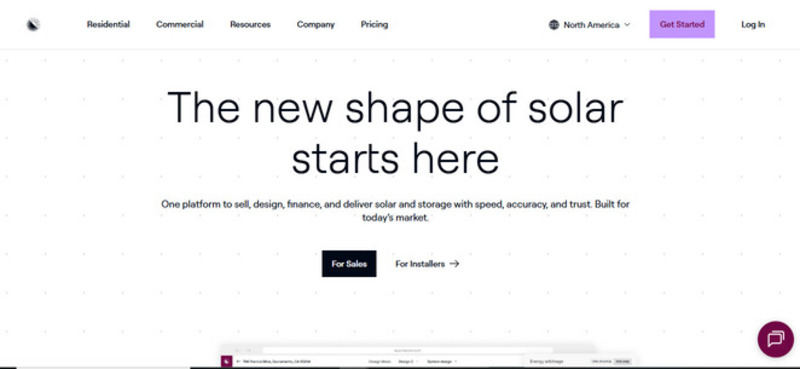
Solar design usually means switching between layout tools, spreadsheets, and proposal software. Aurora Solar reduces that stack. If you’re in solar design, sales engineering, or even running a small installation company, Aurora tends to stick by bringing design, simulation, and sales outputs in one platform.
What is Aurora Solar?
Aurora Solar is a design and sales platform built for people who work in solar every day. It combines modelling sites in 3D, analysis, shading, simulation of energy, and calculations on finance in one workspace. It is used by solar professionals to produce build-ready designs and standardized proposals.
Features
Here are some of the key features that define how the platform is used in real project workflows:
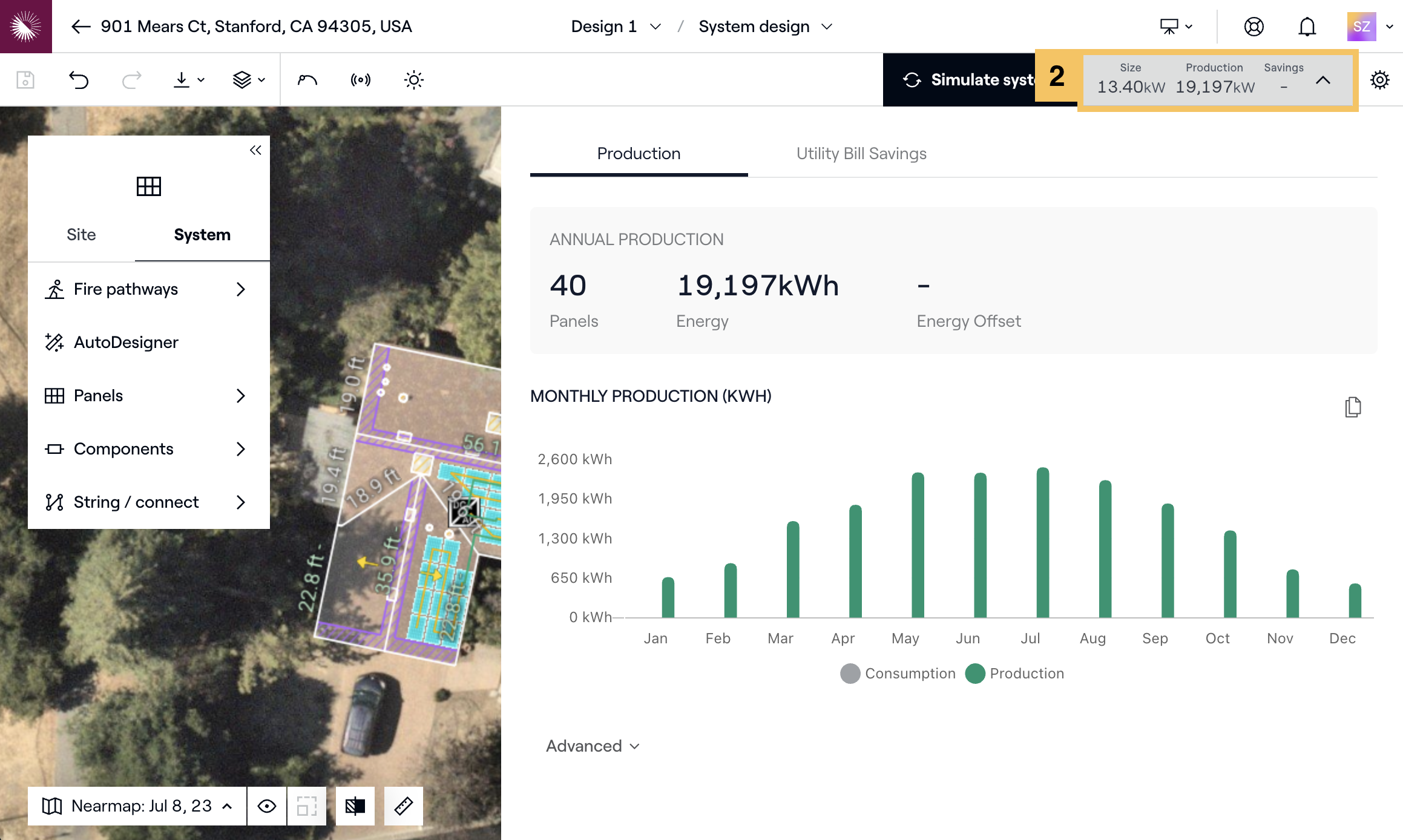
- 3D site modeling: The platform pulls in real 3D imagery and LiDAR data to generate accurate roof pitches, edges, trees, and even chimneys. The user can define planes, tilt, azimuth, and obstructions for a realistic system layout.
- Shading analysis: Shading is simulated across different times of day and seasons. The results are applied directly to system performance calculations.
- Precise energy production calculations: Calculates system output using location data, weather datasets, panel configuration, and orientation. Outputs include annual and monthly production.
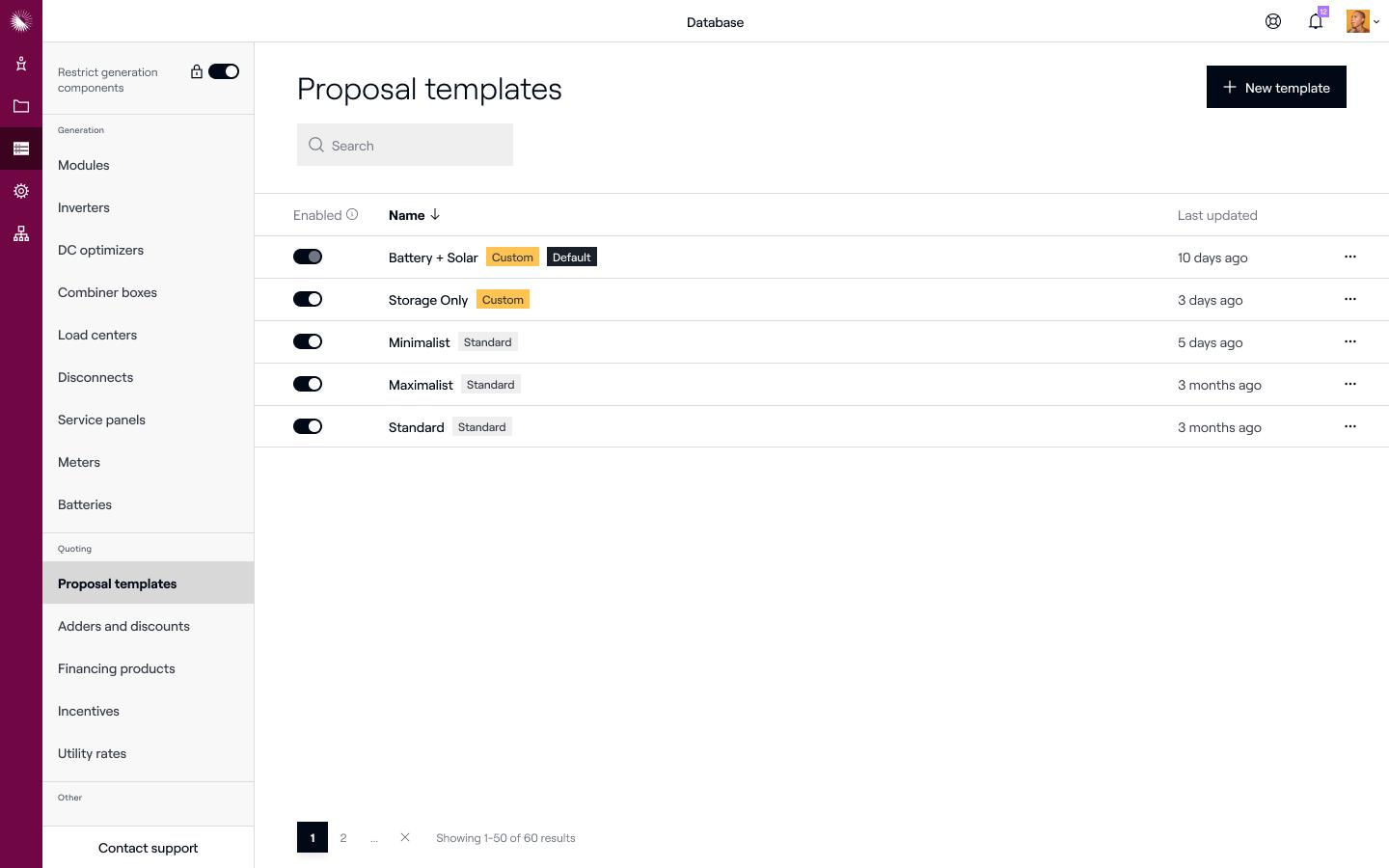
- Proposal generation: Proposals include system layout, production estimates, and financial summaries. The format is structured for client review without additional editing.
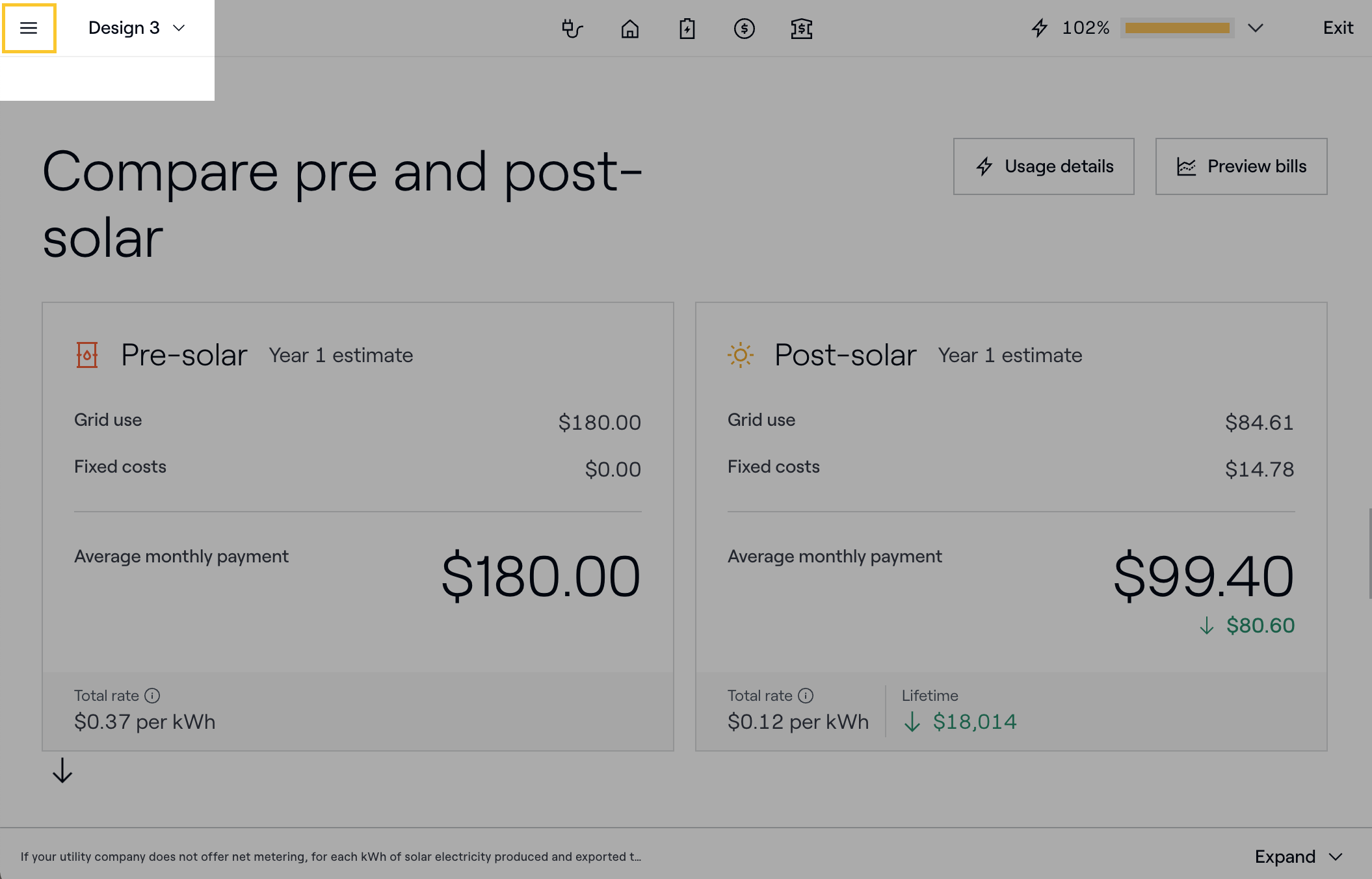
- Financial modeling built in: From cash purchases, loans, and leases scenarios, Aurora models different financing options and includes outputs such as payback period and project savings.
- Collaboration tools: Centralized workplace for design, simulation, and financial breakdown. Teams can work seamlessly on the same project without exporting files or re-entering data.
Screenshots
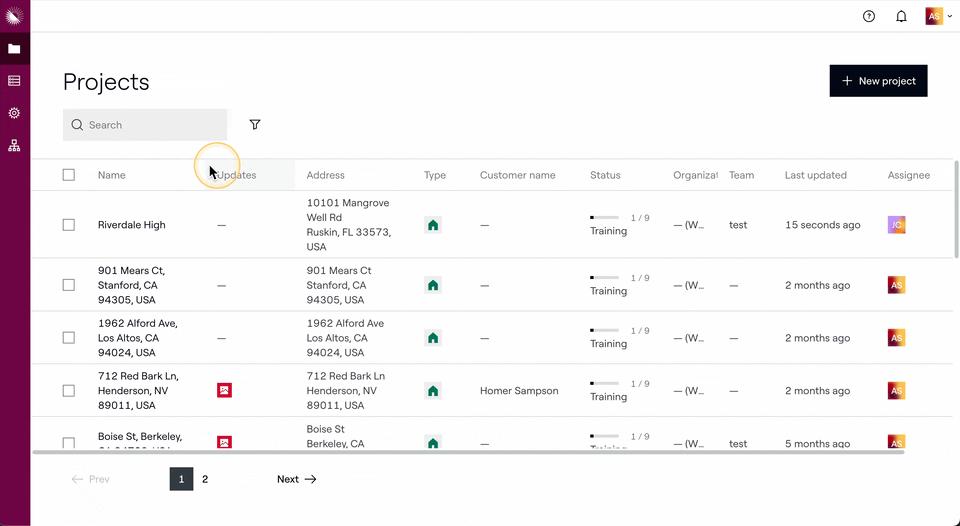
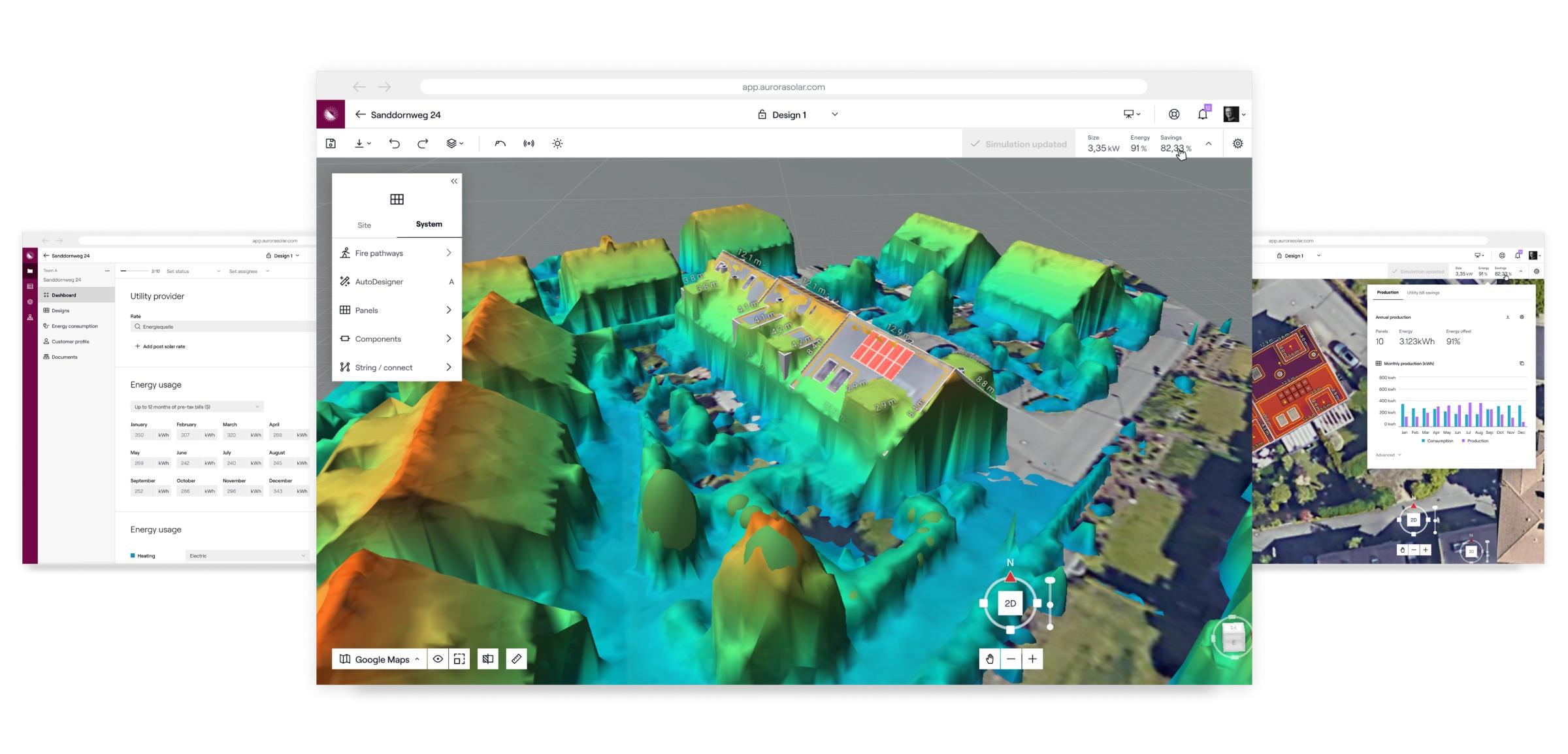
Aurora Solar Pricing
Aurora Solar runs on a paid subscription, billed per user. A basic monthly subscription plan starts at $159/month, with tablet-friendly sales proposals, industry-leading design accuracy, HD imagery, and access to on-demand site models.
Larger teams or companies that need advanced features go for the Premium tier, which is quoted at $259/month, offering all features from basic plus LiDAR-assisted modelling, bankable shade reports, and battery modelling. directly.
There’s no free plan. Access normally starts with a demo, then converts into a paid subscription if adopted.
In practice, it’s priced for companies running solar projects regularly. For smaller teams or occasional use, the cost tends to feel high relative to lighter tools.
Integrations
Aurora fits into the rest of your workflow without making things complicated. It connects with:
- CRM systems like Salesforce
- Financing platforms
- Utility rate databases
- Sales and proposal tools
Nothing groundbreaking here—but that’s the point. It just works without forcing you to rebuild your entire process.
How to Use Aurora Solar
You don’t need to master everything on day one. Most people figure it out by doing continuous practice.
- Create a New Project
Start by entering the project address. Aurora will pull in satellite imagery automatically.
- Build the Site Model
Adjust roof planes, add trees or obstructions, and fine-tune the structure so it matches reality.
- Design the Solar System
Place panels on the roof, configure inverter setups, and define system size.
- Run Performance Simulations
Let Aurora calculate energy production, factoring in shading, orientation, and local weather.
- Add Financial Details
Input system costs, incentives, and financing options to build a complete picture
- Generate the Proposal
Create a polished proposal with visuals and data you can present immediately.
- Review and Refine
Take a minute to double-check everything. Small details matter here.
FAQs
Is Aurora Solar beginner-friendly?
Well, Aurora is manageable, but not instant. You will still need some time to get comfortable with it and learn a few concepts as the process goes on.
Does Aurora require technical expertise?
Not really. Actually, you don’t have to be an engineer. But if you have some solar knowledge, it will help a lot. The tool is powerful, yes, but all it needs is time to learn properly.
How accurate is it really?
Aurora is widely trusted in the industry, especially when the model is built carefully. So, it can be as accurate as the level of professionalism you use to handle it.
Is there a free plan?
No full free version, but demos are usually available.
Who benefits most from Aurora?
Teams handling multiple projects or more complex installations tend to get the most value.
Does it help close deals?
It can. Clear visuals and solid numbers make conversations with clients easier. So if you’re closing deals and need reliable designs, yes.