TrakSun
Pros
- Built specifically for solar EPC workflows.
- Strong field workforce management capabilities.
- Offline mobile functionality supports remote project locations.
- GPS-based verification improves accountability and quality control.
- Custom workflow templates standardize project execution.
- Centralizes procurement, documentation, and project tracking.
- Scales effectively across large multi-site deployments.
- Reduces paperwork and manual administrative tasks.
Cons
- Pricing information is not publicly available.
- Limited publicly documented third-party integrations.
- Initial setup requires configuration of workflows and forms.
- Highly specialized for solar projects rather than general construction.
- May require training for organizations transitioning from manual processes.
What Is TrakSun?
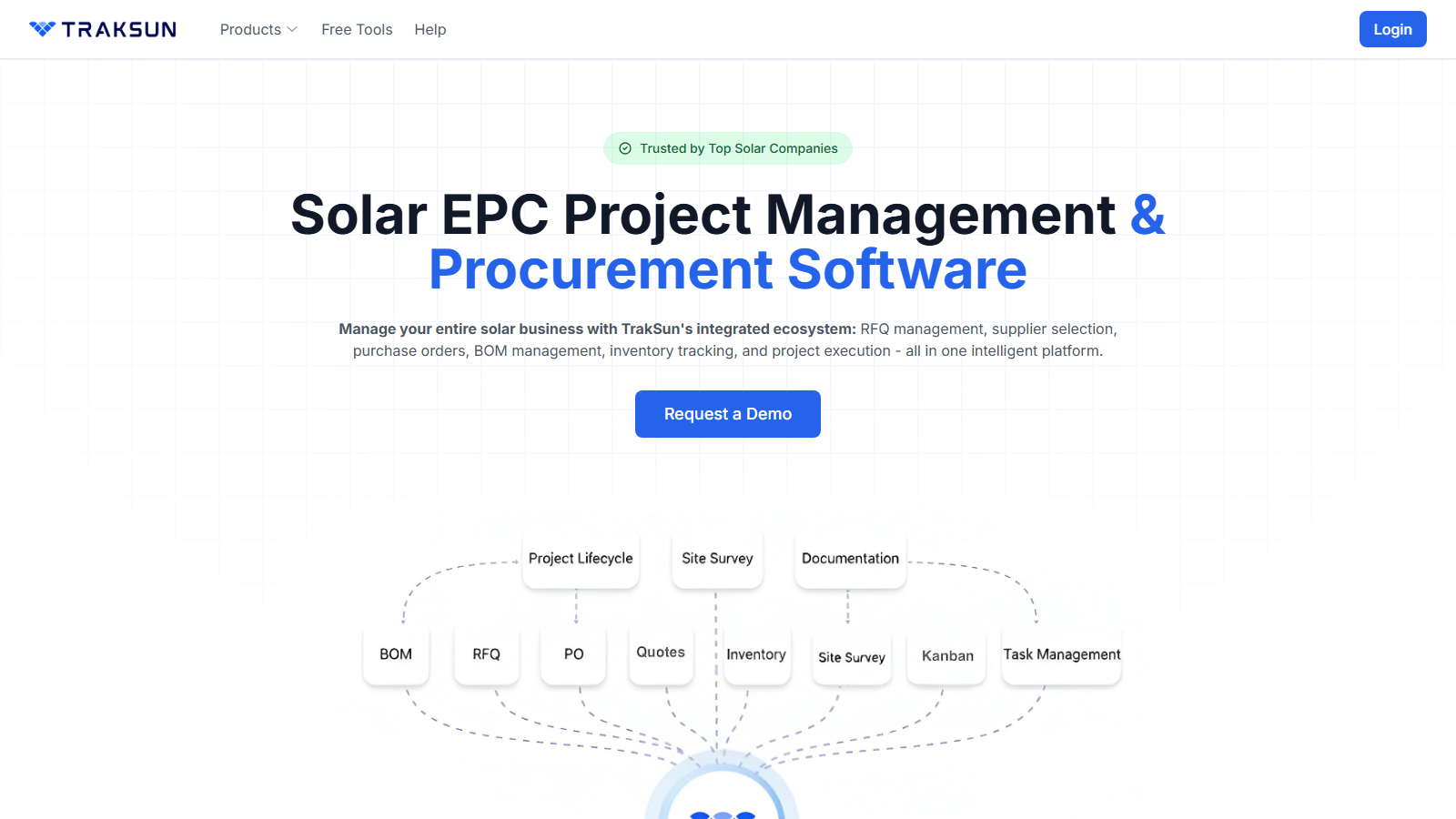
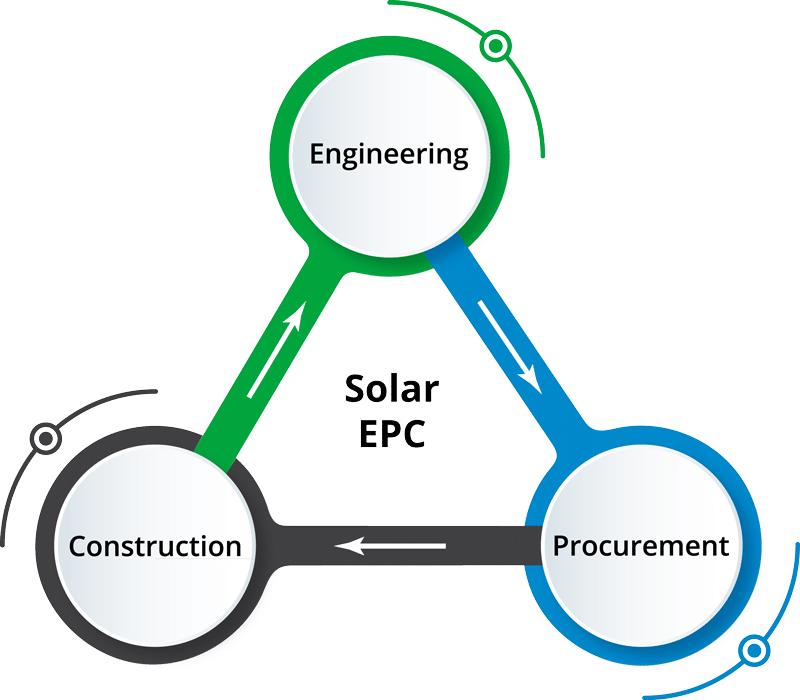
TrakSun is a cloud-based solar project management platform designed specifically for Engineering, Procurement, and Construction (EPC) companies, solar installers, contractors, and renewable energy organizations. The platform centralizes project execution, field operations, procurement, documentation, and reporting into a single digital environment.
By replacing spreadsheets, paper forms, and disconnected communication channels, TrakSun helps solar teams streamline project delivery from site surveys through commissioning. The system combines a web-based management portal with a mobile application for field teams, enabling real-time project visibility, improved accountability, and standardized workflows across large solar portfolios.
Features
- Project Lifecycle Management: Create customizable workflows covering survey, design, procurement, installation, testing, and commissioning stages.
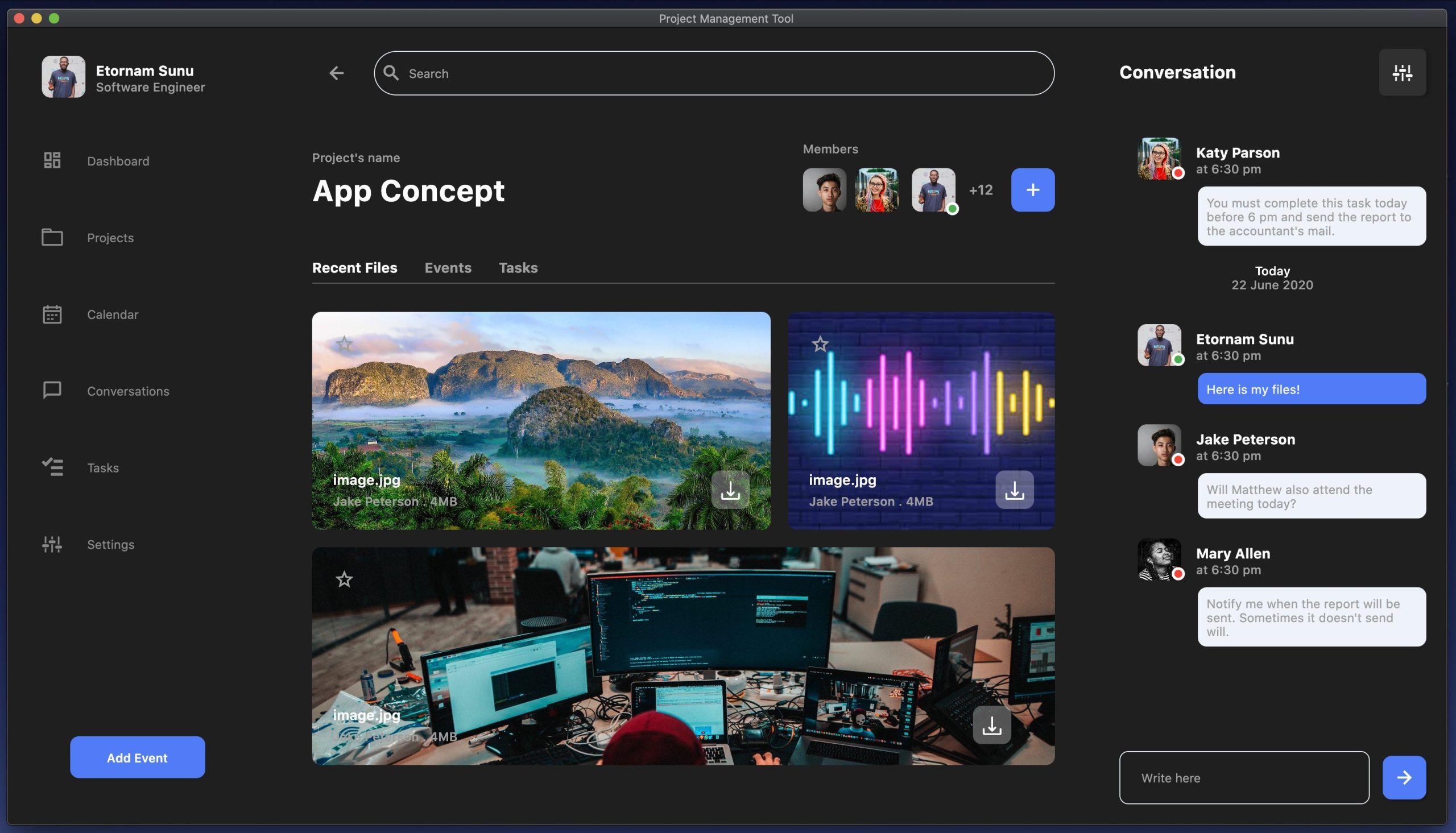
- Task Management: Assign responsibilities, track deadlines, and establish dependencies between project activities.
- Mobile Field Application: Enable technicians to collect site data, complete inspections, upload photos, and update progress directly from the field.
- Offline Functionality: Continue collecting information without internet connectivity and synchronize automatically when a connection becomes available.
- Bill of Materials (BOM) Management: Generate, track, and manage project materials, equipment costs, and procurement requirements.
- Geo-Tagged Documentation: Capture GPS coordinates, timestamps, and photographic evidence for field activities.
- Custom Digital Forms: Build standardized inspection forms, survey templates, and quality-control checklists.
- RFQ and Procurement Tools: Create requests for quotations, compare supplier bids, and manage purchase orders.
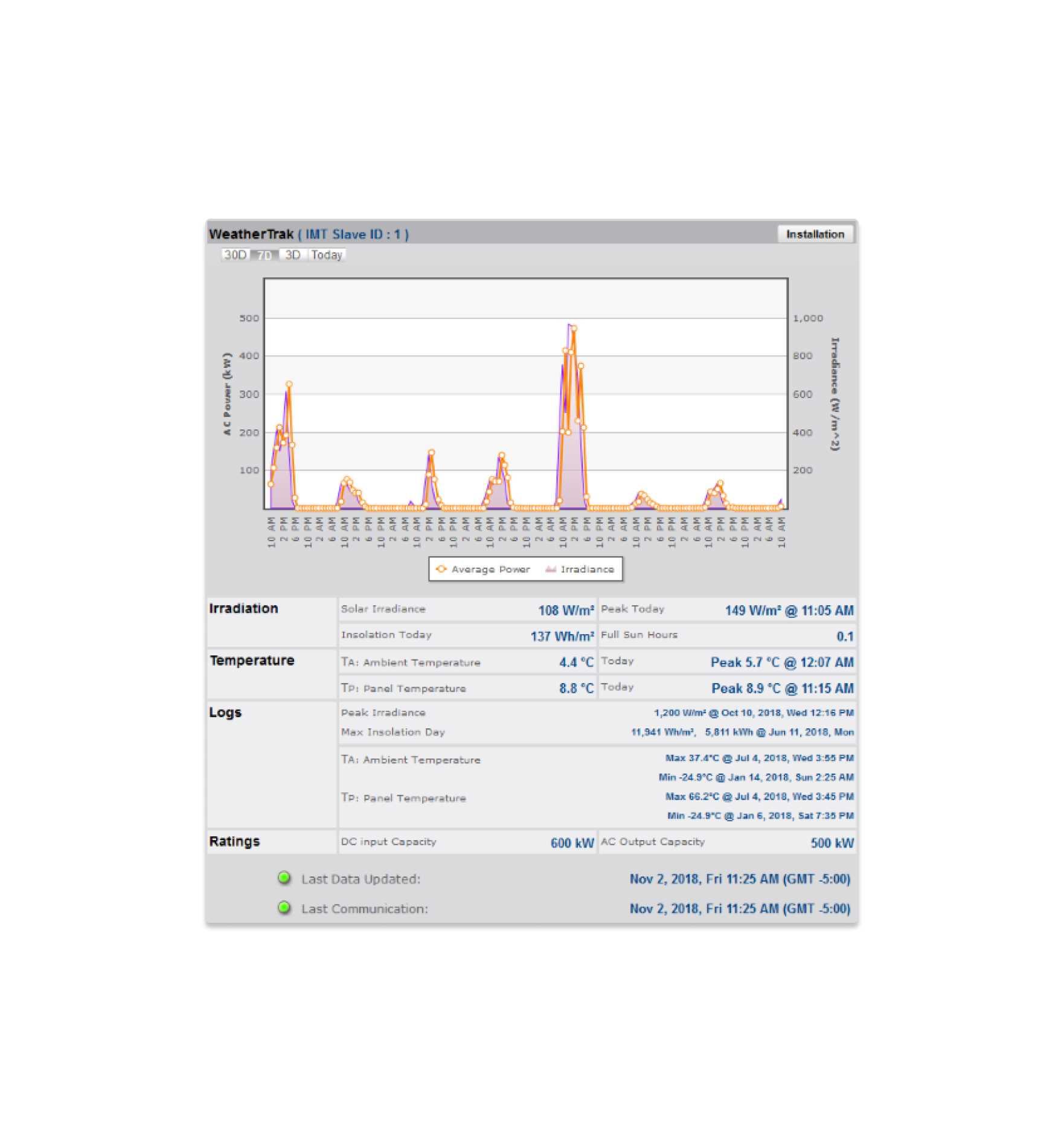
- Real-Time Dashboards: Monitor project progress, team performance, and portfolio-wide status updates.
- Reporting and Analytics: Generate operational reports and project performance insights.
Screenshots
TrakSun Pricing
TrakSun does not publicly disclose pricing information. The company provides customized quotations based on organizational requirements and project scale.
- Custom Pricing Model: Pricing is typically based on users, projects, modules, and deployment requirements.
- Demo Available: Prospective customers can request a product demonstration.
- Enterprise Agreements: Custom packages are available for large EPC firms, government programs, and utility-scale deployments.
- Implementation Services: Onboarding and workflow customization may be included depending on contract scope.
Integrations
- Cloud Infrastructure: Built on a scalable cloud architecture for centralized data management.
- Excel Import/Export: Supports bulk data uploads and reporting exports.
- Mobile Synchronization: Real-time synchronization between field applications and office dashboards.
- API Availability: Enterprise customers may request integration capabilities for custom software environments.
- GPS Services: Location tracking and geo-verification for field activities.
- Document Storage: Centralized repository for project files, photos, and reports.
How to Set Up TrakSun
- Request a product demonstration from the TrakSun team.
- Create your company account and organizational structure.
- Configure project lifecycle stages and workflow templates.
- Build custom forms and inspection checklists.
- Import project data and site information.
- Add users and assign permissions based on job roles.
- Deploy the mobile application to field teams.
- Launch projects and begin tracking activities through the platform.
How to Use TrakSun
Project managers typically begin their day by reviewing dashboards that display project progress, outstanding tasks, procurement status, and workforce activity. New assignments can be created and distributed directly to field personnel through the mobile application.
Field technicians use the app to perform surveys, complete inspections, upload geo-tagged photographs, and submit project updates from the installation site. Information is synchronized back to headquarters, creating a real-time record of project execution.
Procurement teams can manage material requests, supplier quotations, purchase orders, and inventory requirements within the same system. Managers can then generate reports showing project completion rates, field productivity, and budget performance.
What You Can Manage with TrakSun
- Solar project lifecycles and milestones.
- Site surveys and field inspections.
- Task assignments and workforce management.
- Bills of Materials (BOMs).
- Procurement and vendor management.
- Geo-tagged site documentation.
- Quality assurance and compliance workflows.
- Project progress dashboards.
- Portfolio-wide performance reporting.
- Installation and commissioning activities.
FAQs
What does TrakSun do?
TrakSun is a solar project management platform that helps EPC companies manage surveys, procurement, field operations, installations, documentation, and reporting through a centralized cloud-based system.
Who is TrakSun best for?
It is designed for solar EPC firms, contractors, installers, engineering teams, government renewable energy programs, and organizations managing multiple solar projects simultaneously.
Is TrakSun free?
No public free version is available. Organizations typically begin with a product demonstration and receive custom pricing based on their requirements.
How much does TrakSun cost?
Pricing is customized and not publicly disclosed. Interested organizations must contact the TrakSun sales team for a quote.
What are the main limitations of TrakSun?
The main limitations include a lack of public pricing information, limited publicly available integration details, and the need for initial workflow configuration before deployment.
What are the best alternatives to TrakSun?
Popular alternatives include Sitetracker, Scoop Solar, SolarNexus, Sunbase, Smartsheet, JobNimbus, Monday.com, and other solar-focused project management platforms.