
Smartsheet
Pros
- Easy adoption for teams familiar with spreadsheets.
- Highly flexible and adaptable to different business workflows.
- Strong automation capabilities reduce manual work.
- Excellent mobile application for field teams.
- Scales effectively from small projects to enterprise portfolios.
- Robust security, compliance, and governance features.
Cons
- Large and complex sheets can become difficult to manage.
- Advanced features are often restricted to higher-tier plans.
- Per-user pricing can become expensive for large teams.
- Requires strong organizational standards to prevent data fragmentation.
- Lacks industry-specific engineering functionality found in specialized solar software.
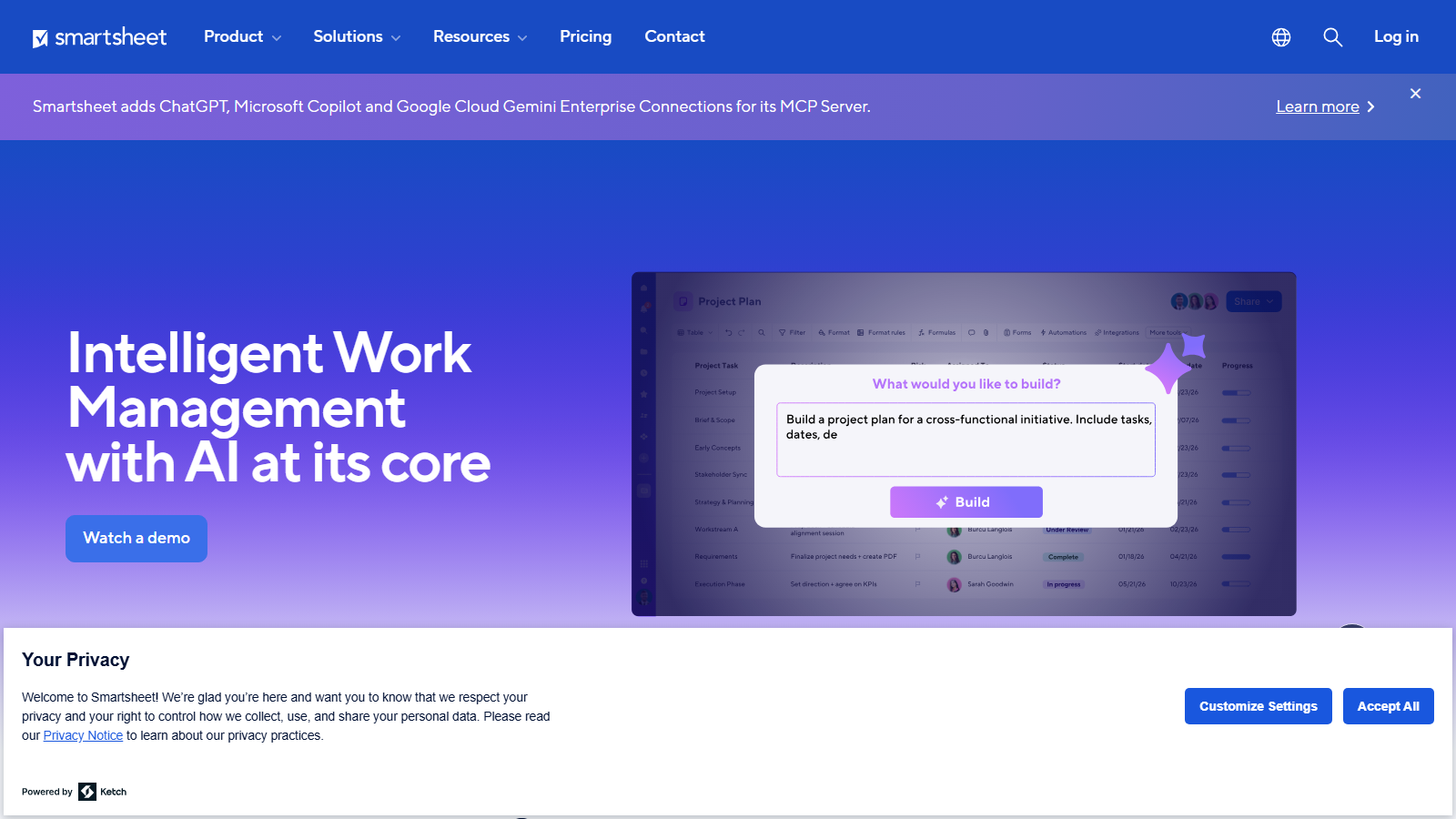
Managing renewable energy projects involves coordinating schedules, permits, contractors, procurement, budgets, and field operations across multiple stakeholders. Many organizations still rely on spreadsheets, emails, and disconnected systems, which can lead to missed deadlines, communication gaps, and operational inefficiencies. Smartsheet addresses these challenges by combining spreadsheet familiarity with advanced project management, automation, and collaboration capabilities in a cloud-based platform.
Widely used across construction, infrastructure, and renewable energy industries, Smartsheet provides a centralized workspace where teams can plan projects, automate workflows, track progress, and collaborate in real time. Its flexibility makes it particularly useful for solar EPC firms, developers, and operations teams managing complex project portfolios.
What Is Smartsheet?
Smartsheet is a cloud-based work management and project collaboration platform that combines spreadsheet-style interfaces with workflow automation, reporting, and project management capabilities.
The platform is used by organizations of all sizes to manage projects, track resources, automate business processes, and centralize operational data. In the solar industry, it is commonly used for EPC management, permitting workflows, site development tracking, procurement coordination, and asset management.
Features
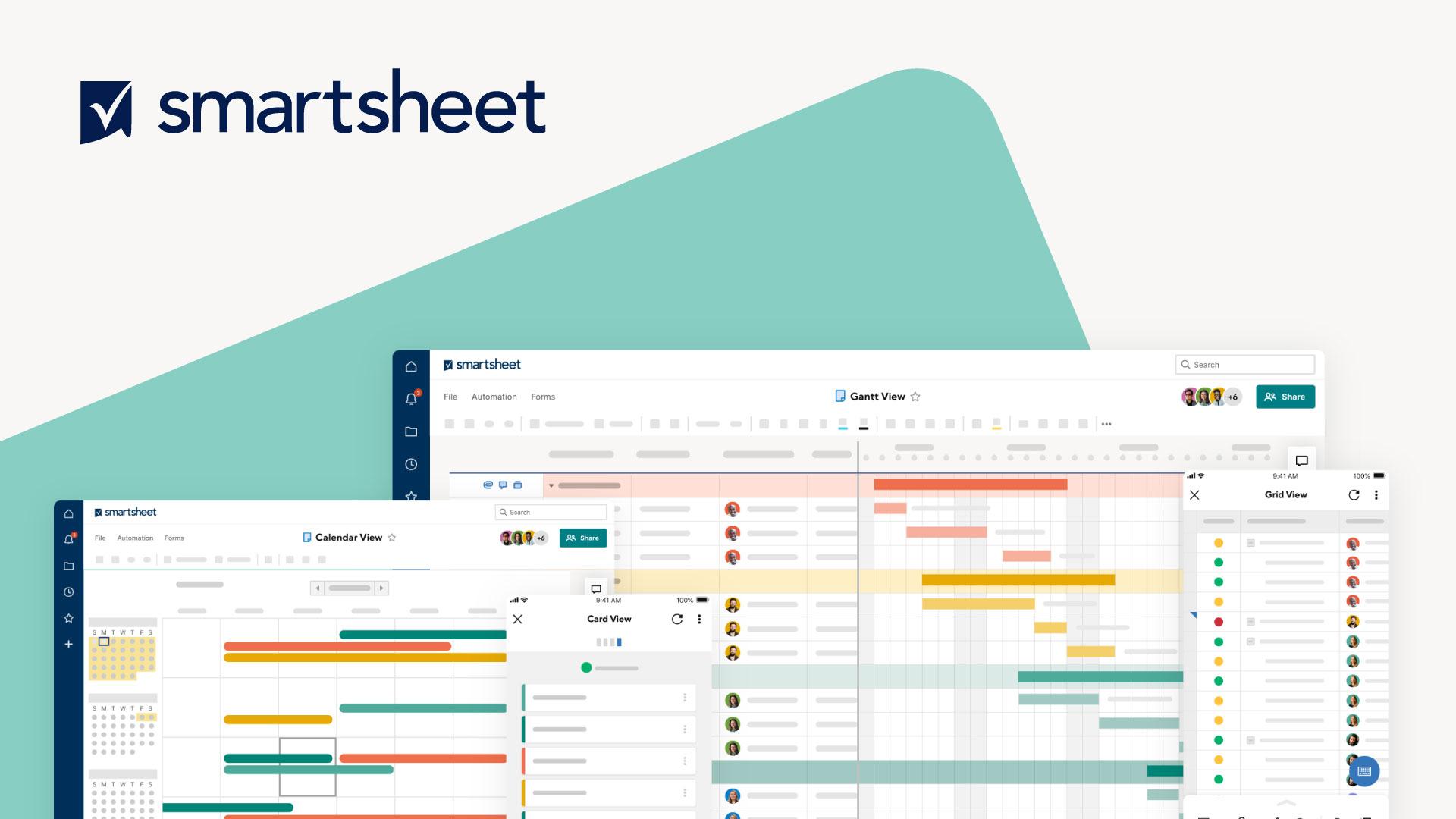
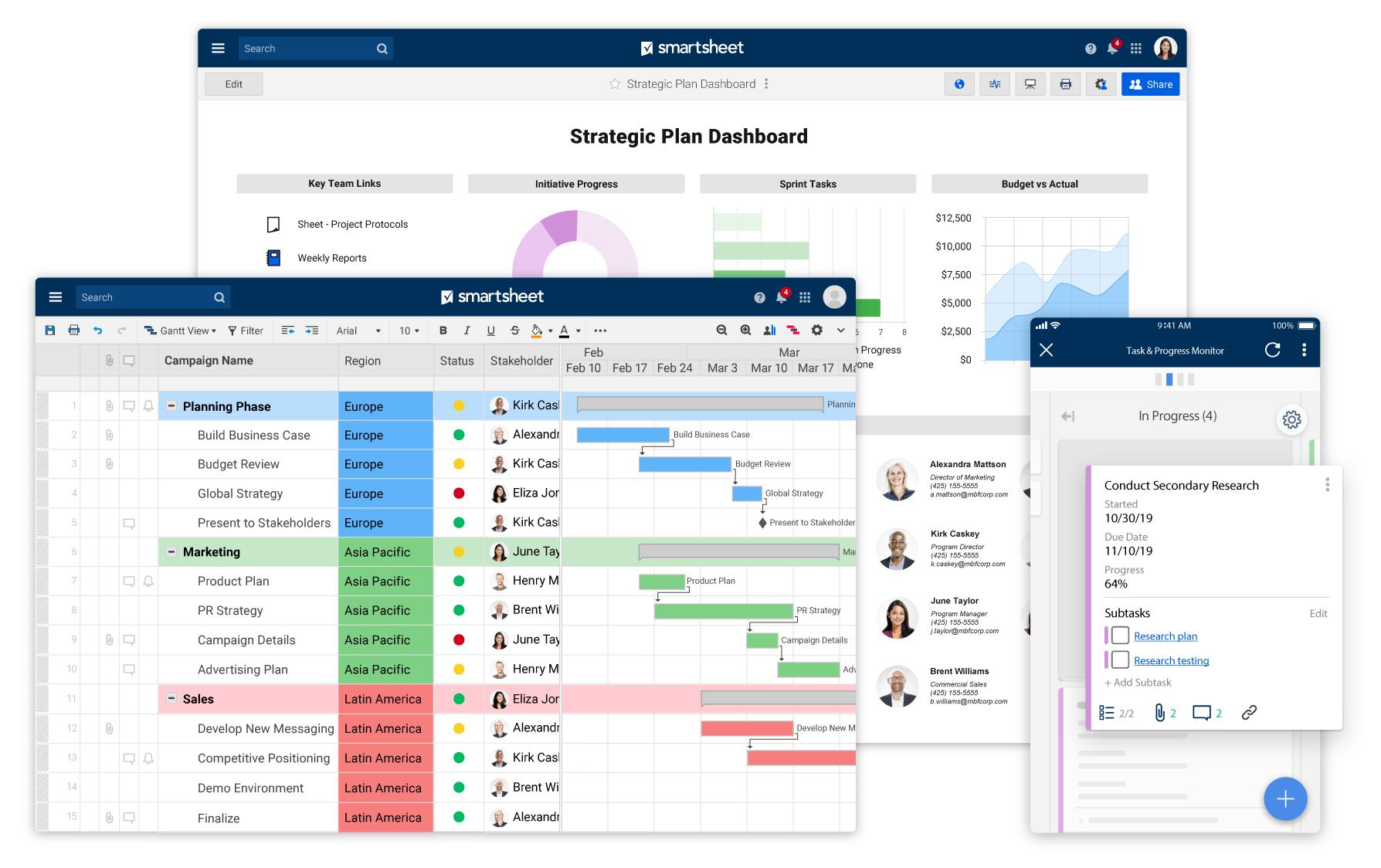
- Grid, Gantt, and Card Views: Switch between spreadsheet, timeline, and Kanban-style project views.
- Automated Workflows: Create notifications, approval requests, reminders, and status updates without coding.
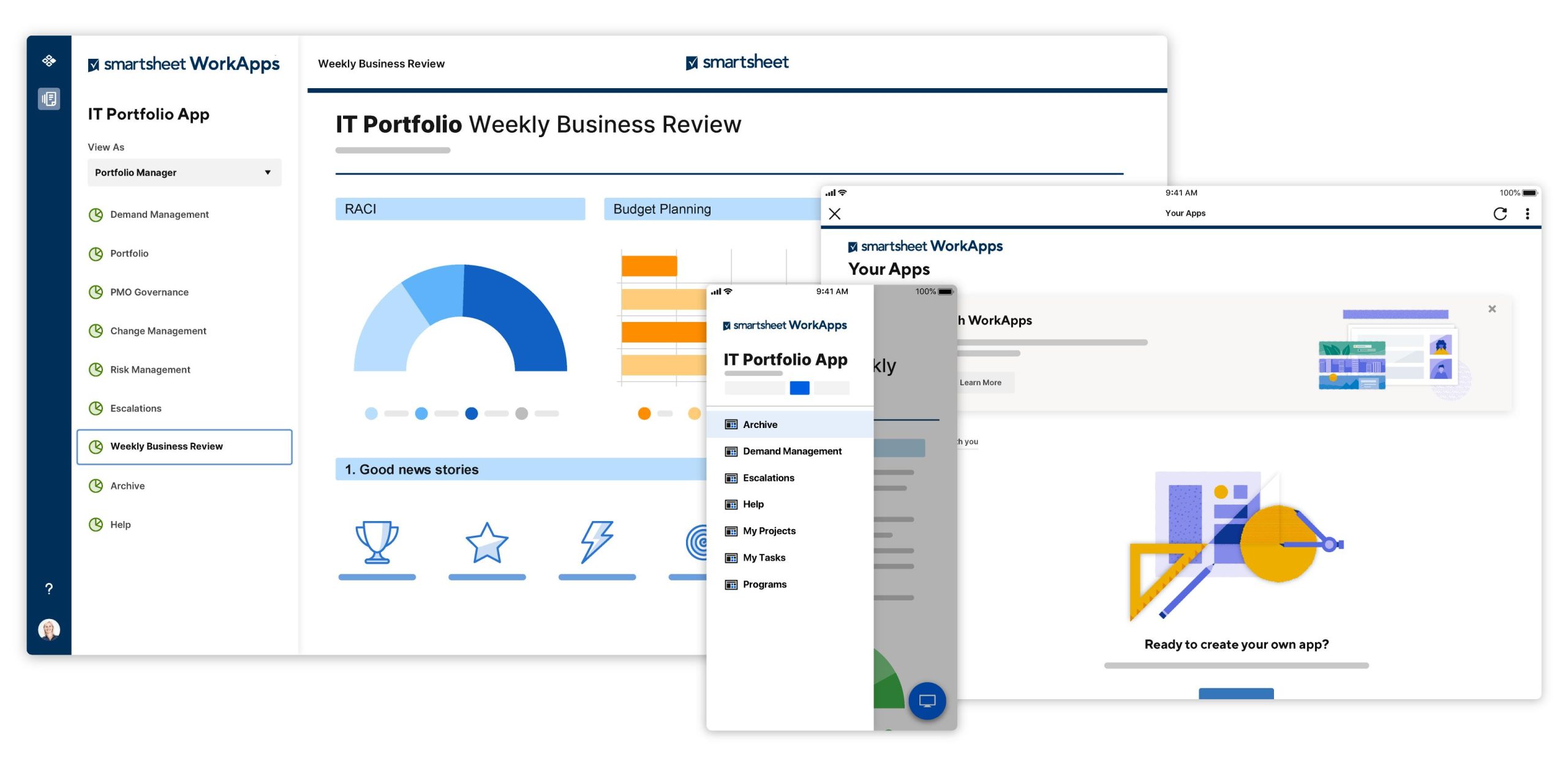
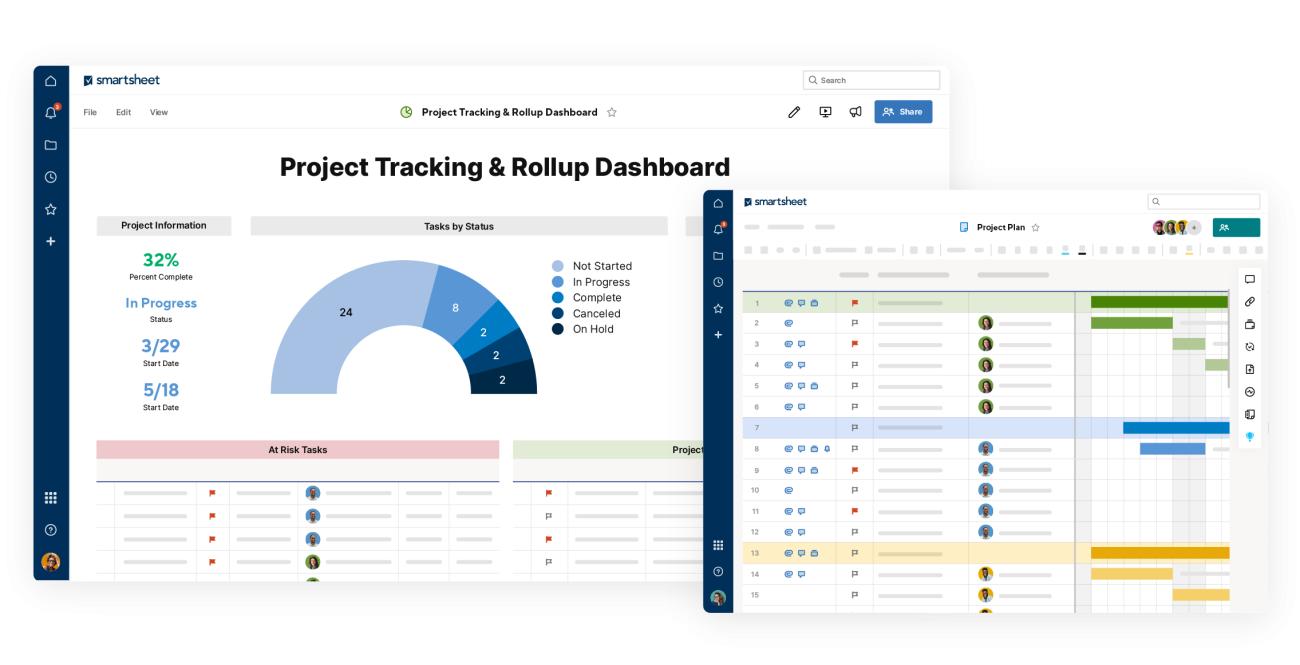
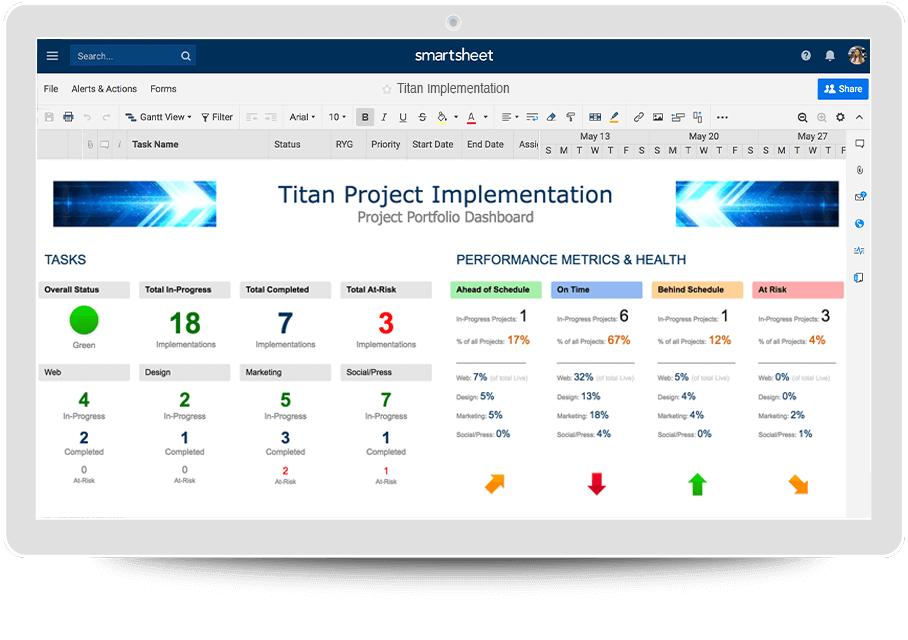
- Real-Time Dashboards: Monitor KPIs, budgets, schedules, and project health through customizable dashboards.
- Forms and Data Collection: Capture field updates, inspections, and project information through mobile-friendly forms.
- Resource Management: Track workload allocation across teams and projects.
- Content Collaboration: Attach files, manage reviews, and collaborate through comments and proofing tools.
- Generative AI Features: Use AI-assisted formula generation, summaries, and content creation tools.
Screenshots
Smartsheet Pricing
Smartsheet uses a subscription-based pricing model with plans designed for individuals, teams, and enterprises.
- Free Plan: Limited functionality for individual users and small projects.
- Pro Plan: Approximately $9 per user/month when billed annually.
- Business Plan: Approximately $19 per user/month when billed annually.
- Enterprise Plan: Custom pricing for organizations requiring advanced security and governance.
- Premium Add-Ons: Certain connectors, integrations, and data management tools may require additional licensing.
Integrations
Smartsheet integrates with a large ecosystem of business, productivity, and development platforms.
- Microsoft 365: Teams, Outlook, Power BI, and related applications.
- Google Workspace: Google Drive, Gmail, and Google Calendar.
- CRM Systems: Salesforce, HubSpot, and Microsoft Dynamics 365.
- Project and Development Tools: Jira, ServiceNow, and Azure DevOps.
- Automation Platforms: Zapier, Make, and API-based integrations.
- Communication Tools: Slack, Cisco Webex, and collaboration platforms.
How to Set Up Smartsheet
- Create an account or start a free trial.
- Organize workspaces by project, region, or operational function.
- Import existing data from Excel or other project management systems.
- Customize sheets, columns, and workflows for solar-specific requirements.
- Configure automation rules, notifications, and approval workflows.
- Invite team members and assign permissions.
How to Use Smartsheet
Project managers typically begin by reviewing dashboards that display project schedules, budgets, permit statuses, and operational KPIs. Teams use Gantt charts to manage timelines, monitor dependencies, and adjust schedules as project conditions change.
Field personnel can submit updates through mobile forms, including photos, inspection reports, and site observations. Operational data updates automatically across dashboards and reports, allowing stakeholders to collaborate in real time and maintain a shared view of project progress.
What You Can Manage with Smartsheet
- Project Schedules: Track milestones, dependencies, and critical paths.
- Site Development Pipelines: Manage location screening and project development activities.
- Permitting Workflows: Monitor applications, approvals, and compliance deadlines.
- Vendor Management: Coordinate contractors, suppliers, and procurement activities.
- KPI Dashboards: Visualize performance, budgets, and operational metrics.
- Document Management: Store contracts, engineering drawings, permits, and project records.
FAQs
What does Smartsheet do?
Smartsheet is a work management platform that combines project tracking, workflow automation, collaboration tools, and reporting capabilities within a spreadsheet-style interface.
Who is Smartsheet best for?
It is ideal for project-driven organizations, including solar developers, EPC contractors, construction firms, and operations teams that require flexible project management and collaboration tools.
Is Smartsheet free?
Yes, Smartsheet offers a limited free plan and free trial options, although most business features require a paid subscription.
What are the main limitations of Smartsheet?
Main limitations include per-user pricing, complexity when managing very large datasets, and the lack of industry-specific engineering functionality found in specialized solar software.
What are the best alternatives to Smartsheet?
Popular alternatives include monday.com, Asana, ClickUp, Airtable, Procore, and industry-specific solar project management platforms.




