Airtable
Pros
- No-code flexibility
- Powerful relational database structure
- Easy-to-build dashboards
- Workflow automation
- Built-in AI capabilities
- Large template library
Cons
- Costs increase with larger teams
- Learning curve for advanced database logic
- Performance can slow with massive datasets
- Mobile app has limited functionality
- Native analytics are relatively basic
What Is Airtable?
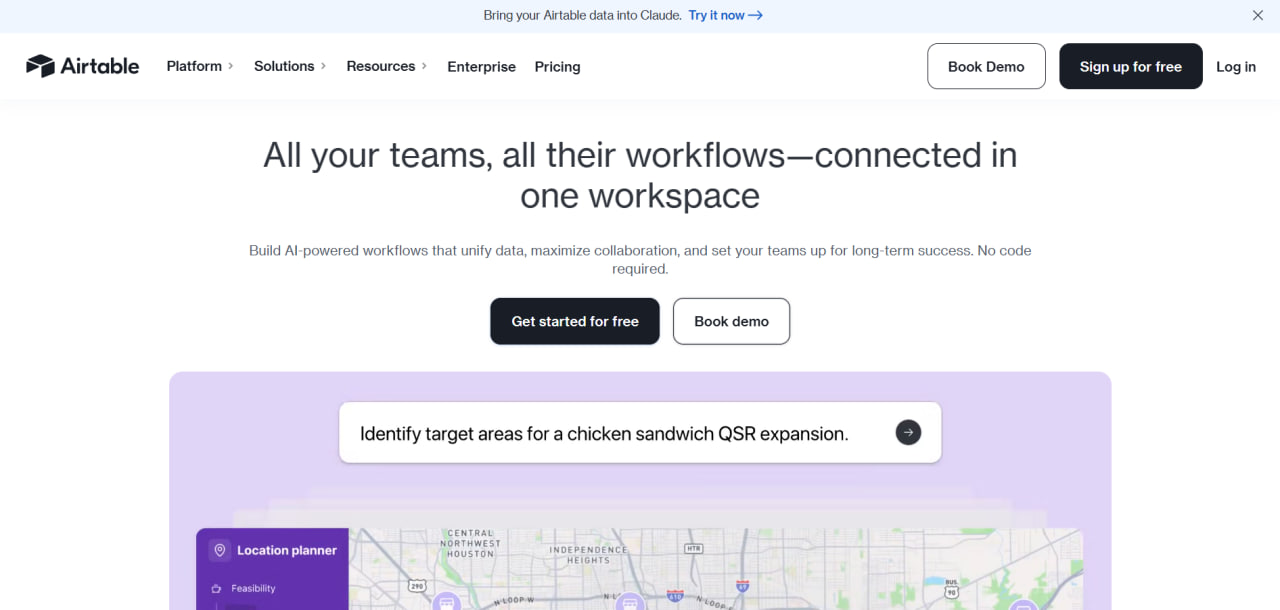
Airtable is a cloud-based no-code platform designed for building custom applications and databases. Unlike traditional spreadsheets, Airtable allows users to connect related datasets and automate workflows.
Solar developers and EPC companies commonly use Airtable for:
- Project management
- Site selection tracking
- Permit management
- Construction scheduling
- Inventory management
- Asset tracking
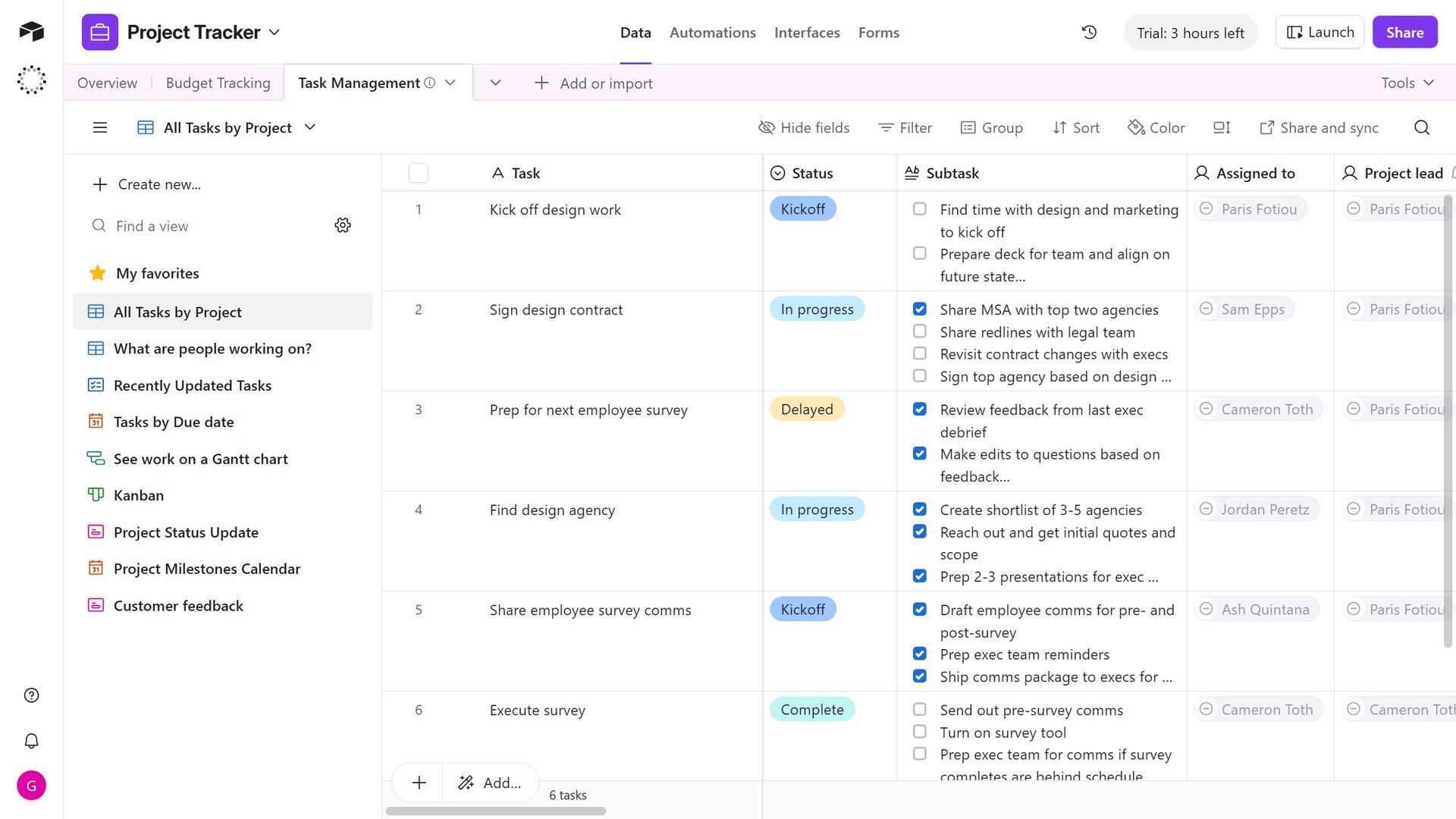
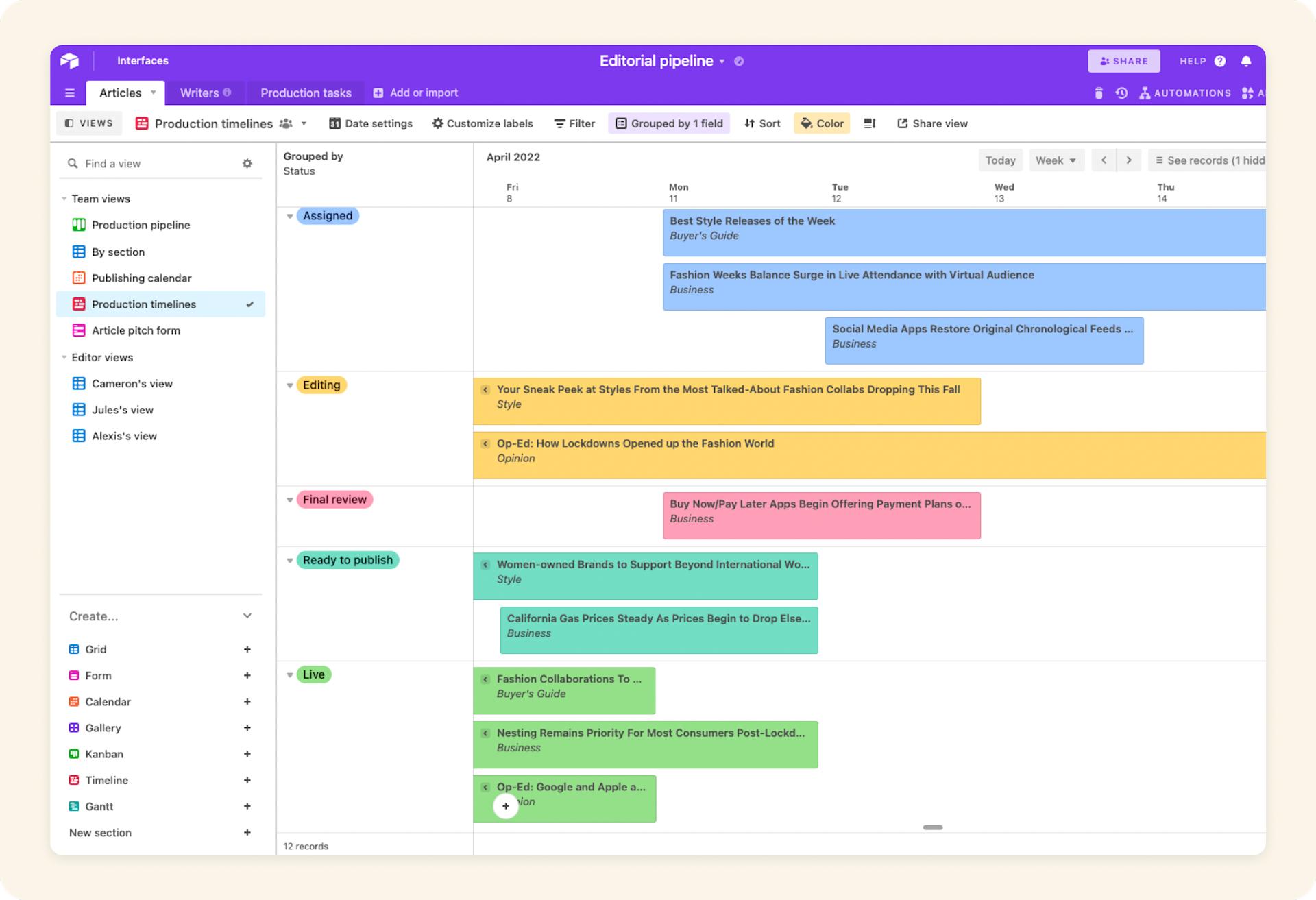
The platform supports multiple data views including Kanban boards, calendars, galleries, and Gantt charts.
Airtable Features
Relational Database Engine
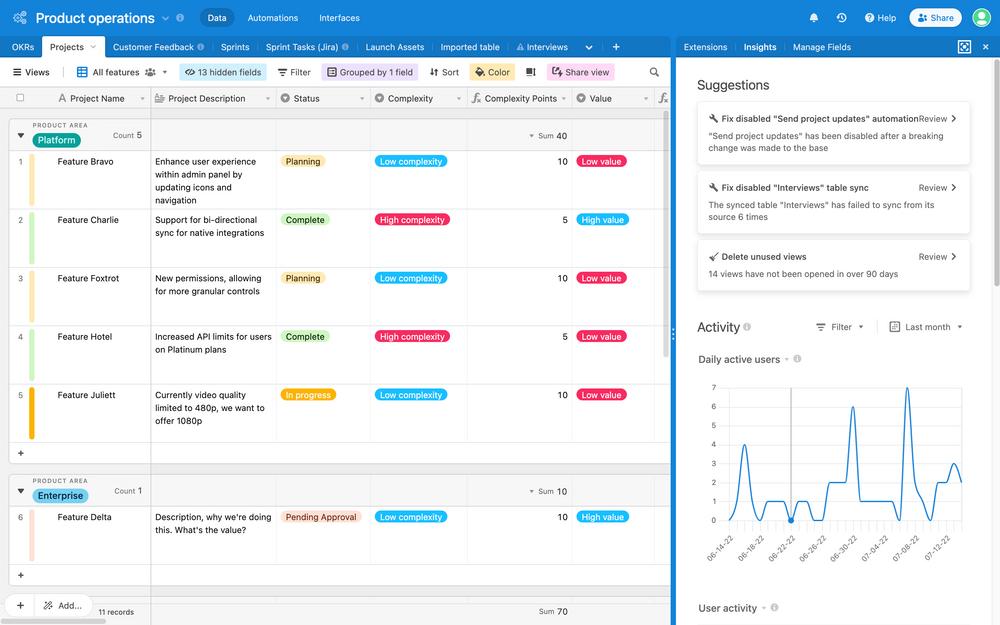
Airtable allows users to connect records across multiple tables so data stays synchronized and organized.
- Link project sites to contractors
- Connect permits to milestones
- Track equipment across warehouses
Customizable Views
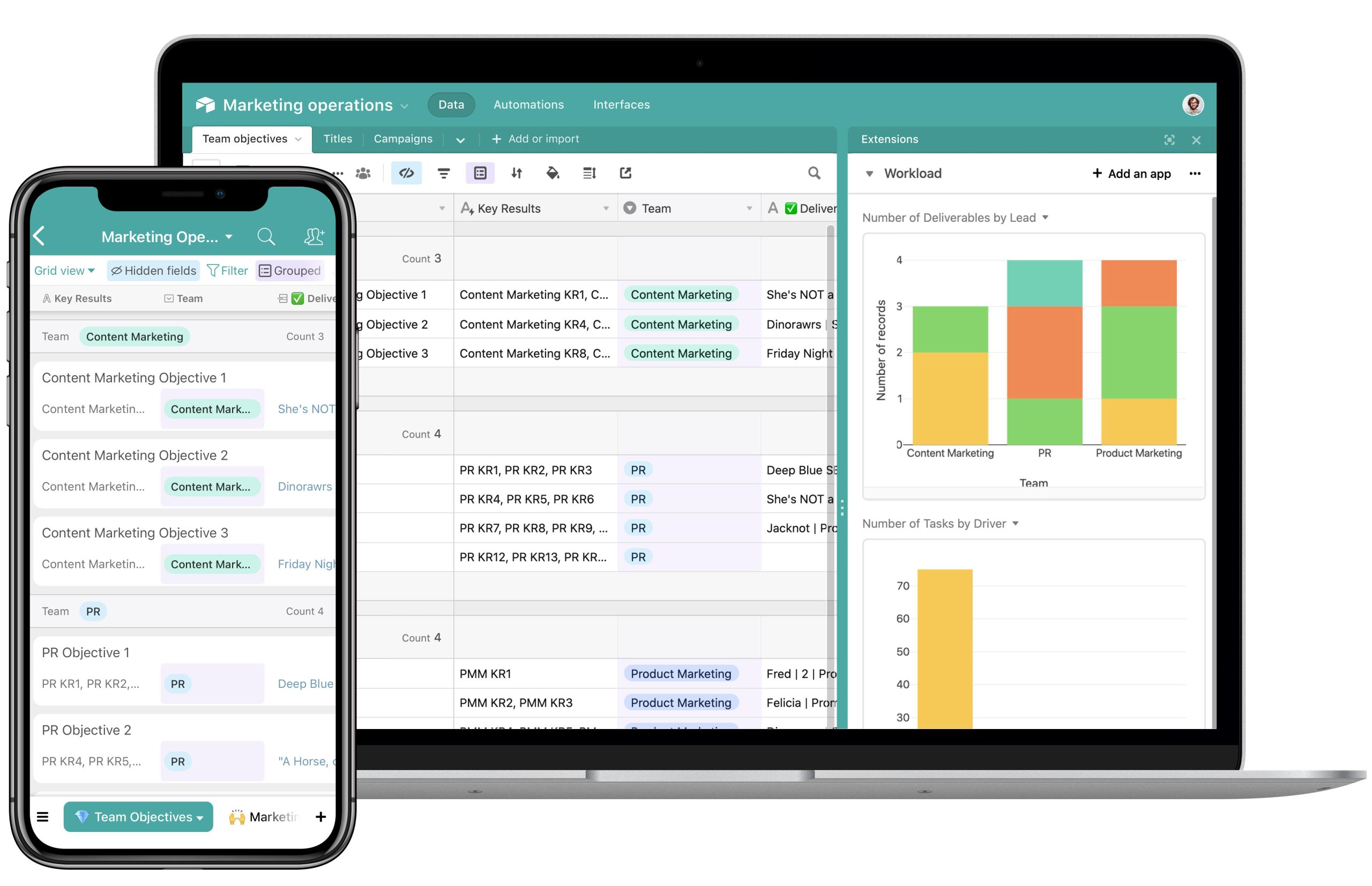
Teams can visualize data using multiple layouts depending on project needs.
- Grid View
- Kanban View
- Calendar View
- Gallery View
- Gantt Charts
Automated Workflows
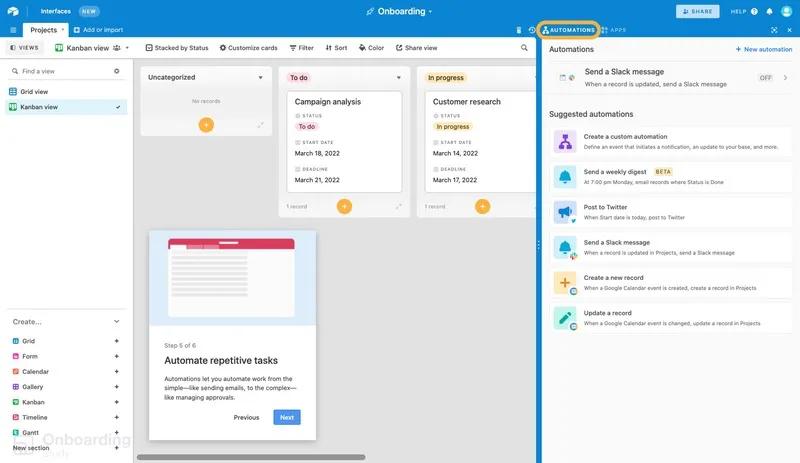
Airtable automates repetitive tasks and notifications.
- Slack alerts
- Automatic task assignments
- Permit approval notifications
- Deadline reminders
Interface Designer
The Interface Designer helps teams create clean dashboards for project monitoring and reporting.
Airtable AI and Agents
Built-in AI tools help summarize documents, organize datasets, and support content creation workflows.
HyperDB
HyperDB supports enterprise-scale databases with up to 100 million records.
Collaborative Workspace
Airtable enables real-time collaboration with comments, permissions, and version history tracking.
Screenshots
Airtable Pricing
Free Plan
- Unlimited bases
- 1,000 records per base
- 1 GB attachment storage
- 100 automations per month
Team Plan
Pricing starts at $20 per user/month when billed annually.
- 50,000 records
- 25,000 automations
- Gantt and timeline views
Business Plan
Pricing starts at $45 per user/month.
- 125,000 records
- 100 GB storage
- Advanced administration tools
Enterprise Scale
Enterprise pricing is custom and designed for large organizations managing complex workflows.
Airtable Integrations
Communication and Productivity
- Slack
- Microsoft Teams
- Gmail
- Google Calendar
File Storage and Management
- Google Drive
- Dropbox
- Box
CRM and Development Tools
- Jira
- Salesforce
- Zendesk
Marketing and Analytics
- HubSpot
- Tableau
- Facebook Leads
Automation Platforms
- Zapier
- Make
API and Developer Tools
Airtable provides a REST API and scripting tools for advanced automation and custom development.
How to Set Up Airtable
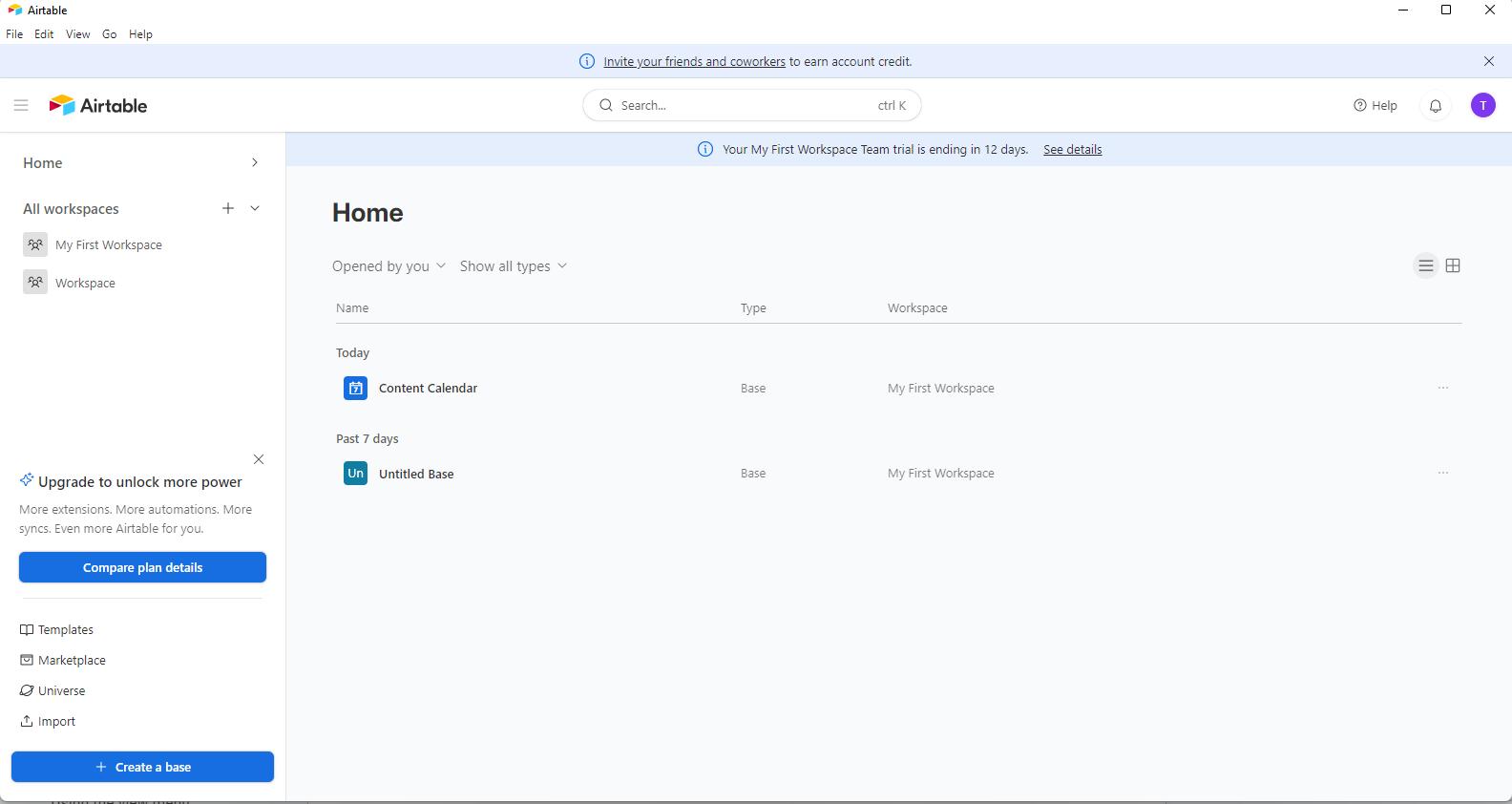
- Create an Airtable account and workspace.
- Build tables for Sites, Projects, Contacts, and Permits.
- Connect tables using Linked Records.
- Import spreadsheets or CSV files.
- Create custom views like Kanban or Gantt.
- Configure workflow automations.
- Build dashboards using Interface Designer.
How to Use Airtable
Project managers typically use Airtable dashboards to monitor installations, track project progress, and manage EPC workflows.
Field technicians can upload survey images and update project records directly from mobile devices.
Operations teams use filters and dashboards to identify maintenance needs, permit status updates, and budget performance.
What You Can Manage with Airtable
- Site Selection — GIS data, surveys, and land ownership tracking
- Project Timelines — EPC milestones and deadlines
- Inventory and Assets — Panels, inverters, and warehouse tracking
- Vendors and Contractors — Contracts and supplier management
- Permits and Compliance — Regulatory approval tracking
- Automated Reports — Budget and project health monitoring
FAQs
What does Airtable do?
Airtable is a no-code database platform that helps teams organize information, automate workflows, and manage projects more efficiently.
Who is Airtable best for?
Airtable is ideal for teams that need more structure and collaboration than traditional spreadsheets can provide.
Is Airtable free?
Yes, Airtable offers a free plan with limited records and automation capabilities.
How much does Airtable cost?
Paid plans start at $20 per user/month for Team plans and $45 per user/month for Business plans.
What are the main limitations of Airtable?
The platform can become expensive for large teams and may slow down when handling complex datasets.
What are the best alternatives to Airtable?
- Smartsheet
- Monday.com
- Notion
- SmartSuite
- NocoDB