Procore
Pros
- Acts as a centralized source of truth for project teams.
- Unlimited user model simplifies collaboration.
- Excellent mobile application for field operations.
- Highly scalable for complex multi-site construction portfolios.
- Large integration marketplace reduces manual data entry.
- Strong security, compliance, and enterprise support.
Cons
- High pricing may be difficult for smaller contractors.
- Requires significant onboarding and training.
- Implementation can be time-consuming for large organizations.
- Advanced features may require additional paid modules.
- Learning curve can be steep for less technical users.
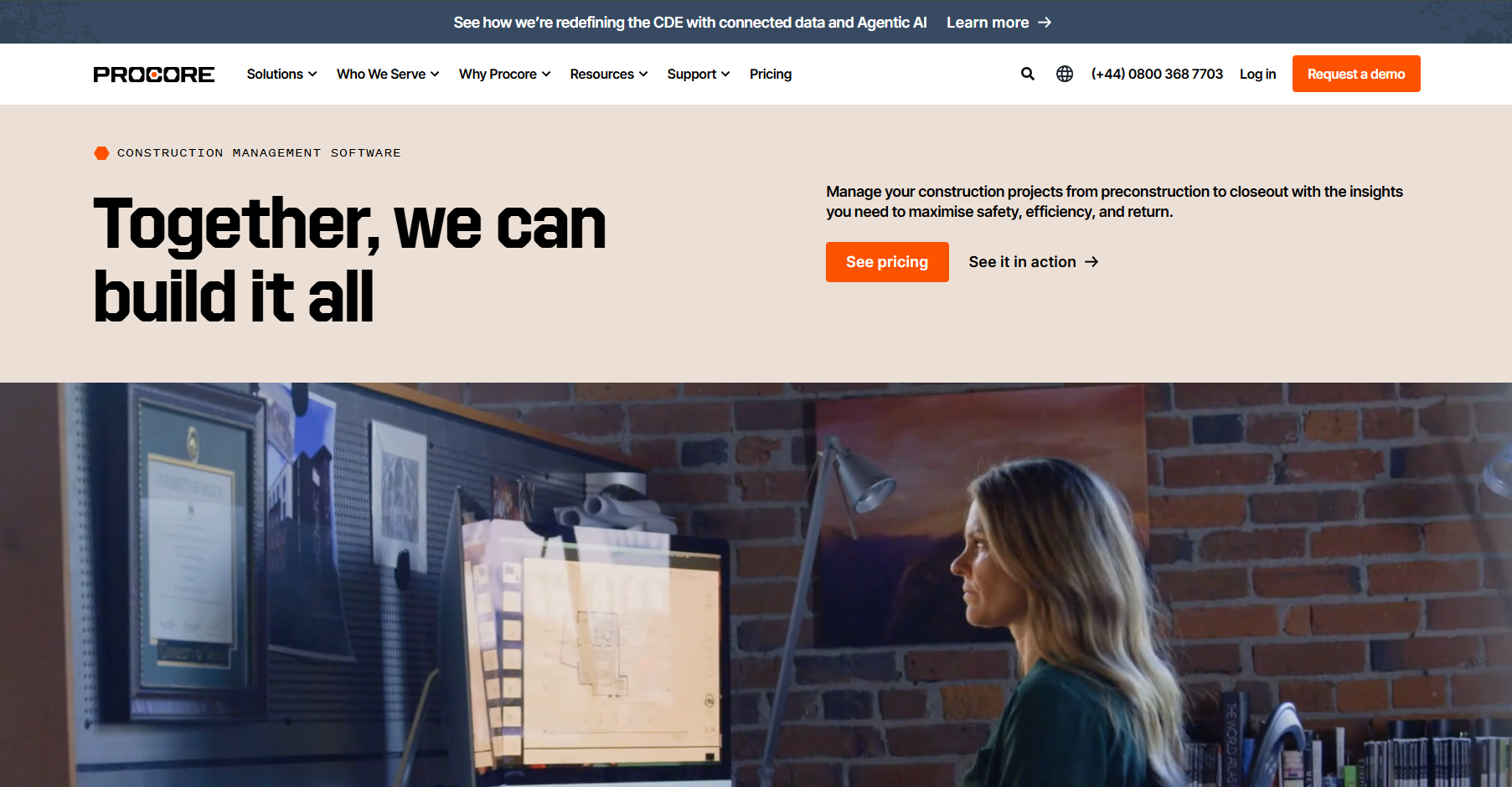
Construction and infrastructure projects often suffer from disconnected communication, scattered documentation, and delayed reporting. Teams working across multiple jobsites frequently struggle to keep drawings, budgets, schedules, and field updates synchronized, leading to costly mistakes and operational inefficiencies. Procore solves these challenges by centralizing project management into one cloud-based construction platform.
Built specifically for the Architecture, Engineering, and Construction (AEC) industry, Procore helps owners, contractors, architects, and subcontractors collaborate through a single source of truth. The platform combines field operations, financial management, document control, and safety workflows into one scalable ecosystem used on millions of construction projects worldwide.
What Is Procore?
Procore is a cloud-based construction management platform designed to manage the full lifecycle of construction projects from preconstruction and bidding through project closeout.
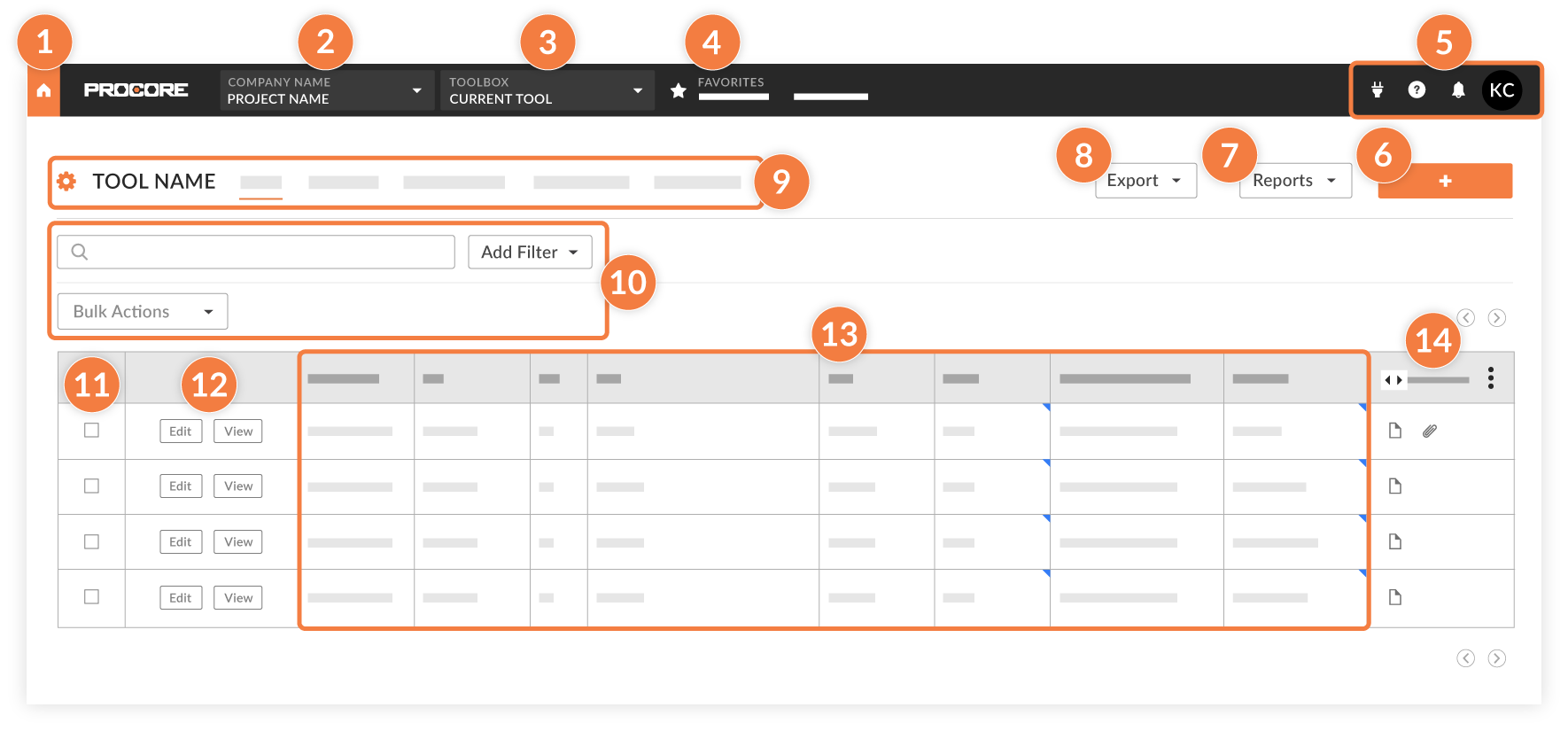
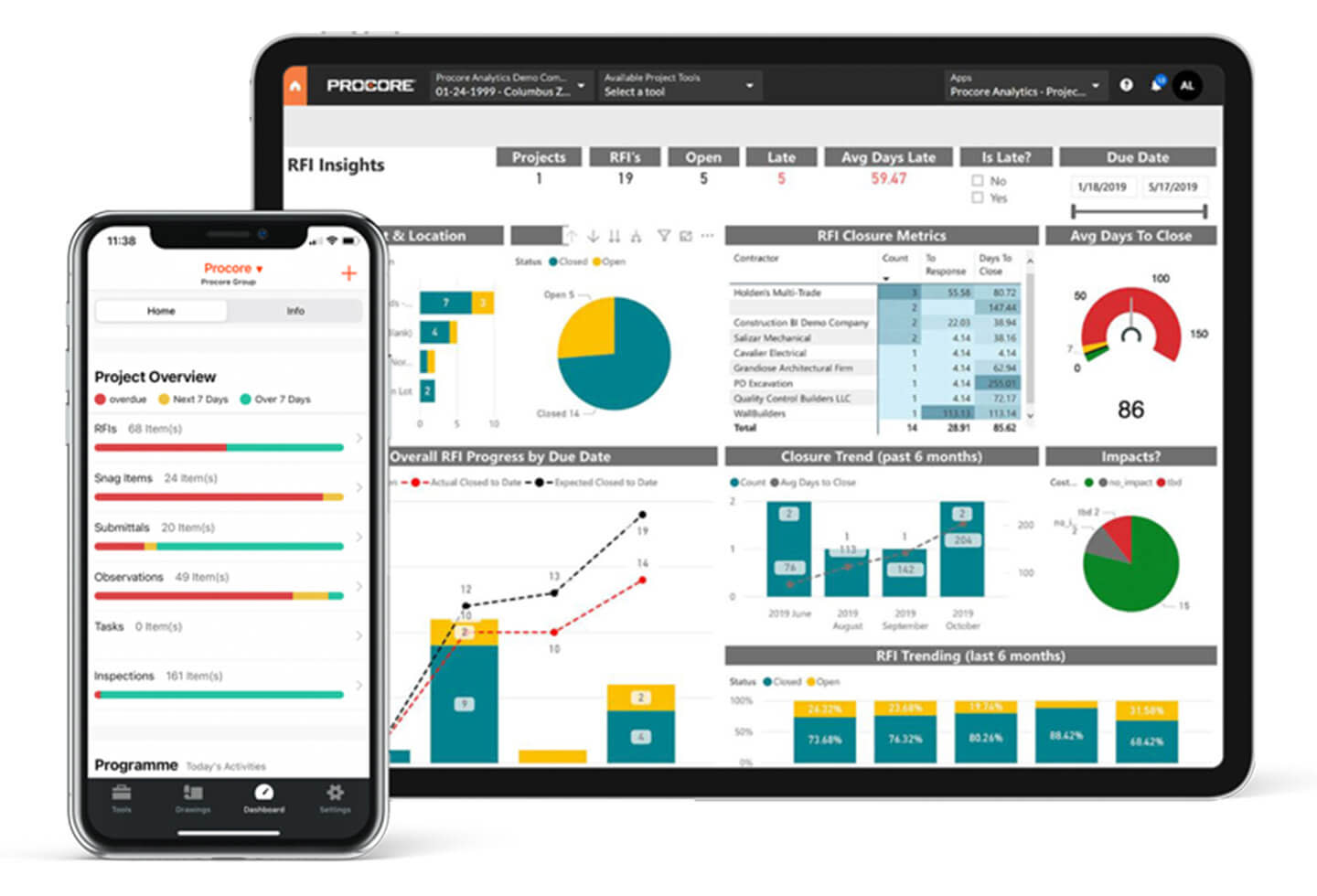
The software centralizes project communication, financials, scheduling, drawings, RFIs, inspections, and field reporting into one platform accessible through both web and mobile applications.
Features
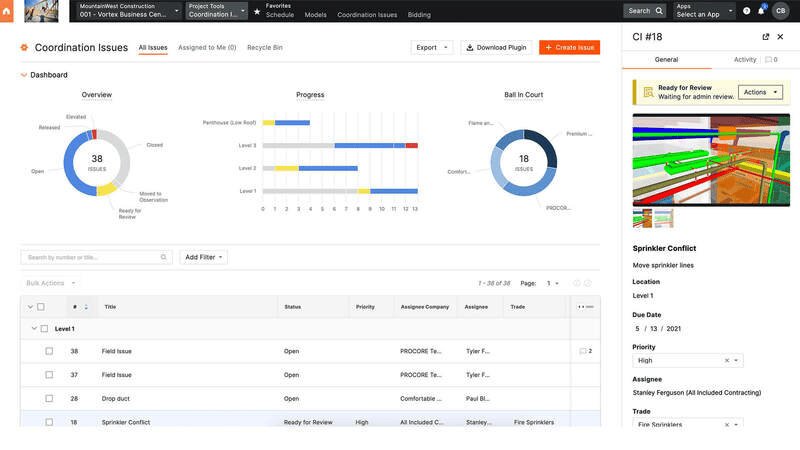
- Project Management and Document Control: Centralize drawings, RFIs, specifications, and project communication.
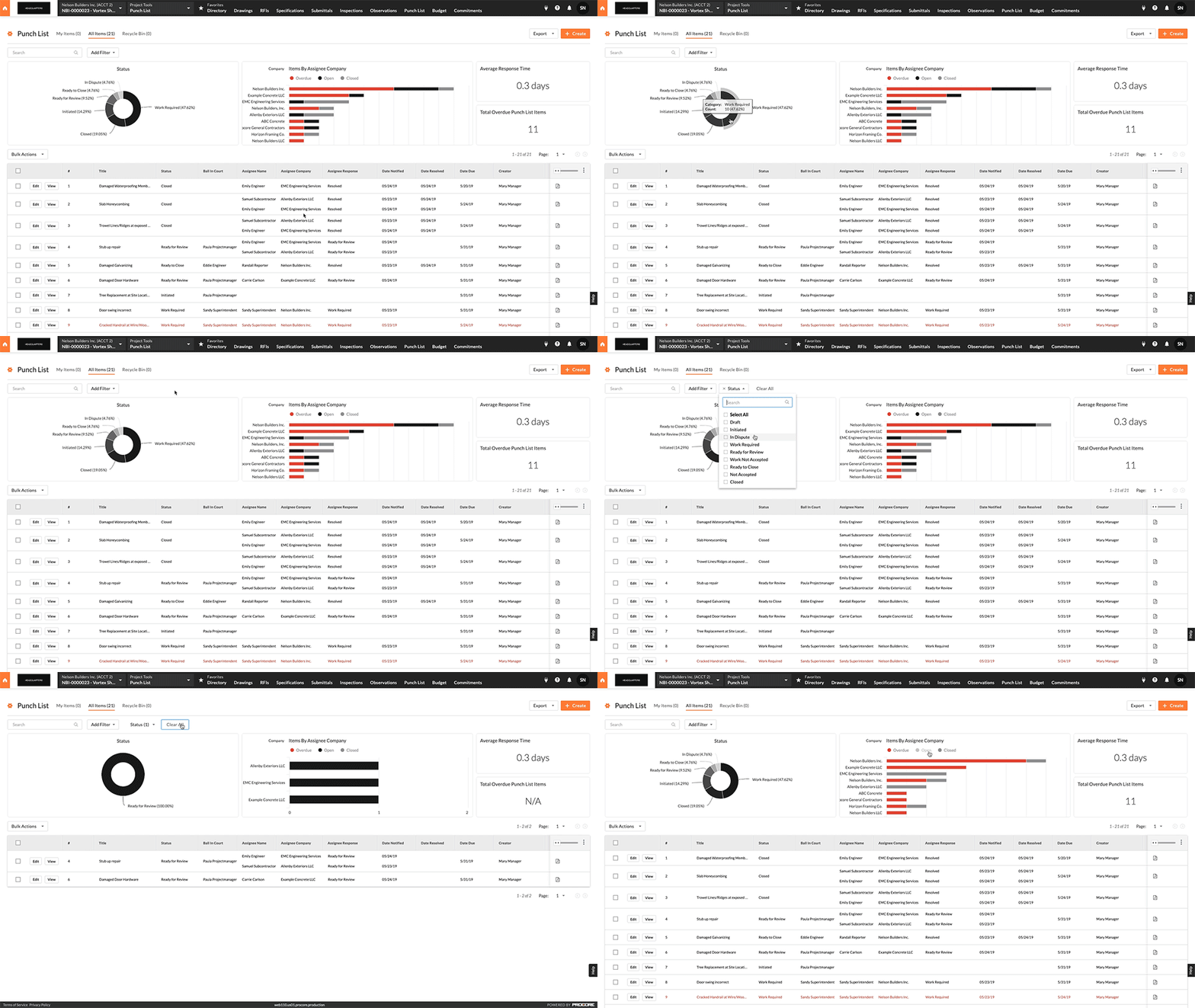
- Quality and Safety Management: Create inspections, punch lists, and digital safety workflows.
- Financial Management: Track budgets, contracts, labor costs, and change orders in real time.
- Resource Management and Scheduling: Coordinate labor, equipment, and project timelines visually.
- Preconstruction and Bid Management: Manage bids, subcontractors, and estimating workflows.
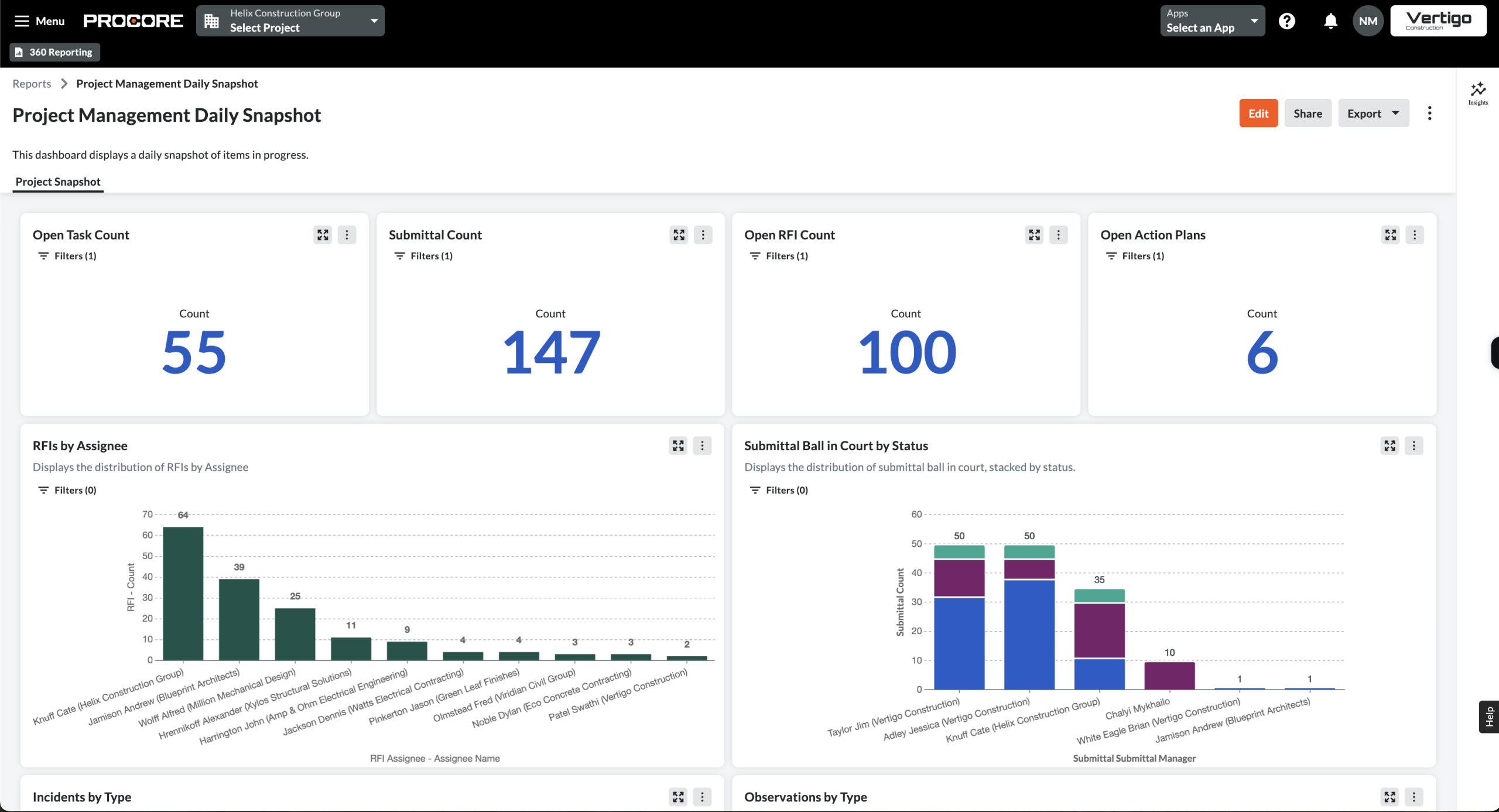
- Advanced Analytics and AI: Use predictive analytics and portfolio-level reporting tools.
- Mobile Field Productivity: Capture photos, daily logs, and field reports directly from jobsites.
Screenshots
Procore Pricing
Procore uses a custom enterprise pricing model based on Annual Construction Volume (ACV) and selected product modules.
- Custom Quotes: Pricing depends on company size, construction volume, and selected modules.
- Unlimited User Model: Most subscriptions allow unlimited collaborators and subcontractors.
- Free Demo: Personalized demonstrations are available before purchase.
- Implementation Costs: Initial onboarding and training fees may apply.
- Enterprise Scalability: Pricing increases significantly for large organizations and advanced modules.
Integrations
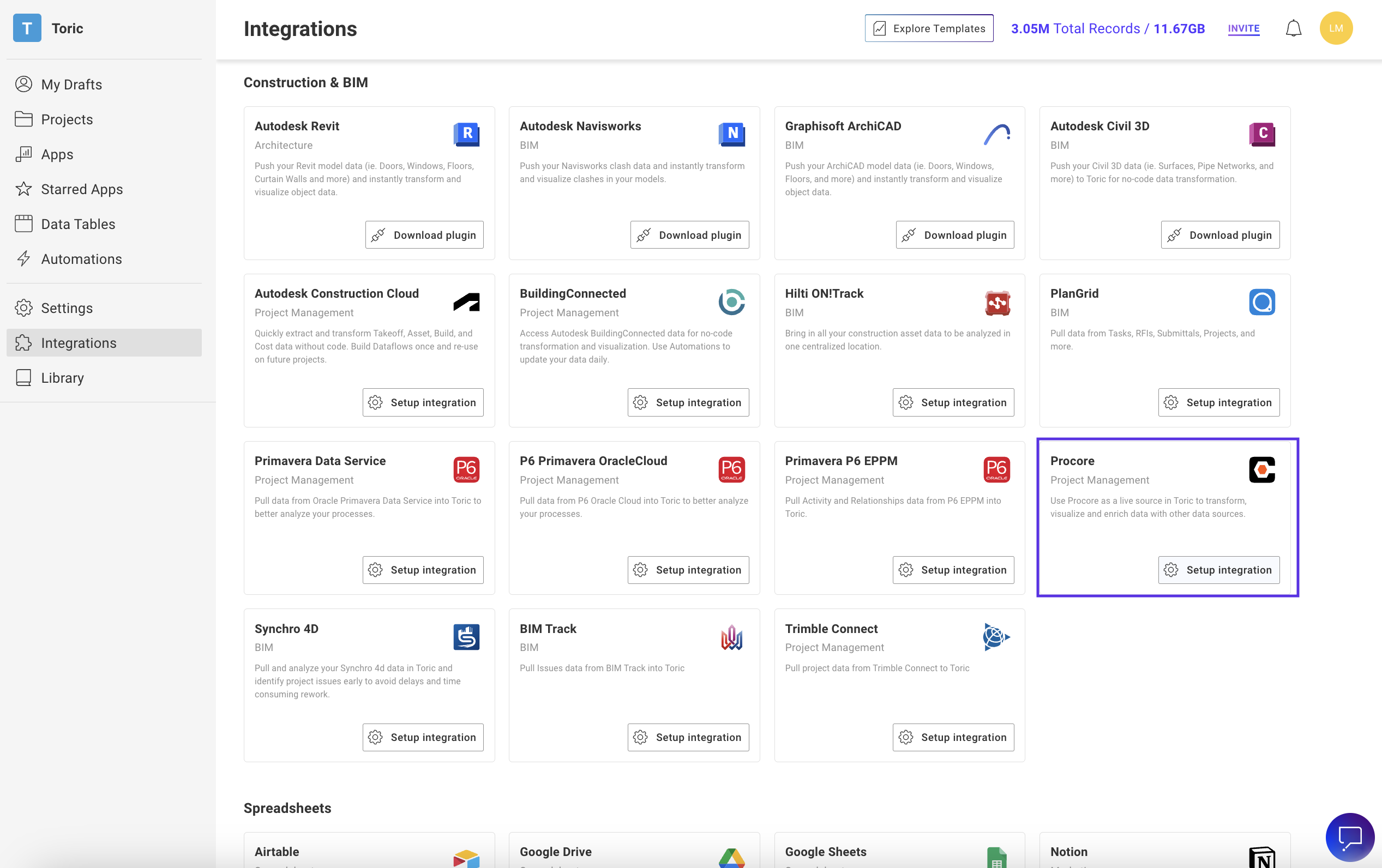
Procore integrates with more than 500 construction, accounting, and productivity platforms.
- Accounting and ERP: Sage, QuickBooks, NetSuite, Acumatica, and other ERP systems.
- Design and BIM: AutoCAD, Revit, Bluebeam, and BIM workflows.
- Scheduling Platforms: Microsoft Project and Primavera P6.
- Communication Tools: Microsoft 365, Google Workspace, Zoom, and Slack.
- APIs and Webhooks: Custom enterprise integrations and automation support.
How to Set Up Procore
- Request a demo and receive a custom pricing consultation.
- Assign an internal Procore administrator to manage implementation.
- Import drawings, contacts, budgets, and project templates.
- Configure permissions and workflow settings.
- Connect ERP, accounting, and scheduling software integrations.
- Train field and office teams before going live.
How to Use Procore
Field teams typically use the mobile app to submit daily logs, upload site photos, review drawings, and document project progress directly from the jobsite. If issues arise, RFIs and punch list items can be created instantly and routed to the appropriate stakeholders.
Meanwhile, office teams monitor budgets, track change orders, manage submittals, and coordinate project schedules through centralized dashboards. Automated workflows and real-time reporting help keep projects aligned across field and office operations.
What You Can Manage with Procore
- Construction Documents: Store and manage drawings, specifications, and RFIs.
- Project Financials: Track budgets, invoices, contracts, and change orders.
- Field Operations: Coordinate labor, equipment, and daily reporting.
- Safety and Quality: Manage inspections, incidents, and punch lists.
- Subcontractor Workflows: Coordinate bidding and subcontractor communication.
- Project Scheduling: Monitor milestones and construction timelines.
FAQs
What does Procore do?
Procore centralizes construction project management by combining field operations, document control, financial management, scheduling, and safety workflows into one cloud platform.
Who is Procore best for?
It is designed for general contractors, specialty trades, owners, and construction firms managing medium-to-large commercial and infrastructure projects.
Is Procore free?
No, Procore is a commercial enterprise platform that requires custom annual subscription pricing.
What are the main limitations of Procore?
Main limitations include high implementation costs, onboarding complexity, and the steep learning curve associated with enterprise-level construction management systems.
What are the best alternatives to Procore?
Popular alternatives include Autodesk Construction Cloud, Buildertrend, Fieldwire, JobNimbus, and other construction project management platforms.