Buildertrend
Pros
- All-in-one platform for construction business management.
- Strong mobile app for field operations.
- Professional client communication portal.
- Unlimited photo and document storage.
- Excellent onboarding, training, and customer support.
- Real-time synchronization between office and field teams.
- Built specifically for residential construction workflows.
Cons
- No transparent public pricing.
- Learning curve due to the large feature set.
- Can be expensive for very small contractors.
- Some users may find the interface crowded.
- Exporting large amounts of data may take effort.
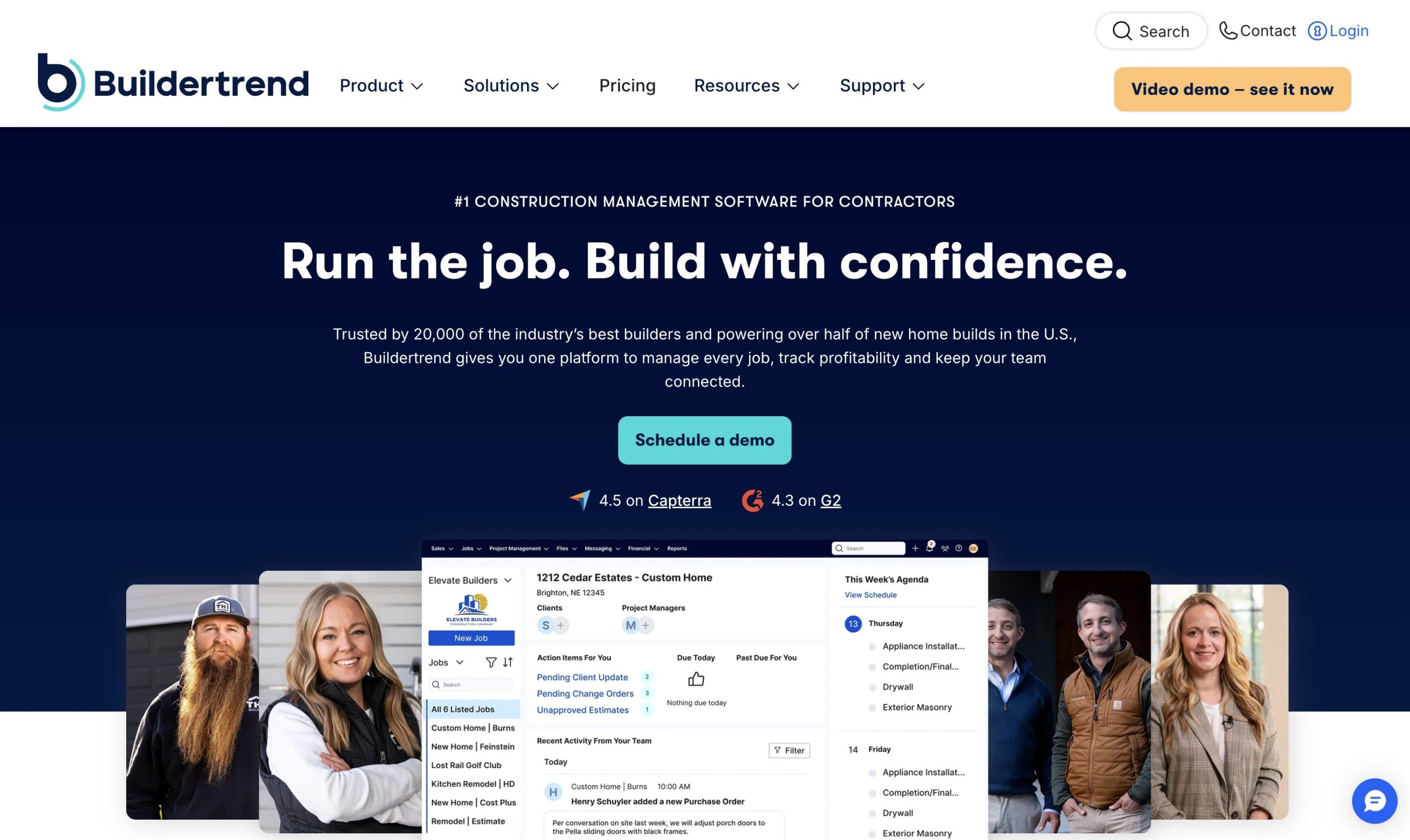
Running a construction business means balancing a lot at once—everything from sub schedules and client changes to tight budgets and new leads. Without one central place to keep it all, details often get lost in messy email threads, random spreadsheets, or paper notes, which usually leads to mistakes and delays. Buildertrend was created to fix that chaos, offering a single home where everyone involved—the office staff, the guys in the field, and the homeowners—can stay on the same page.
Most residential builders turn to Buildertrend when they are ready to grow their business or want to give their clients a more professional experience. By moving everything to the cloud, builders can spend less time on paperwork and more time being productive. While it is built for pros, the real goal is simple: keep projects moving on time and make sure they stay profitable through clear, real-time data.
What Is Buildertrend?
Buildertrend is a complete cloud-based platform made specifically for the construction world. It is tailor-made for home builders, remodelers, and specialty contractors who handle projects with a lot of moving parts.
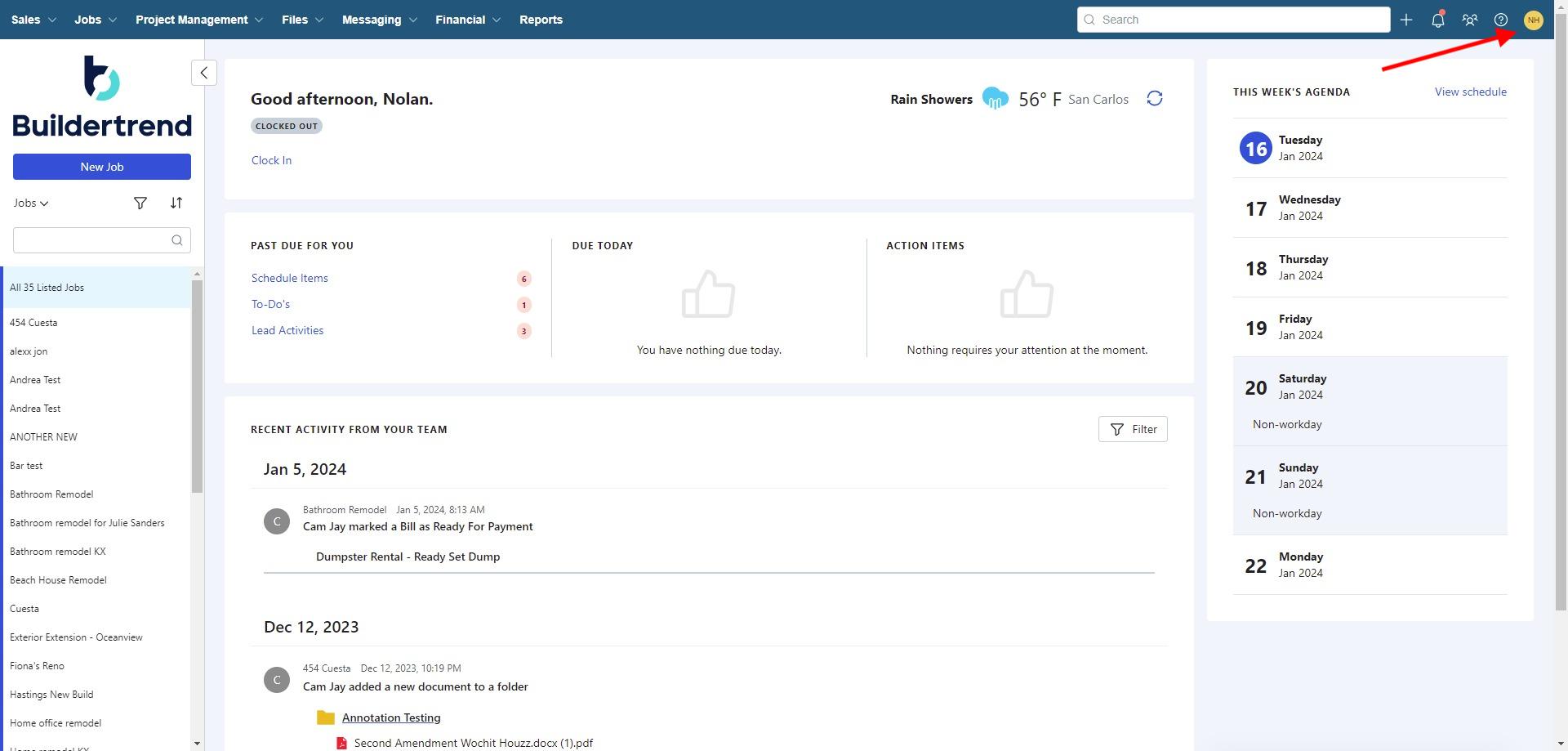
The platform connects field operations with office management through mobile apps, scheduling systems, financial tools, and client portals. It helps construction companies organize projects, communication, budgets, and daily operations from one central location.
Features
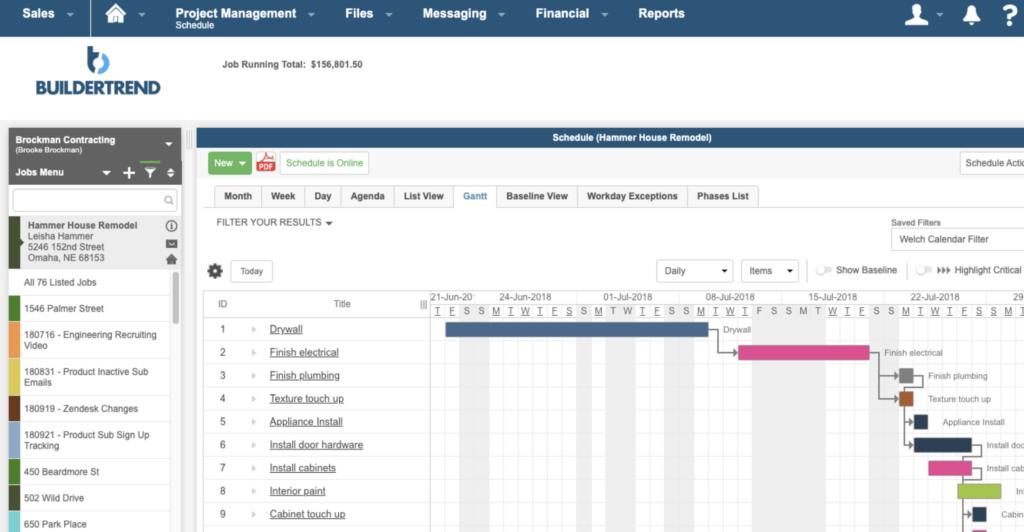
- Project scheduling: Dynamic calendars and Gantt charts for tracking project timelines.
- Daily logs: Upload site photos, videos, and GPS-tagged updates from the field.
- Financial management: Manage estimates, budgets, invoices, and purchase orders.
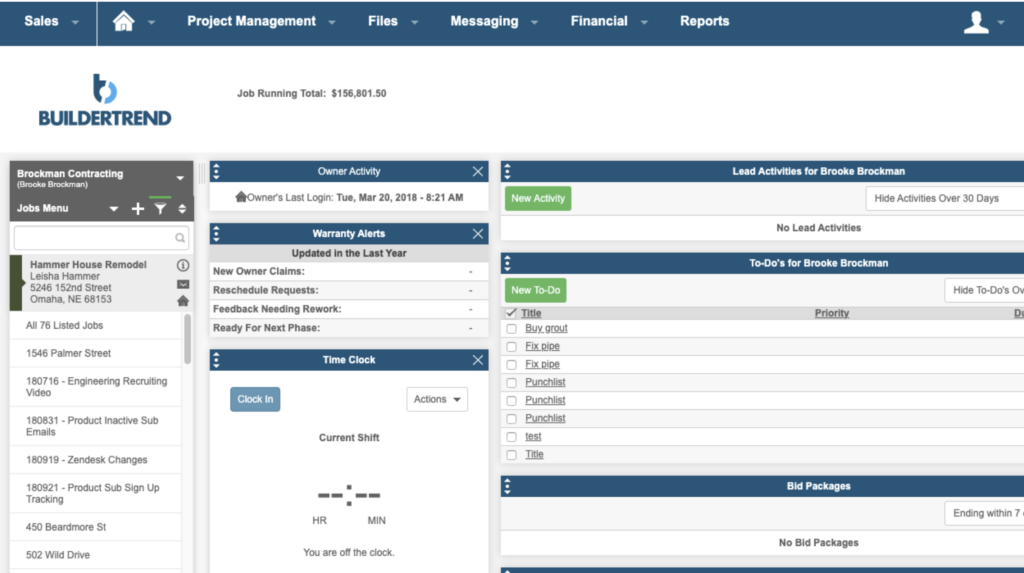
- Client portal: Let homeowners review updates, approve changes, and make payments online.
- Lead management and CRM: Track sales opportunities and proposals.
- Subcontractor portal: Coordinate schedules and bid requests with trade partners.
- Time clock: Mobile workforce time tracking for payroll and labor costing.
- Selection management: Help clients manage finish and fixture selections.
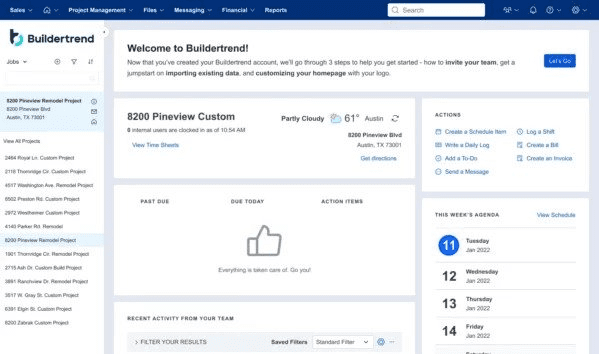
Screenshots
Buildertrend Pricing
Buildertrend uses custom pricing based on company size, annual revenue, project volume, and selected features.
- Custom Quotes: Pricing is personalized after speaking with the sales team.
- Live Demo: Businesses can request a product walkthrough.
- Monthly Pricing: Smaller companies generally pay several hundred dollars per month.
- Annual Discounts: Annual billing may provide up to 10% savings.
- Unlimited Users: Most plans include unlimited projects and team members.
Integrations
Buildertrend integrates with accounting, CRM, productivity, and payroll platforms.
- Accounting: QuickBooks Online, QuickBooks Desktop, Xero.
- CRM and Marketing: HubSpot, Salesforce, Pipedrive.
- Productivity: Microsoft Outlook, Google Calendar, Excel.
- Payroll and HR: Gusto integration.
- Construction Tools: Various estimating and takeoff software solutions.
How to Set Up Buildertrend
- Request a demo and receive a custom quote.
- Complete onboarding with a Buildertrend success manager.
- Customize branding, templates, and client portal settings.
- Configure project templates and cost codes.
- Add employees, subcontractors, and vendors.
- Connect accounting systems like QuickBooks or Xero.
How to Use Buildertrend
Project managers and field supervisors use Buildertrend to create schedules, update daily logs, upload site media, and coordinate subcontractors.
Clients can review project progress, approve change orders, select finishes, and make payments through the dedicated portal. Financial teams use the platform for invoicing, budgeting, and reporting.
What You Can Manage with Buildertrend
- Project schedules and timelines: Manage project phases and deadlines.
- Site documentation: Store photos, videos, and progress reports.
- Client communication: Centralize approvals, selections, and updates.
- Budgets and job costing: Track project expenses in real time.
- Subcontractor management: Coordinate bids, schedules, and purchase orders.
- Sales pipelines: Manage leads and proposal generation.
- Digital signatures: Approve contracts and change orders online.
- Payroll and labor tracking: Monitor team time and workforce costs.
FAQs
What does Buildertrend do?
Buildertrend helps construction companies manage scheduling, budgeting, client communication, subcontractors, and project workflows in one cloud-based platform.
Who is Buildertrend best for?
It is designed for residential builders, remodelers, and specialty contractors managing multiple active projects.
Is Buildertrend free?
No, Buildertrend is a paid subscription platform and does not offer a free version.
How much does Buildertrend cost?
Pricing is customized based on company size, annual revenue, and feature requirements.
What are the main limitations of Buildertrend?
The biggest drawbacks are the lack of public pricing, the learning curve for new users, and pricing that may not fit very small contractors.
What are the best alternatives to Buildertrend?
Popular alternatives include CoConstruct, Procore, JobTread, Houzz Pro, Projul, and JobNimbus.