JobNimbus
Pros
- Purpose-built for roofing and exterior trades with industry-specific tools throughout
- 4.8-star rating across iOS and Android app stores from 5,000-plus reviews
- Live supplier pricing and one-click ordering from Beacon, SRS, ABC Supply, and QXO
- Customizable workflows with automation that cut repetitive manual steps
- 14-day free trial with no credit card required
Cons
- Pricing is not publicly listed and requires a custom quote request
- Engage texting is a paid add-on rather than included by default
- Setup takes time, particularly for teams migrating data or building custom workflows
Most roofing contractors have tried piecing together a handful of apps to run their business — and most have felt the frustration when those apps don’t talk to each other. JobNimbus was built to fix that. Trusted by over 6,000 roofing businesses and rated 4.8 stars across the iOS and Android app stores, it brings leads, jobs, estimates, and payments into one place.
What Is JobNimbus?
JobNimbus is a cloud-based CRM and project management platform designed for contractors in roofing, siding, gutters, fencing, solar, and other exterior trades. From the moment a lead comes in to the day the final invoice gets paid, everything runs through one platform. No jumping between tools. No re-entering data. JobNimbus works on the web, iOS, and Android, and it’s flexible enough to mirror how your team already operates.
Features
Here is a look at what JobNimbus includes across its platform:
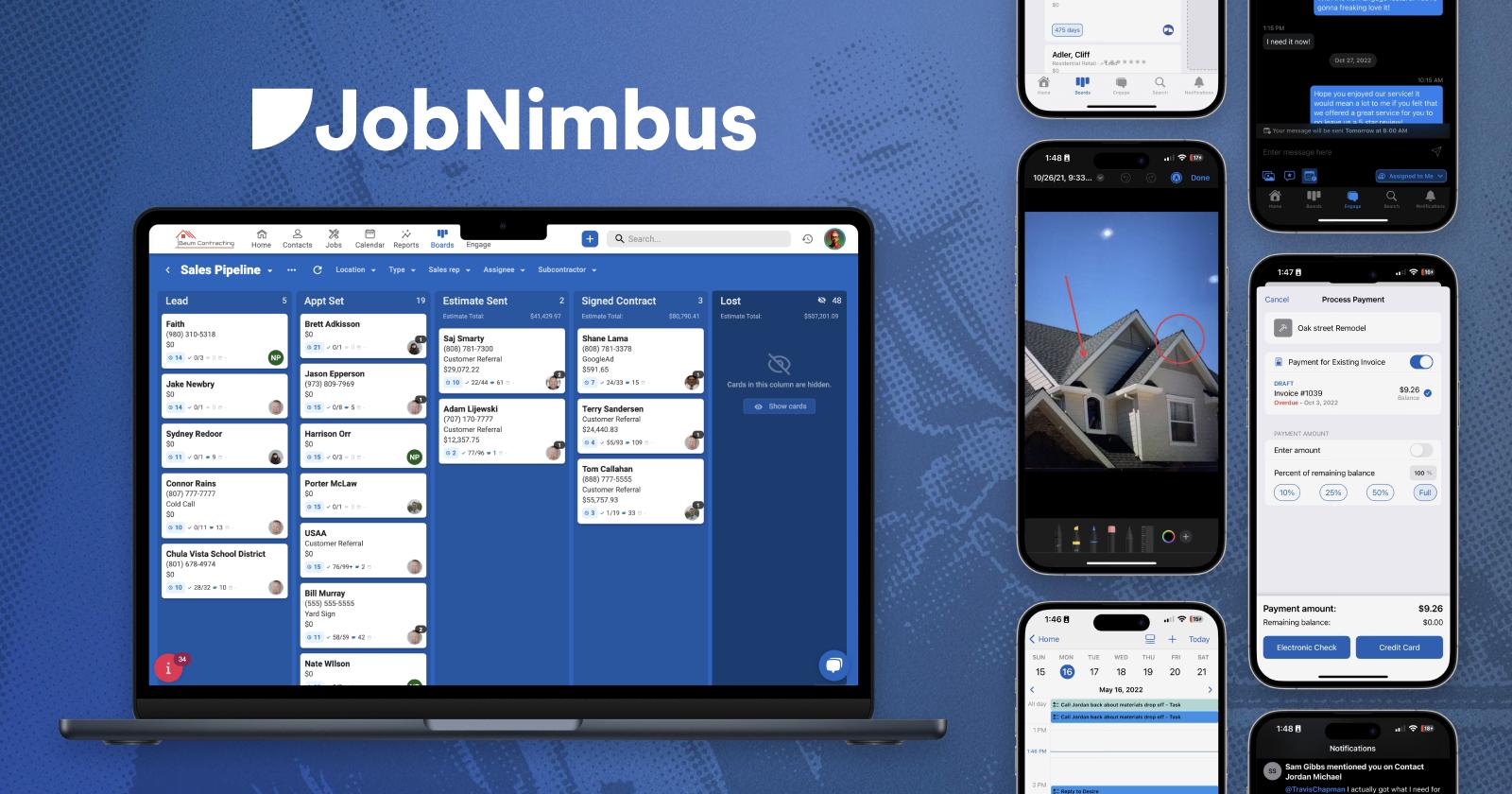
- Visual sales pipeline with drag-and-drop boards to move leads through each stage
- Estimates and proposals built using SumoQuote, now part of the JobNimbus family
- One-click material ordering with real-time pricing through Beacon PRO+, SRS, ABC Supply, and QXO
- Work order creation and subcontractor assignment directly from estimates
- Engage texting with a shared inbox, automated SMS, and multi-number support
- Aerial measurement ordering from EagleView and HOVER within the job folder
- Customer financing through Wisetack — loans up to $25K with instant homeowner approvals
- JobNimbus Payments for credit card, debit card, and ACH payment collection
- Workflow automation triggered by job status changes
- Job photo capture with annotation and photo report generation from the mobile app
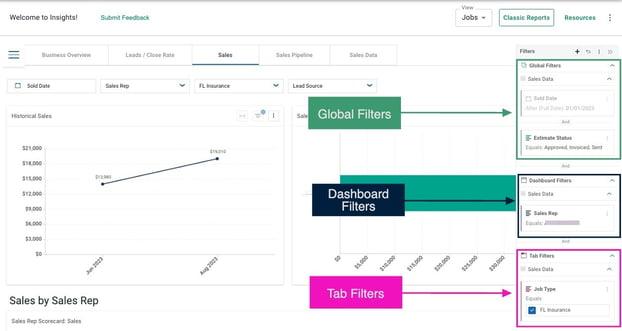
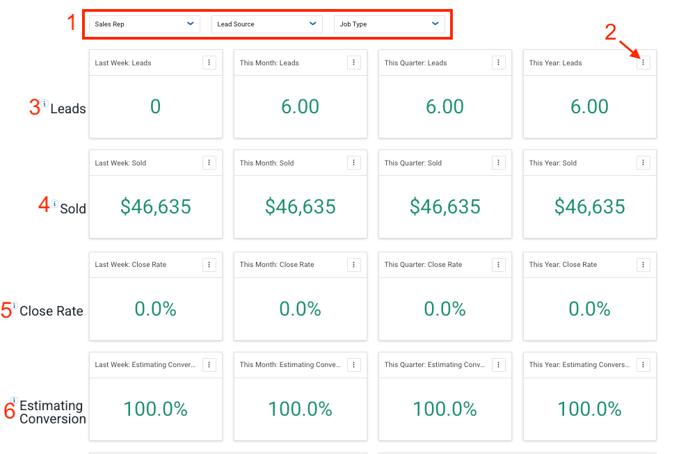
- Reports and Insights dashboard for tracking revenue, pipeline totals, and team performance
JobNimbus Pricing
JobNimbus does not publish fixed pricing on its website. Plans are tiered as Essentials, Pro, Premium, and Enterprise, with costs based on team size, the number of users, and the features or add-ons selected.
There is an account-level base price for the CRM, plus role-specific pricing for Admin, Sales, and Field team members. No setup or onboarding fees are required on standard plans. A 14-day free trial is available with no credit card required, and you can request a custom quote directly from jobnimbus.com.
Integrations
JobNimbus connects with a wide range of tools that contractors already use day to day. Confirmed integrations from the website include:
- QuickBooks (Desktop, Online, and Server), Beacon PRO+, SRS Distribution,
- ABC Supply, QXO, EagleView, h
- HOVER, CompanyCam, SalesRabbit,
- Roofle, SumoQuote, Wisetack,
- Sunlight Financial, Google Calendar, Google Maps,
- HailTrace, Podium, Spotio,
- naturalForms, Get The Referral, Simplii,
- mySalesman, Toolsey, and Zapier.
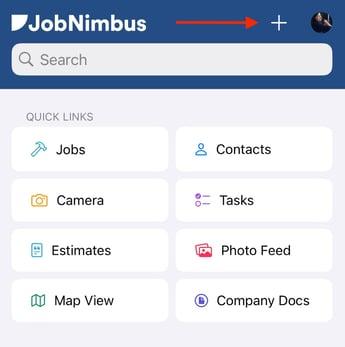
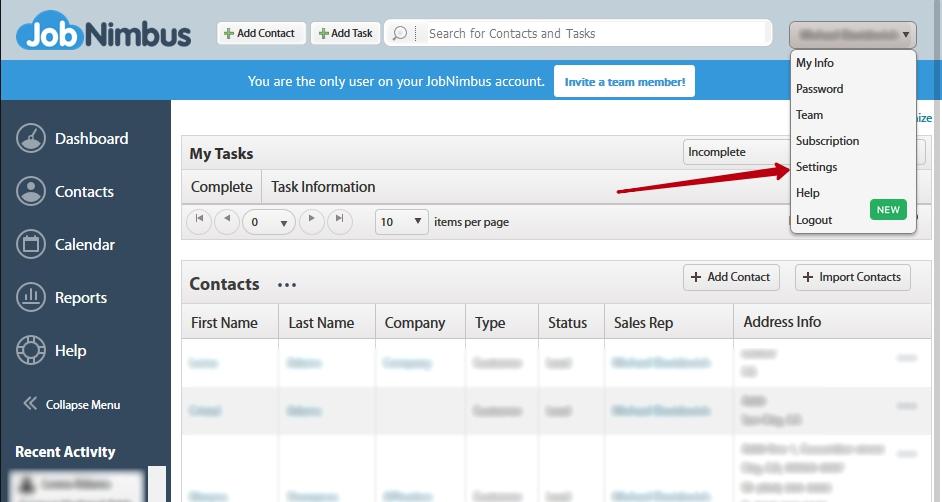
Screenshots
How to Set Up JobNimbus
Getting started takes a few focused steps before your team is up and running:
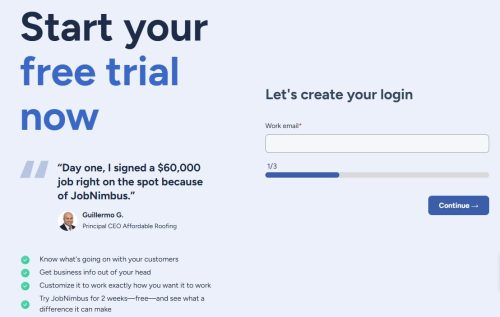
- Start your 14-day free trial at jobnimbus.com — no credit card needed.
- Configure your contacts, pipeline stages, and job types during onboarding.
- Build workflow automations to match your sales and production process.
- Add team members and assign role-based access for Admin, Sales, and Field users.
- Connect integrations like QuickBooks and supplier accounts.
- Import existing contacts and job data, or engage the Pro Services team for a guided migration.
How to Use JobNimbus
Day-to-day use follows a straightforward rhythm once your account is configured:
- Log in through the web or mobile app and check your pipeline for open leads and active jobs.
- Add new contacts from the field using the mobile app after a canvassing visit or site inspection.
- Build and send estimates using SumoQuote with materials pulled from live supplier pricing.
- Text customers through Engage and keep the whole team informed through a shared inbox.
- Assign work orders to crews or subcontractors and then track job progress on the production board.
- Collect payment on-site via JobNimbus Payments and sync it to QuickBooks automatically.
How to Create with JobNimbus
Every job folder in JobNimbus doubles as a hub for the client-facing documents your business depends on:
- Generate polished proposals through SumoQuote that read more like a sales presentation than a standard quote.
- Build photo reports from annotated job site images to share with homeowners or insurance adjusters.
- Create invoices directly from estimates with no re-entry required.
- Sync collected payments to QuickBooks automatically once a transaction goes through.
- Store every document, photo, and job note in a single folder so nothing gets lost across email threads or shared drives.
FAQs
Does JobNimbus work for solar contractors?
Yes. JobNimbus lists solar as a supported industry alongside roofing, siding, gutters, fencing, and others, with the CRM and project tools applying across all of them.
Is there a setup or onboarding fee?
Standard plans come with no setup fees. Teams that need hands-on help with data migration or custom workflow builds can opt into paid Pro Services for a more guided rollout.
Does JobNimbus handle customer financing?
Yes. Through Wisetack, contractors can offer homeowners financing up to $25K with instant approval decisions, processed directly inside a job record in JobNimbus.