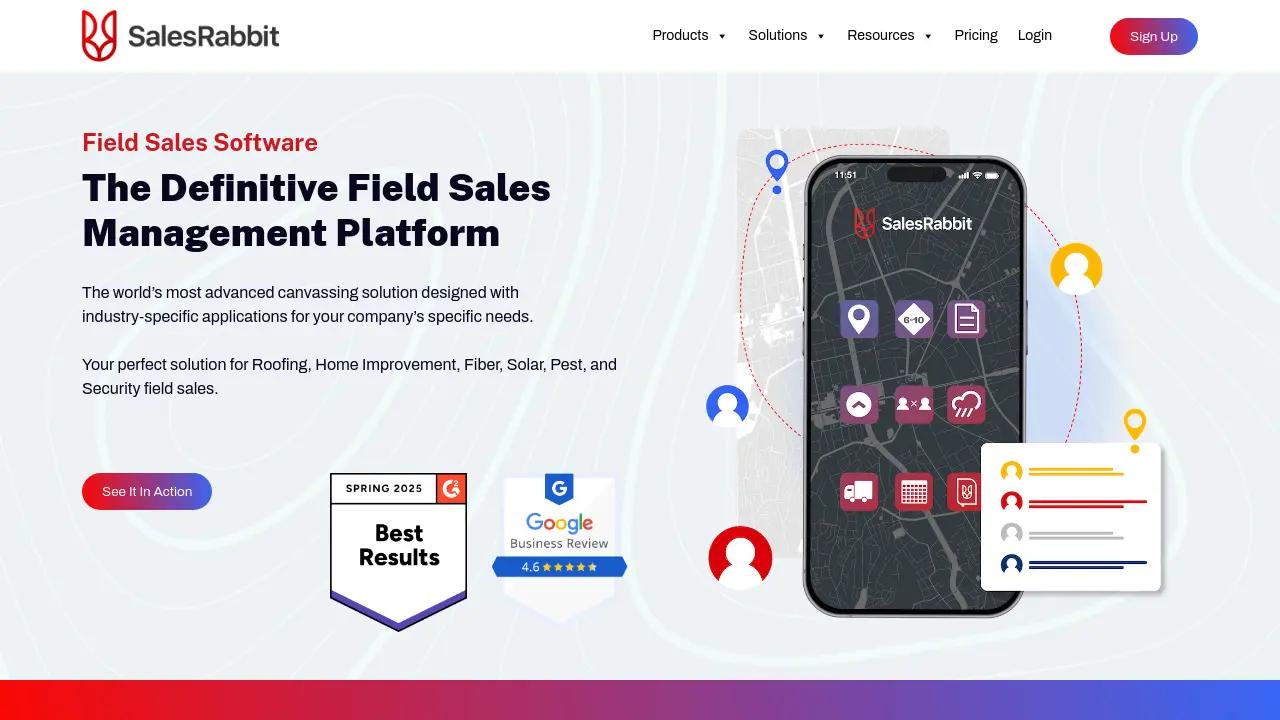
SalesRabbit
Pros
- Built specifically for outside and door-to-door sales operations.
- Excellent territory mapping and GPS tracking capabilities.
- Offline mobile functionality supports poor coverage areas.
- Strong integration ecosystem with major CRM platforms.
- Gamification tools help improve team engagement and productivity.
- Mobile interface is optimized for field usage.
Cons
- Add-on pricing can significantly increase total costs.
- Initial onboarding and training may require time and planning.
- Performance depends heavily on reps consistently logging activity.
- Free version is too limited for most growing teams.
- Per-user pricing may feel expensive for smaller businesses.
Outside sales teams often struggle with inefficient territory management, disconnected lead tracking, and poor visibility into field activities. Traditional workflows based on spreadsheets, paper maps, and manual updates make it difficult to coordinate large teams or optimize canvassing efforts effectively. SalesRabbit solves these challenges with a mobile-first field sales platform built specifically for door-to-door and outside sales operations.
Widely used in industries such as solar, roofing, pest control, and home services, SalesRabbit centralizes lead management, territory assignment, route planning, and rep tracking into one cloud-based system. This helps teams improve productivity, reduce missed opportunities, and streamline field sales operations.
What Is SalesRabbit?
SalesRabbit is a field sales management and Sales Force Automation (SFA) platform designed for door-to-door and outside sales teams.
The software combines mobile canvassing tools, GPS tracking, lead mapping, digital contracts, and management dashboards into a centralized environment that supports both field representatives and office managers.
Features
- Territory Management: Assign and organize sales regions to prevent overlap and improve coverage.
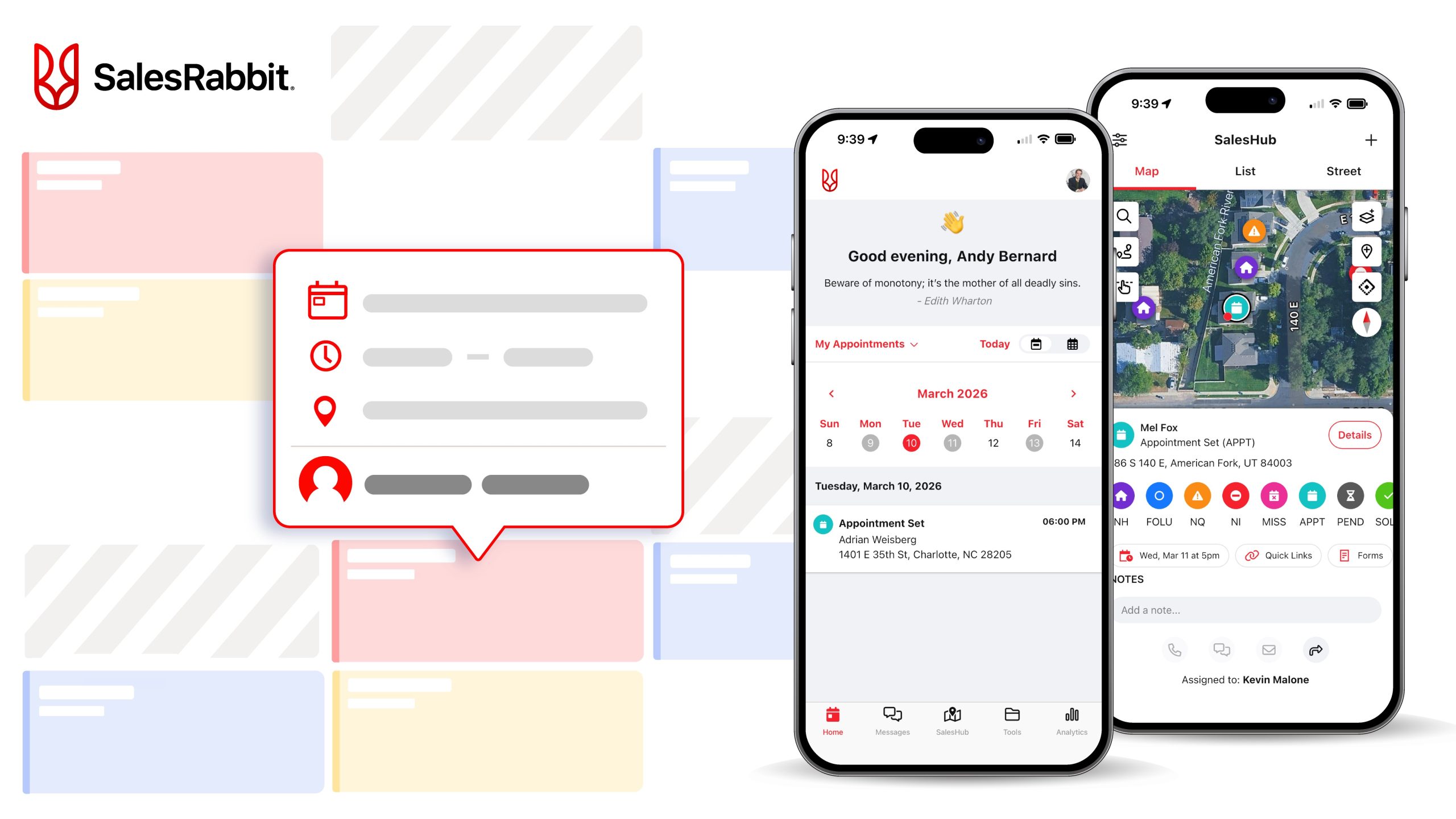
- Lead Tracking and Mapping: Track customer interactions visually using map-based lead pins and statuses.
- Route Optimization: Generate efficient canvassing routes to save travel time and fuel.
- DataGrid AI: Access homeowner insights such as property and demographic information.
- Digital Contracts: Create and sign agreements directly from mobile devices.
- Gamification and Leaderboards: Motivate teams with competitions and real-time rankings.
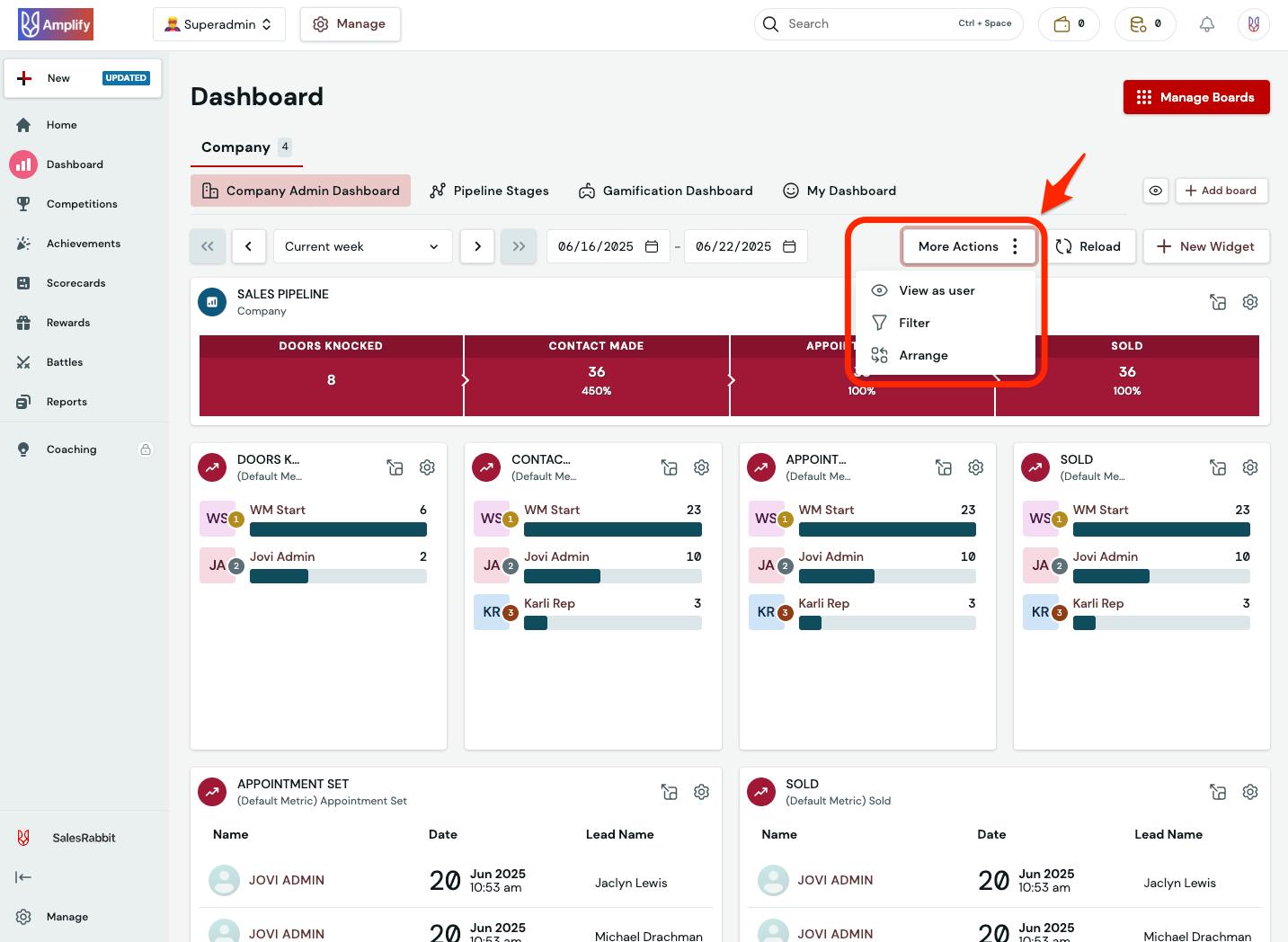
- Management Dashboards: Monitor rep activity, conversion rates, and territory performance.
Screenshots
SalesRabbit Pricing
SalesRabbit uses tiered subscription pricing based on users and enabled features.
- Lite Plan: Free version for one user with basic tracking and mapping.
- Team Plan: Approximately $59 per user/month with territory management and leaderboard tools.
- Pro Plan: Roughly $245/month for five users with API access and advanced canvassing tools.
- Enterprise Plan: Custom pricing for large organizations with SSO and dedicated support.
- Add-On Modules: Optional tools such as DataGrid AI, Digital Contracts, and Weather Overlays require additional fees.
- Setup Fees: One-time onboarding and training costs typically apply.
Integrations
SalesRabbit integrates with CRM systems, automation tools, and field sales applications.
- CRM Platforms: Salesforce, HubSpot, and Zoho CRM integrations.
- Solar and Roofing Platforms: Integrations with JobNimbus and Sunlight Financial.
- Automation Tools: Zapier connectivity for workflows with Google Sheets, Slack, and other apps.
- Identity Providers: Supports SSO integrations with Okta and Google.
- Communication Tools: Connects with messaging and scheduling applications.
How to Set Up SalesRabbit
- Book a demo or speak with the SalesRabbit team to select the correct plan.
- Complete onboarding and configure territories, lead statuses, and workflows.
- Add team members and assign permissions.
- Install the mobile app for field representatives.
- Connect CRM systems and external tools through integrations or Zapier.
- Begin assigning territories and managing canvassing operations.
How to Use SalesRabbit
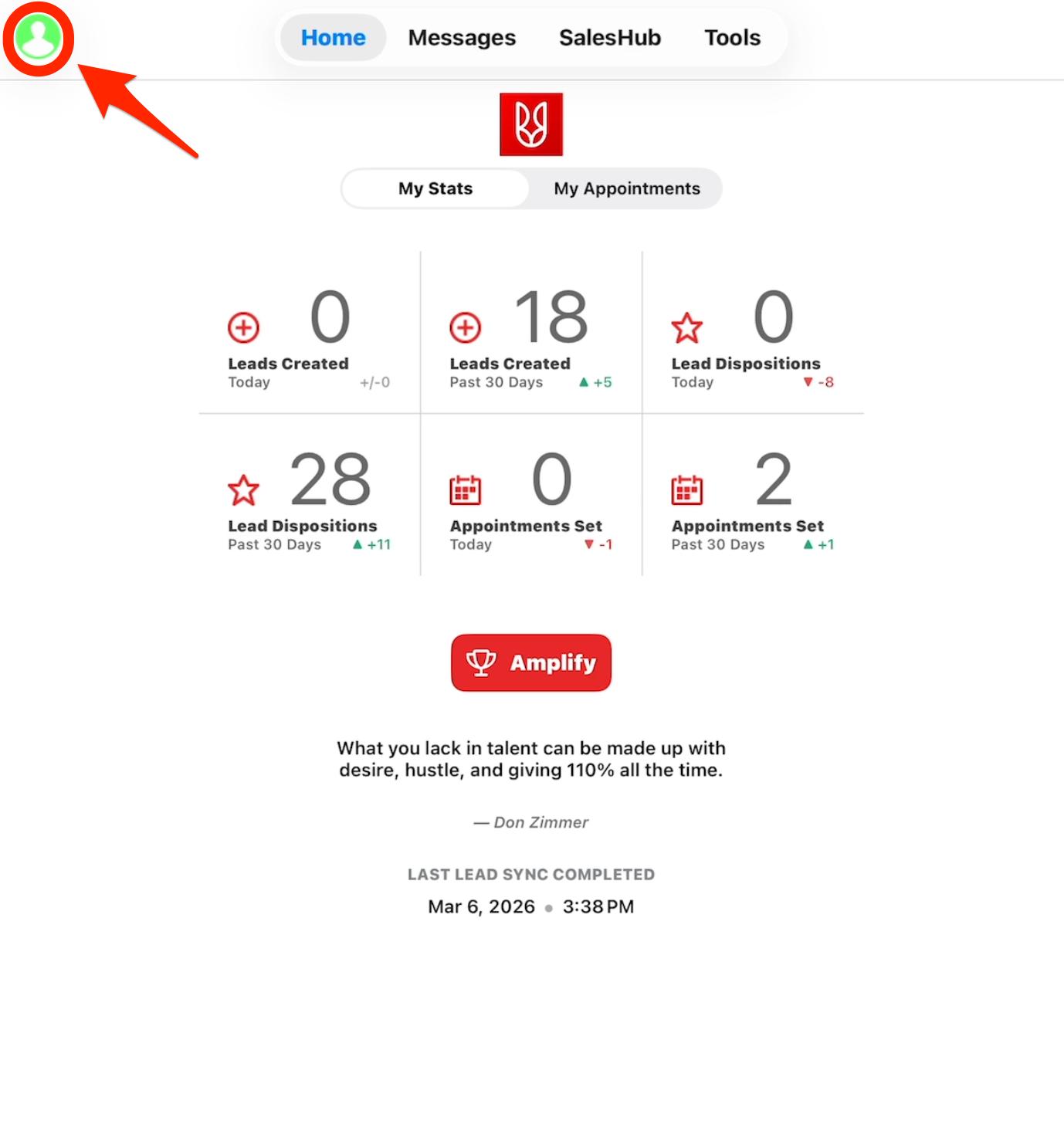
Managers typically begin by assigning territories and reviewing performance dashboards through the web portal. Field representatives then use the mobile app to navigate routes, log lead interactions, and update prospect statuses directly from the field.
When opportunities are identified, reps can collect customer information, schedule follow-ups, and generate digital contracts directly inside the app. Managers can monitor live rep activity and analyze conversion performance while CRM systems stay synchronized automatically.
What You Can Manage with SalesRabbit
- Sales Territories: Organize geographic canvassing and team assignments.
- Lead Pipelines: Track prospects from initial contact through closing.
- Rep Activity: Monitor knock counts, locations, and conversion metrics.
- Customer Records: Store field notes, contact information, and sales history.
- Digital Agreements: Manage contracts and e-signatures in the field.
- Performance Analytics: Analyze team productivity and territory effectiveness.
FAQs
What does SalesRabbit do?
SalesRabbit helps outside sales teams manage territories, track leads, optimize routes, and coordinate field operations using mobile and cloud-based tools.
Who is SalesRabbit best for?
It is designed for door-to-door and field sales teams in industries such as solar, roofing, pest control, and home services.
Is SalesRabbit free?
Yes, SalesRabbit offers a limited free Lite plan for individual users, though most business teams require paid subscriptions.
Does SalesRabbit support integrations?
Yes, SalesRabbit integrates with major CRM systems such as Salesforce and HubSpot, along with thousands of apps through Zapier.
What are the main limitations of SalesRabbit?
Main limitations include rising costs from add-on modules, onboarding complexity, and reliance on field reps consistently updating lead data.
What are the best alternatives to SalesRabbit?
Popular alternatives include Spotio, Badger Maps, Salesforce Maps, and other field sales management platforms.