
 1 / 4
1 / 4
Pros and Cons
Pros
- Pay-as-you-go project pricing means companies do not pay for unused software during slow or inactive periods.
- High technical precision accounting for MPPT performance, cell-temperature curves, and detailed I-V analysis.
- Rapid document generation capable of producing tailored technical-economic proposals in under 10 minutes.
- Browser-based application that works across desktop and mobile devices without local software installation.
- Comprehensive financial modeling covering localized taxes, complex tariffs, NPV, and IRR calculations.
- Native lead generation through an embeddable solar calculator for company websites.
Cons
- Per-project fees may become unpredictable for firms processing large volumes of small system designs.
- Verified independent reviews across major software directories are limited, requiring teams to rely more heavily on direct testing.
- Advanced functions such as 15-minute time-series optimization require trained staff and accurate load profiles.
- Dashboard and proposal customization is limited to the templates and options available within the cloud platform.
Solar engineering and sales teams constantly walk a tightrope between engineering accuracy and quick proposal turnarounds. Flipping between separate applications for electrical layouts, financial forecasting, and 3D customer visuals bogs down the sales pipeline and invites calculation mistakes. ieco.io tackles these bottlenecks by blending detailed engineering simulations with automated proposal generation into one seamless, web-based platform.
By building the entire workflow around a single data model, the software lets solar professionals move smoothly from initial site calculations to polished, customer-facing documents. It serves as an all-in-one hub designed to clear technical hurdles, minimize design errors, and boost conversion rates for residential and commercial solar installers.
What Is ieco.io?
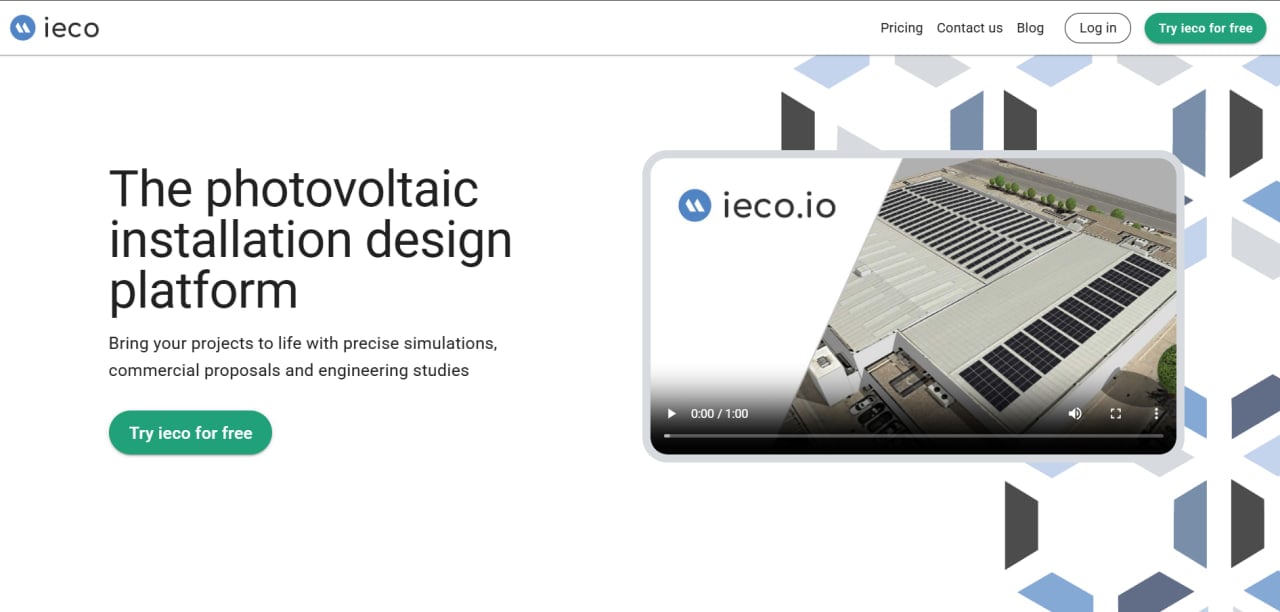
ieco.io is a cloud-hosted solar design and acquisition tool categorized under Solar Design & Engineering and Solar Proposal Software Tools. It is built specifically for solar engineers, sales representatives, consultants, developers, and organizations managing energy communities or efficiency studies. The software runs natively in web browsers, giving team members instant access to active projects, layouts, and simulations from any connected device.
At its core, ieco.io allows users to model virtual photovoltaic systems, run detailed energy-yield simulations, and apply localized financial calculations within a single project file. Although global user statistics are not publicly available, the platform positions itself as a streamlined professional toolkit that connects rigorous electrical modeling with polished commercial presentations.
Features
- 3D design engine: Maps physical properties to create interactive 3D models with realistic shading projections and layout adjustments, making it easier for prospects to visualize their future systems.
- Advanced energy simulation: Generates detailed energy-yield estimates by evaluating I-V curves, cell temperatures, string configurations, and maximum power point tracker (MPPT) performance.
- Financial calculation engine: Automates complex financial reports covering net present value (NPV), internal rate of return (IRR), discount rates, financing models, local utility tariffs, and regional taxes.
- Power optimization tools: Analyzes 15-minute power time-series data to provide commercial clients with detailed electricity bill optimization strategies and performance insights.
- Energy communities configuration: Models shared renewable energy systems and generates hourly energy-sharing coefficients for individual participants.
- Personalized reporting: Creates customized technical-economic proposals and reports covering energy balances and carbon offsets in under 10 minutes.
- Solar website calculator: Provides an embeddable, consumer-facing calculator that can be added to a company’s website to attract, qualify, and capture leads.
ieco.io Pricing
ieco.io uses a flexible, project-based pricing model tied directly to a company’s actual project volume rather than a fixed monthly subscription.
- Free trial: A free trial is available for onboarding, allowing users to test the simulation engine and proposal templates without financial risk.
- Project-based fee: The platform follows a pay-per-project structure, meaning account balances can carry over during quiet or off-season months.
- Pricing structure: Costs scale according to project size. Users are billed only for the design layout with the highest panel count in a project, regardless of how many alternative configurations are tested.
- Package discounts: Bulk credit packages provide volume-based discounts on project costs, panel fees, and maximum price caps per project.
- Taxes: Publicly stated prices exclude government charges and regional VAT, which are itemized separately on invoices when applicable.
- Payments: Regular accounts support automatic credit card payments, while larger prepaid credit packages can be paid by bank transfer.
Integrations
ieco.io uses a web-based architecture designed to connect project data with broader operational and engineering systems.
- CRM and ERP integrations: Synchronizes project information with internal business systems to keep customer profiles and sales pipelines up to date.
- CAD export tools: Allows users to export completed layouts and single-line electrical diagrams into AutoCAD-compatible formats for advanced construction planning.
- Financial and billing connections: Connects platform calculations with digital payment processors to support credit card payments and automated monthly invoicing.
How to Set Up ieco.io
- Visit the official website and register for a free trial account.
- Select your preferred language and configure regional units and settings.
- Open the account profile and upload company logos and contact details for branded proposals.
- Configure commonly used utility tariffs, tax rules, and default financial benchmarks.
- Copy and paste the solar calculator widget code into your company website if you plan to capture inbound leads.
- Create a test project to begin exploring the workspace and its design tools.
How to Use ieco.io
A typical workflow in ieco.io begins by logging into the cloud dashboard to review active customer opportunities or new inquiries captured through the website calculator. Users open a project file and define the property boundaries, using the 3D engine to model shading obstacles and position solar panel arrays.
Once the layout is ready, the engineer selects the inverter equipment, configures the electrical strings, and applies local utility-rate structures to run the energy-yield simulation. Sales teams can then adjust financing options to calculate final ROI and NPV metrics.
To complete the process, the user generates a personalized PDF proposal, reviews the environmental-impact charts, and exports the structural drawing data to external CAD tools after the customer approves the project.
What You Can Manage with ieco.io
- Interactive 3D installation models: Detailed property and PV system visualizations with automated real-time shadow projections.
- Technical-economic proposals: Customer-facing documents showing exact payback periods, financial returns, and system offsets.
- Energy community coefficients: Hourly energy-sharing calculations for multi-tenant communities and collective self-consumption systems.
- Commercial load optimization: Specialized analysis of 15-minute consumption profiles for commercial energy accounts.
- Engineering documentation: Complete bills of materials, electrical single-line diagrams, and CAD-compatible exports.
- Sales and lead workflows: Multi-user project management and customer acquisition through outward-facing calculator widgets.
FAQs
What does ieco.io do?
ieco.io is a web-based solar sales and design application that helps professionals build photovoltaic systems, simulate energy generation, and calculate detailed financial metrics. It includes an interactive 3D layout tool, automated proposal workflows, and customer-facing lead capture calculators.
Who is ieco.io best for?
The platform is designed for residential and commercial solar installers, system designers, energy consultants, sales teams, and project developers who need to create detailed technical simulations alongside customer-ready proposals.
Is ieco.io free?
ieco.io offers a free trial that allows teams to test the design interface and simulation features before making a financial commitment. Ongoing usage is managed through prepaid packages or project-based pricing rather than a fixed monthly subscription.
What are the main limitations of ieco.io?
The software requires accurate utility tariff, equipment, and consumption data to produce reliable simulation results, which can create an initial learning curve for smaller teams. Independent user reviews and third-party software evaluations are also limited compared with established industry platforms.
What are the best alternatives to ieco.io?
Popular alternatives in the solar engineering and proposal software market include Aurora Solar, HelioScope, PVcase, OpenSolar, and Arka360.


