Asana
Pros
- User-friendly and intuitive interface.
- Highly customizable workflows.
- Strong mobile app for field teams.
- Excellent automation features.
- Clear visualization of task dependencies.
Cons
- Can become expensive for larger teams.
- Free plan has limited features.
- Seat-based pricing may lack flexibility.
- No dedicated paid option for solo consultants.
- Advanced workflows may require setup expertise.
The EPC industry is all about balancing tight deadlines and massive coordination across multiple sites. Traditional spreadsheets often struggle to keep up with the fast-moving nature of site selection and permitting, which usually results in messy communication and missed milestones.
Asana solves these problems by acting as a central hub for your tasks and automation. By shifting your workflows from static files to a collaborative space, your team can track every single stage of a project—from the first GIS data gathering to the final build—with real-time updates and clear ownership.
What Is Asana?
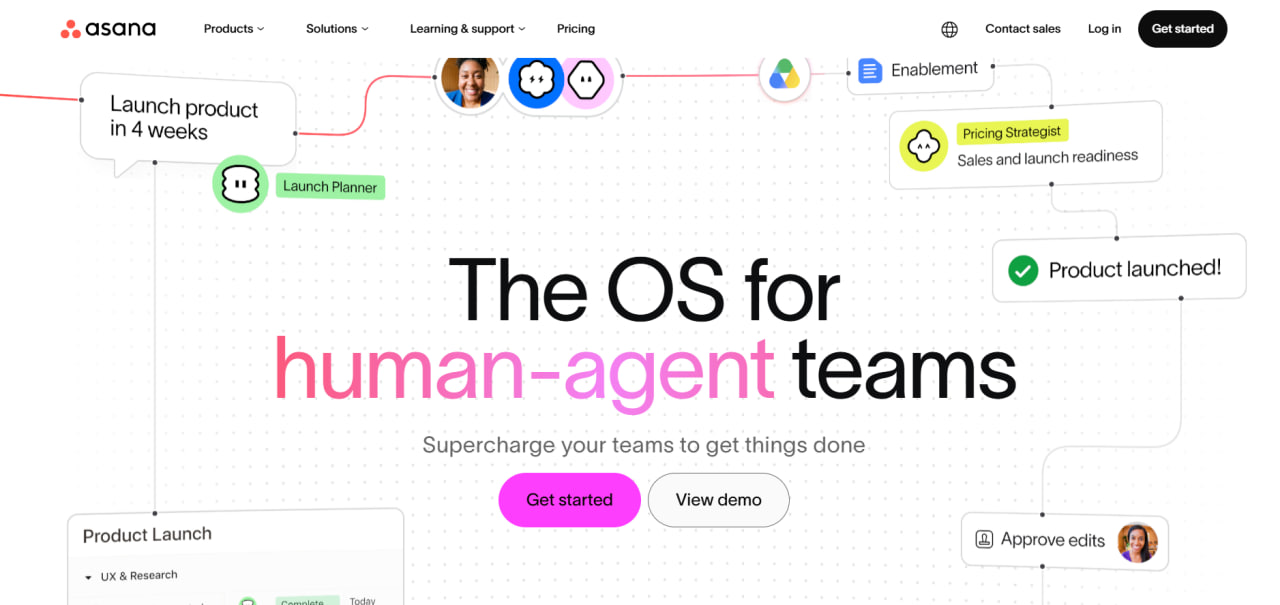
Asana is a cloud-based tool designed to help teams stay organized and track their progress. While it’s popular in many fields, its flexibility makes it a great fit for custom EPC setups. It essentially acts as your “system of record,” helping you map out big goals and break them down into clear, actionable steps.
The platform is organized into a simple hierarchy: Organizations, Teams, Portfolios, Projects, and Tasks. For EPC pros, a single Portfolio might hold every active solar farm development, while individual Projects focus on specific sites.
Features
- Project views: Switch between Lists, Kanban Boards, Timelines, and Calendars.
- Timeline and Gantt views: Visualize task dependencies and schedules.
- Custom fields: Track site coordinates, permits, vendors, and custom EPC data.
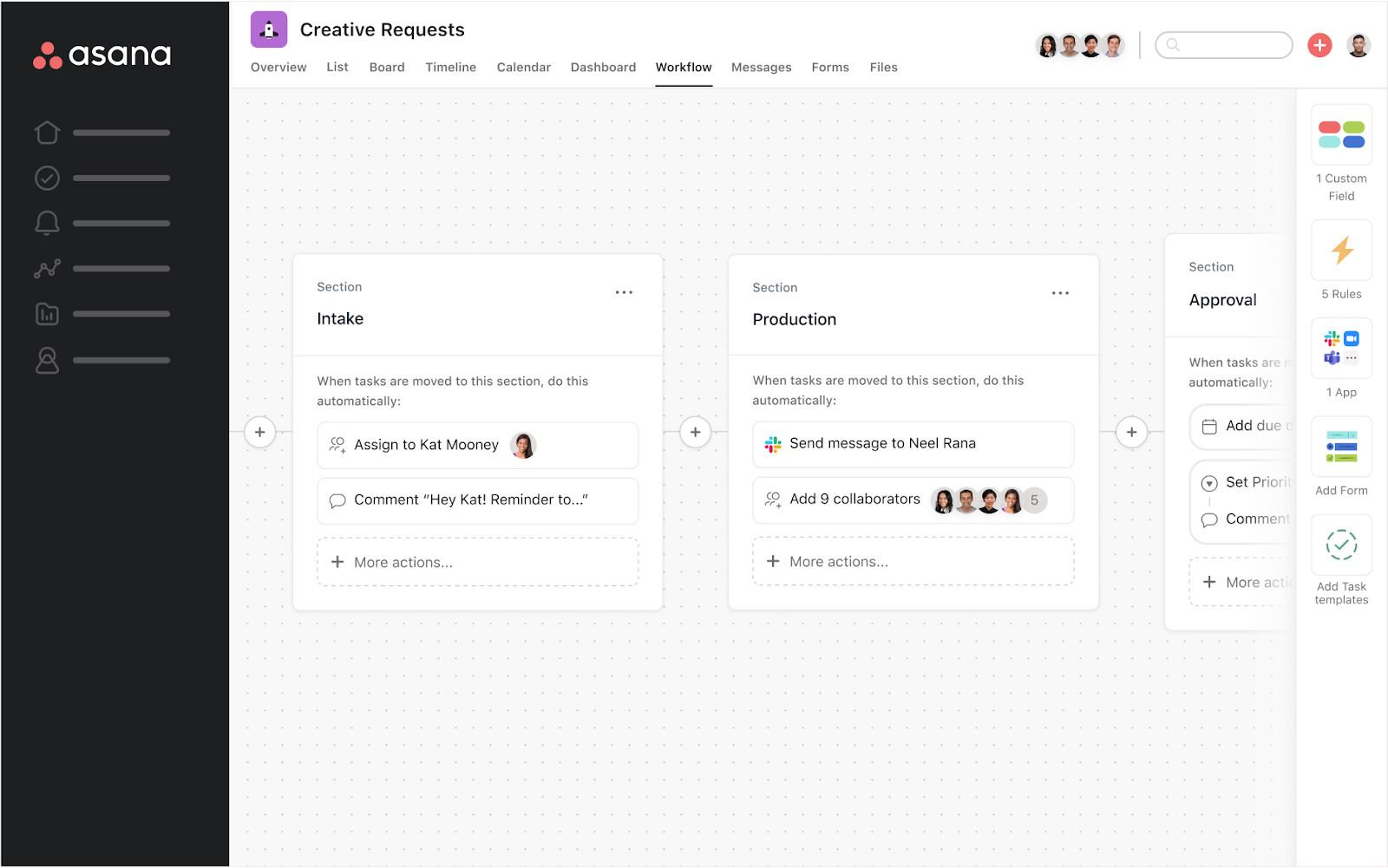
- Workflow Builder and Rules: Automate repetitive approvals and notifications.
- Forms: Convert submissions directly into actionable tasks.
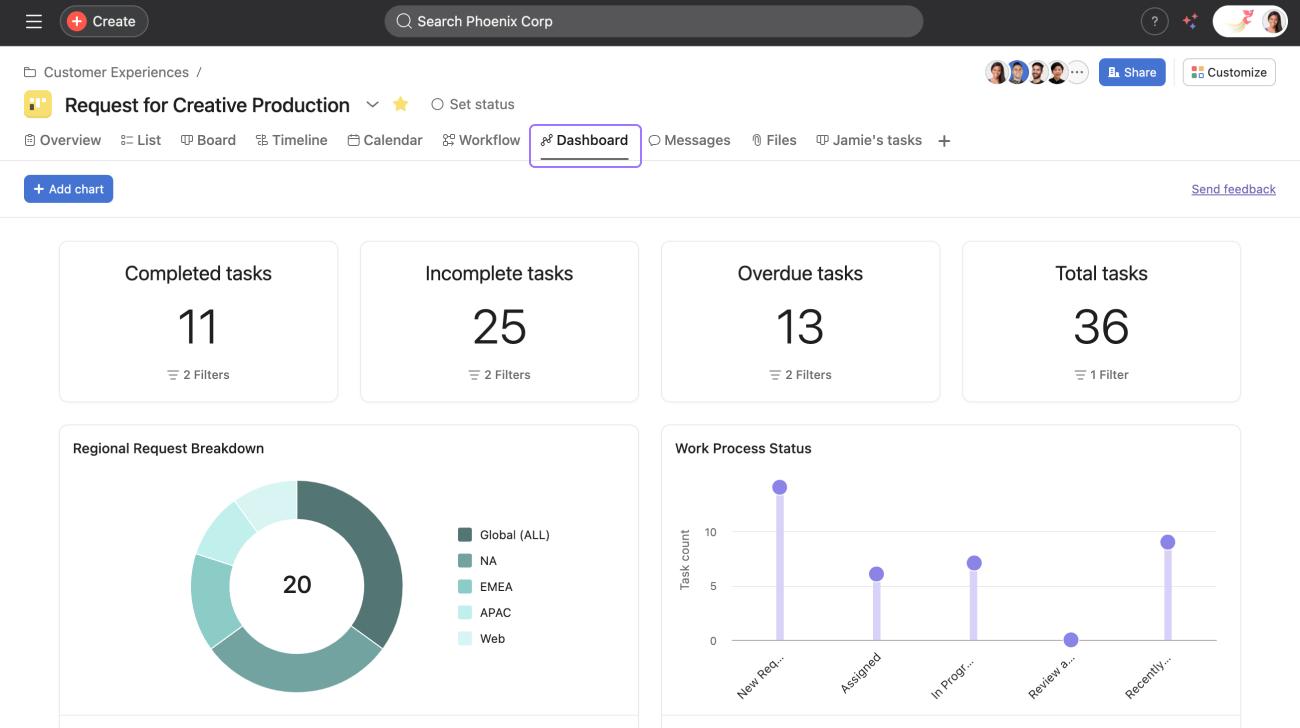
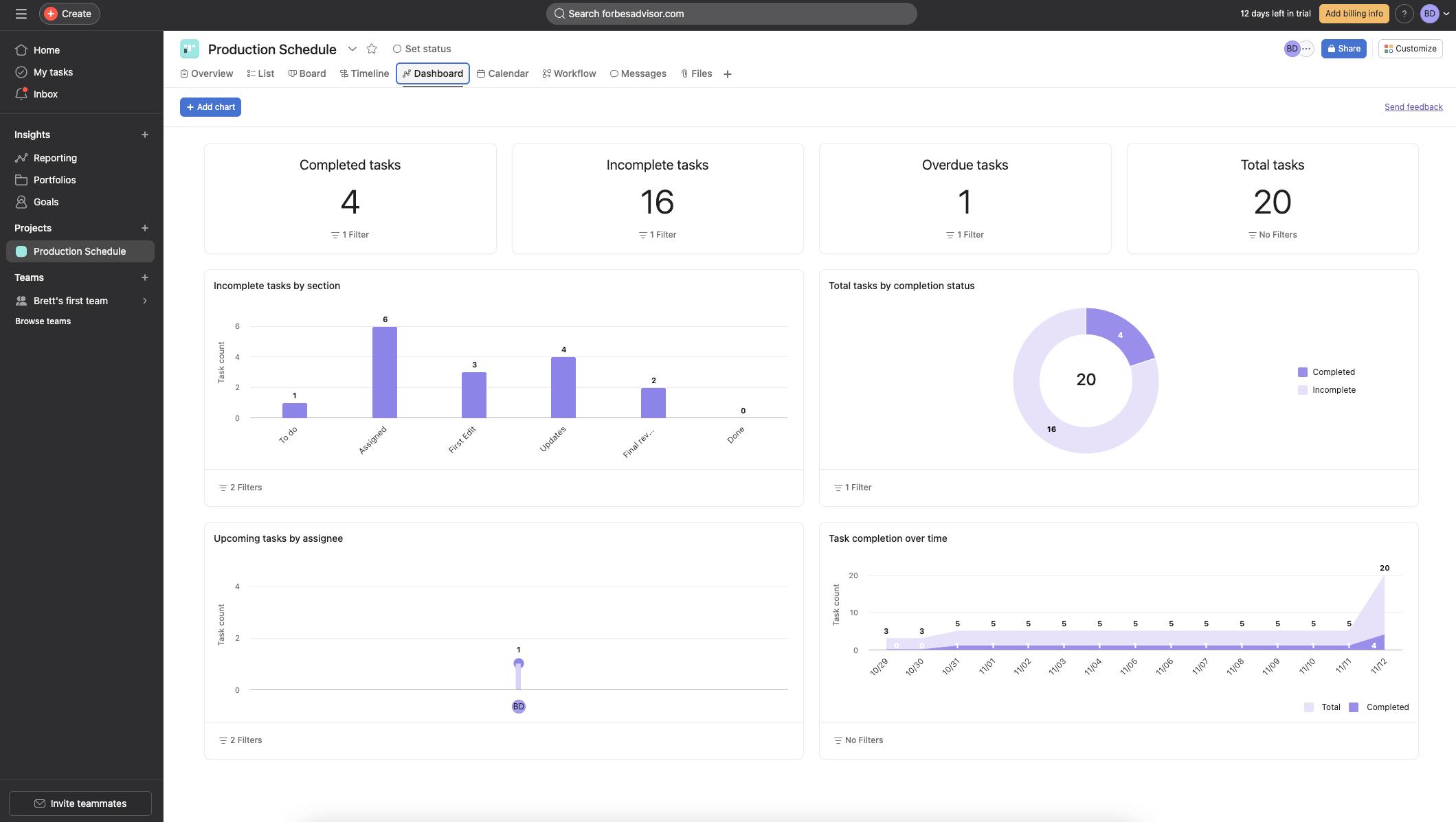
- Portfolios: Monitor multiple projects from one dashboard.
- Workload management: Balance team resources and capacity.
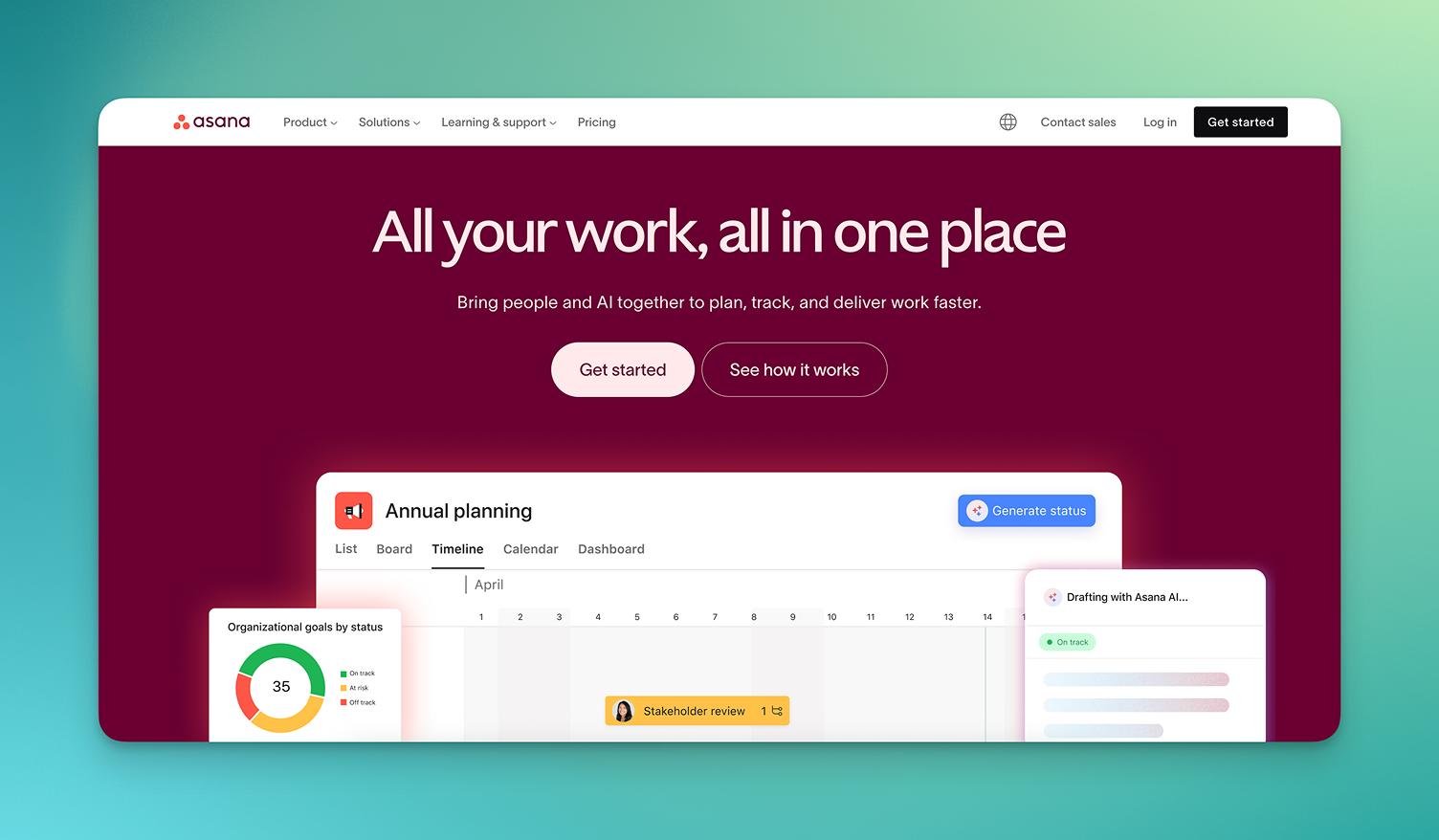
- Asana AI: Generate summaries, updates, and workflow suggestions.
Screenshots
Asana Pricing
Asana offers several pricing tiers depending on team size and feature requirements.
- Personal: Free plan for individuals or small teams.
- Starter: $10.99 per user/month with Timeline, automation, and AI tools.
- Advanced: $24.99 per user/month with Portfolios, Goals, and advanced reporting.
- Enterprise: Custom pricing with enhanced security and admin controls.
- Free Trial: 30-day trial available for premium features.
Integrations
Asana integrates with hundreds of popular business and productivity tools.
- Communication: Slack, Microsoft Teams, Zoom, Gmail.
- File Management: Google Drive, OneDrive, Dropbox.
- Development Tools: GitHub, Jira.
- CRM Platforms: Salesforce, HubSpot.
- Reporting: Tableau, Power BI.
- Automation: Zapier and Make integrations.
How to Set Up Asana
- Create an account and start a free trial.
- Organize your Workspace and Teams.
- Create your first project or import existing spreadsheets.
- Add custom fields for EPC-specific workflows.
- Invite team members and contractors.
- Connect integrations like Slack or Google Drive.
How to Use Asana
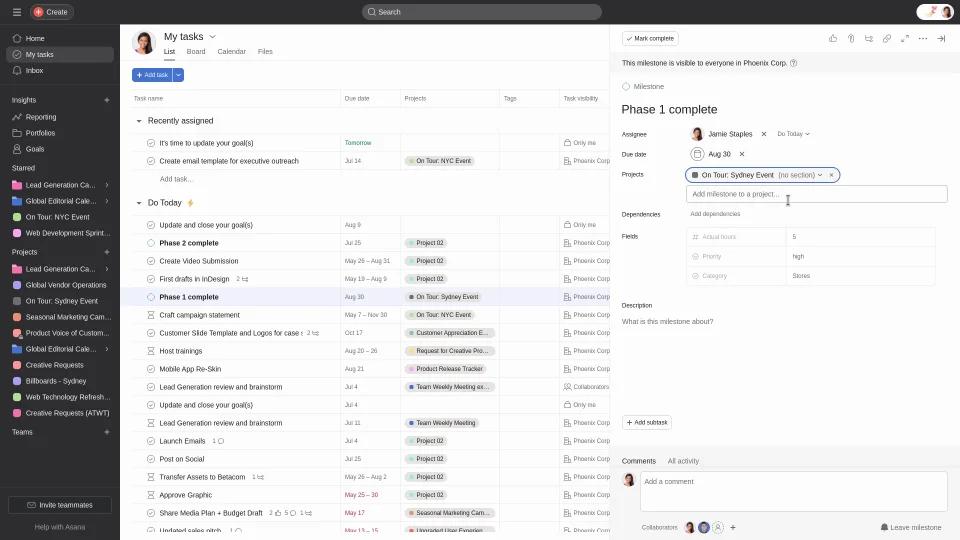
Most users begin in the “My Tasks” section to review assigned work. Project managers often monitor overall project progress through Portfolios and dashboards.
Teams can submit forms, attach documents, update statuses, assign tasks, and communicate directly inside projects. Field workers can use mobile apps to update tasks and upload site information in real time.
What You Can Manage with Asana
- Project Timelines: Track complete project lifecycles with Gantt charts.
- Resource Allocation: Monitor workloads and team capacity.
- Procurement Logs: Manage vendors, deliveries, and purchasing workflows.
- Site Selection: Store GIS data and site evaluations.
- Compliance and Permits: Track approvals and legal requirements.
- Automated Workflows: Move work between departments automatically.
FAQs
What does Asana do?
Asana helps teams organize projects, manage tasks, automate workflows, and collaborate more efficiently.
Who is Asana best for?
It works best for teams managing complex projects, especially companies coordinating multiple workflows and departments.
Is Asana free?
Yes, Asana offers a free Personal plan for individuals and small teams, though advanced features require a paid subscription.
How much does Asana cost?
Pricing starts at $10.99 per user/month for the Starter plan and $24.99 per user/month for the Advanced plan.
What are the main limitations?
Main drawbacks include pricing for larger teams, feature limitations on free plans, and seat-based licensing restrictions.
What are the best alternatives?
Popular alternatives include Monday.com, Smartsheet, Trello, ClickUp, and Jira.