Sitetracker
Pros
- Built specifically for critical infrastructure — not a generic tool adapted for the industry
- Covers planning, construction, operations, and maintenance in one connected platform
- Per-user pricing that stays flat regardless of portfolio size
- Over 55 enterprise system integrations, including NetSuite, QuickBooks, and ArcGIS
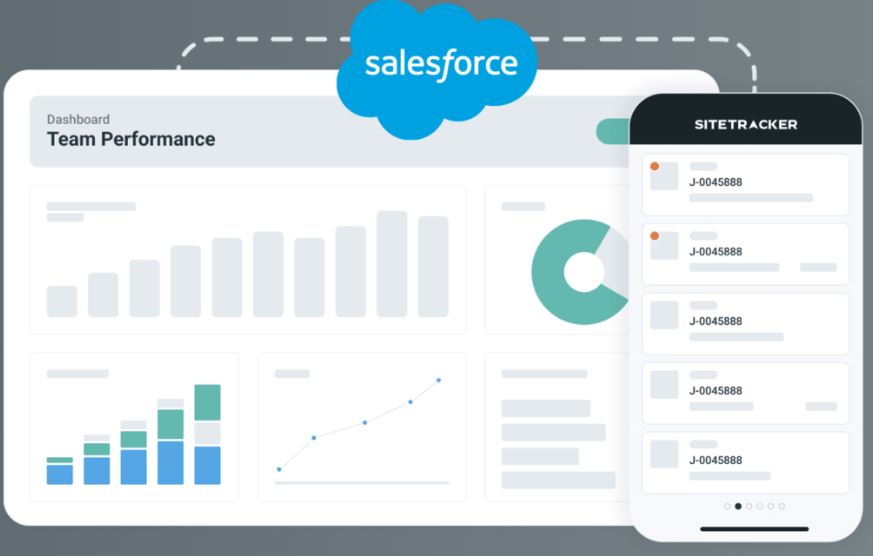
- Salesforce-native for enterprise-grade security and extensibility
- Mobile-ready for distributed field teams
Cons
- No public pricing — a demo is required before any cost discussion
- Implementation takes real time and planning, given the platform's depth
- Better suited for mid-market and enterprise organizations than smaller operations
- No self-serve trial available
When you’re managing hundreds of distributed infrastructure sites across telecom, energy, or utilities, a generic project management tool starts showing its limits fast. You don’t want that as a solar or wind energy developer. Sitetracker was built for exactly the kind of complexity these industries face — high volumes, tight timelines, distributed teams and assets that need to be tracked long after the build wraps up.
What Is Sitetracker?
Sitetracker is a cloud-based asset lifecycle management platform for companies running critical infrastructure at scale. From telecom operators and solar and wind developers to EV charging networks, utilities, and data center teams, they all use it to manage projects from the first planning milestone through long-term operations. There’s no need to switch between tools at each phase. It sits on the Salesforce platform, which handles the security and scalability underneath, while Sitetracker handles the industry-specific work on top.
Features
Sitetracker covers the full energy project delivery cycle, from early-stage development through long-term asset operations. Key capabilities relevant to solar and energy teams include:
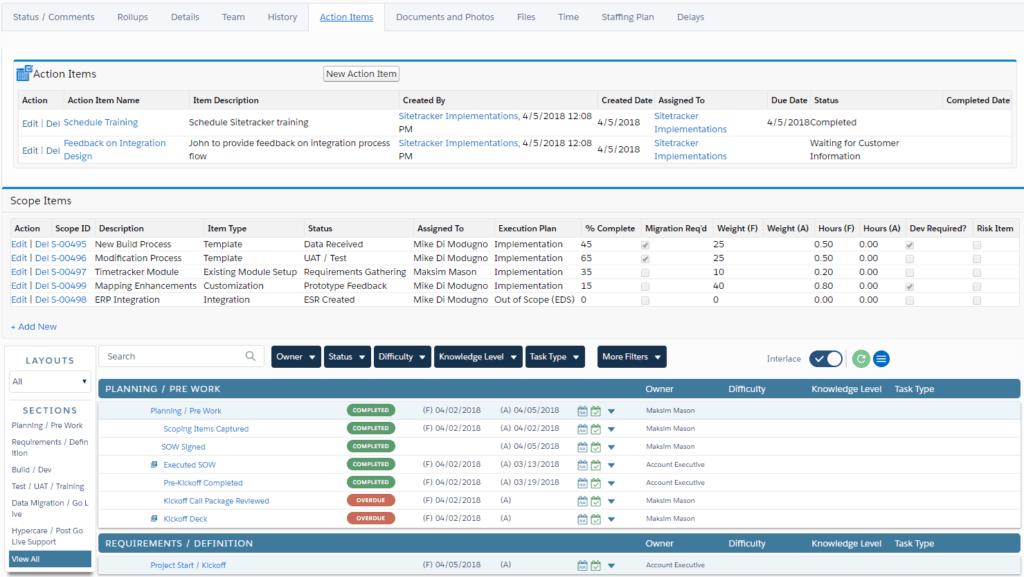
- Project management with intelligent templates, web-based trackers, and dashboards designed for high-volume solar and energy deployment programs. So, every project follows a consistent, repeatable process
- Finance central for energy project budget creation, purchase orders, invoice tracking, cost forecasting, and ERP alignment. It keeps capital expenditure and project spending visible in the same system where the work is managed
- Field work management to schedule, dispatch, and equip solar installation and maintenance crews with real-time job details from any location. So, field teams arrive on-site with everything they need, reducing delays and repeat visits
- Planning and development tools covering site selection, permitting, environmental and interconnection tracking, and GIS integration
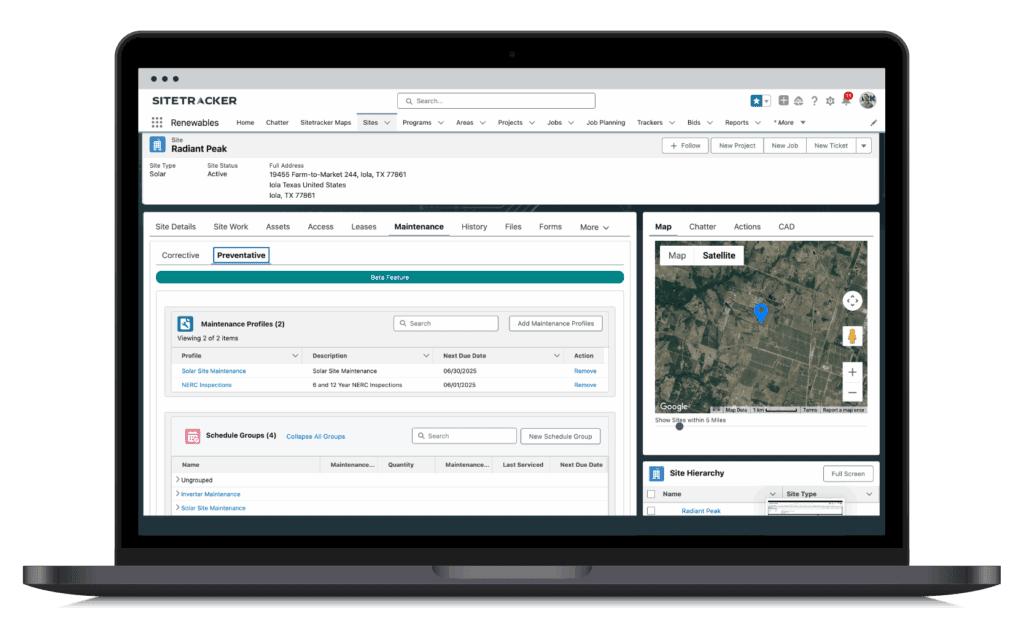
- Operations and maintenance management for tracking solar asset health, inverter and panel performance history, maintenance schedules, and compliance post-commissioning. The platform remains useful long after construction wraps
- Vendor management and document generation handled from within the project workflow
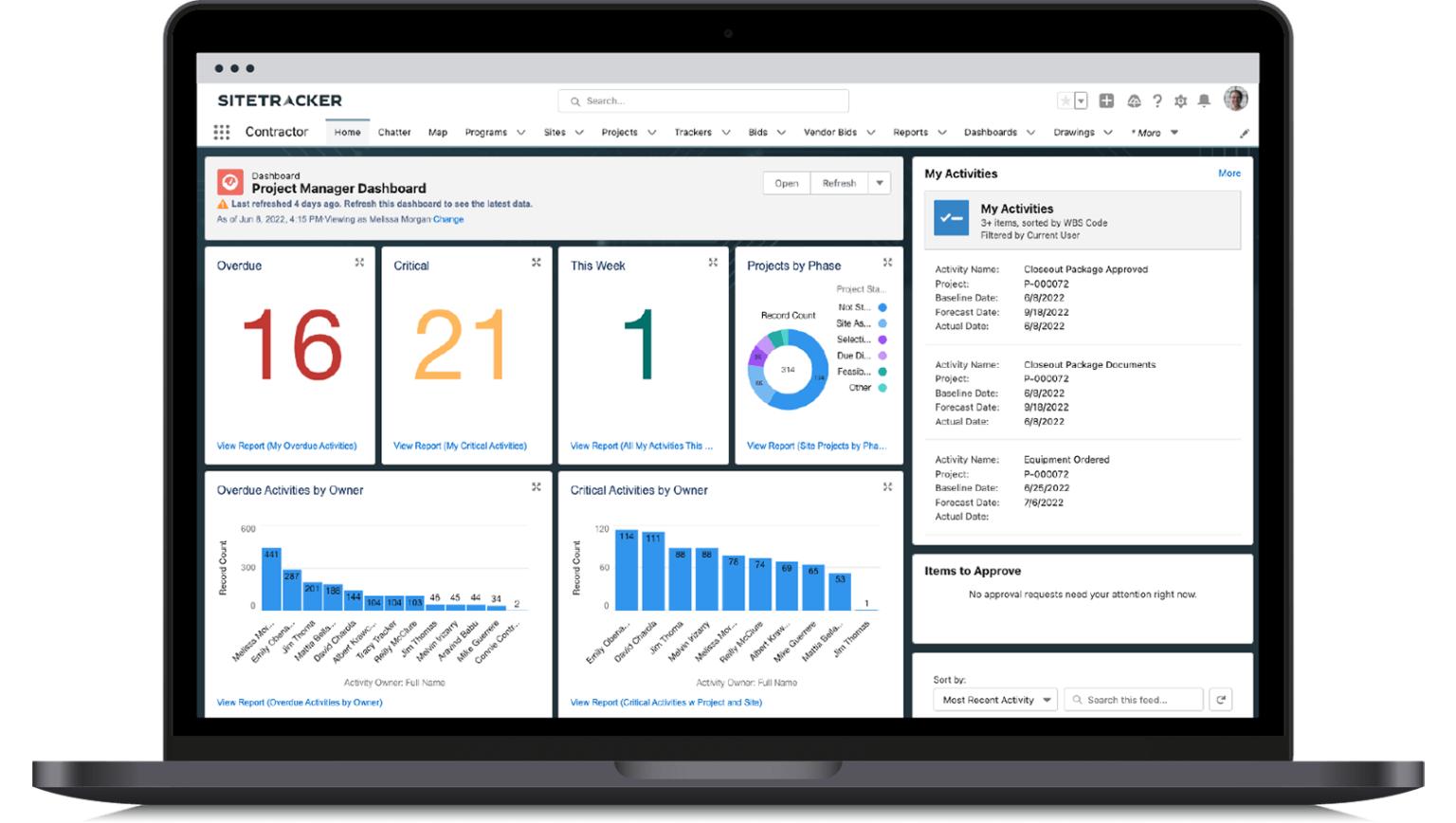
- Real-time reporting dashboards for live visibility into schedules and team performance
- Mobile access for field teams to update progress and log activity on-site
Screenshots
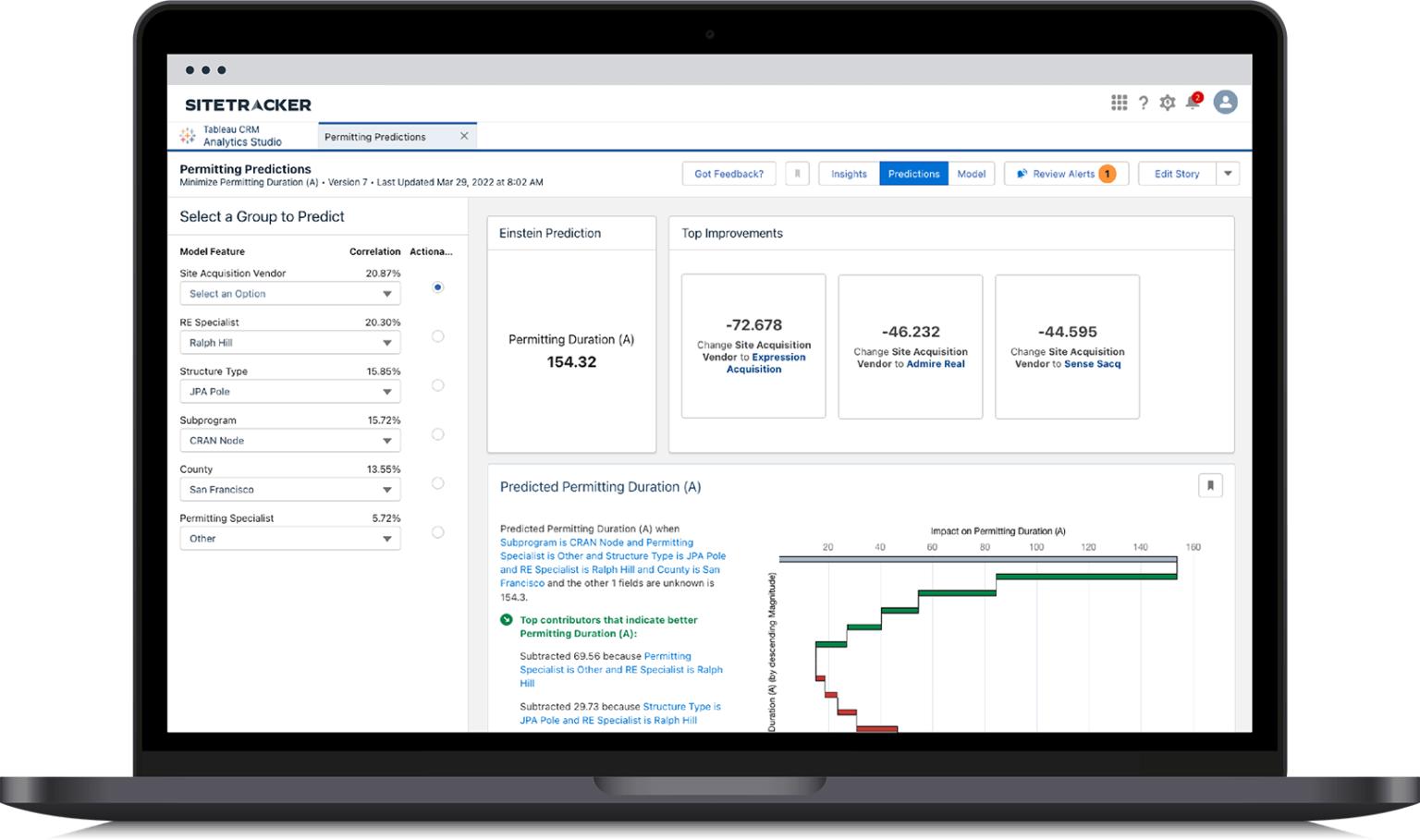
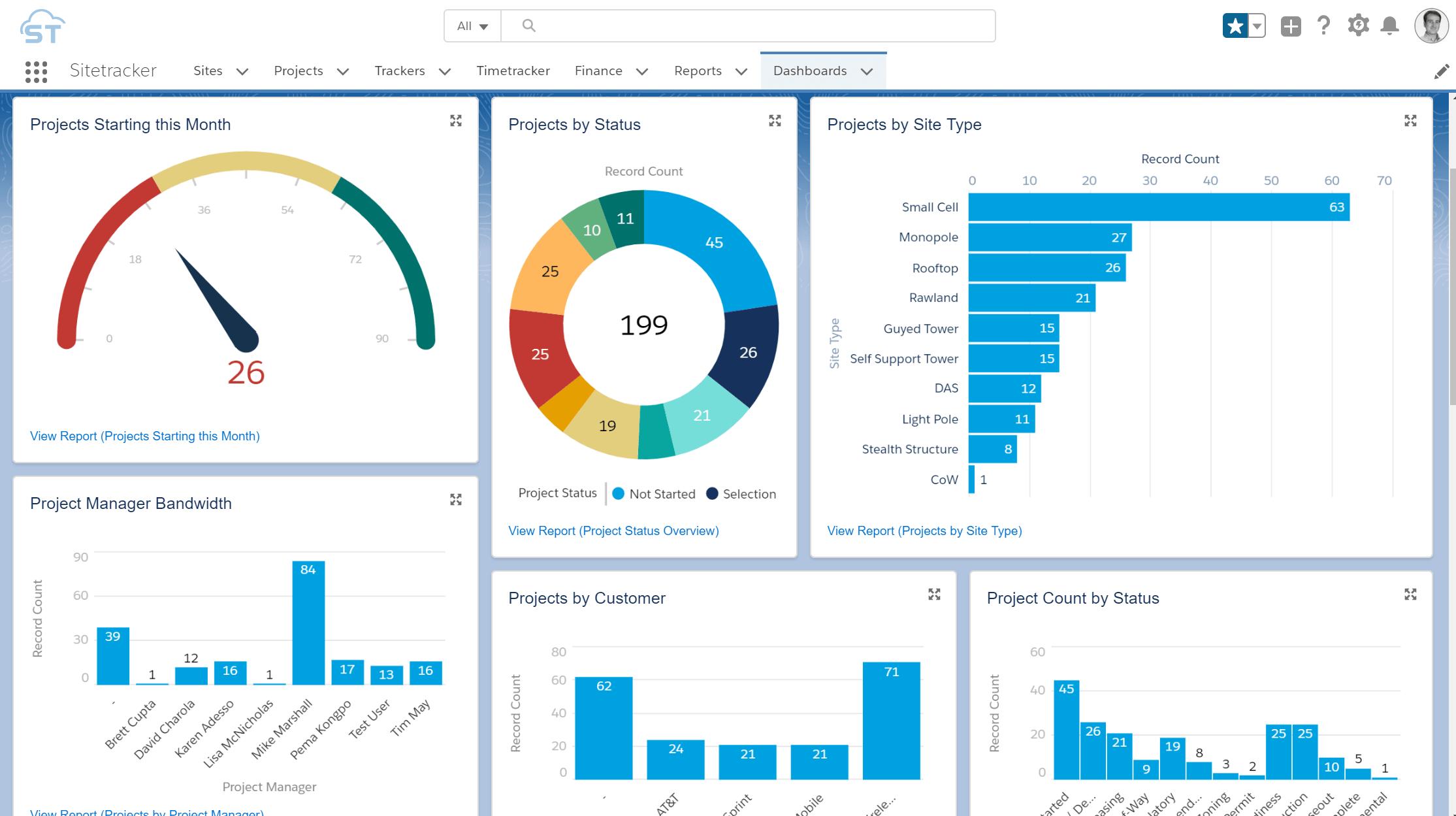
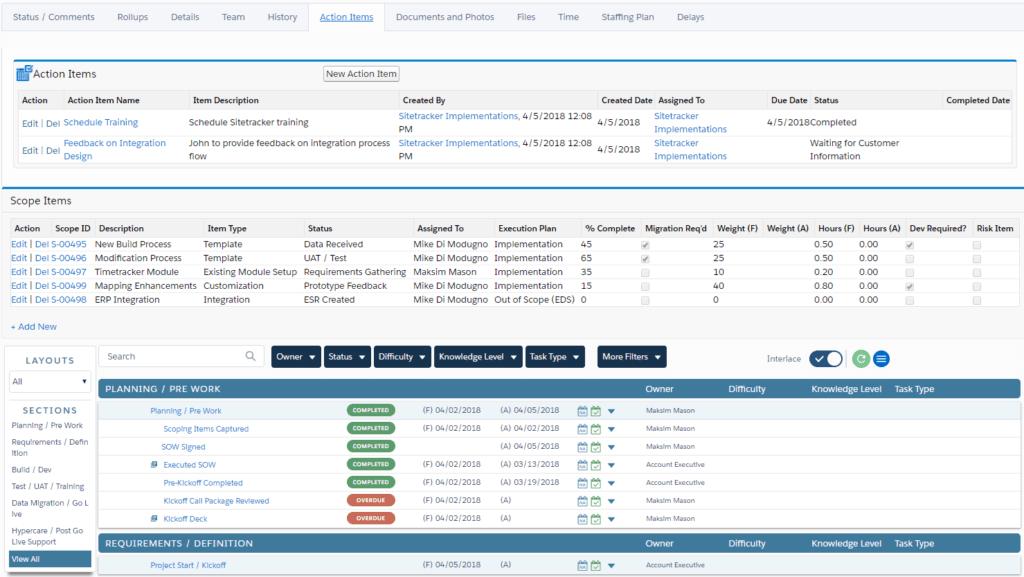
Pricing
Sitetracker runs on a per-user SaaS model, though specific figures are not listed publicly. What the website confirms is that license costs stay flat regardless of how many projects a user manages — five or five hundred, the per-user rate holds. Pricing is scoped based on team size, industry, and modules required. A demo at sitetracker.com is where that conversation starts.
Integrations
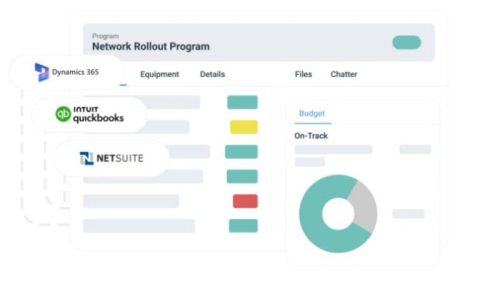
Rather than asking teams to abandon the tools they already rely on, Sitetracker plugs into them. NetSuite and QuickBooks handle financial data, ArcGIS brings in geospatial planning, and Salesforce CRM turns sales opportunities directly into active projects. For more complex enterprise setups, MuleSoft and a flexible open API handle the connections that fall outside the pre-built packages — including data lakes and master data management platforms.
How to Set Up Sitetracker
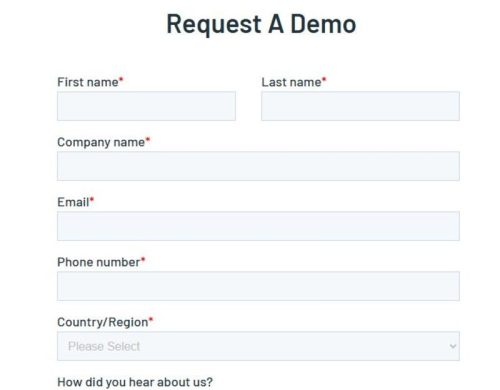
Setup follows a structured implementation path rather than a self-serve signup, which works in solar and energy teams’ favour. This is because implementation is configured around your specific project types, permitting workflows, and operational structure. Here is what that process looks like:
- Request a demo at sitetracker.com to talk through your organisation’s scope and requirements.
- Configure project templates, workflows, and dashboards around your energy project types — whether that is utility-scale solar, distributed generation, wind, or hybrid storage projects.
- Connect existing systems using pre-built packages for NetSuite, ArcGIS, or Salesforce, or wire up custom connections via API.
- Set up Finance Central for budget and cost tracking across projects.
- Add users, assign roles, and configure field team mobile access.
- Go live with Sitetracker’s implementation team. Most solar and energy organisations gain meaningful improvements in project schedule visibility and cross-team coordination within weeks of deployment.
How to Use Sitetracker
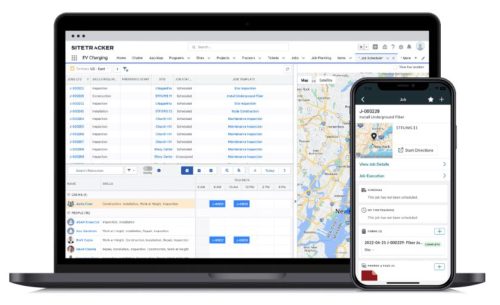
Once the platform is live, Sitetracker becomes the daily operating system for your energy project teams — from development managers tracking permitting progress to O&M crews logging field activity on completed assets:
- Pull up project dashboards each morning to check live status on solar site schedules, permitting milestones, and construction team workloads — so project managers can spot slippage before it becomes a delay.
- Use project templates to standardize how new solar or energy deployments get kicked off. This ensures every project follows the same permitting sequence, milestone structure, and handoff process from the start.
- Track permitting status, interconnection applications, vendor activity, and site documentation from inside each project record rather than chasing them across emails and spreadsheets across multiple agencies and contractors.
- Keep an eye on Finance Central for budget status, committed costs, and spend forecasts across solar projects. This enables financial teams and project managers to always work from the same numbers.
- Send solar installation and maintenance crews out through Field Work Management with job details, site documentation, and safety checklists already on their mobile devices before they reach the site.
- Transition directly into operations and maintenance records once a solar site is commissioned — tracking inverter performance, panel maintenance history, and compliance requirements without moving to a separate system.
How to Create with Sitetracker
Beyond project tracking, Sitetracker gives solar and energy teams a set of outputs they can actually use with investors, regulators, utilities, and internal stakeholders:
- Pull budget reports and cost forecasts from Finance Central, with a full audit trail. This is useful for investor reporting, lender draw requests, and internal financial reviews on energy projects.
- Generate permitting, environmental, and interconnection documentation directly from the planning module, reducing the manual work of compiling regulatory submissions across multiple jurisdictions.
- Put together vendor work orders and document packages without leaving the project workflow.
- Export GIS-linked planning outputs to map solar deployment areas, transmission routes, and site boundaries against live project timelines — supporting both internal planning and external stakeholder reporting.
- Build solar asset maintenance records and compliance documentation that follow the asset through its operational life. O&M teams get a single source of truth long after the development team has moved on to the next project.
FAQs
What industries does Sitetracker serve?
Sitetracker is built for companies managing critical distributed infrastructure. That includes telecommunications, solar and wind energy, EV charging networks, utilities, data centers, and distributed properties like franchise locations.
Does Sitetracker cover both project delivery and long-term asset management?
Yes. Rather than handing off to a separate system after construction, Sitetracker carries the same project data through into operations and maintenance, keeping the full asset history in one place.
Does the per-user price go up as the project portfolio grows?
No. Sitetracker confirms on its website that license costs do not increase with portfolio growth. A user managing five projects pays the same per-user rate as one managing a hundred.
Can Sitetracker connect to existing enterprise systems?
It can. Pre-built packages cover the most common connections — NetSuite, QuickBooks, ArcGIS, and Salesforce CRM — while the open API and MuleSoft compatibility handle custom or more complex enterprise architectures.