Pylon Solar
Pros
- No monthly fees — you only pay for projects you actually run
- Five free projects to start with, no credit card required
- Proposals generated in under two minutes
- 20,000-plus component library with high-resolution aerial imagery included
- Works on iPad and desktop with a clean, intuitive interface
- Voted number one solar design tool by Australian installers in the 2025 Solar Nerds survey
Cons
- Less suited for projects above 100 kW with complex engineering needs
- High-resolution aerial imagery is only available in select countries
- CRM is a paid add-on rather than bundled into the base per-project fee
- Some users report limited proposal customization options
Most solar design software locks you into a subscription whether you use it or not. Pylon flips that model. You pay per project, keep all the premium features, and never get charged for a month you didn’t need. For solar installers watching their overhead, that kind of pricing tends to get attention fast.
What Is Pylon Solar?
Pylon is a cloud-based solar design, proposal, and CRM platform built by solar engineer Nelson Zheng and software developer Daniel Buckmaster in 2016. It serves solar installers and fast-growing solar businesses that need accurate designs and polished proposals without a monthly bill.
Over 3,500 solar businesses use it today, primarily across Australia and the U.S. The platform runs in a browser and is optimized for both desktop and iPad, with a 2D work surface that makes panel placement faster than rotating 3D models.
Features
Pylon includes a full suite of tools in its pay-per-project model:
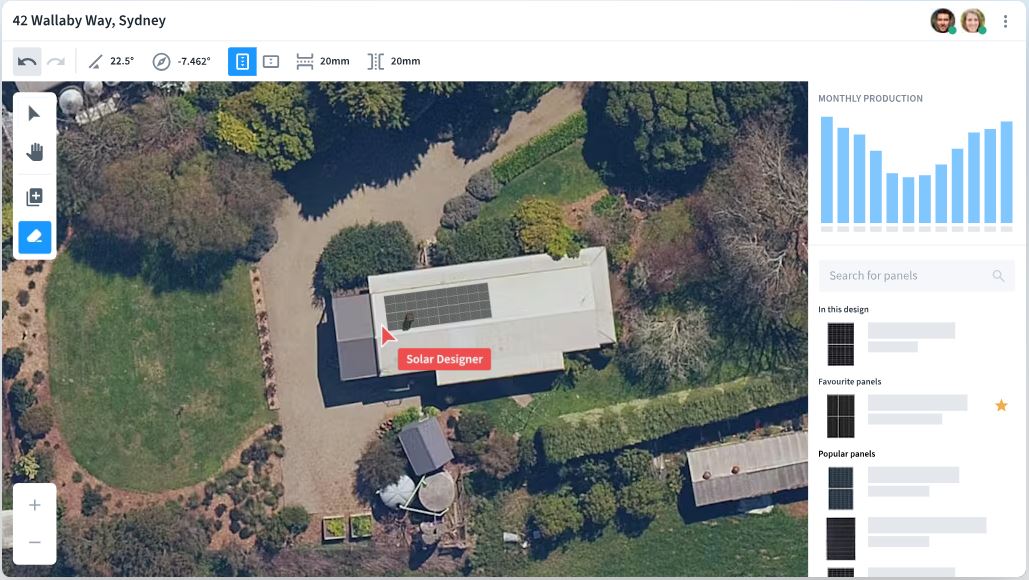
- Panel layout on high-resolution aerial imagery with a 20,000-plus component library covering panels, inverters, and batteries
- Award-winning 3D Solar Shading Analysis predicting year-round shading with minute-by-minute granularity
- Load Profile Analysis covering EV chargers, battery storage, and heat pumps to model actual consumption patterns
- Time-of-use, off-peak charging, and days-of-autonomy scenario simulations
- Interval data integration to enhance designs with real customer usage data
- Click-and-drag cable path tool with Voltage Rise Calculation report generation
- Automatic SLD generation for solar and battery projects
- Proposal builder with customizable templates, digital signatures, finance options, and credit card payment acceptance
- Built-in Solar CRM for lead management, project tracking, and customer follow-up via SMS and email
- Design on builder plans or drone photography as an alternative to aerial imagery
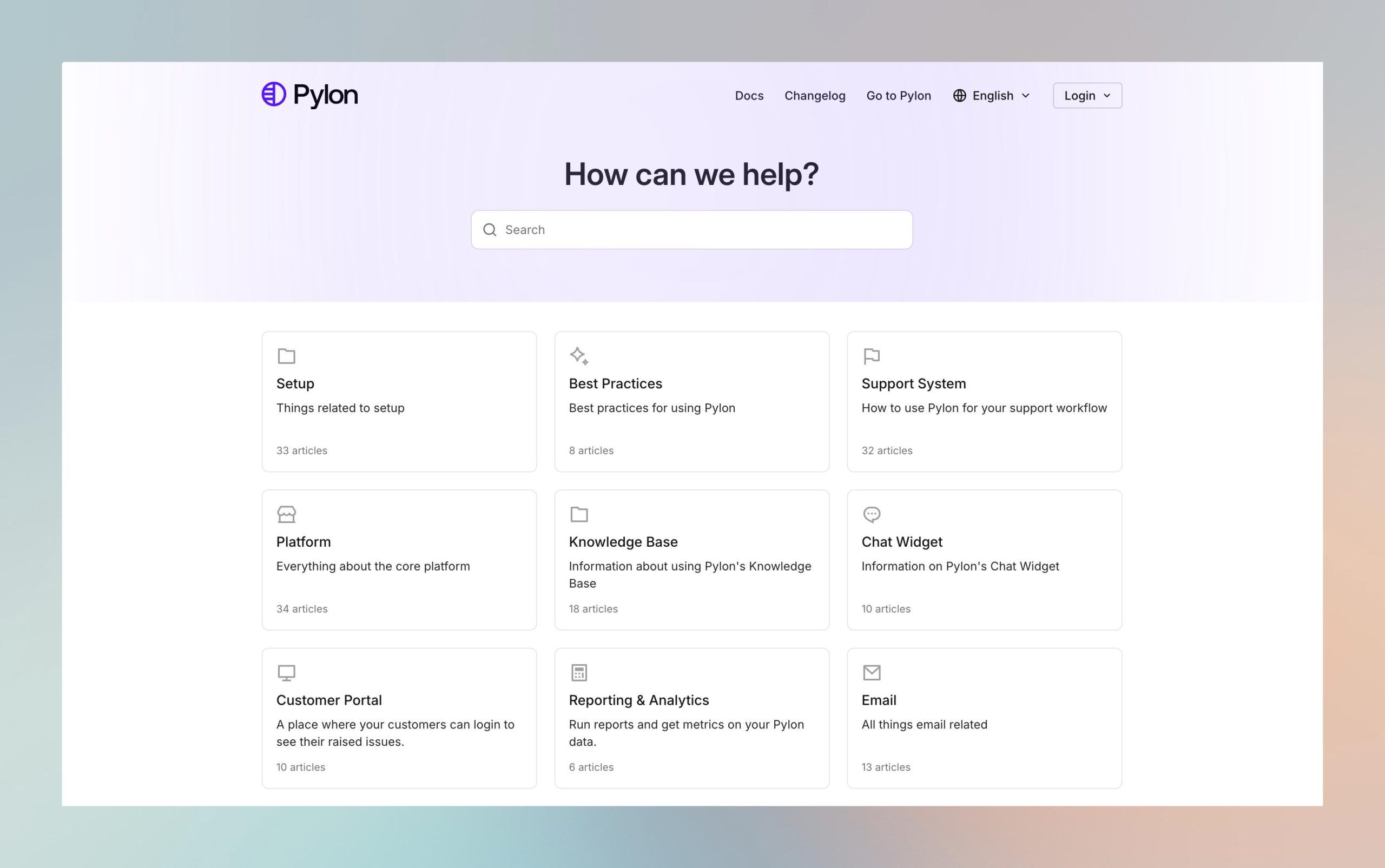
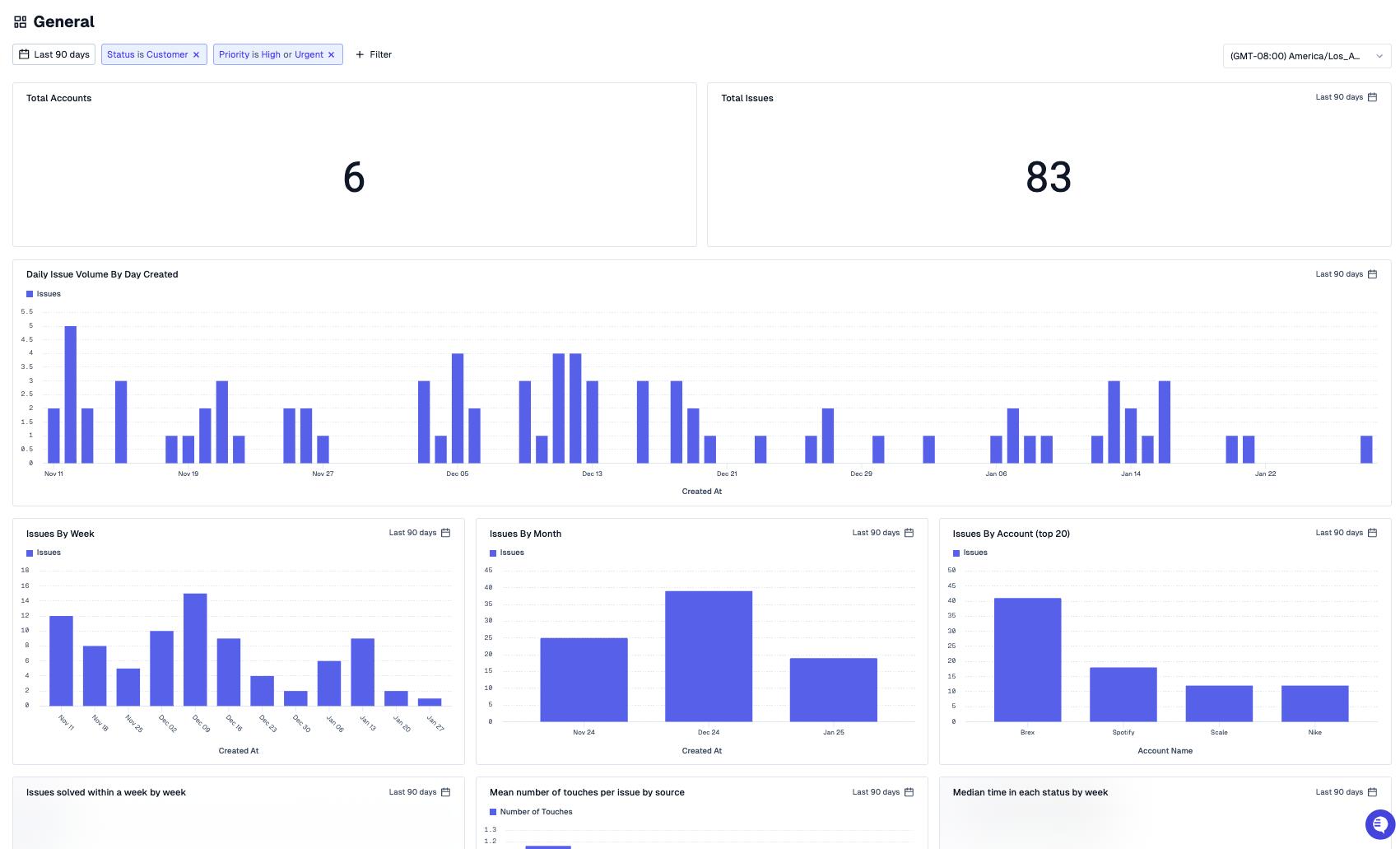
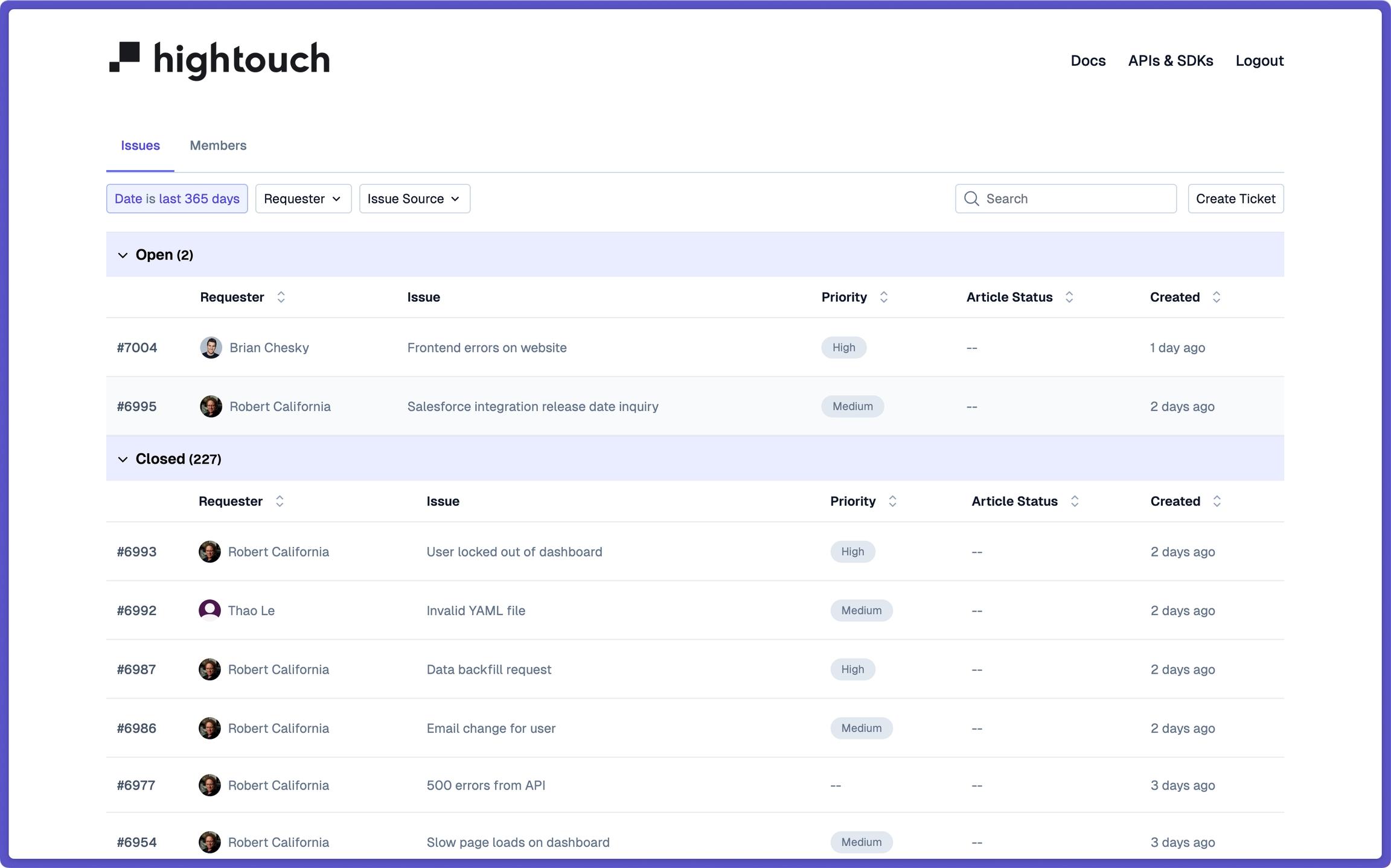
Screenshots

Pylon Solar Pricing
Pylon charges per project rather than per month — no contracts, no minimums:
- Standard: $4 per project
- Pro: $10 per project
- CRM add-on: $49 per user per month
- eSignature: $0.80 per project
- Enterprise: Custom pricing available
- New users receive five free Standard project credits with no credit card required
- Existing projects can be revisited and edited at no extra charge
Integrations
Pylon ties into several tools that solar businesses already use. Xero handles accounting sync, Nearmap supplies additional aerial imagery, Brighte and Smart Ease connect for in-proposal customer financing, Solaris covers operations management, and ServiceM8 links for job management.
Teams that need to go further can use Pylon’s API to connect their own tools or automate workflows beyond the native options.
How to Set Up Pylon Solar
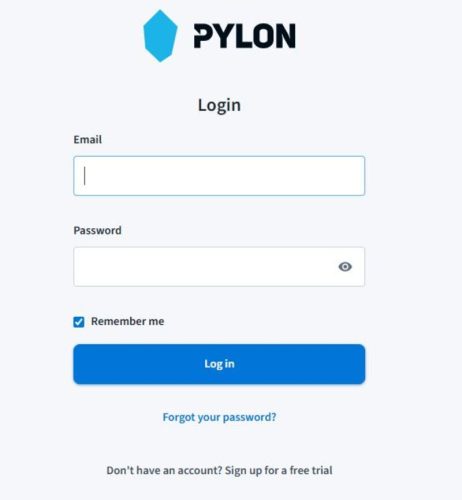
Getting started takes minutes rather than days:
- Sign up at getpylon.com — no credit card required, five free Standard projects included.
- Complete your company profile and upload your logo and branding for proposals.
- Build your preferred equipment list by searching the 20,000-plus component library.
- Configure proposal templates with your standard pricing and product options.
- If using the CRM, set up your lead pipeline stages and communication templates.
- Connect integrations like Xero, Nearmap, or ServiceM8 under account settings.
How to Use Pylon Solar
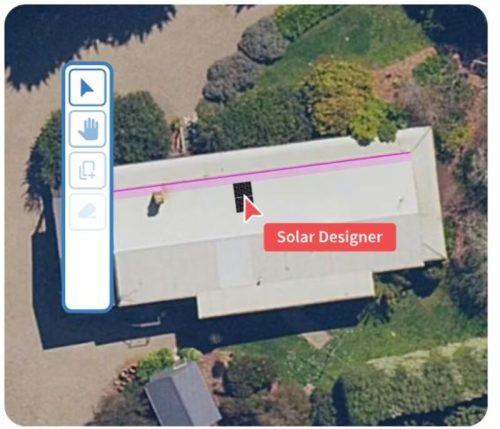
Once set up, the workflow moves quickly from site to signed proposal:
- Open a new project, enter the site address, and pull up the aerial imagery.
- Drop panels onto the roof with the drag-and-drop layout tool, tweaking tilt and azimuth as needed.
- Run the 3D shading analysis to see production losses across different times of the year.
- Add battery storage, EV charger, or heat pump profiles to model the full system.
- Let Pylon generate the SLD automatically once the design is locked.
- Build the proposal, attach finance options, and send it with a digital signature link.
How to Create with Pylon Solar
Pylon turns a finished design into a client-ready package without extra steps:
- Generate a branded proposal directly from the design with production estimates and financial modeling baked in.
- Attach Brighte or Smart Ease financing so clients can apply from within the proposal itself.
- Add a digital signature field so clients can sign off without printing anything.
- Accept credit card payments directly through the proposal for deposits or full amounts.
- Export the SLD for installation teams or grid connection applications.
- Share proposals by link or email and track client engagement through the CRM.
FAQs
Does Pylon Solar require a monthly subscription?
No. Pylon charges per project rather than per month. Standard projects cost $4 each, and Pro projects cost $10 each, with no minimum monthly spend required.
Can I try Pylon Solar before buying?
Yes. New users get five free Standard project credits with no credit card required, so you can start designing straight away.
Does Pylon work for commercial solar projects?
Pylon handles residential and smaller commercial systems well. Installers working on larger, more complex projects above 100 kW may find its engineering depth falls short of what those jobs require.
How many users can access one Pylon account?
Pylon supports unlimited users on a single account, which suits solar businesses with multiple designers or sales staff sharing the same platform.