
RETScreen
Pros
- Financial modeling is detailed and reliable
- Climate data is already embedded
- Covers multiple energy technologies
- Includes emissions and risk analysis
- Works well for early-stage screening
Cons
- Interface feels dated, not intuitive at first
- There’s no layout, shading, or a system design layer
- Visual output is limited
- Requires careful input setup to avoid errors
RETScreen sits at the front end of project development. Before layouts, procurement, and detailed engineering. It is used to test whether a project holds up on paper, technically, and financially. Most teams don’t use it for design, but to answer the critical question: Does the project hold up once the numbers are laid out properly? Not just energy output, but costs, returns, and risk.
What is RETScreen?
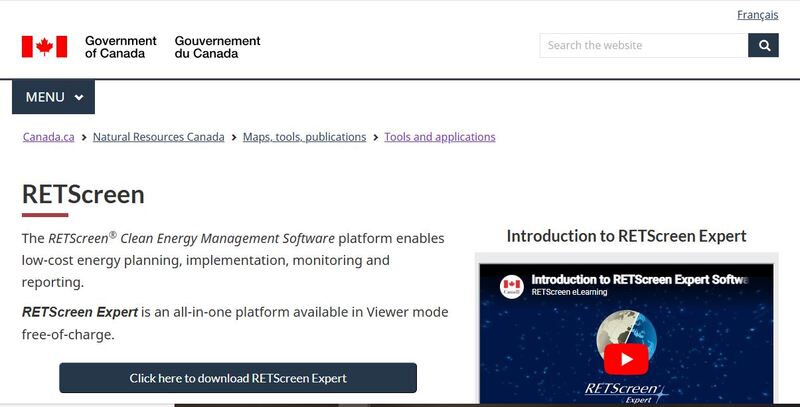
RETScreen is an energy analysis software developed by the Government of Canada. It is used to estimate energy production, project costs, financial returns, and emissions reductions using standardized models and embedded datasets.
In practice, it functions as a screening tool. Inputs go in—capacity, location, costs—and the model returns a structured view of performance and viability. It is not built for detailed engineering. It is used to decide whether a project is worth advancing to that stage.
Features
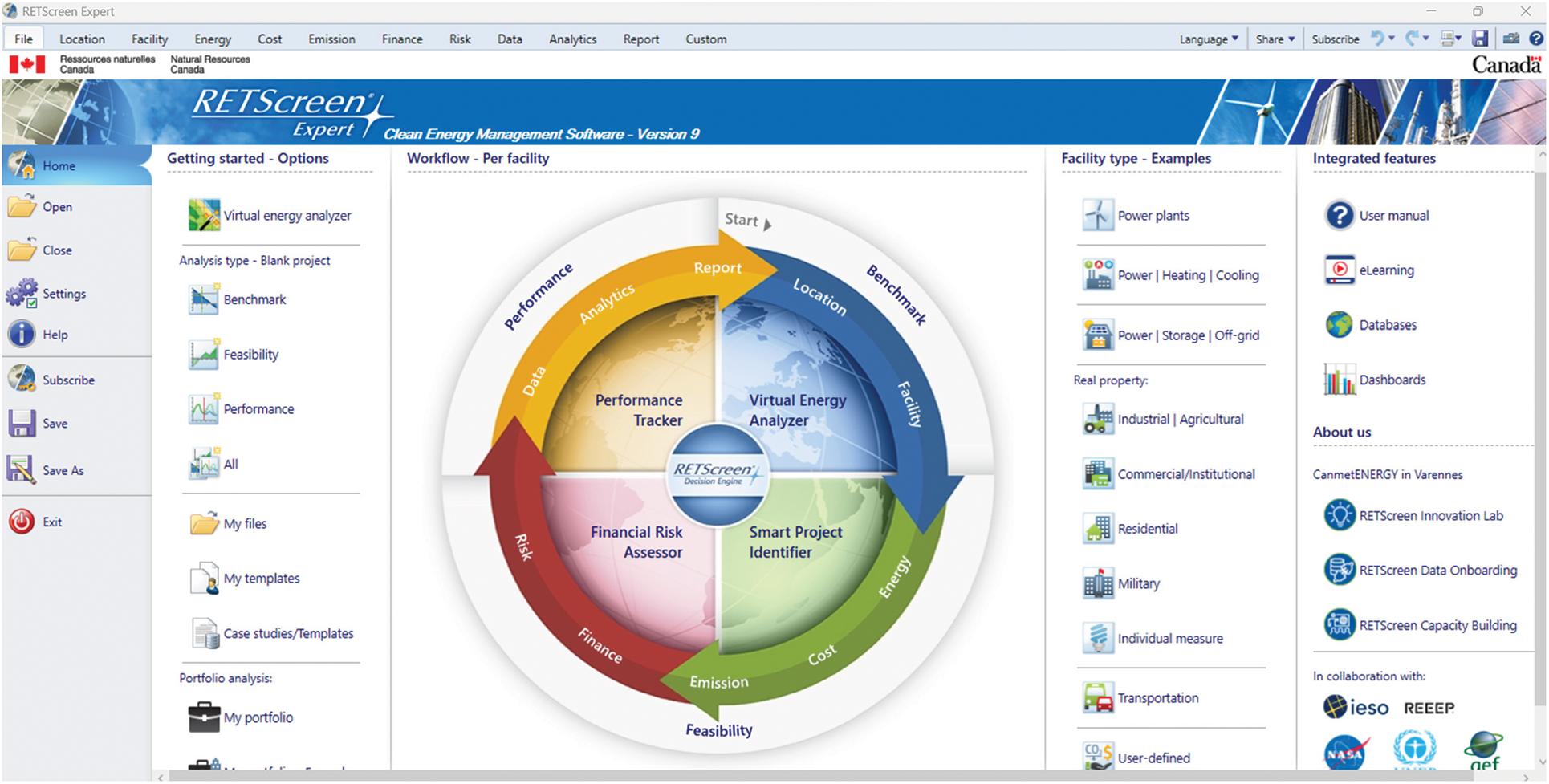
Here are the core features that define how RETScreen works in practice:
Feasibility analysis
This is the foundation where you input project data, and RETScreen calculates energy output, savings, and financial metrics. It helps you screen ideas quickly before moving to detailed design.
Climate database
RETScreen includes NASA-based climate data. You don’t need to search for weather files. Solar radiation, temperature, and other parameters are already available for most locations worldwide.
Financial modeling
This is the strongest part of RETScreen. It handles capital costs, operating expenses, escalation rates, and revenue assumptions in a structured way. The calculations are transparent. Adjust a variable, and the results update immediately. It makes scenario testing straightforward, even if the interface feels a bit rigid.
Emissions analysis
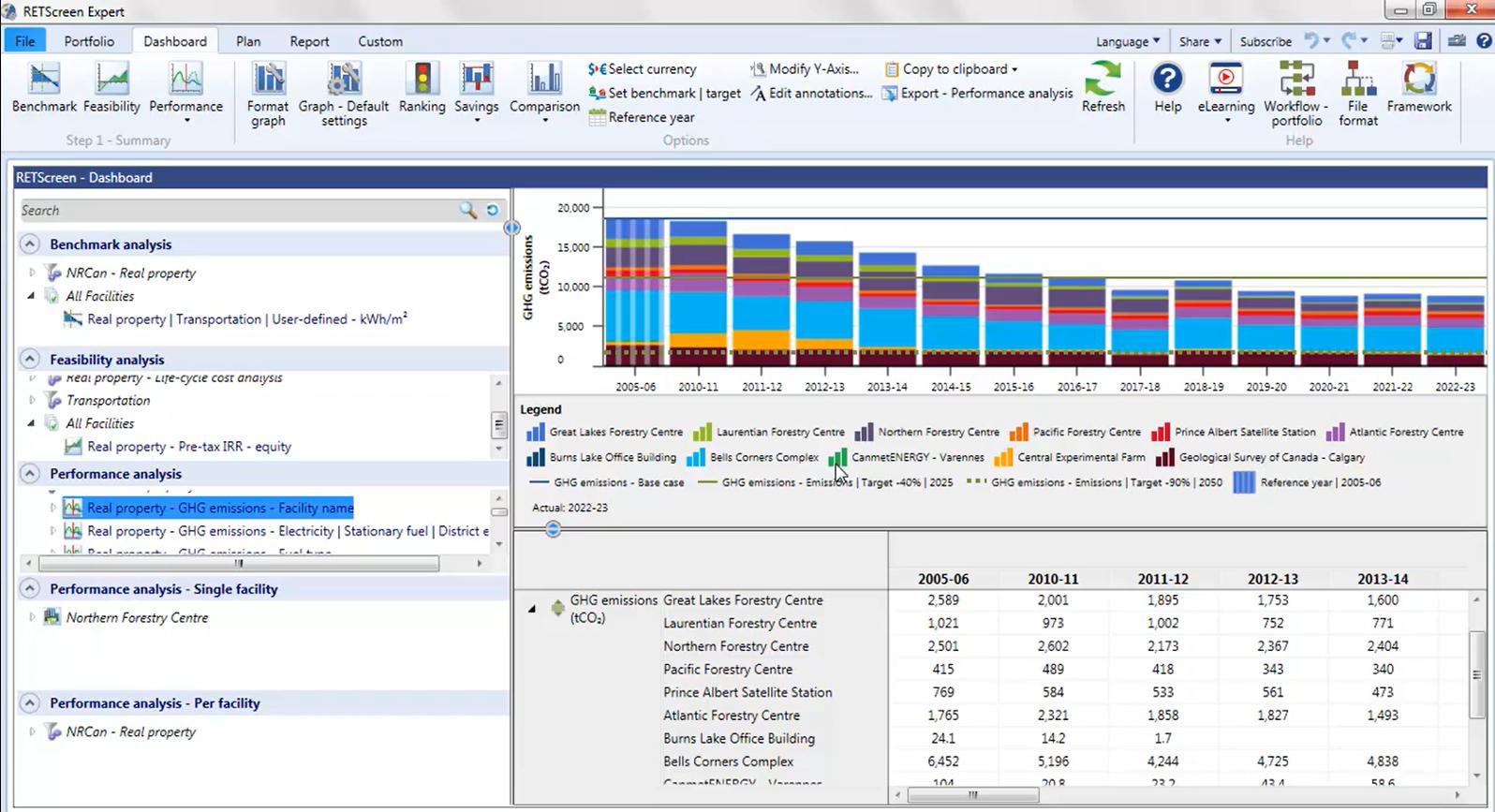
RETScreen calculates greenhouse gas reductions based on the project type and local grid factors. This is useful for reporting, especially where carbon reduction targets are part of the approval process.
Performance monitoring
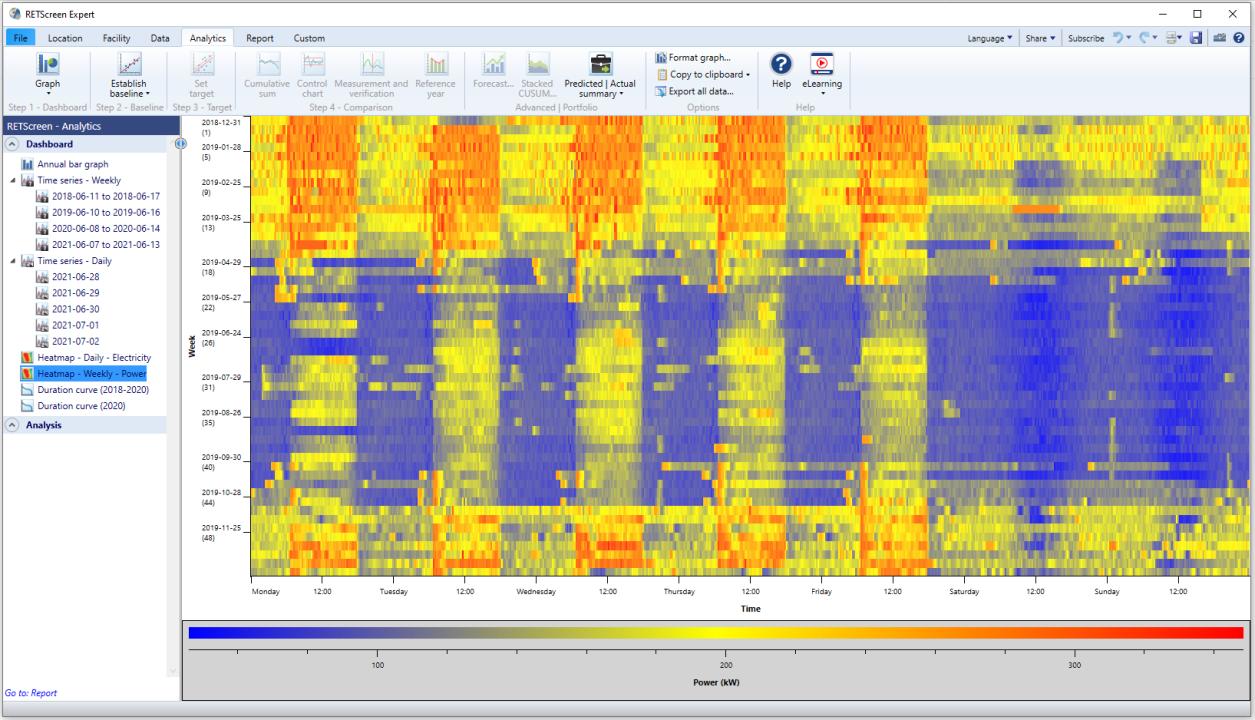
There is a module for tracking actual performance against expected values. Once a project is operational, this becomes relevant. Deviations can be identified without building a separate tracking system. Not all users rely on this feature. Many switch to dedicated monitoring platforms after installation.
Risk and sensitivity analysis
Key variables can be adjusted to test different outcomes. Energy price, capital cost, and production levels are typical inputs. This step exposes how sensitive a project is to change. Stable projects remain viable across scenarios. Marginal ones do not.
Screenshots
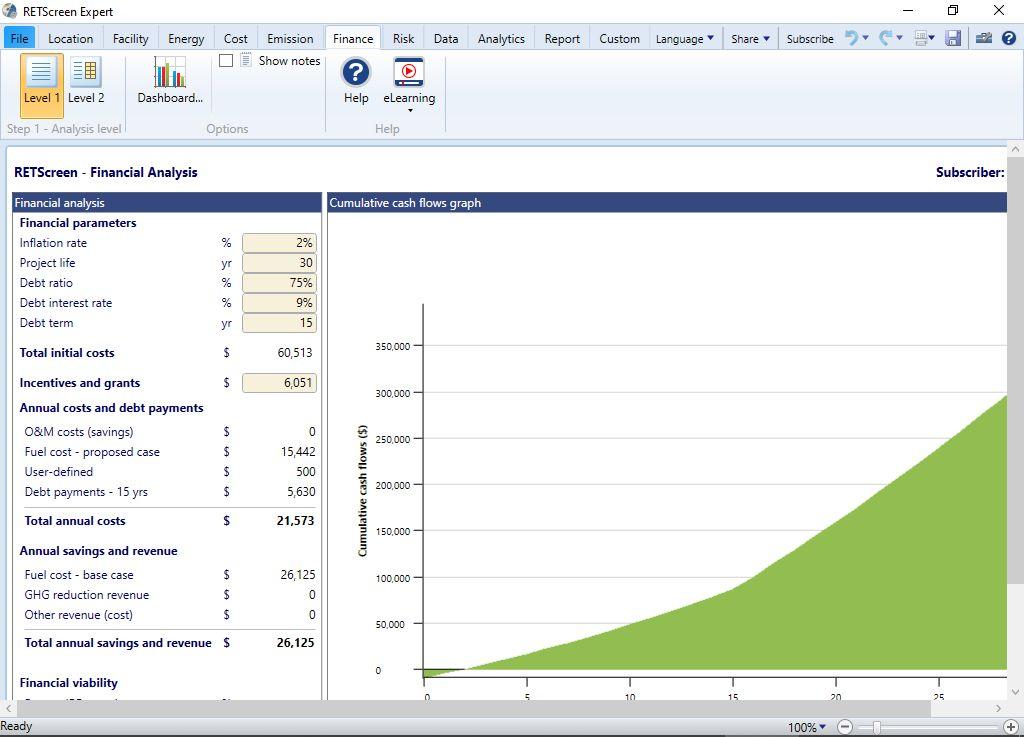
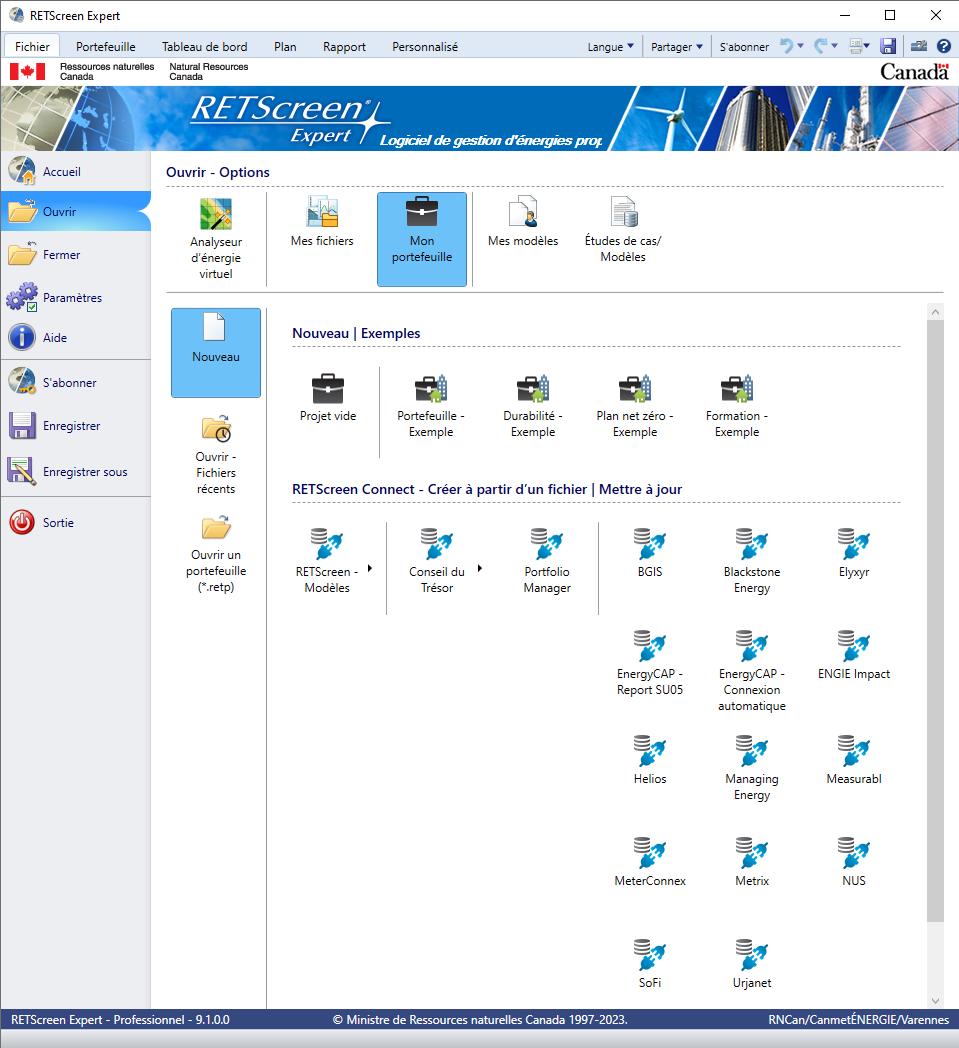
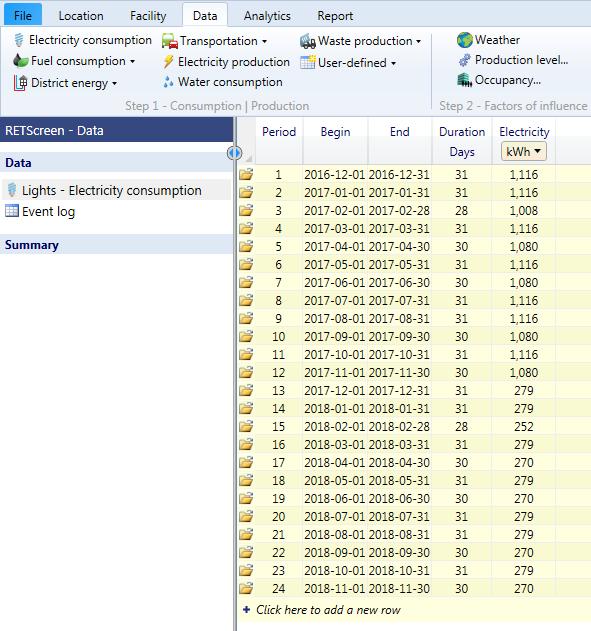
RETScreen Pricing
The platform provides these payment options:
- RETScreen Basic (Free)-Covers feasibility analysis, financial modeling, and climate data.
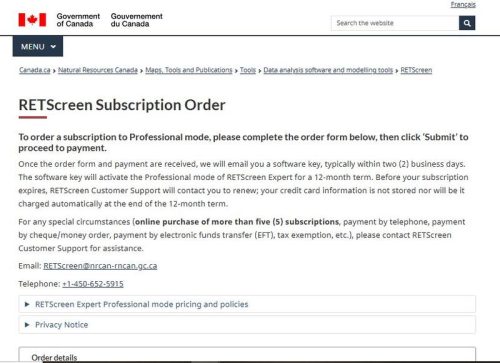
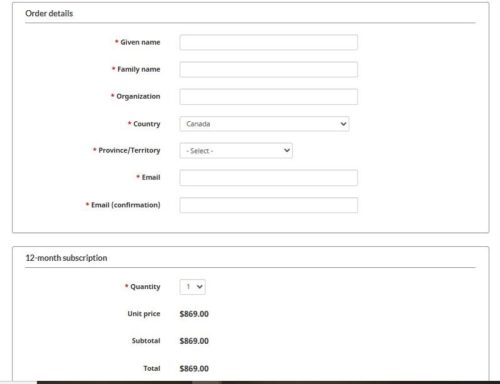
- RETScreen Expert (Typically USD $869.00 per user per year)- Adds portfolio management, advanced analytics, and performance tracking.
Integrations
RETScreen is not built around integrations. It works more as a standalone analysis tool. What it does support:
- Excel-based workflows
- CSV import and export
- Manual data exchange with other engineering tools
No direct integration with solar design platforms or API layer. In most workflows, RETScreen sits before design software, not alongside it.
How to Use RETScreen
To get started:
- Define Project Type
Select the system: solar PV, wind, hydro, or efficiency. Set the location and basic capacity. This establishes the baseline.
- Input Energy Data
Enter expected production or load data. If exact figures are missing, built-in climate data can fill the gap at a basic level.
- Add Financial Inputs
Capital cost, operating cost, maintenance, and tariffs go here. Accuracy matters. Loose assumptions lead to misleading outputs.
- Run Simulation
The model processes inputs and generates energy output and financial results. This step is quick once the inputs are in place.
- Review Results
Focus on IRR, NPV, and payback period. These determine whether the project meets internal or investor thresholds.
- Test Scenarios
Adjust key variables: Energy prices, system cost, production levels. Watch how results shift. This step often changes decisions.
FAQs
Is RETScreen suitable for solar design work?
No. It does not support layout design, shading, or electrical configuration.
Where does it fit in a project workflow?
Early-stage feasibility and screening. It comes before tools used for detailed engineering.
Can it be used for large projects?
Yes. Utility-scale and commercial projects are commonly evaluated with it.
Is the climate data reliable?
It is based on NASA datasets. Suitable for feasibility. Detailed design still requires site-specific data.
Does it support hybrid systems?
Yes. Multiple technologies can be analyzed within one project setup.
Is it enough for investment decisions?
For early-stage decisions, yes. Final investment typically requires more detailed engineering and validation.




