
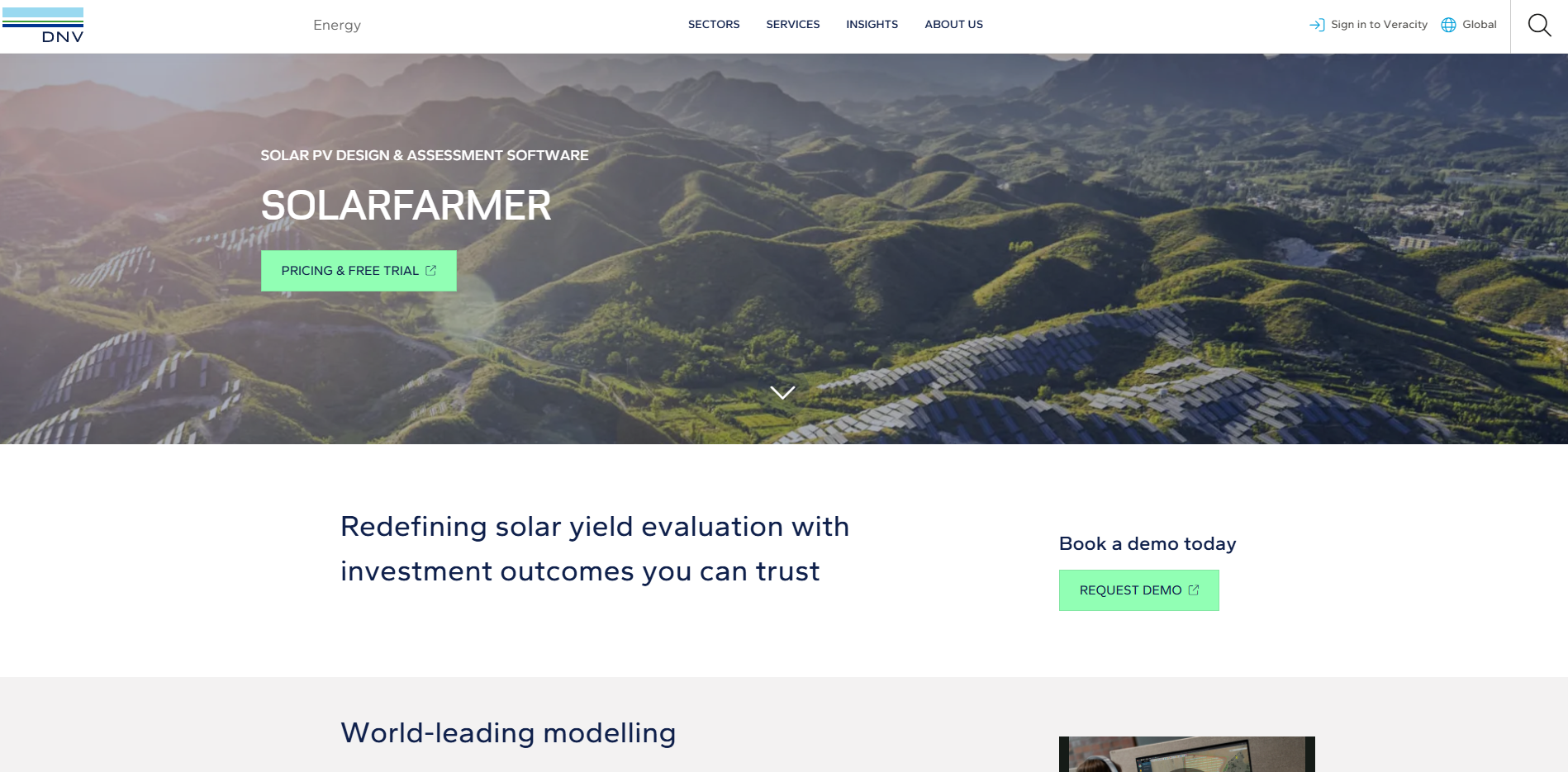
SolarFarmer
Pros
- Highly accurate energy production forecasts trusted by financial institutions.
- Excellent performance on complex terrain and irregular project sites.
- Advanced 3D shading analysis and bankable simulation methodology.
- Strong support for bifacial modules and tracking systems.
- Automated layout generation significantly reduces engineering time.
- Backed by DNV's extensive experience in renewable energy risk assessment.
- Supports integration with larger engineering and development workflows.
Cons
- Steep learning curve for new users.
- Requires a relatively powerful Windows workstation.
- Pricing is not publicly available.
- May be overly complex for residential and small commercial projects.
- Less focused on detailed CAD editing than some specialized design platforms.
Utility-scale solar projects require highly accurate energy production forecasts, optimized layouts, and bankable performance assessments before significant capital investments can be secured. Traditional design approaches often force engineers to choose between fast but simplified modeling tools and highly detailed but time-consuming manual workflows. SolarFarmer addresses this challenge by combining automated solar plant design with DNV’s validated physics-based simulation engine.
Developed for solar developers, EPC contractors, consultants, investors, and lenders, SolarFarmer delivers detailed performance modeling, advanced shading analysis, and financial-grade energy yield assessments. The platform is particularly valuable for projects located on complex terrain where precision directly impacts project economics and financing decisions.
What Is SolarFarmer?
SolarFarmer is a utility-scale solar design and energy simulation platform developed by DNV.
The software enables engineers to create photovoltaic plant layouts, evaluate site constraints, perform detailed 3D shading analysis, and generate bankable energy production forecasts. SolarFarmer is widely used for project development, engineering optimization, and due diligence processes where highly accurate yield estimates are required.
Features
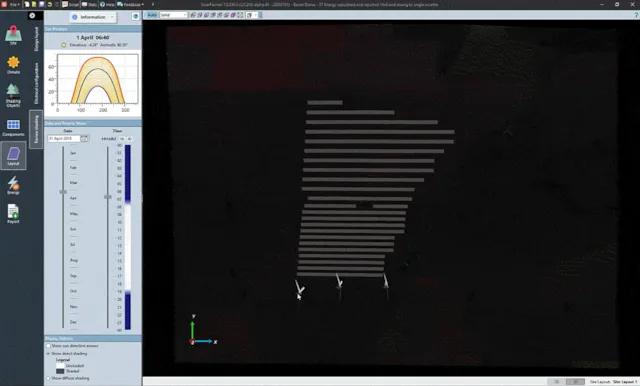
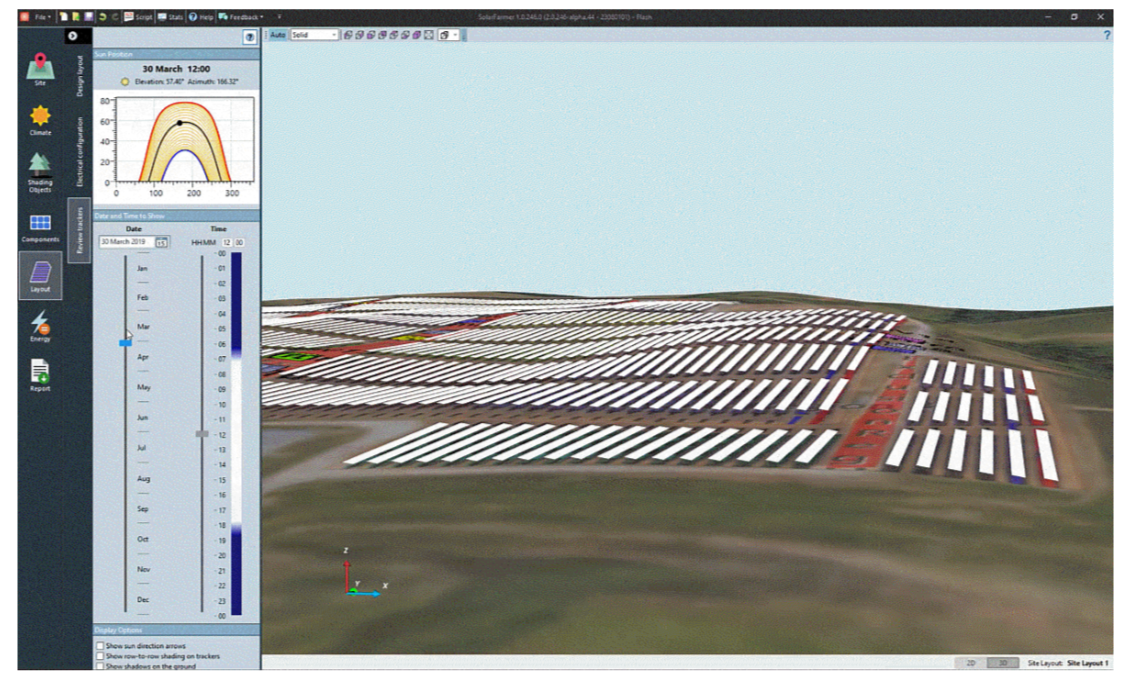
- 3D Shading and Terrain Modeling: Analyze shading impacts caused by terrain, trackers, structures, and surrounding obstacles.
- Automated Layout Generation: Automatically place fixed-tilt or tracker systems while respecting site constraints and exclusion zones.
- Bankable Yield Simulation: Generate lender-grade energy production forecasts using validated physics-based models.
- Sub-Hourly Energy Analysis: Capture inverter clipping effects and short-term weather variability through high-resolution simulations.
- Bifacial Module Modeling: Evaluate rear-side irradiance and bifacial energy gains.
- Scripting and API Support: Automate workflows and integrate simulation capabilities with external platforms.
- Technical Documentation and Support: Access engineering resources, training materials, and expert support from DNV.
Screenshots
SolarFarmer Pricing
SolarFarmer uses a subscription-based licensing model with options designed for individual professionals and enterprise teams.
- Free Trial: A 14-day trial is available for evaluation purposes.
- Short-Term Licenses: Flexible 3-month subscription options for project-specific needs.
- Annual Subscriptions: Standard licensing for ongoing engineering operations.
- Standalone Licenses: Single-user licenses for individual workstations.
- Network Licenses: Shared licensing for teams using local, regional, or global servers.
- Custom Enterprise Pricing: Available for large organizations and multi-user deployments.
Integrations
SolarFarmer integrates with engineering, weather, GIS, and renewable energy analysis platforms.
- CAD and GIS Data: Import vector files, terrain maps, contours, raster imagery, and 3D models.
- Weather Data Providers: Supports solar resource datasets including Solcast.
- Solesca Platform: Shares simulation capabilities within DNV’s broader solar engineering ecosystem.
- Google Earth Export: Export project layouts and results as KMZ files.
- PDF Reporting: Generate professional reports for developers, investors, and lenders.
- Custom Scripting: Create integrations with internal tools and external software systems.
How to Set Up SolarFarmer
- Request a trial or purchase a subscription through DNV.
- Download and install the software on a supported Windows workstation.
- Activate the license and configure user settings.
- Import site boundaries, terrain data, and project information.
- Load weather datasets and equipment specifications.
- Begin creating layouts and running simulations.
How to Use SolarFarmer
Engineers typically begin by importing topographic maps, site boundaries, exclusion zones, and solar resource data. The platform then allows users to automatically generate photovoltaic layouts based on terrain conditions, tracker configurations, and project constraints.
After selecting modules, inverters, and electrical configurations, SolarFarmer performs detailed simulations that evaluate shading losses, irradiance conditions, and energy production. Designers can compare multiple scenarios and optimize layouts before generating reports that support financing, permitting, and engineering decisions.
What You Can Manage with SolarFarmer
- Energy Yield Assessments: Produce bankable P50 and P90 production forecasts.
- Solar Plant Layouts: Design utility-scale photovoltaic installations.
- Shading Analysis: Evaluate terrain and obstacle-related energy losses.
- Terrain Optimization: Assess grading requirements and site constraints.
- Technology Comparisons: Evaluate different module, inverter, and tracker options.
- Financial Modeling Inputs: Generate accurate data for LCOE and investment analysis.
FAQs
What does SolarFarmer do?
SolarFarmer is a utility-scale solar design and simulation platform that helps engineers create optimized layouts and generate highly accurate energy production forecasts.
Who is SolarFarmer best for?
It is designed for solar developers, EPC contractors, engineering consultants, investors, lenders, and utility-scale project teams that require bankable performance assessments.
Can I use SolarFarmer for free?
SolarFarmer offers a limited 14-day trial, but full access requires a commercial subscription license.
What are the main limitations of SolarFarmer?
Main limitations include its complexity, hardware requirements, lack of public pricing, and a feature set primarily focused on large-scale projects rather than residential installations.
What are the best alternatives to SolarFarmer?
Popular alternatives include PVsyst, PVcase, RatedPower, Aurora Solar, HelioScope, and other solar engineering and energy modeling platforms.




