AlsoEnergy Deck
Pros
- A fully integrated solution that provides both hardware and software from one source.
- Scales easily from smaller commercial sites to massive utility portfolios.
- Pre-configured hardware means you start seeing data almost immediately.
- Provides deep diagnostic tools that make O&M much more efficient.
- Global support network with offices in major international markets.
- Reliable data handling with automatic recovery features at the device level.
Cons
- Private pricing means smaller teams have to go through a sales process just to budget.
- The depth of the edge-to-cloud setup can mean a bit of a learning curve for new users.
- You get the most value when using AlsoEnergy's own hardware, which might feel restrictive for some older sites.
- The mobile app has seen some criticism in the past, though recent updates are working to fix this.
What Is AlsoEnergy Deck?
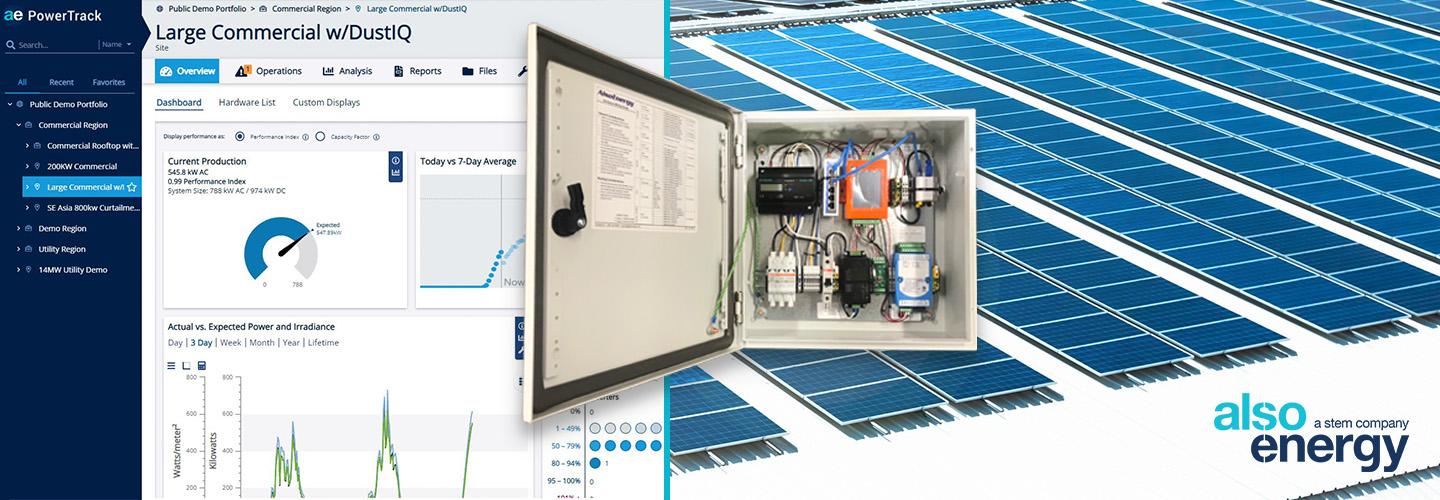
AlsoEnergy Deck is an all-in-one edge-to-cloud monitoring and control platform built specifically for the clean energy sector. It falls under Solar Monitoring & Analytics and Energy Management Systems (EMS).
The platform is commonly used by:
- Developers
- EPC firms
- Independent Power Producers (IPPs)
- Asset managers
- Utility-scale renewable energy operators
- Commercial and industrial project teams
The system gathers data from field hardware such as data loggers, meters, and weather sensors, then sends it to the PowerTrack cloud application.
AlsoEnergy Deck Features
Data Logging and Aggregation
The platform uses edge hardware, such as the PowerLogger series, to collect data from inverters and sensors at intervals as frequent as every second.
Real-Time Monitoring
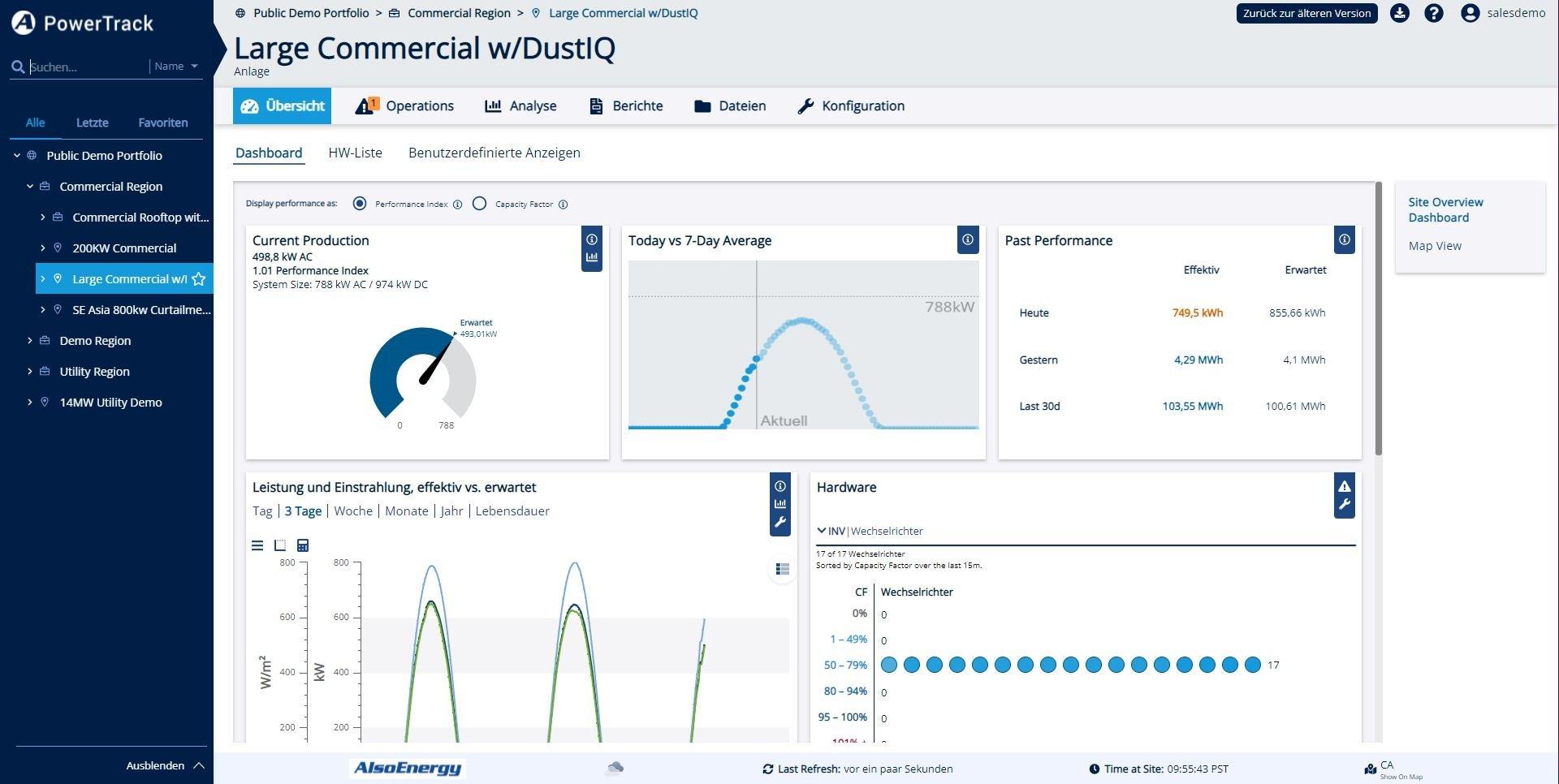
Users can check live data from their assets through a web portal or mobile app, helping them monitor current production and system health.
Automated Alerts and Diagnostics
The system flags abnormalities and hardware failures instantly, notifying O&M teams so they can reduce downtime and protect revenue.
Customizable Reporting
AlsoEnergy Deck allows users to create:
- Performance reports
- PPA billing files
- Regulatory documents
- Financial reports
- Operational summaries
Remote Troubleshooting
Using diagnostic tools such as the Rule Tool, technicians can identify device-level issues remotely, reducing the need for unnecessary site visits.
Power Plant Control
For larger sites, the platform supports SCADA and Power Plant Controller functions, including grid management and export limit controls.
Weather and Sensor Integration
The platform supports meteorological tools and soiling sensors to compare actual production against expected output based on local weather conditions.
Screenshots
AlsoEnergy Deck Pricing
AlsoEnergy Deck pricing is not listed publicly. The company encourages interested users to contact sales or schedule a demo for a personalized quote.
Costs usually depend on:
- Portfolio size
- Required hardware
- Software access level
- Monitoring complexity
- PowerTrack subscription requirements
In most cases, users pay for hardware upfront and then pay a recurring subscription for SaaS monitoring services.
AlsoEnergy Deck Integrations
AlsoEnergy Deck is built with an open setup to work with various technical and business tools.
Hardware Integrations
- Third-party inverters
- Trackers
- Revenue-grade meters
- Weather sensors
CMMS and BI Applications
The platform can connect with maintenance management and business intelligence tools to simplify O&M and corporate reporting.
API and Webhooks
APIs allow teams to pull monitoring data into custom software, dashboards, and internal workflows.
Utility and ISO Protocols
- DNP3
- Modbus
How to Set Up AlsoEnergy Deck
- Work with an AlsoEnergy engineer to define the right hardware and software package.
- Buy and install pre-wired hardware such as loggers and weather stations.
- Connect devices to the internet using a local network or built-in 4G LTE modems.
- Log into your PowerTrack account and register the site.
- Map your site hierarchy, including inverters, meters, and sensors.
- Set up dashboards, alerts, and monitoring levels.
How to Use AlsoEnergy Deck
Asset managers typically start their day by checking the main dashboard for portfolio-wide alerts. If an issue appears, they can open the affected site and review live equipment data.
Diagnostic tools help determine whether the issue is caused by a connection problem, hardware failure, dirty panels, or another performance-related factor.
O&M teams use the platform to prioritize repairs, while finance teams generate billing and investor reports. Field technicians can also use the mobile app to verify site status after completing maintenance work.
What You Can Manage with AlsoEnergy Deck
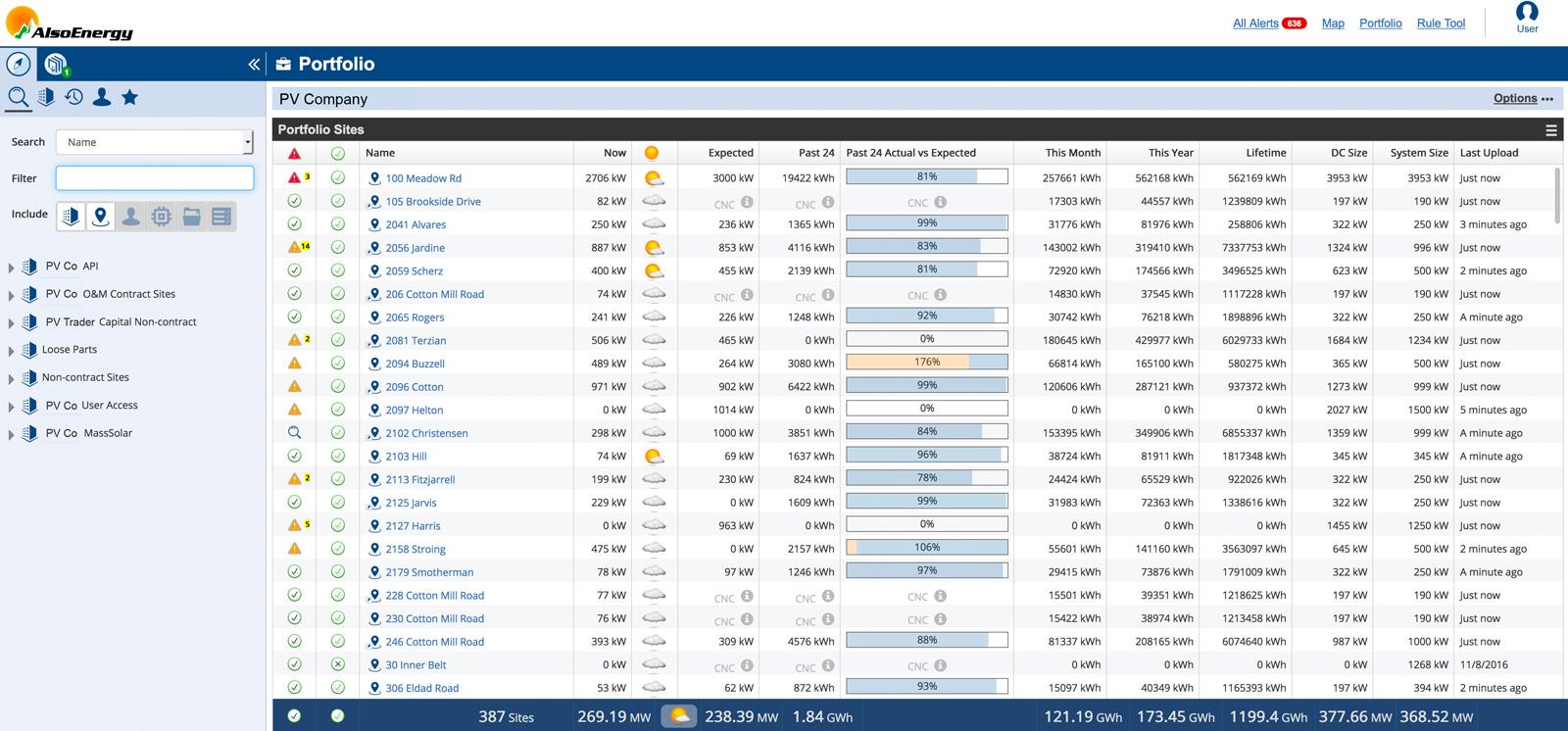
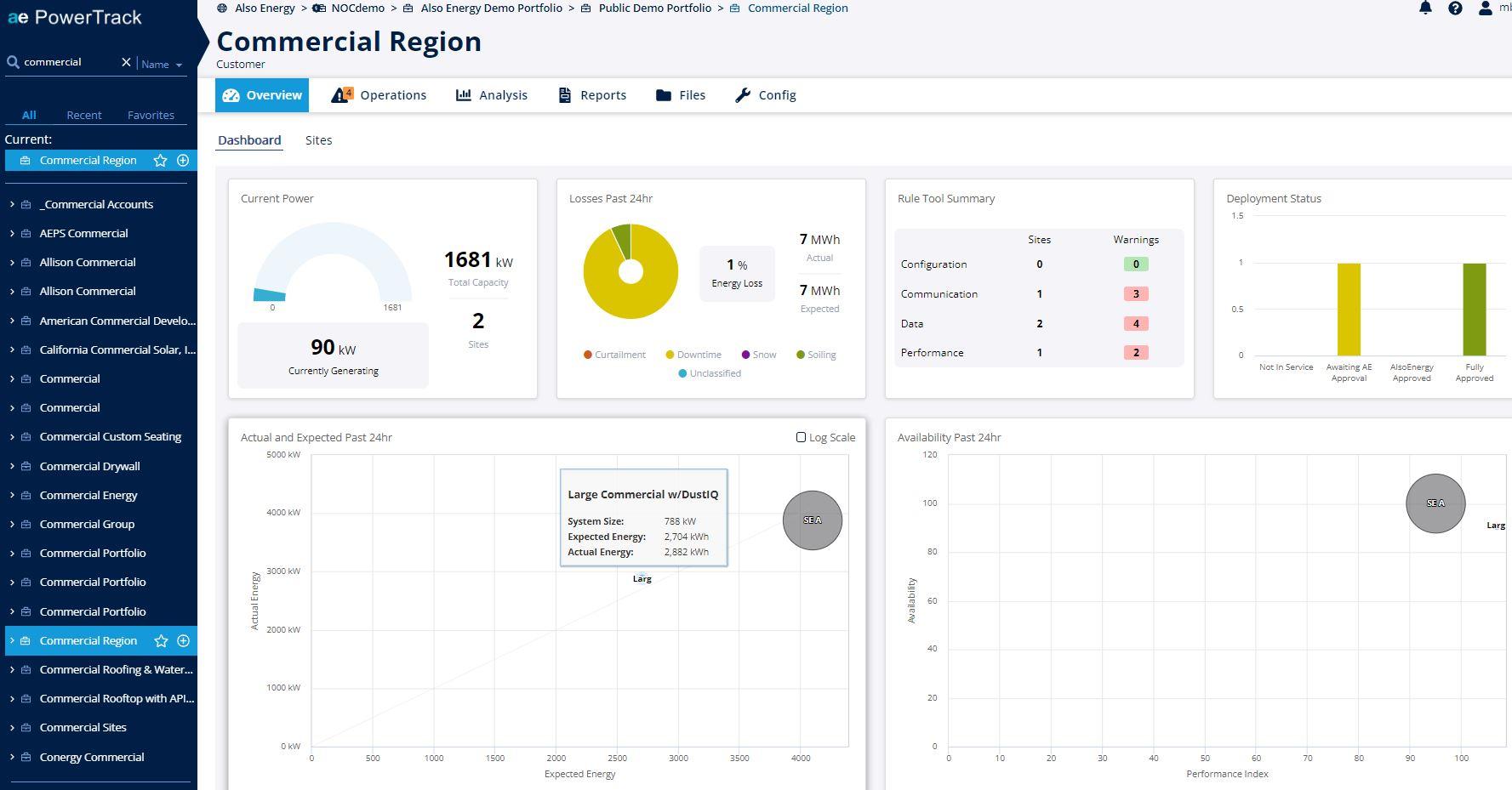
- Portfolio Dashboards: Visual summaries of site performance across regions.
- Energy Yield Analytics: Comparisons of actual production versus weather-based expectations.
- Alert Logs: Centralized tracking of warnings, errors, and status changes.
- O&M Workflows: Maintenance tracking through ticketing and repair workflows.
- Financial Reports: Automated reports for billing, revenue tracking, and ROI analysis.
- Grid Compliance: Tools for export limits and utility rule management.
FAQs
What does AlsoEnergy Deck actually do?
AlsoEnergy Deck collects data from solar and storage sites and sends it to a cloud monitoring platform. It helps operators identify performance issues, manage repairs, and keep assets profitable.
Who is AlsoEnergy Deck for?
AlsoEnergy Deck is designed for EPCs, developers, asset managers, and operators managing large renewable energy portfolios.
Is AlsoEnergy Deck free?
No, AlsoEnergy Deck is a professional enterprise tool that requires hardware investment and a recurring software subscription.
What are the main downsides?
The main limitations are private pricing, technical complexity, and the fact that the platform works best within the AlsoEnergy hardware ecosystem.