Enphase Enlighten
Pros
- Free for all Enphase system owners with no base subscription required
- Panel-level fault detection pinpoints exactly which unit has a problem
- Available on web, iOS, and Android
- Automated alerts catch performance issues before they become costly
- Covers solar, battery, and EV charger data in one place
- Enlighten Manager helps installers avoid unnecessary site visits through remote diagnostics
Cons
- Only works with Enphase microinverter systems — string inverters from other brands are not supported.
- Real-time data can run several minutes behind on the mobile app
- Per-panel data and advanced tools require a paid Enlighten Manager upgrade
- Some system settings are controlled remotely by Enphase rather than by the user
Most solar owners assume their system is working fine until the electricity bill tells a different story. Enlighten exists to close that gap. It shows you exactly what your Enphase system is doing — panel by panel, in near real time — through a browser or phone, wherever you happen to be.
Unlike generic energy monitors, Enlighten is purpose-built for Enphase hardware. That means the data it surfaces is specific, actionable, and tied directly to individual components rather than averaged across the whole system.
What Is Enphase Enlighten?
Enphase Enlighten is a cloud-based solar monitoring platform that only works with Enphase microinverter systems. Think of the software as the dashboard for your solar system – it enables you to see what your panels are doing in real time. Solar professionals get a separate version of the product called Enlighten Manager. This adds fleet oversight and remote diagnostic tools on top of the standard monitoring experience.
Features of Enphase Enlighten
Enlighten covers everything from individual panel performance to full system health. Notable features include:
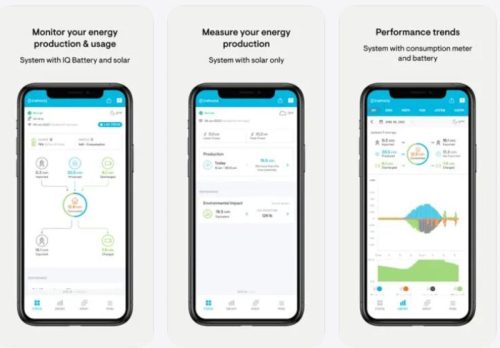
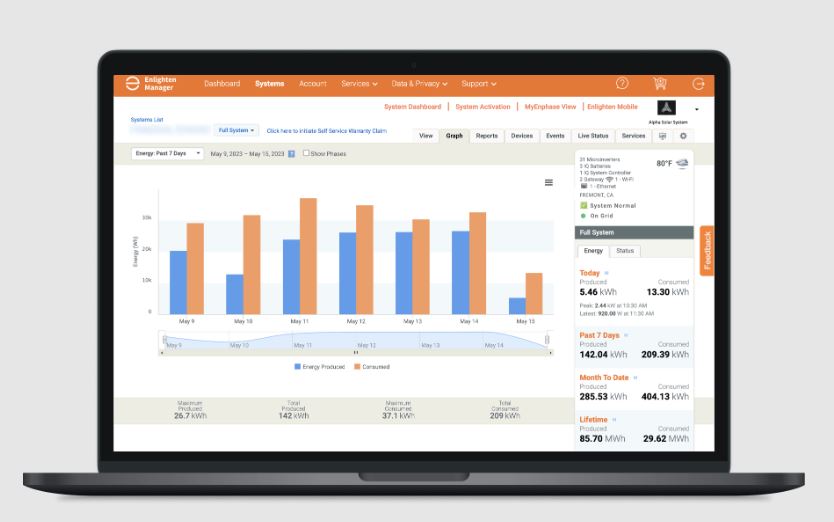
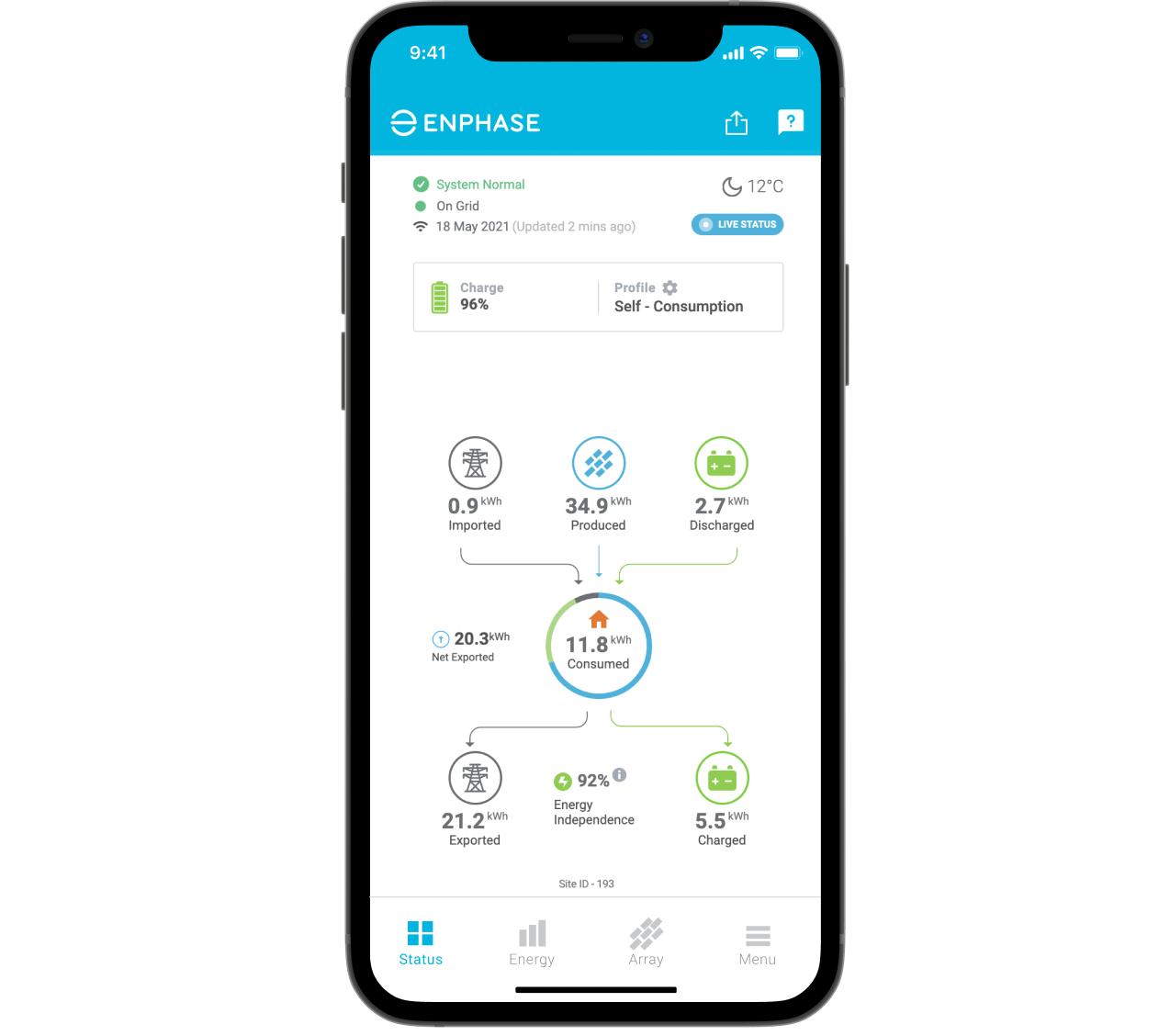
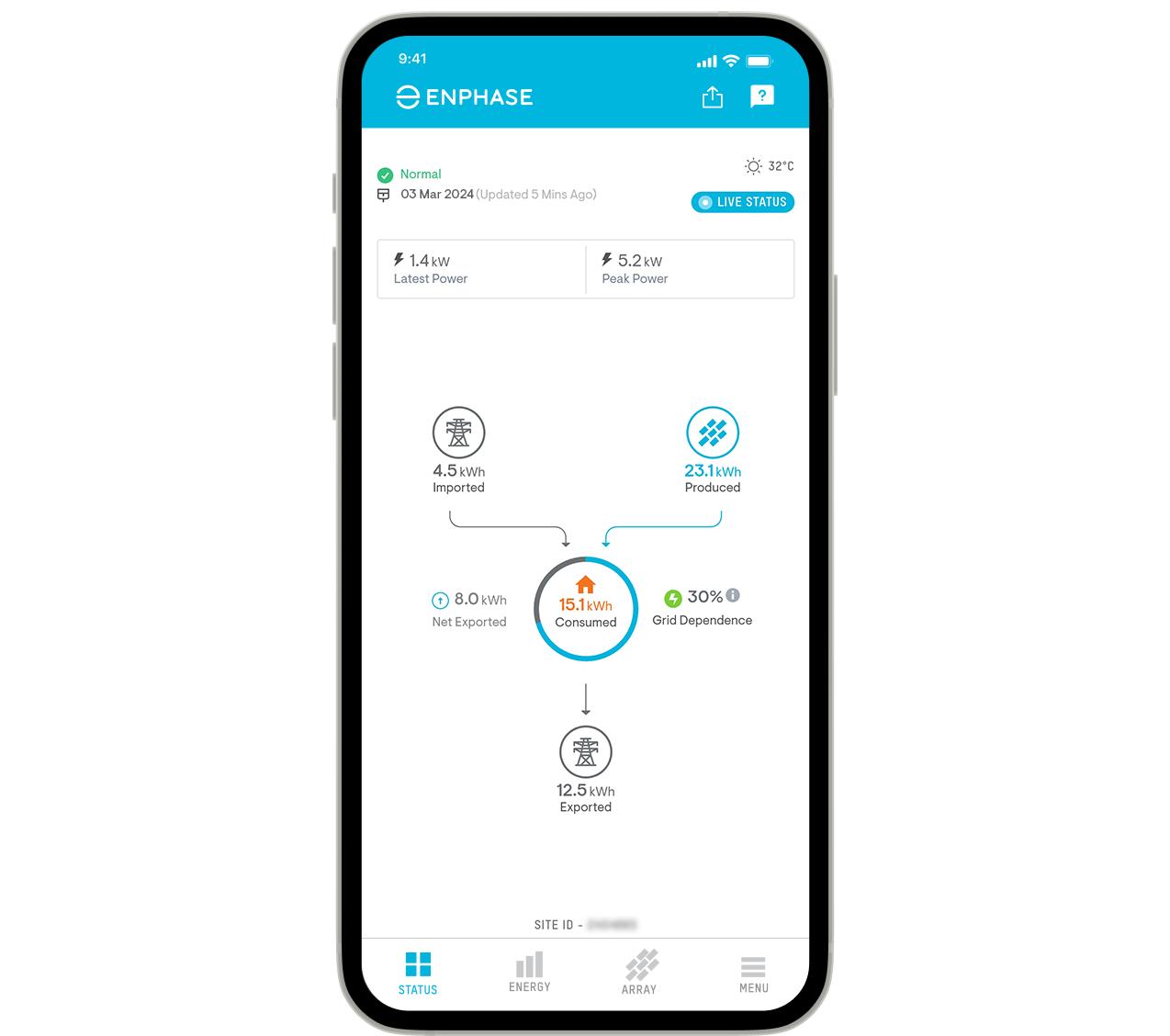
- Production data viewable by hour, day, or month — updated in near real time.
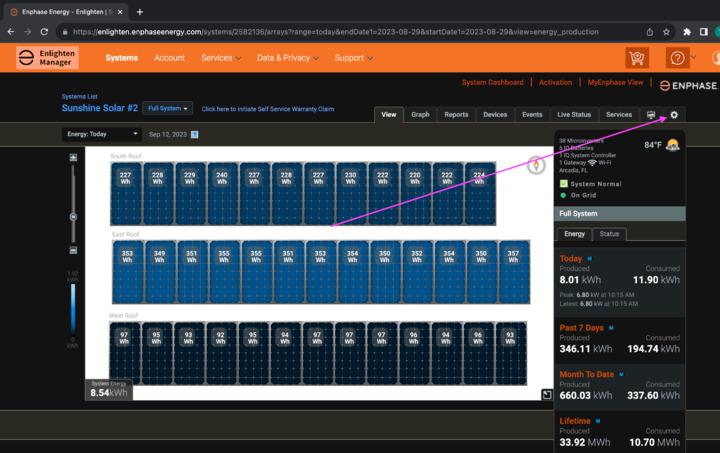
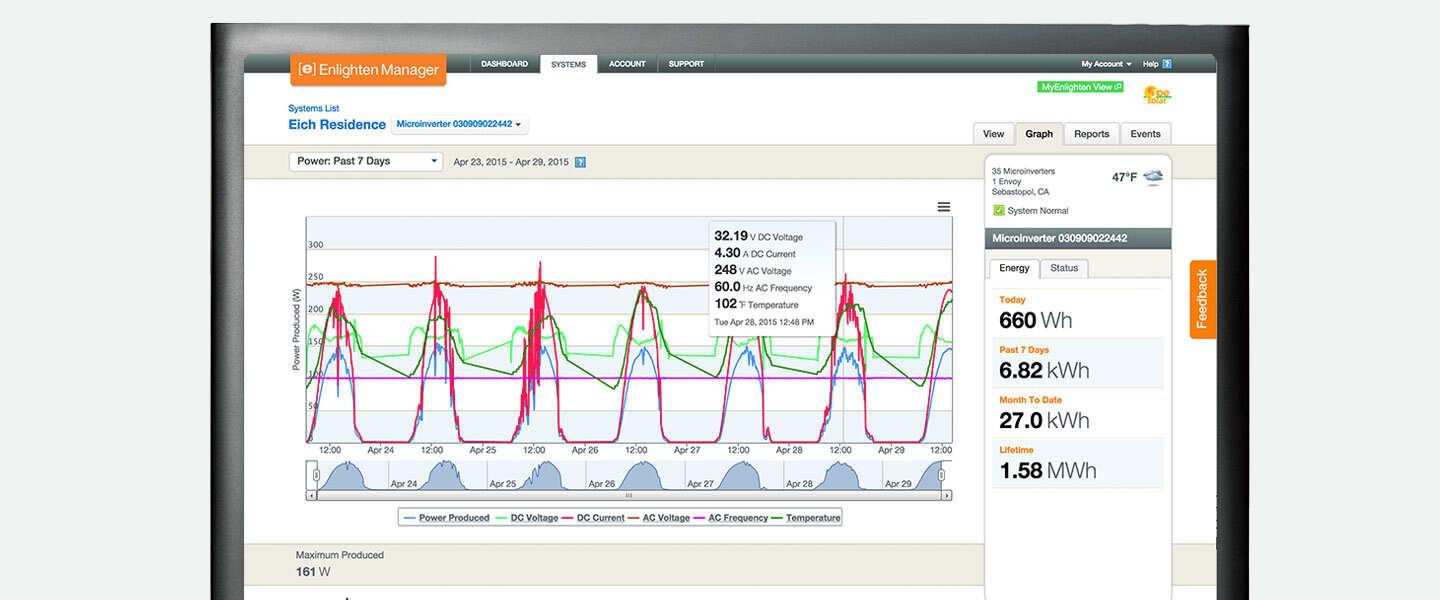
- Per-panel performance tracking in 15-minute intervals, so a fault shows up at the exact panel rather than as a vague system-level warning
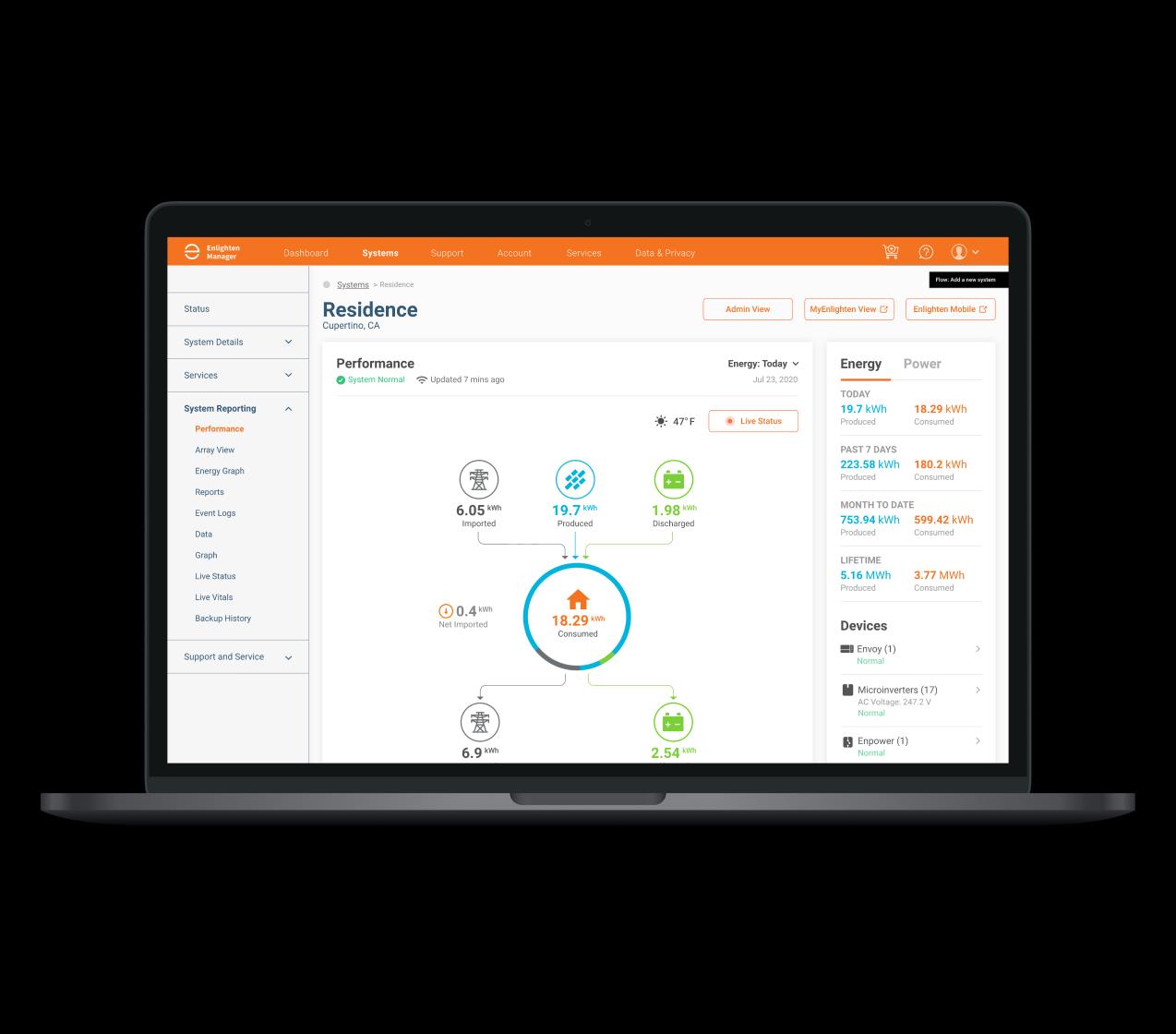
- System health dashboard with status indicators that flag problems and point toward likely causes
- Weather data overlay that helps explain why the output on one day differed from another
- Energy production and usage reports you can run directly from the app
- Remote diagnosis tools that let installers troubleshoot a site without driving out (Enlighten Manager)
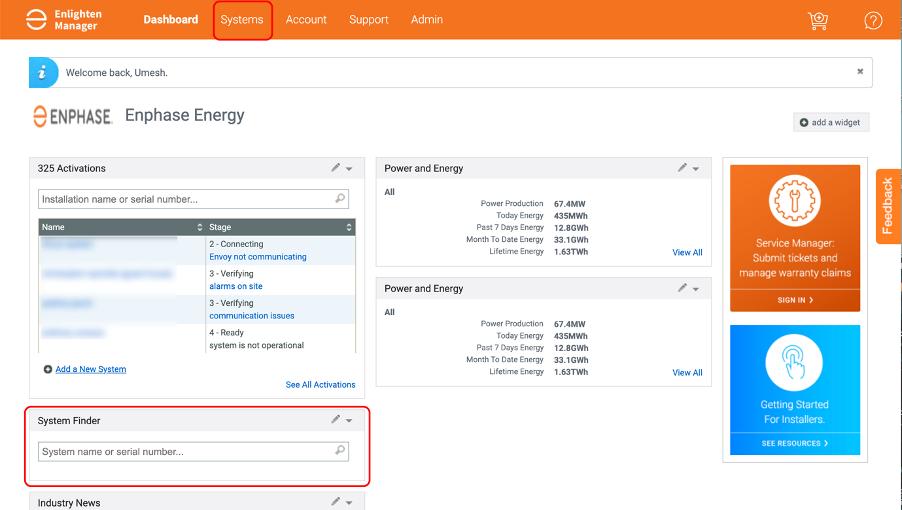
- Fleet management with sorting and filtering across multiple installations (Enlighten Manager)
- Automatic email alerts tied to specific performance events (Enlighten Manager)
Screenshots
Enphase Enlighten Pricing
The standard Enlighten app comes included with any Enphase microinverter system at no extra charge. There is no monthly fee for the core homeowner monitoring experience.
Enlighten Manager is available to homeowners as a paid upgrade. A monthly subscription runs $9.99/month and can be canceled at any time. A one-time lifetime subscription is also available through the Enphase store. Installers access Enlighten Manager through their professional Enphase account at no additional per-site cost.
Integrations
Enlighten pulls data from IQ Microinverters, the IQ Gateway, IQ Batteries, and Enphase EV chargers into a single monitoring view. The IQ Gateway connects to the platform over broadband via Ethernet cable or Wi-Fi — no extra wiring needed, since microinverters transmit data to the gateway over existing power lines.
How to Set Up Enphase Enlighten
Getting started with Enlighten is straightforward. Most of the setup happens during your system installation, so by the time your panels are live, your monitoring account is ready to go alongside them.
Here’s how to go about it:
- Have your Enphase IQ Microinverters and IQ Gateway installed by a certified Enphase installer.
- Connect the IQ Gateway to your home router via Ethernet cable or Wi-Fi.
- Your installer activates the system and creates your Enlighten account during commissioning.
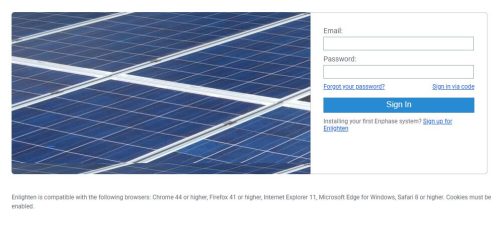
- Download the Enlighten app from the App Store or Google Play, or access it at enlighten.enphaseenergy.com
- Sign in with the credentials set up at installation to start seeing your system data.
How to Use Enphase Enlighten
Once your system is active, the Enlighten app and web portal give you a clear, organized view of your solar performance. Here is how to get the most out of the main features from day one.
- Open the app or browser portal.
- Check the system status indicator on the main dashboard.
- Tap into production to view energy output by hour, day, or month.
- Review consumption data alongside production to get a full net energy picture.
- Use the weather overlay to understand what drove output up or down on a specific day.
- Configure alerts so you’re notified if a panel or component underperforms.
- Run a production report from the app to keep a documented history of your system’s output.
How to Create with Enphase Enlighten
Enlighten is built around monitoring, not design. That said, it does let you produce useful records from real system data. From the app, you can pull energy production and usage reports — useful when reviewing utility bills, tracking savings over time, or putting together documentation if you sell your home. Installers on Enlighten Manager can stack actual site output against the original modeled performance and pull fleet-level summaries across all their managed systems.
FAQs
Does Enphase Enlighten work with non-Enphase inverters?
No. Enlighten is built around Enphase microinverter systems specifically. A string inverter from another manufacturer won’t connect to the platform.
Is the Enlighten app free to use?
The core app is free for anyone with an Enphase system. Upgrading to Enlighten Manager for per-panel data costs $9.99/month.
Can I monitor my Enphase battery and EV charger through Enlighten?
Yes. IQ Battery and Enphase EV charger data feeds into the same platform as your solar production.
What happens if a panel stops producing?
Each microinverter reports on its own, so Enlighten can tell you exactly which panel has gone quiet and trigger an alert — rather than just showing a general system fault with no useful detail.