SMA Sunny Portal
Pros
- SMA Sunny Portal has built-in alerts and fault detection
- This platform has a clean dashboard with real-time insights
- It supports multiple systems in one account
- The software provides pretty detailed historical data and performance analytics
Cons
- The portal setup usually requires installer involvement
- Its interface can feel dated in some areas
- You may experience occasional syncing hiccups
You’ve probably wished your solar setup could talk back—show you exactly what it’s doing, when, and why. SMA Sunny Portal delivers just that and in an intuitive way.
With this software, it’s like having a dashboard for your entire solar system, complete with analytics, alerts, and performance insights that help you squeeze every drop of energy out of your panels.
What is SMA Sunny Portal?
The SMA Sunny Portal is simply an online monitoring system for tracking, analysing and managing PV systems. This portal allows you to connect with real-time and historical data of the energy production, access consumption data, and an energy system’s performance in one browser.
It is a helpful software for both residential and commercial solar installations.
Features
SMA Sunny Portal packs a solid set of tools that make tracking, analyzing, and optimizing your solar system feel effortless.
Real-Time System Tracking
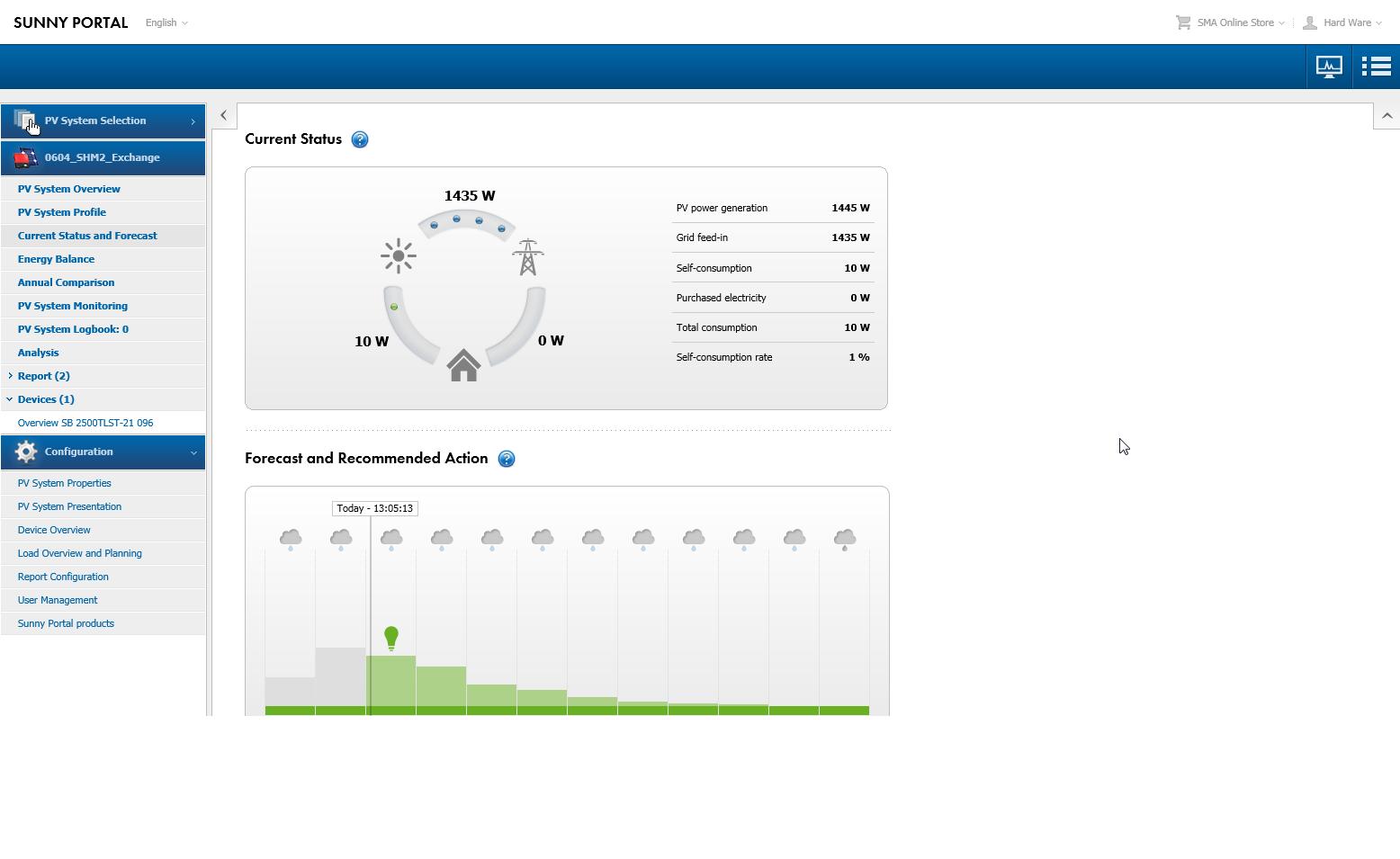
This portal essentially gives you a live view of your whole solar setup where you get to see exactly how much power you’re producing at any moment. No more guessing what’s going on, as you can quickly tell when everything’s running smoothly and when it’s not.
Energy Flow Visualization
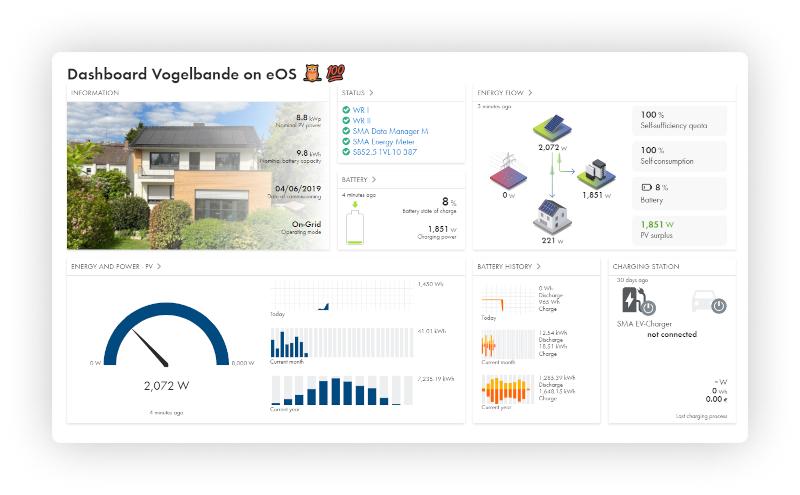
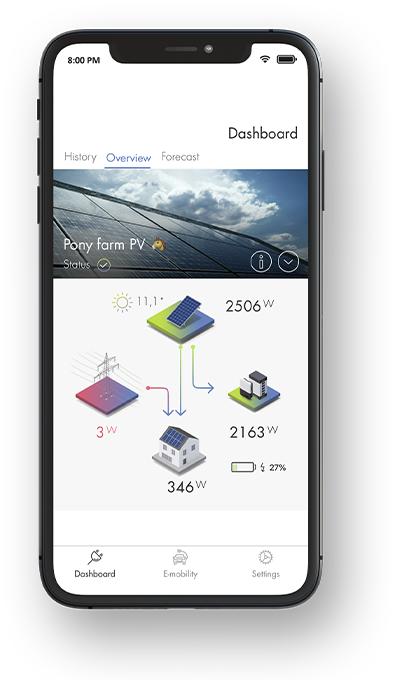
The portal visually maps how energy moves, from panels to the home, battery, or grid. It comes in handy for understanding self-consumption and energy efficiency at a glance.
Historical Data Analysis
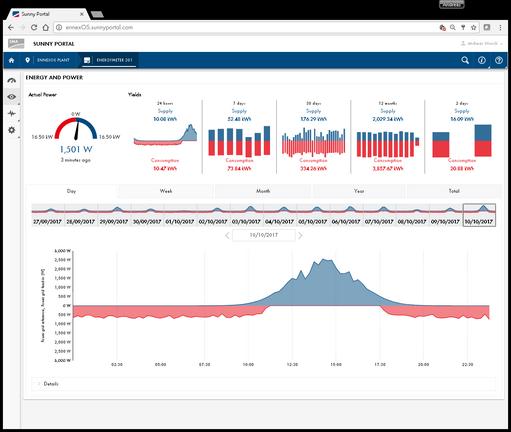
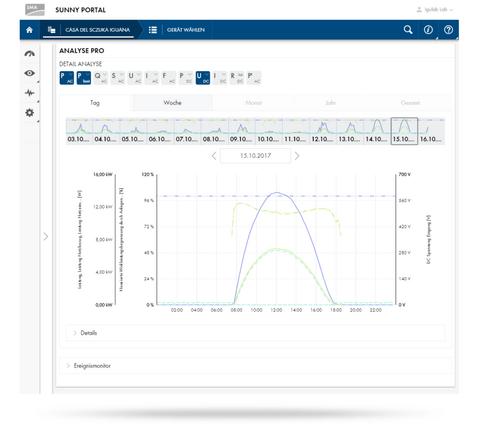
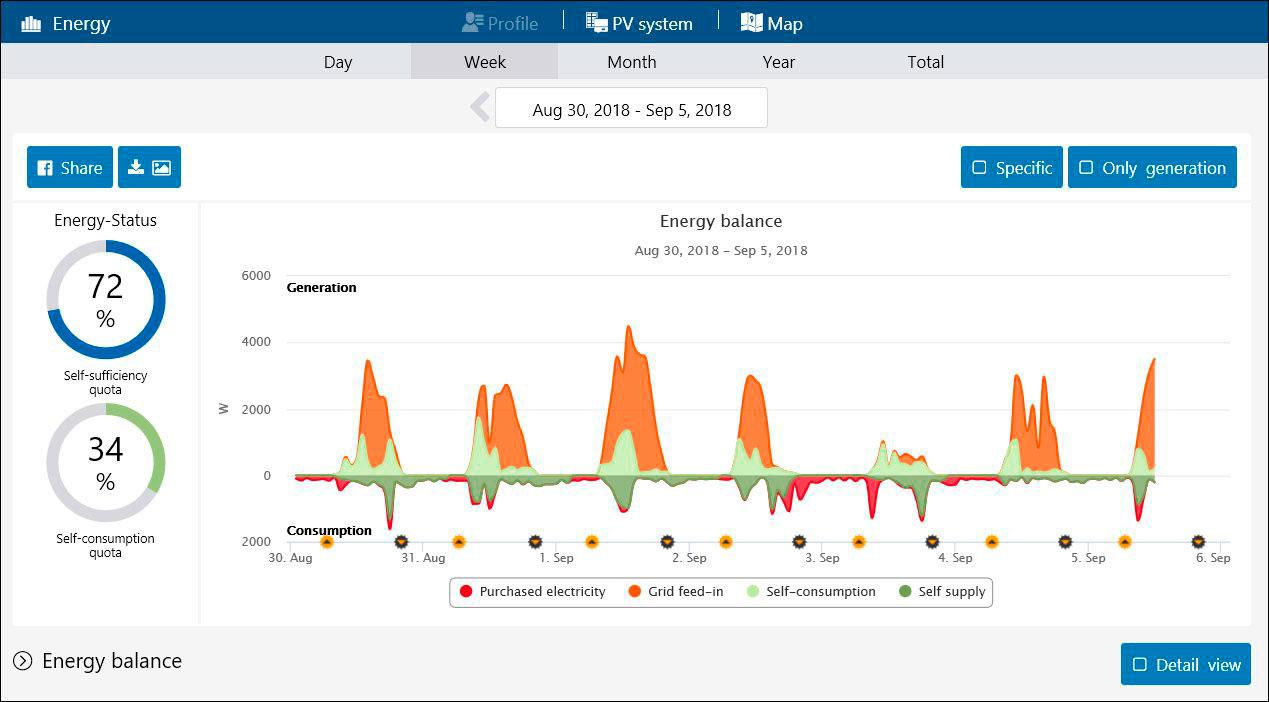
The portal records performance data, so you can monitor trends daily, monthly, or yearly.
Fault Detection & Alerts
The app flags any abnormalities and alerts you whenever something goes wrong. This means you can fix issues a lot more quickly before they affect your energy yield.
Multi-System Management
You can keep an eye on all solar installations from a single account. The app works best for installers, businesses, or property owners with several sites.
Reporting Tools
You can generate daily or monthly reports showing performance metrics. These reports are useful for personal tracking and professional documentation.
Device-Level Insights
The SMA Sunny Portal provides detailed data on individual components like inverters and batteries. This aspect allows you to pinpoint exactly where performance issues might be happening.
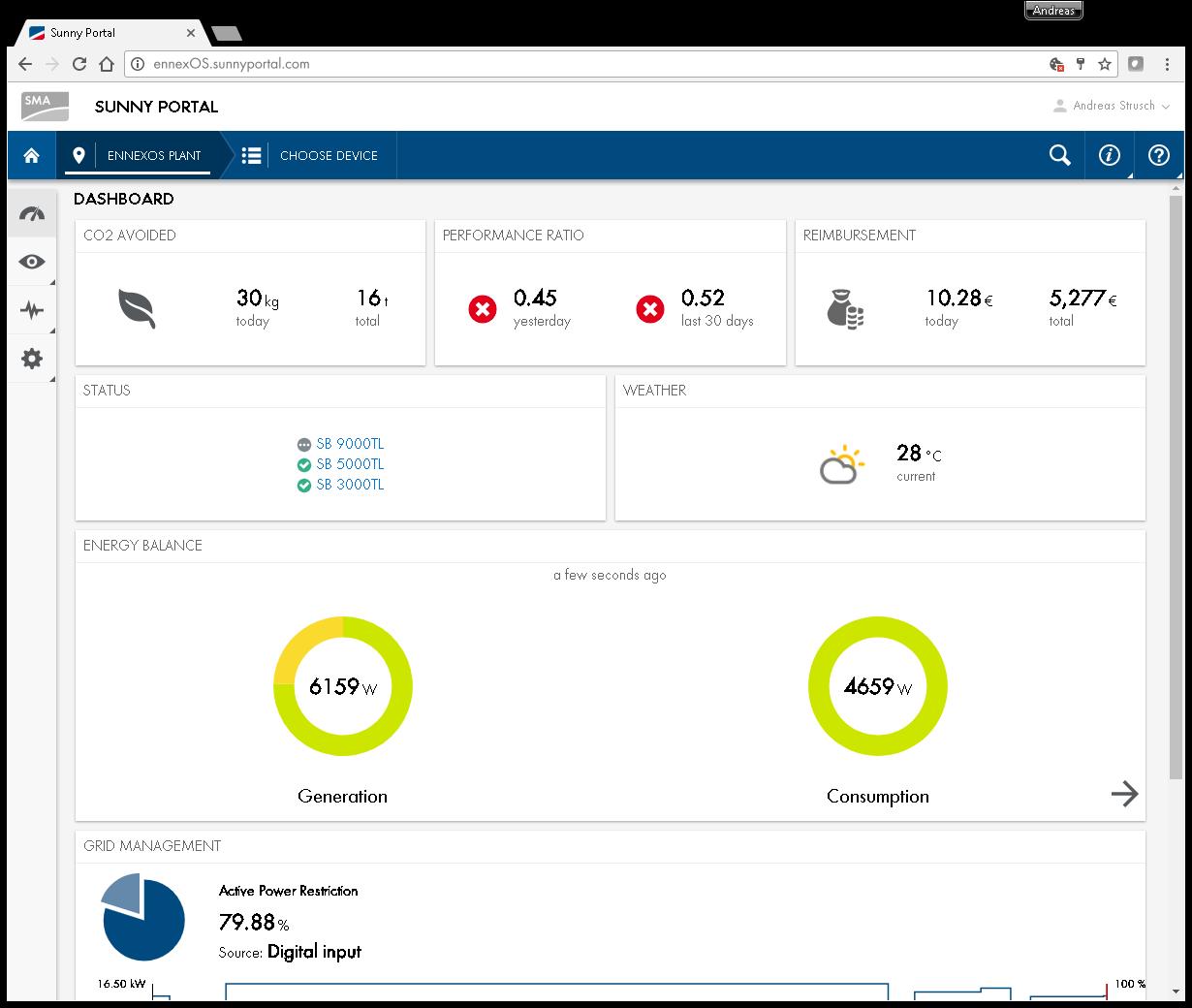
Screenshots
SMA Sunny Portal Pricing
SMA Sunny Portal pricing varies depending on the system size:
- SMA SmartHome API ranges between €6 – €12.50
- SMA GridControl API ranges between €18 – €31
- SMA Monitoring API ranges between €12 – €65
Integrations
SMA Sunny Portal works best within the SMA ecosystem, including:
- SMA inverters such as Sunny Boy and Sunny Tripower
- SMA Energy App
- SMA 360° App
- SMA Smart Connected (automated inverter monitoring)
- Cloud API for third-party integrations
While this app does not support some external devices, full functionality is clearly optimized for SMA hardware.
How to Use SMA Sunny Portal
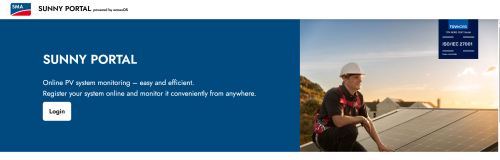
Getting your Sunny Portal up and running is easy. Here’s how you do it:
1. Create an account
Go to the Sunny Portal website and sign up using your SMA ID. Your account will act as your central hub for all systems.
2. Register your system
Add your solar installation by entering device details. This is usually done by your installer, and it links your inverter and other components to the portal.
3. Configure devices
Here is where you tweak things to fit your setup. You set system parameters such as battery usage, tariffs, or energy management preferences to help you customize the dashboard to your needs.
4. Explore the dashboard
Once you’re connected, you can start monitoring your live data.
5. Set alerts and reports
Enable notifications so you can receive faults and schedule reports to remain in the loop without constantly needing to log in.
FAQs
Is SMA Sunny Portal free?
Yes, it’s generally free for users with SMA-compatible systems, though some advanced features depend on setup.
Can I use it without SMA hardware?
Not really. While limited integrations exist, the platform is designed primarily for SMA devices.
Does it show real-time data?
Yes, but it all comes down to your system. Some system updates may be instant, while in others, there might be a slight delay.
Is it beginner-friendly?
For the most part, yes. It’s quite easy to navigate. The only tricky part can be the initial setup, which can sometimes require an installer or technician.
Can I monitor multiple solar systems?
Absolutely. You can manage several installations from a single account, making it ideal for professionals.
Does it work on mobile?
Yes, via the SMA Energy App, which syncs with Sunny Portal data.
What happens if my system goes offline?
You’ll receive alerts, and the portal will record the problem identified so you can troubleshoot.