Zoho Projects
Pros
- Affordable pricing compared to many competing project management platforms.
- Powerful Gantt chart and dependency management capabilities.
- Highly customizable workflows and project templates.
- Strong mobile applications for field operations.
- Excellent integration with the broader Zoho ecosystem.
- Flexible automation tools for approvals and notifications.
- Suitable for both small installers and larger EPC organizations.
Cons
- Advanced automation features require initial setup and training.
- Interface can feel overwhelming due to the large number of available features.
- Portfolio-level reporting is limited on lower-tier plans.
- Some advanced customization options are only available in higher plans.
- Requires configuration to fit specialized solar EPC workflows.
What Is Zoho Projects?
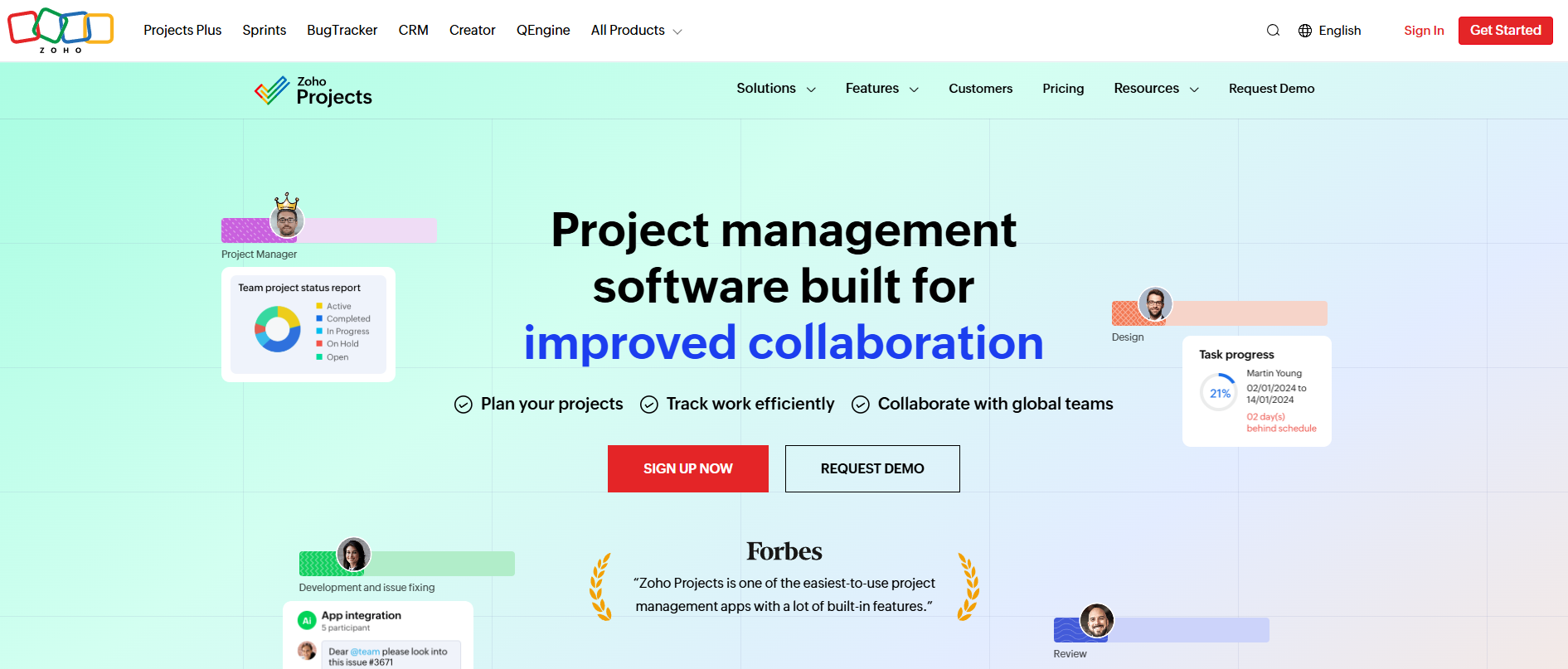
Zoho Projects is a cloud-based project management platform designed to help businesses plan, track, and manage projects from start to finish. While it serves a wide range of industries, the software is particularly useful for solar EPC companies, installers, engineering firms, and construction teams that need to coordinate complex workflows across multiple departments and job sites.
The platform provides task management, scheduling, resource allocation, automation, document storage, and reporting tools within a centralized workspace. For solar projects, Zoho Projects helps teams manage site assessments, engineering reviews, procurement, permitting, installation, commissioning, and ongoing maintenance activities from a single system.
Features
- Task Management and Work Breakdown Structure (WBS): Organize projects into milestones, task lists, subtasks, and dependencies.
- Gantt Charts: Visualize project schedules, timelines, and critical path dependencies.
- Workflow Automation: Automate approvals, notifications, status changes, and repetitive project activities.
- Time Tracking and Timesheets: Monitor labor hours and project costs with built-in time tracking tools.
- Resource Management: Track team workloads, availability, and resource utilization across projects.
- Issue Tracking: Log field issues, defects, safety concerns, and corrective actions.
- Document Management: Store permits, engineering drawings, contracts, and project documentation in one location.
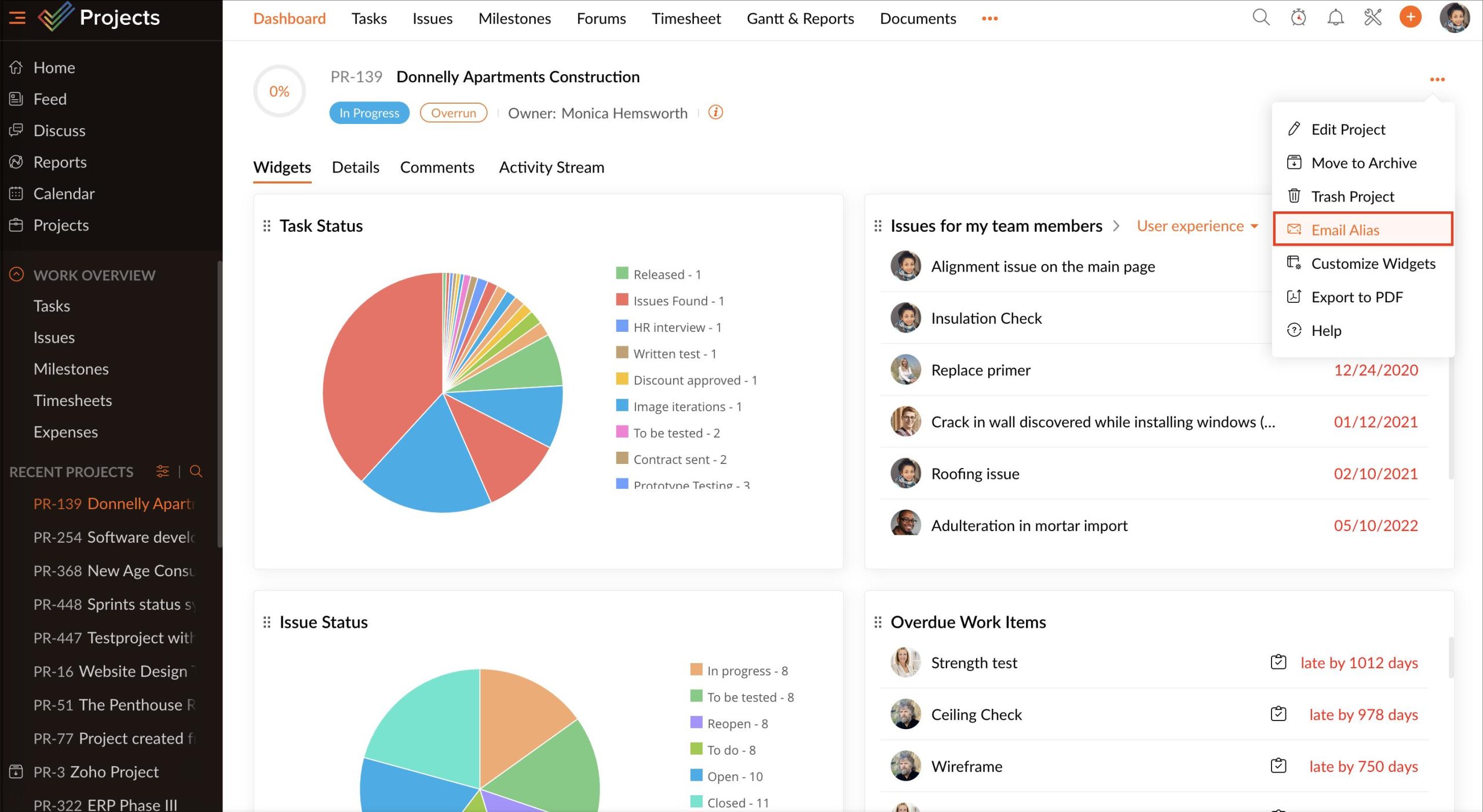
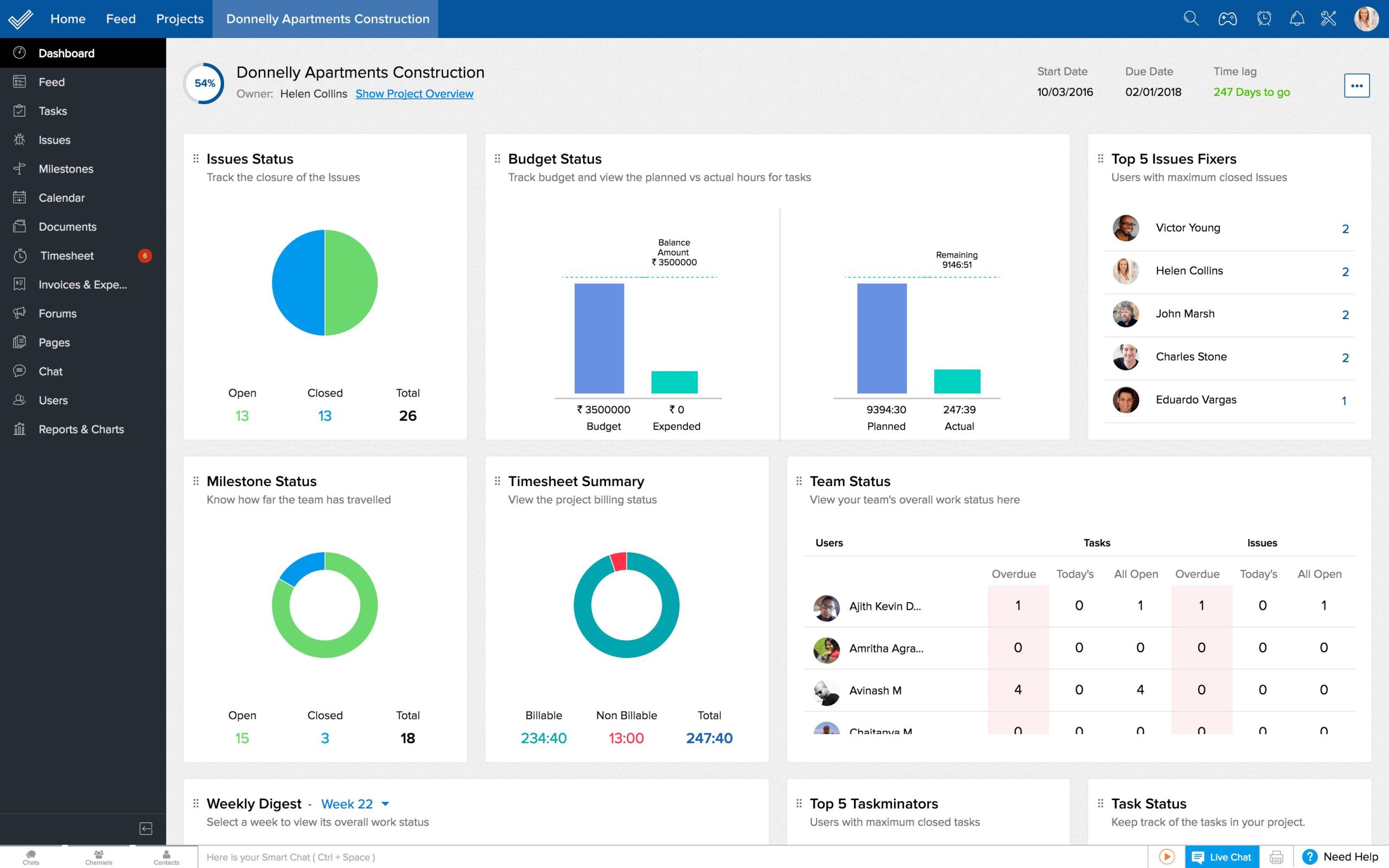
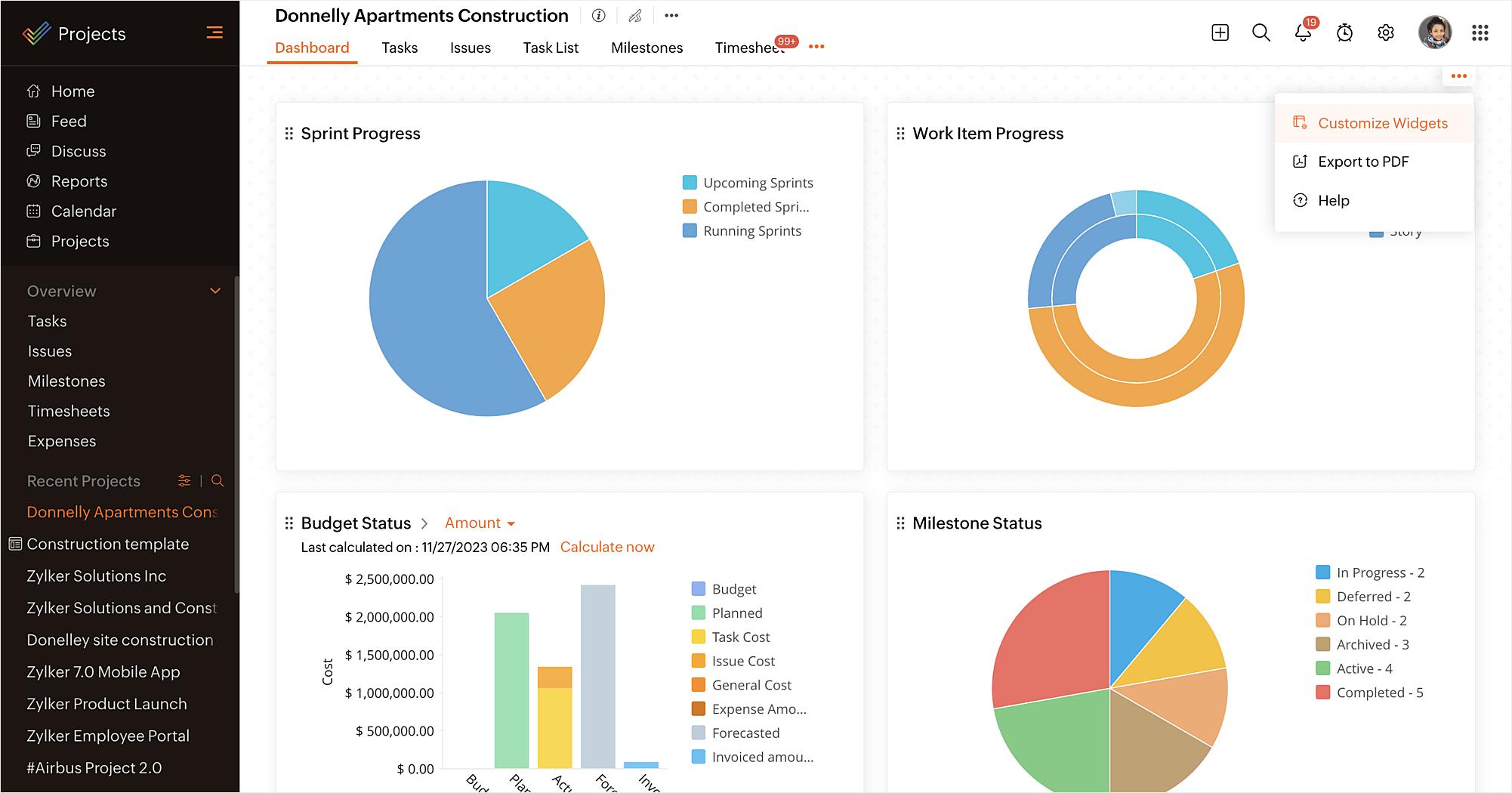
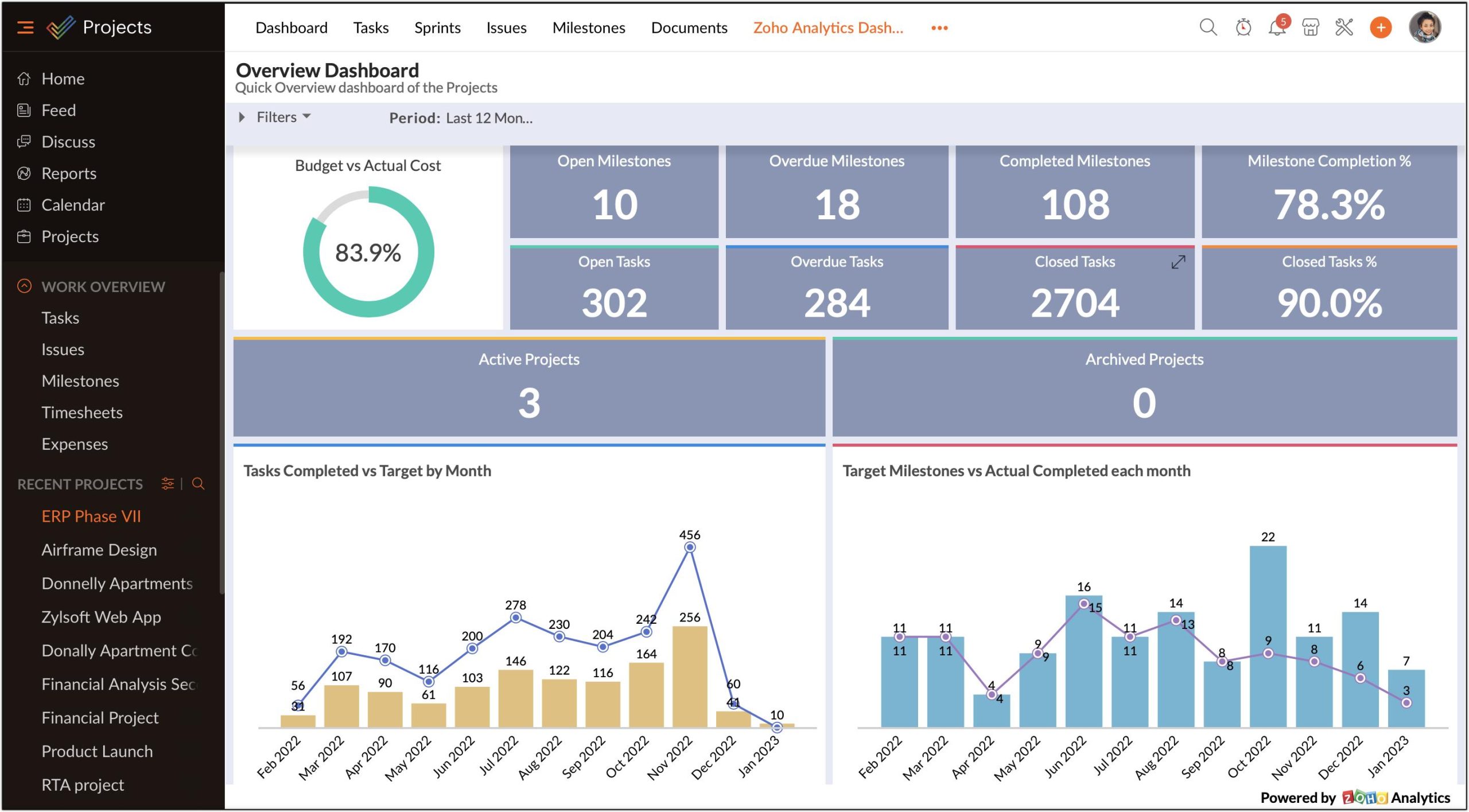
- Reporting and Analytics: Generate project performance reports, budget tracking dashboards, and productivity metrics.
- Mobile Applications: Enable field teams to update tasks, upload photos, and submit reports directly from job sites.
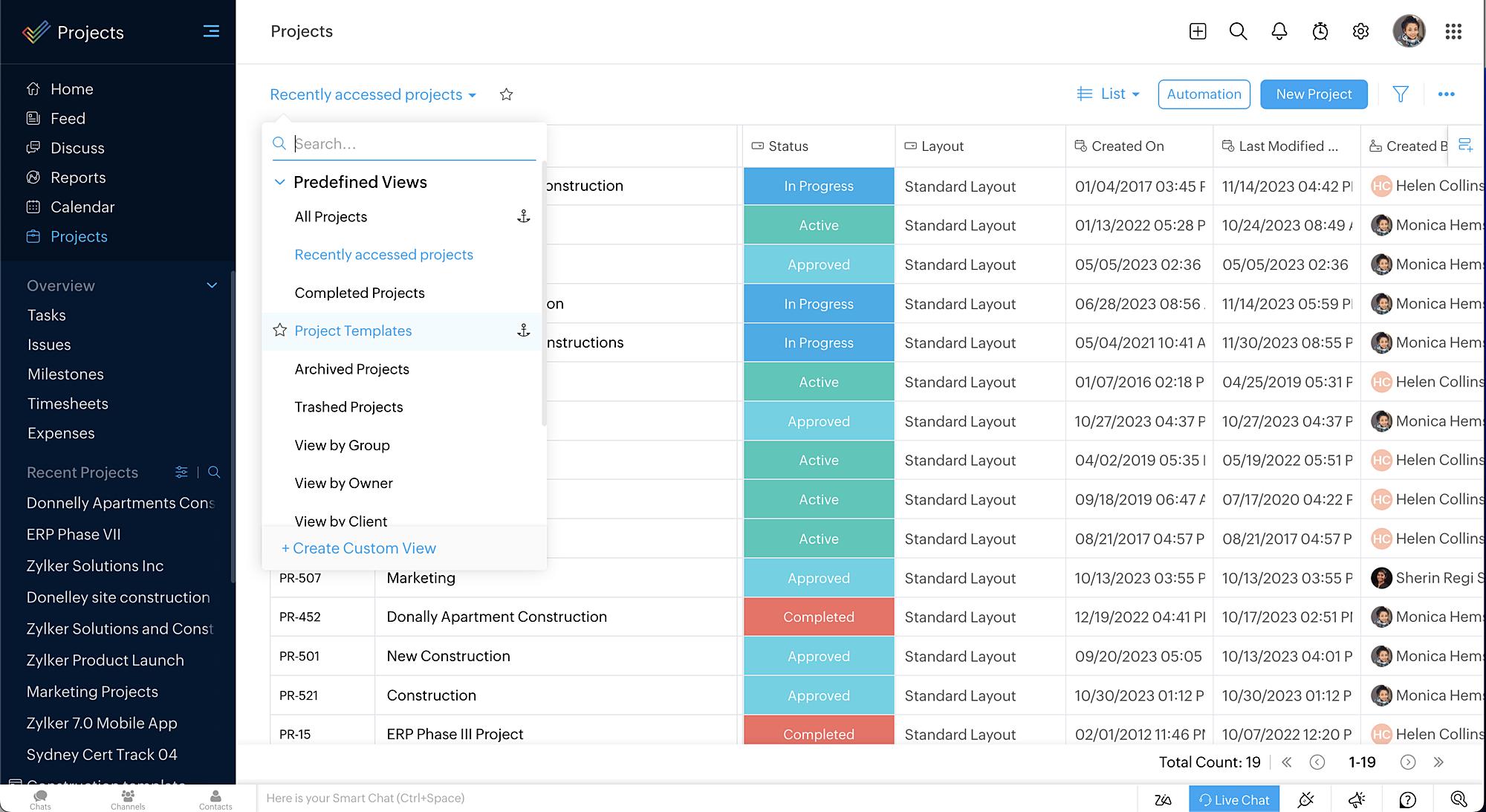
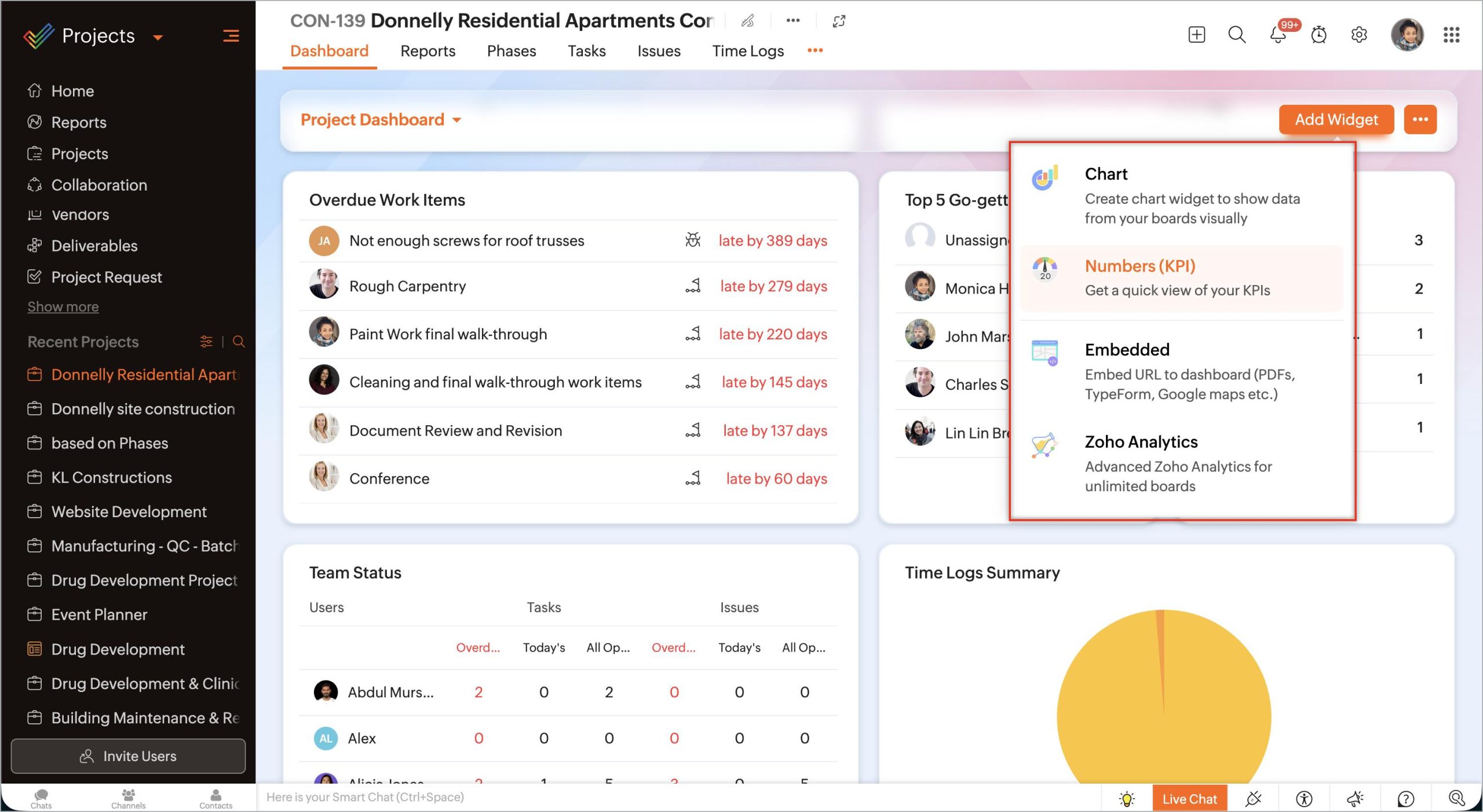
Screenshots
Zoho Projects Pricing
- Free Plan: Supports up to 3 users and 2 projects with 5GB storage.
- Premium Plan: $4/user/month (annual billing) or $5/user/month (monthly billing). Includes unlimited projects, task automation, and project templates.
- Enterprise Plan: $9/user/month (annual billing) or $10/user/month (monthly billing). Adds advanced reporting, project baselines, custom fields, and enhanced controls.
- Ultimate Plan: $14/user/month (annual billing). Includes advanced analytics, custom modules, and enterprise workflow capabilities.
- Annual Savings: Annual billing typically offers 15%–20% savings compared to monthly plans.
Integrations
- Zoho CRM: Sales-to-project handoff and customer management.
- Zoho Books: Invoicing, expense tracking, and financial management.
- Zoho Analytics: Advanced business intelligence and reporting.
- Zoho Desk: Customer support and service ticket management.
- Salesforce: CRM integration for enterprise sales teams.
- Microsoft Teams: Team collaboration and communication.
- Slack: Project notifications and messaging.
- Google Workspace: Email, calendars, and document collaboration.
- Google Drive, Dropbox, and Box: Cloud document storage and sharing.
- REST APIs and Webhooks: Custom integrations with solar software, GIS systems, ERP platforms, and internal tools.
How to Set Up Zoho Projects
- Create a Zoho Projects account and select a pricing plan.
- Choose a project template or create a custom workflow.
- Configure project stages, statuses, and task categories.
- Invite team members and assign user permissions.
- Connect CRM, accounting, storage, and collaboration tools.
- Create project milestones and task dependencies.
- Launch your first project and begin assigning work.
How to Use Zoho Projects
Project managers typically begin by creating a project structure that mirrors the solar installation lifecycle. Milestones such as site assessment, engineering review, permitting, procurement, installation, inspection, and commissioning can be broken down into individual tasks and assigned to specific team members.
Field crews use the mobile application to access assignments, upload photos, report issues, and track time directly from project sites. Managers monitor progress through dashboards and Gantt charts, adjusting schedules as needed when delays occur.
Automation workflows can notify stakeholders when milestones are completed, trigger approvals, or update related tasks. Reporting tools provide visibility into project budgets, resource utilization, and overall project health.
What You Can Manage with Zoho Projects
- Solar EPC project schedules and timelines.
- Site surveys and engineering reviews.
- Permitting and compliance workflows.
- Procurement and material tracking.
- Installation and commissioning activities.
- Team assignments and workload planning.
- Project documentation and drawings.
- Time tracking and labor management.
- Issue reporting and corrective actions.
- Budget monitoring and project analytics.
FAQs
What does Zoho Projects do?
Zoho Projects is a cloud-based project management platform that helps organizations plan, track, automate, and manage projects throughout their entire lifecycle.
Who is Zoho Projects best for?
It is ideal for project managers, EPC firms, solar installers, engineering companies, construction teams, and organizations that need structured project tracking and collaboration.
Is Zoho Projects free?
Yes. Zoho Projects offers a free plan for up to 3 users and 2 projects. Paid plans unlock additional automation, reporting, and project management features.
How much does Zoho Projects cost?
Pricing starts at $4 per user per month on annual billing and ranges up to $14 per user per month for advanced enterprise functionality.
What are the main limitations of Zoho Projects?
Some advanced reporting, automation, and customization capabilities are only available in higher-tier plans. New users may also need time to learn the platform’s extensive feature set.
What are the best alternatives to Zoho Projects?
Popular alternatives include Monday.com, ClickUp, Asana, Smartsheet, Wrike, Microsoft Project, and Oracle Primavera depending on project complexity and organizational requirements.