Solergo
Pros
- Provides a high level of technical accuracy for electrical engineering and cable sizing.
- Combines technical design, electrical calculations, and economic analysis in one environment.
- Supports complex hybrid and stand-alone photovoltaic system designs.
- Includes an extensive and regularly updated database of modules, inverters, and batteries.
- Automatically generates professional technical documents and electrical diagrams.
- Offers strong interoperability with other Electro Graphics electrical CAD applications.
Cons
- Has a steep learning curve for users without electrical engineering experience.
- Pricing is not publicly available and requires direct contact with the sales team.
- Hardware-intensive 3D modeling may require a high-performance computer.
- The interface may feel more traditional than those of modern web-based competitors.
- The Windows-based environment may be inconvenient for users working on macOS.
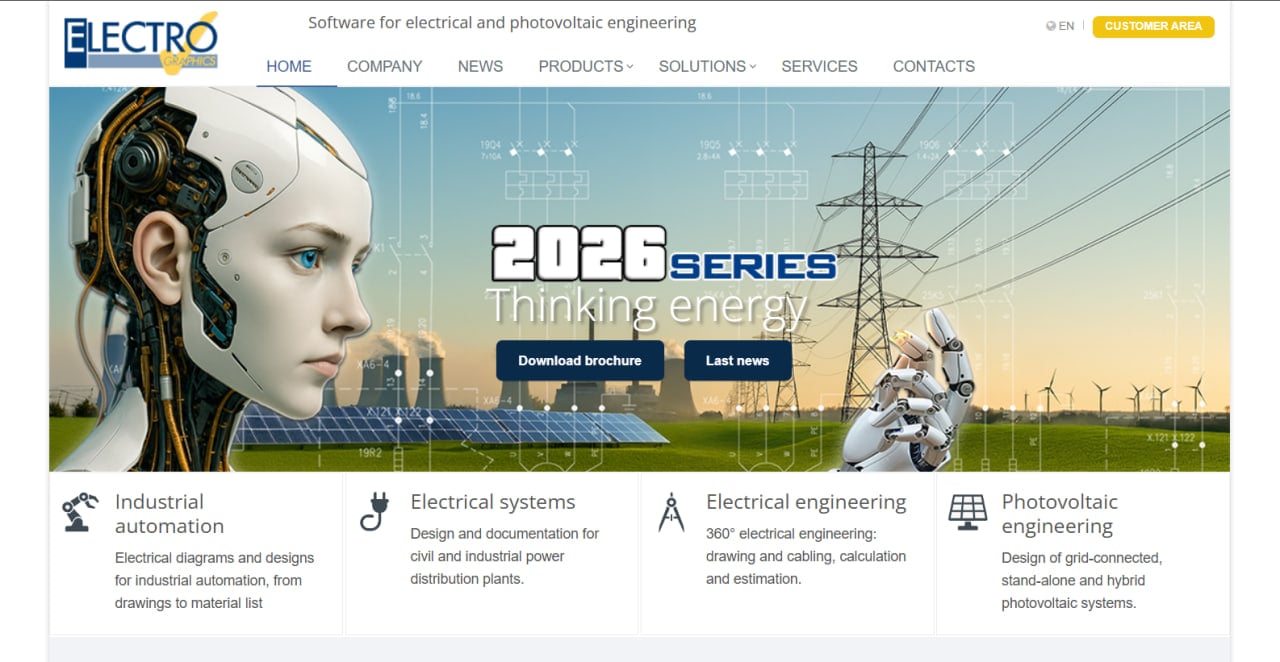
Designing a photovoltaic (PV) system requires balancing complex electrical engineering with precise geographic and economic analysis. Solergo, developed by Electro Graphics, addresses these needs by providing a unified environment for the complete design of grid-connected, stand-alone, and hybrid solar plants. It serves as a comprehensive tool for engineers and installers who need to move from site analysis to detailed electrical diagrams and economic feasibility reports.
The software is particularly useful for professionals who require a high degree of technical accuracy and compliance with international standards. By integrating site-specific climatic data with an extensive database of components, Solergo helps users minimize design errors and optimize the performance of renewable energy installations.
What Is Solergo?
Solergo is a specialized desktop application categorized as Solar Design Software. It is designed to handle the technical, electrical, and economic aspects of photovoltaic engineering. The platform is primarily used by electrical engineers, solar installers, energy consultants, and sustainability managers working on residential, commercial, and industrial solar projects.
The software allows users to define a project’s geographic location and retrieve relevant climatic data before building a virtual model of the proposed system. The process includes selecting PV modules and inverters from an extensive database, configuring strings, and performing 3D shading analysis.
Solergo is developed by Electro Graphics Srl, an Italian company with decades of experience in electrical CAD and calculation software.
Solergo Features
3D Modeling and Shading Analysis
Allows users to import maps or drawings and create 3D layouts that simulate real-world shading from nearby obstacles, improving the accuracy of energy production estimates.
Comprehensive Component Database
Provides an extensive and regularly updated library of photovoltaic modules, inverters, and storage batteries. This enables users to configure systems using actual manufacturer specifications.
Electrical Diagram Generation
Automatically produces detailed single-line electrical diagrams for photovoltaic systems. These documents can be used during construction, permitting, and regulatory approval.
Cable Sizing and Protection Calculations
Includes tools for sizing electrical cables and selecting suitable protection devices, including circuit breakers and surge protection systems, according to applicable international standards.
Economic and Financial Analysis
Generates reports covering investment payback periods, Net Present Value (NPV), and Internal Rate of Return (IRR), helping users evaluate the financial viability of proposed solar projects.
Hybrid and Stand-Alone System Support
Supports complex photovoltaic configurations involving battery storage and auxiliary generators for hybrid and off-grid applications.
Energy Consumption Analysis
Allows users to enter electricity load profiles and compare consumption with expected solar production. This helps optimize self-consumption rates and battery capacity.
Screenshots


Solergo Pricing
Solergo pricing is not publicly listed on the official website. Electro Graphics follows a traditional professional software model in which potential customers must request a quote or contact an authorized distributor.
Free Trial and Demo
A trial version or personalized demonstration may be available upon request, allowing prospective users to evaluate the interface and main features before purchasing.
Paid Licenses
Solergo is generally offered through a perpetual license or professional subscription. The final cost may vary depending on the selected version, licensing terms, number of users, and region.
iSolergo Mobile App
A free mobile application called iSolergo is available for iOS and Android. It can be used for preliminary photovoltaic designs and on-site surveys.
Maintenance and Updates
Users may need to purchase a software maintenance service to receive component database updates, new software versions, and technical support.
Companies interested in Solergo should contact Electro Graphics or an authorized distributor to request current pricing and licensing information.
Solergo Integrations
Solergo is part of a broader ecosystem of engineering applications and supports integrations with CAD software, electrical calculation tools, cloud services, and climate databases.
Internal CAD Integrations
- CADelet: Supports advanced electrical drawing and documentation workflows.
- Eplus: Connects photovoltaic project information with electrical design processes.
- iDEA: Supports the preparation of detailed drawings and construction documentation.
Electrical Calculation Tools
- Ampère Professional: Provides advanced calculations and analysis for electrical networks.
- Evolution: Supports deeper technical analysis of electrical distribution systems.
EG Cloud
Solergo connects with EG Cloud for project backups, secure data storage, file sharing, and remote collaboration.
CAD File Exports
The software supports exporting layouts and electrical diagrams in standard DWG and DXF formats for further editing in other CAD applications.
Climate Databases
Solergo integrates with global solar radiation and meteorological databases such as PVGIS and Meteonorm.
How to Set Up Solergo
- Request a demo or purchase a license through the Electro Graphics website or an authorized distributor.
- Download the installation package for a compatible 64-bit Windows computer.
- Install the software and activate it using the provided license key or USB dongle.
- Configure the local or cloud-based component database to access the latest hardware specifications.
- Add your company information and branding details for professional report headers.
- Create a new Job Order to begin your first photovoltaic design project.
How to Use Solergo
A typical Solergo workflow begins by creating a new project and defining the site location using GPS coordinates or integrated maps. The user then configures the climatic data to establish the site’s solar radiation potential.
The next step involves building a 3D model of the installation area and adding nearby objects that may create shading. Once the environment is prepared, the user selects photovoltaic modules, inverters, batteries, and other equipment from the component database.
Solergo assists with string configuration and checks the electrical compatibility of the selected components. After completing the physical system layout, the user runs the electrical calculations to determine the required cable sizes and protection devices.
The final stage involves performing an economic simulation to calculate the expected payback period, NPV, and IRR. Solergo can then generate a complete technical dossier containing the energy yield report, financial analysis, component information, and electrical diagrams.
What You Can Manage with Solergo
- 3D Site Models: Create visual representations of installation sites and surrounding shading obstacles.
- Electrical Diagrams: Generate single-line drawings for complete photovoltaic systems.
- Energy Yield Reports: Produce detailed simulations of monthly and annual energy generation.
- Economic Feasibility Studies: Calculate NPV, IRR, profitability, and investment payback periods.
- Technical Datasheets: Compile documentation for the modules, inverters, batteries, and other components used in a project.
- Bill of Materials: Prepare lists of modules, inverters, cables, batteries, and protection devices for procurement.
- Compliance Documents: Generate reports formatted for regulatory, permitting, and incentive requirements.
Solergo FAQs
What does Solergo do?
Solergo is professional software for the complete design and engineering of photovoltaic systems. It handles 3D shading analysis, energy production simulation, electrical cable sizing, protection calculations, diagram generation, and economic feasibility reporting.
Who is Solergo best for?
Solergo is best suited to electrical engineers, professional solar installers, energy consultants, and technical specialists who require detailed electrical designs and economic reports. It is particularly valuable for projects that must comply with strict electrical standards.
Is Solergo free?
No. Solergo is paid professional software. However, Electro Graphics offers a free mobile application called iSolergo for preliminary designs, while prospective customers may request a demonstration or trial of the complete desktop application.
How much does Solergo cost?
Solergo pricing is not publicly available. The cost depends on the license type, software version, number of users, required support, and region. Users must contact Electro Graphics or an authorized distributor for a personalized quote.
What are the main limitations of Solergo?
The main limitations include its steep learning curve, lack of transparent public pricing, and focus on Windows computers. Its technical depth may also make it unnecessarily complex for users who only need basic sales proposals or preliminary residential layouts.
What are the best alternatives to Solergo?
Common Solergo alternatives include Aurora Solar and HelioScope for faster sales-oriented design workflows, PVsyst for advanced energy simulations, and PV*SOL for detailed photovoltaic designs aligned with European standards.