Solar Ladder
Pros
- Designed around solar sales workflows
- Quick proposal generation
- Financing options built into the process
- Clear pipeline tracking
- Accessible on mobile devices
Cons
- Customization is somewhat limited
- Requires consistent data input
- No engineering or system design features
- Integration options are basic
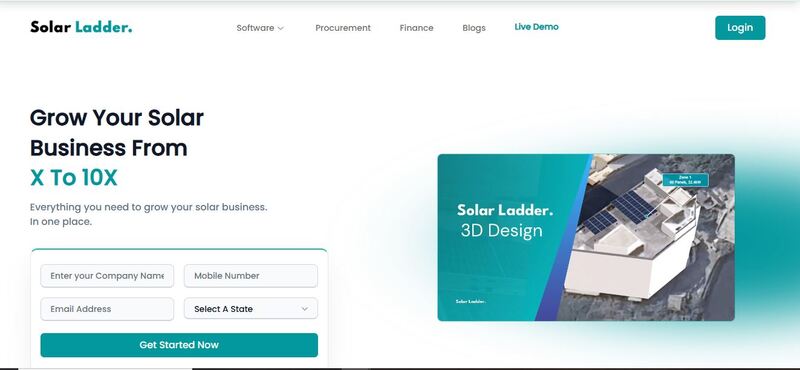
Solar Ladder is used on the sales side of solar operations. It handles lead tracking, proposal generation, and financing in one system. It sits between lead capture and project handover.
Most teams adopt it when manual tracking starts breaking down, lead volume increases, follow-ups become inconsistent, and proposal turnaround slows. This tool does not try to redesign how teams sell. It just puts everything in one place and keeps movement visible.
What is Solar Ladder?
Solar Ladder is a cloud-based CRM built for solar installers and EPC sales teams. It manages leads, proposals, and financing within a single system. It is used to track deals from initial inquiry to closure. The platform focuses on organizing sales activity rather than handling technical design or feasibility analysis.
Features
Lead management
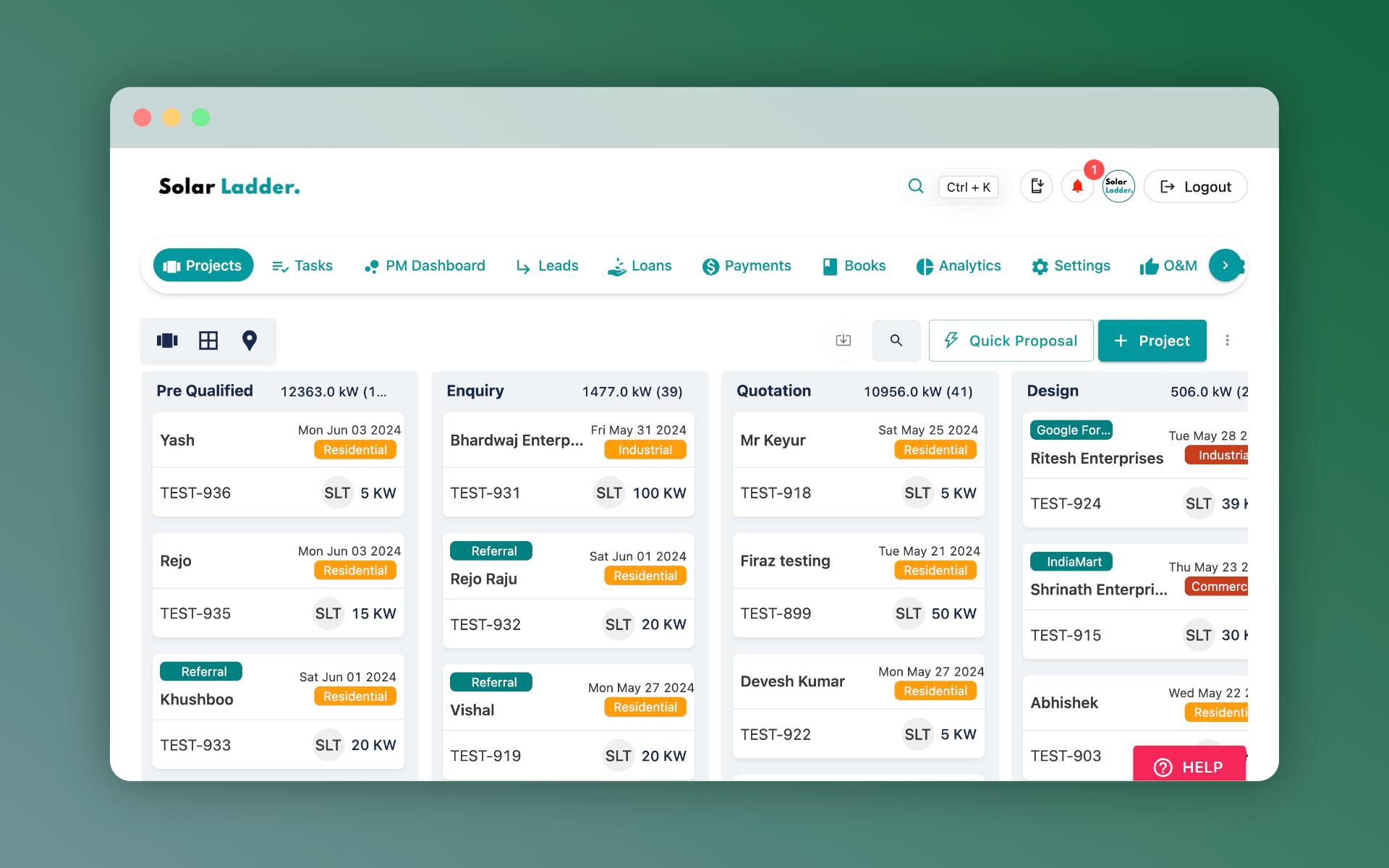
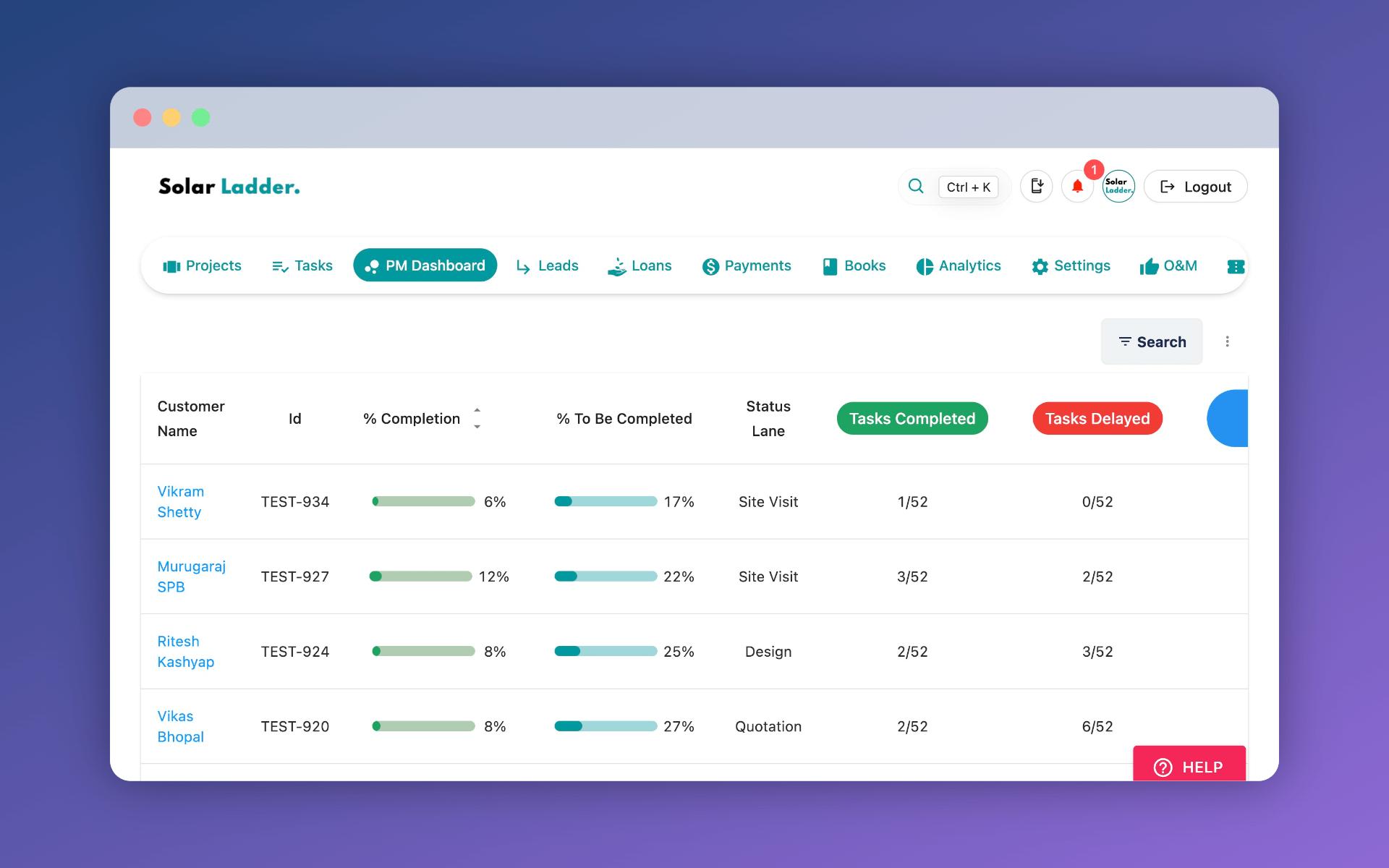
Leads are stored in a centralized system with status, ownership, and interaction history. Each lead moves through defined stages. The structure is simple. No complex tagging or automation layers. It is designed to keep visibility clear when handling multiple deals. Missing follow-ups are reduced when ownership is defined early.
Proposal generation
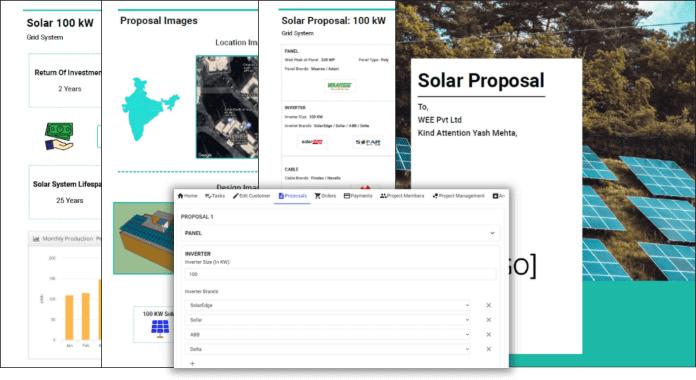
Proposals are generated using preset templates. Inputs include system size, pricing, and basic project details. The output is client-ready but not engineering-grade. It supports early-stage discussions. Turnaround time improves compared to manual proposal creation.
Financing integration
Financing options are included within proposals. Loan structures and repayment estimates are calculated automatically. This reduces the need for separate financial discussions. Pricing and payment terms are presented together, which can shorten decision cycles.
Sales pipeline tracking
Deals move through predefined stages such as new, contacted, quoted, and closed. Each stage reflects progress. Pipeline visibility improves. Bottlenecks become visible when deals remain in one stage for extended periods. Data may not always be complete, but trends are still clear.
Mobile access
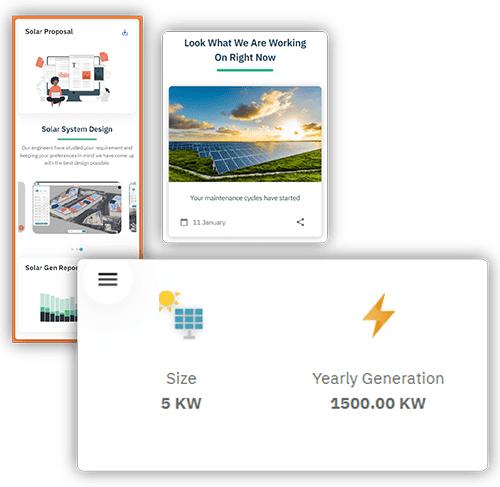
The platform supports mobile use. Sales teams can update leads, share proposals, and log interactions during site visits. This reduces delays between field activity and system updates. Data accuracy depends on how consistently updates are made.
Communication tracking
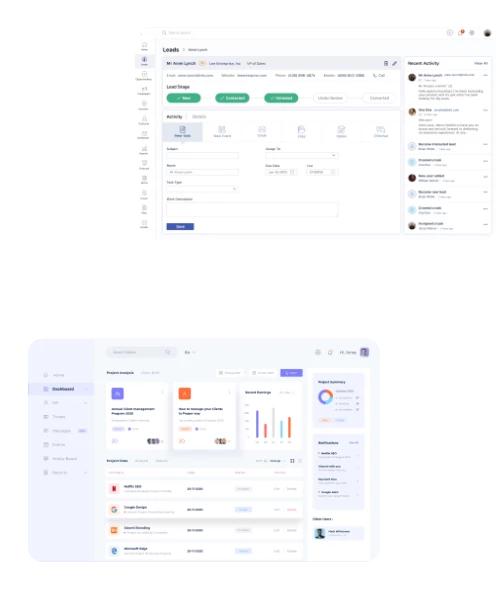
Basic communication history is stored per lead. Calls, emails, and notes can be logged.
This provides continuity when multiple team members handle the same account. It reduces repeated conversations and missed context.
Screenshots
Solar Ladder Pricing
Solar Ladder does not publicly disclose a specific monthly or annual subscription price. But instead, the platform offers a Free Demo for interested installers to explore before receiving a custom quote, depending on their need. Lower tiers include lead management and proposals. Higher tiers provide financing tools, reporting, and limited automation.
To get specific pricing, you can book a demo and schedule a live walkthrough on their Solar Ladder Website. Alternatively, you can download the app via the Google Play Store or the App Store to explore all the basic features.
Integrations
Solar Ladder offers limited but functional integrations:
- Payment gateways (for financing workflows)
- Basic CRM data export (CSV)
- Email integration for communication tracking
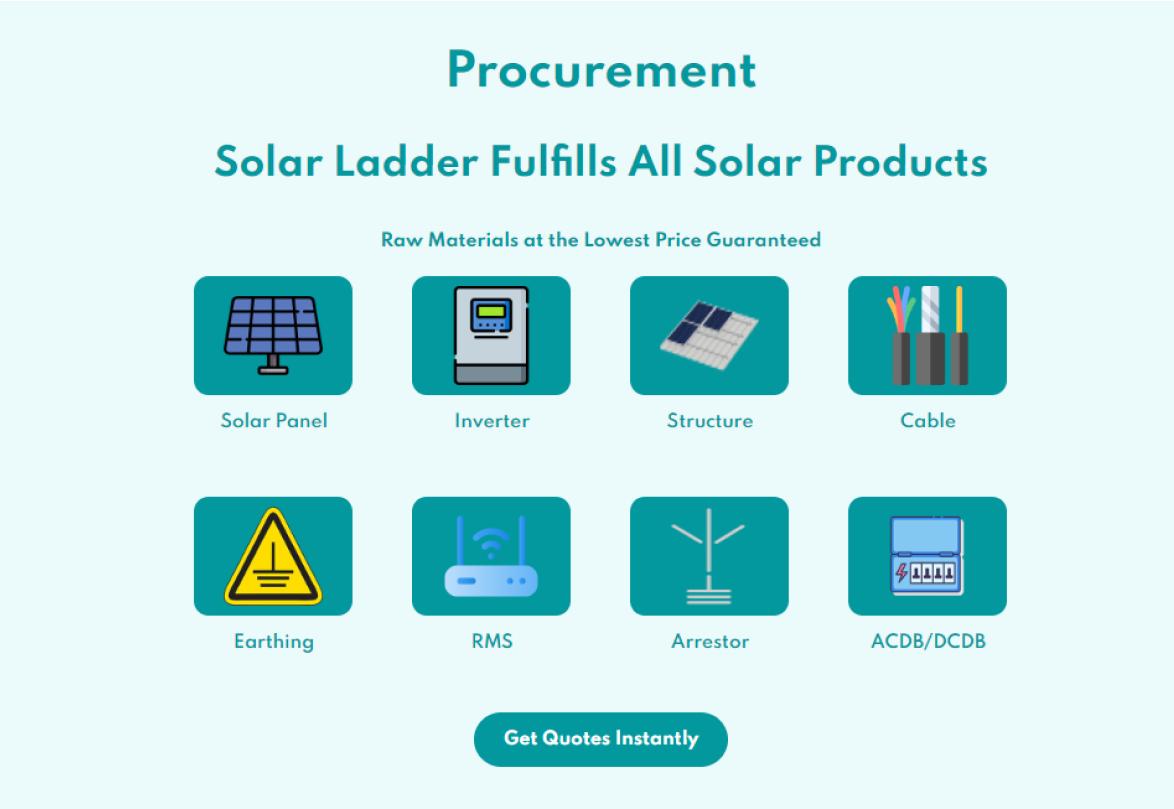
It does not deeply integrate with solar design tools. In most setups, design software is used separately, and outputs are referenced in proposals manually.
How to Use Solar Ladder
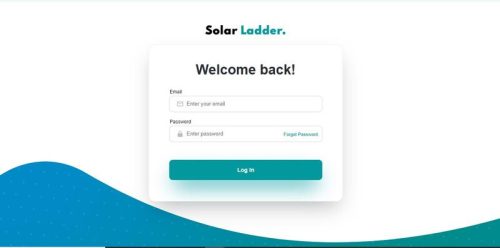
Follow these steps to get started:
- Set up team structure
Create user accounts and assign roles. Keep permissions simple to avoid confusion later.
- Add or import leads
Upload existing contacts or enter new leads as they come in. Assign ownership immediately.
- Configure pipeline
Define sales stages based on how deals actually move. Avoid overcomplicating this step.
- Generate Proposals
Enter project details and create proposals. Include financing where relevant.
- Track Progress
Update lead status regularly. Add short notes after interactions. Not everything needs to be logged, but gaps create blind spots.
- Close and Record
Mark deals as closed or lost. Over time, this builds a dataset that can be reviewed for performance.
FAQs
Is Solar Ladder a design tool?
No. It does not support system design, layout planning, or engineering calculations. It operates strictly on the sales and CRM side of solar operations.
Who uses Solar Ladder?
It is used by solar installers, EPC companies, and sales teams managing multiple residential or commercial leads. It is most relevant where deal volume requires structured tracking.
Does it include financing options?
Yes. Financing can be built directly into proposals. This includes payment structures and estimated repayment breakdowns, depending on the configuration used by the company.
Can it replace a general CRM?
For solar-focused sales, often yes. But companies that need broader CRM functions may still use additional systems alongside it.
Is it suitable for small teams?
Yes, though the impact increases with higher lead volume.
Does it work offline?
It is primarily cloud-based. Some limited offline access may be possible depending on device and usage, but full functionality requires an internet connection.