ETAP
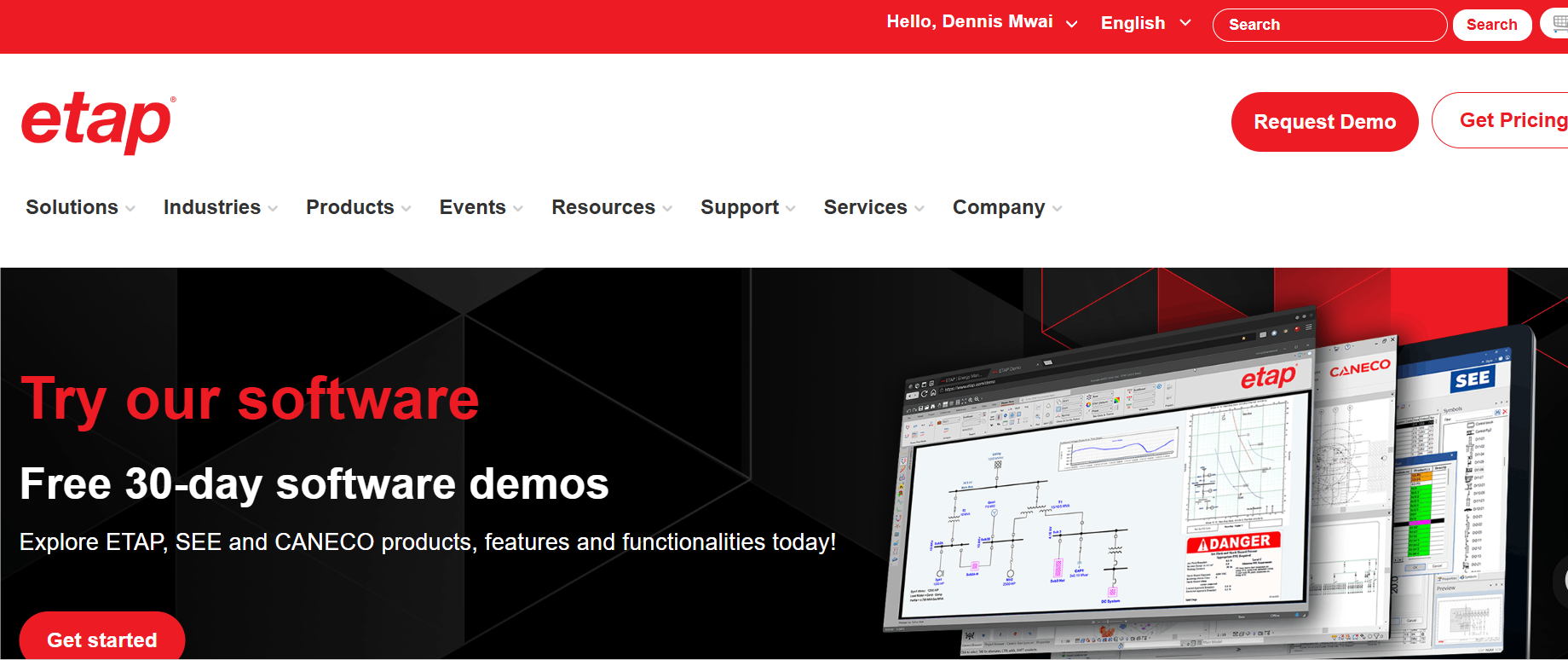
Pros
- ETAP is a powerful, all-in-one platform for power system analysis
- The tool offers a robust library of electrical components and models
- It has quite an accurate simulation with digital twin capabilities
- The software has real-time monitoring and predictive analytics
Cons
- ETAP can be pricey for individuals or small firms
- It has a steep learning curve for beginners
- Some modules are sold separately, which can increase the cost pretty quickly
If you’ve ever tried designing or analyzing a power system the old-school way, you know it can get messy real quick—confusing and risky assumptions, and honestly, it feels a bit like working in the dark. That’s exactly where ETAP comes in.
This software has basically become the go-to option for engineers who want things done right—super accurate results, full control, and that solid confidence when dealing with really complex electrical systems. But the real question is, does ETAP actually live up to all the hype (and that not-so-small price tag)? Let’s find out.
What Is ETAP?
ETAP is a more optimized electrical engineering software used to model, simulate, analyze, and optimize power systems. It creates a digital version (or digital twin) of your electrical network so you can test scenarios without real-world risks.
Engineers basically lean on ETAP for just about everything. From running load flow studies, checking fault conditions, sorting out protection coordination, to managing energy systems without breaking a sweat.
It’s widely applied across power generation, transmission, distribution, and industrial systems. You can think of ETAP as your sandbox for electrical systems, except the results actually matter.
Features
ETAP is not just one tool; it’s a full ecosystem. The software’s tools include:
Core analysis tools
ETAP allows engineers to evaluate power systems with exceptional detail and level of accuracy. The tool enables detailed load flow analysis, which helps users understand how electricity moves through a network and identify voltage drops before they turn into real-world problems.
Fault and short-circuit analysis capabilities
This software enables you to “see into the future” of your electrical system. It helps you know what would happen if something goes wrong, so you can design things in a way that stays safe.
ARC flash analysis functionality
ETAP helps you assess possible safety hazards and ensures compliance with industry standards. By simulating dangerous scenarios, it allows teams to take preventive measures without putting themselves or anyone at risk.
Digital twin technology
The advanced technology takes things a step further by creating a real-time virtual model of your electrical system. This allows for continuous monitoring, performance tracking, and prediction, which gives you better control over system reliability.
Power flow and contingency analysis
ETAP supports optimal power flow and contingency analysis, which lets users play around with “what if” situations in your power system—like, what happens if demand spikes or something unexpected goes wrong. This comes in handy, particularly when planning and ensuring stability during unexpected events.
Screenshots
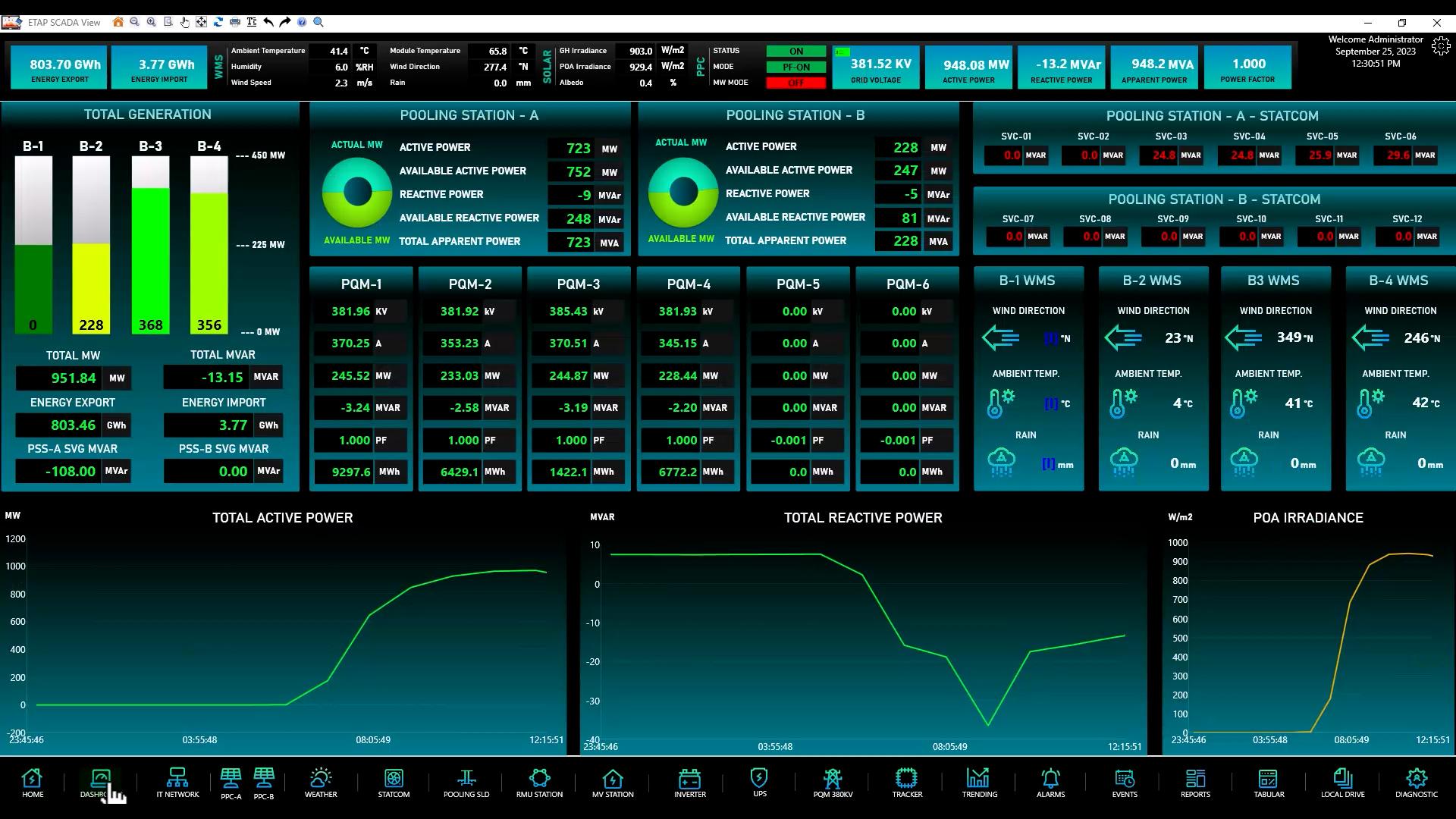
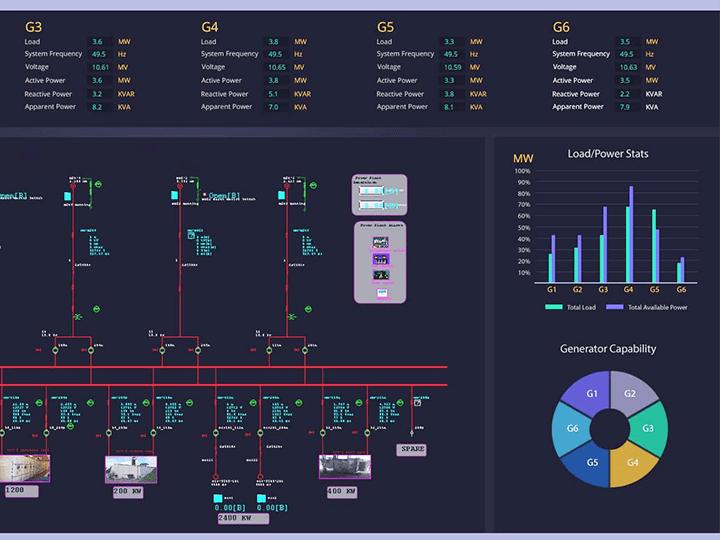
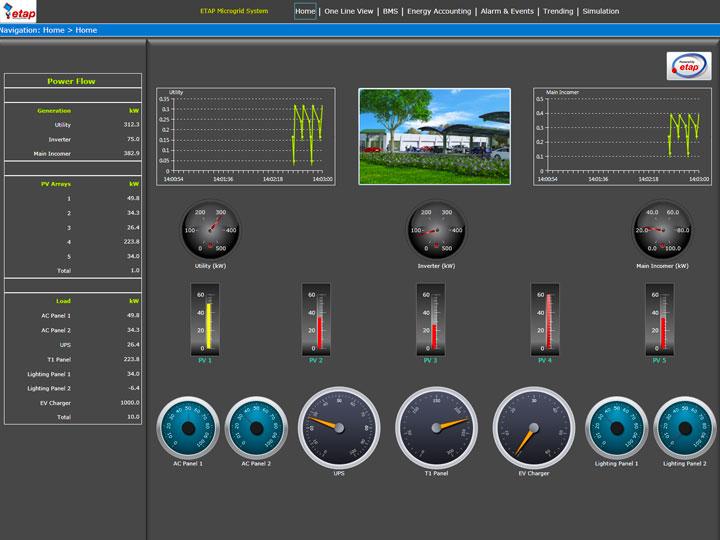
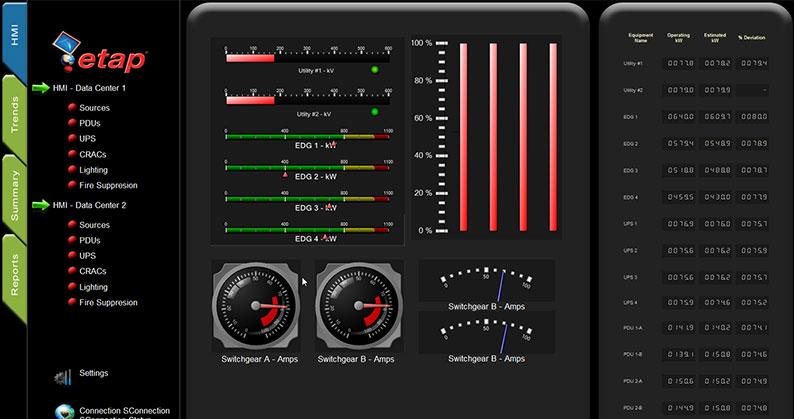
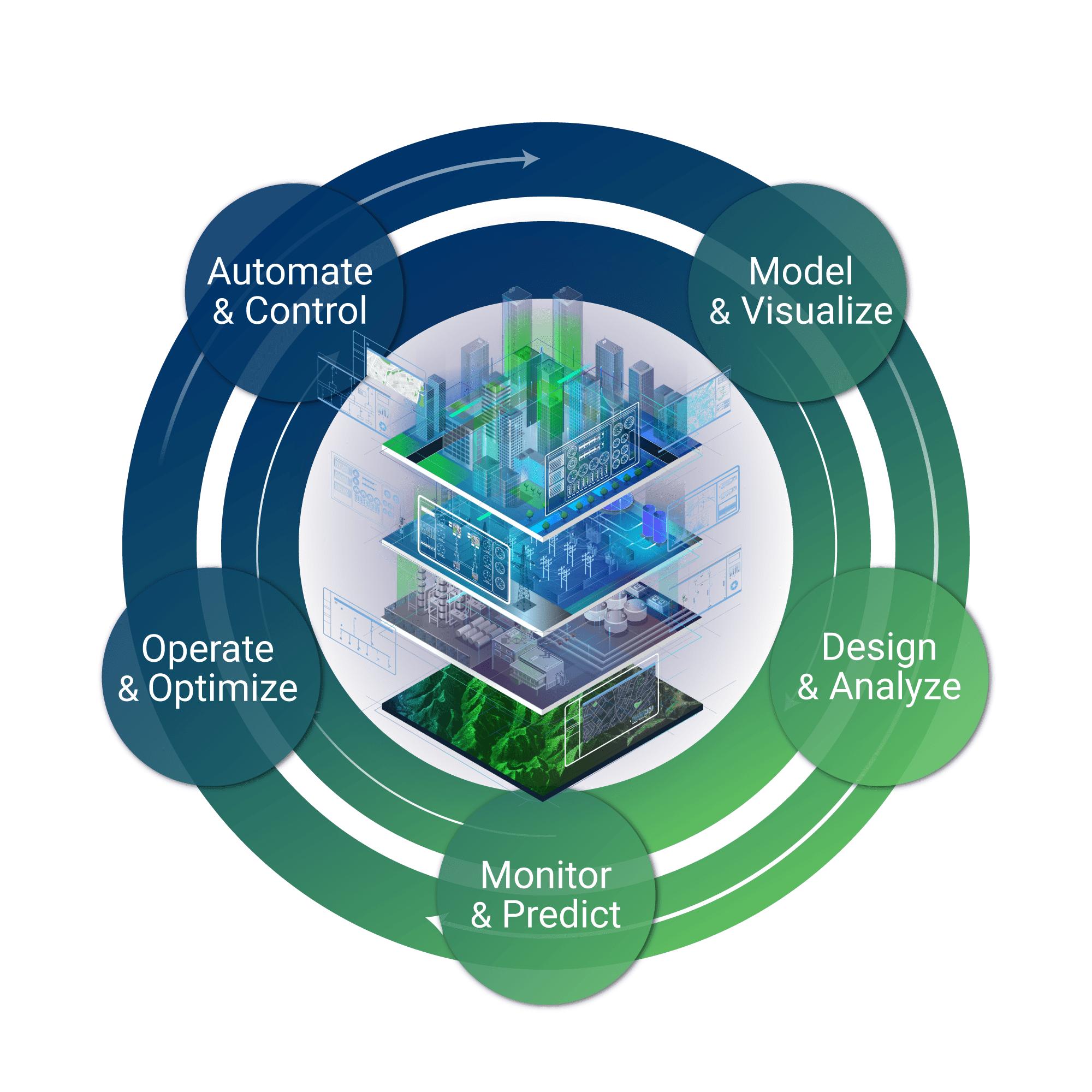
ETAP Pricing
ETAP does not follow the typical “$20/month” model. Its pricing is usually custom quotes, which vary depending on:
- The product you choose, starting from ETAP Power Simulator to eSCADA, and more.
- The bundle you prefer (Launch, Grow, or Scale).
- If you opt for any add-ons like safety, sustainability, reliability, and resilience
- The license type you choose
Once you’re happy with your selection, you can then send a request to get a quote.
Integrations
ETAP integrates seamlessly with these tools and technologies to streamline workflows:
- GIS and SCADA systems for real-time monitoring
- API access for automation and custom workflows
- Python scripting for an optimized modeling
This integration makes ETAP flexible, especially for large-scale infrastructure projects.
How to Use ETAP
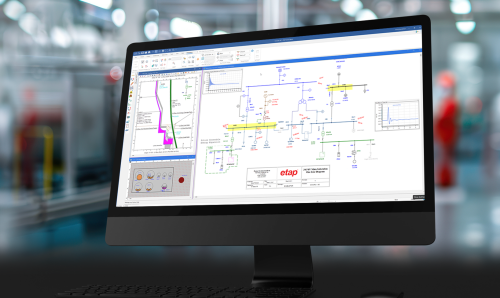
While getting started with ETAP is not a one-click process, once you get the hang of it, the process is surprisingly smooth. You can have everything up and running without feeling overwhelmed:
- Build your system model: You start by creating a single-line diagram of your electrical network. If you like, you can add components like loads, cables, and even generators.
- Input system data: Identify parameters like voltage levels, impedance, and equipment ratings.
- Choose a study type: Choose what you want to analyze; this can be anything from load flow, short circuit, arc flash, or stability.
- Run simulations: Initiate the study and let ETAP calculate system behaviors.
- Analyze results: Take time to review reports, graphs, and alerts, spot what’s off, what’s working, and where things can run smoother or faster.
- Optimize & iterate: Adjust parameters, test again, and keep fine-tuning until everything is running just right and you get the best outcome.
FAQs
Is ETAP good for beginners?
Yes, but fair warning: it’s not exactly “plug in and play.” ETAP is powerful, and that means it can feel a bit overwhelming at first, especially if you’re new to power systems.
What industries use ETAP?
Pretty much anyone dealing with complex power systems. You’ll find ETAP utilities, oil & gas, manufacturing, transportation, and renewable energy sectors.
Is ETAP better than other tools?
ETAP is known for its extensive features and exceptional accuracy, but some competitors may offer simpler interfaces at a relatively lower price.
Does ETAP support renewable energy systems?
Absolutely! ETAP has got you covered when it comes to renewables—whether you’re working with wind turbines, battery storage, or plugging everything into the grid, ETAP can handle it.
Can ETAP run in real-time?
Yes. ETAP can keep up with things as they happen—offering real-time monitoring and simulation—so you can make quick, confident decisions.
Is ETAP worth the cost?
If you’re working on large or critical power systems—absolutely. For small projects, it might be expensive.
Does ETAP require coding?
Not really, but if you do know a bit of scripting (like Python), it’s a nice bonus.