SolarEdge Monitoring Platform
Pros
- Free for all SolarEdge system owners with no subscription required
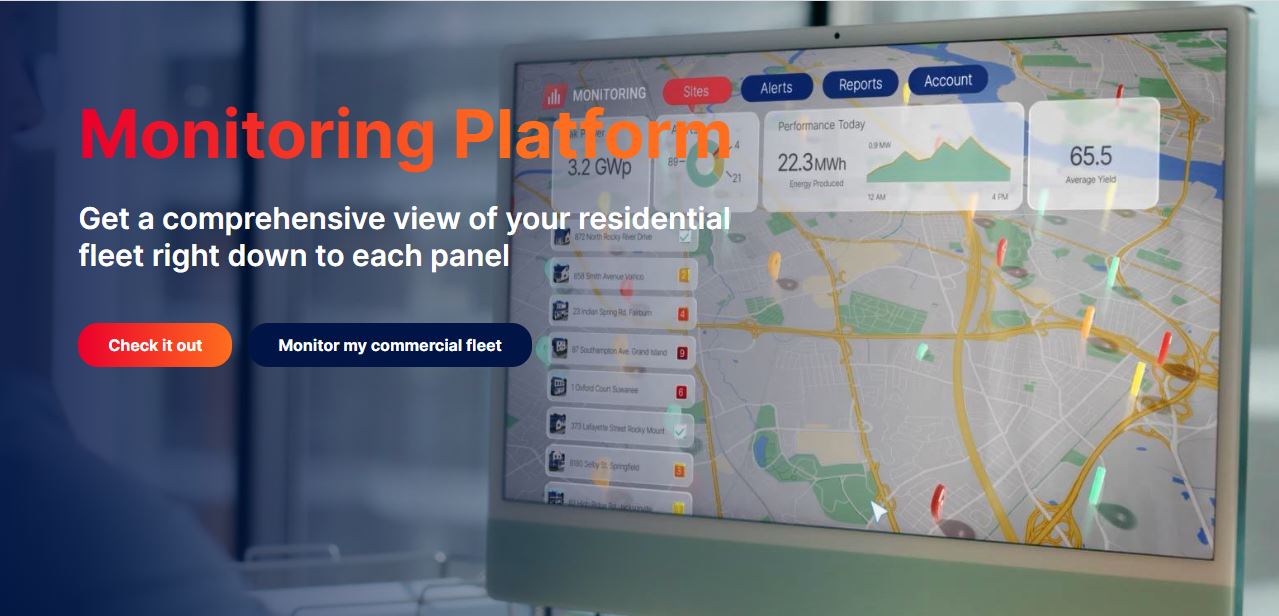
- Panel-level monitoring pinpoints underperforming modules rather than flagging vague system-wide issues
- Weather Guard prepares battery backup automatically ahead of severe weather
- Remote troubleshooting on SetApp-enabled inverters cuts down on unnecessary installer visits
- Available on web, iOS, Android, and Google Wear OS
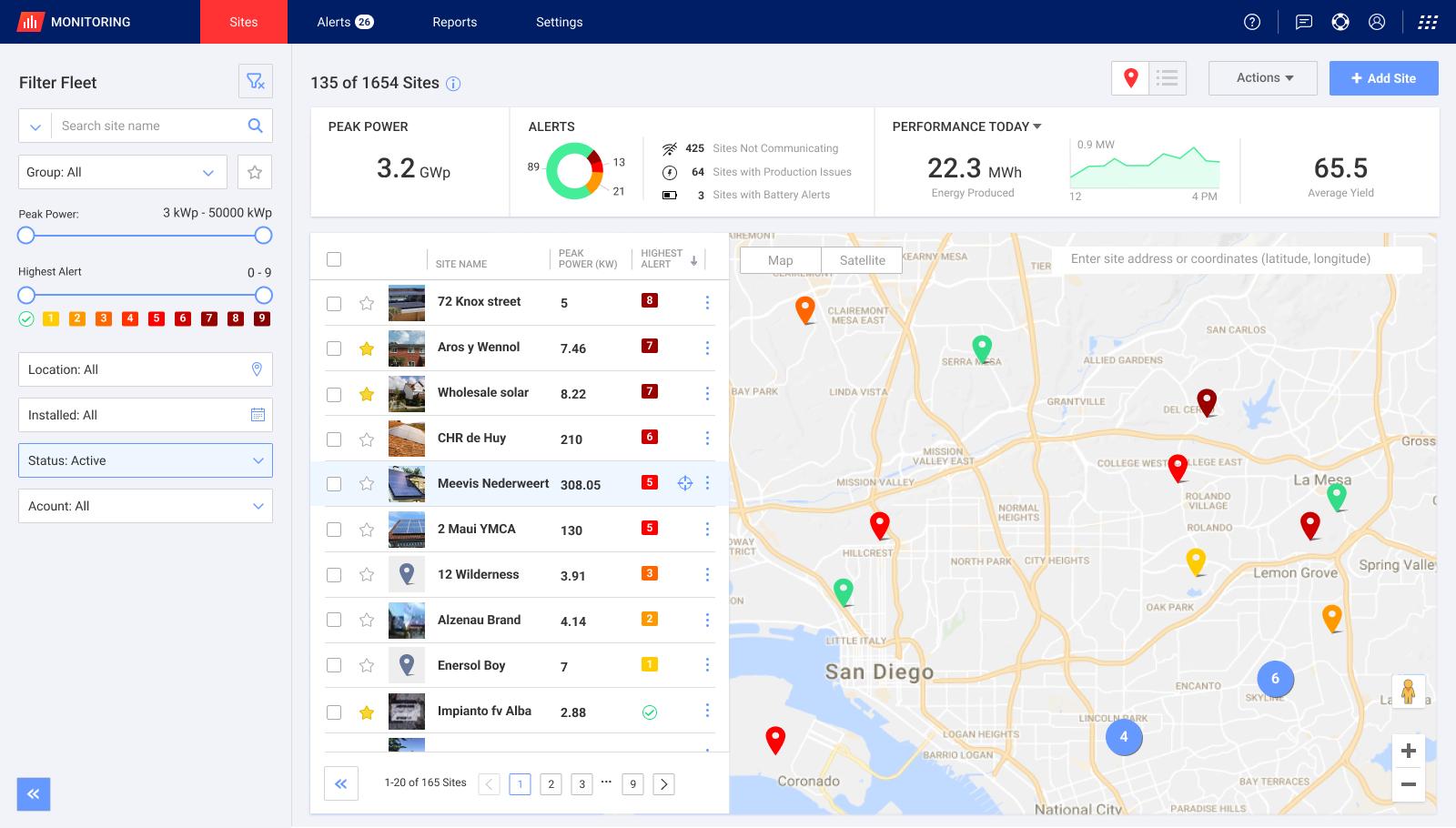
- Separate installer dashboard for managing entire residential portfolios from one screen
Cons
- Only works with SolarEdge inverter systems — no cross-brand compatibility
- Energy consumption monitoring requires a separately installed consumption meter
- Some users report notification delays, with alerts occasionally taking longer than expected
- Remote troubleshooting and network configuration are limited to SetApp-enabled inverters
Your solar system might look fine from the outside, while a single underperforming panel quietly costs you energy month after month. The SolarEdge Monitoring Platform exists to catch exactly that. It gives homeowners and installers a granular, real-time window into system performance — panel by panel — through a web portal and the mySolarEdge mobile app.
What Is the SolarEdge Monitoring Platform?
The SolarEdge Monitoring Platform is a cloud-based monitoring and management system tied exclusively to SolarEdge inverter systems. Each SolarEdge power optimizer collects panel-level performance data and routes it through the inverter to SolarEdge’s cloud, where both homeowners and installers can access it.
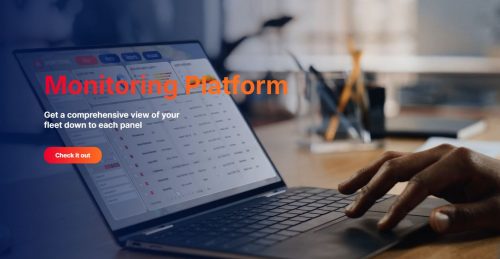
System owners log in through the mySolarEdge app or the web portal. Installers get their own dashboard — one screen for every site in their portfolio, with module-level alerts and remote diagnostics built in.
Features
The platform covers monitoring, control, and diagnostics for both system owners and professionals. Here is what it includes:
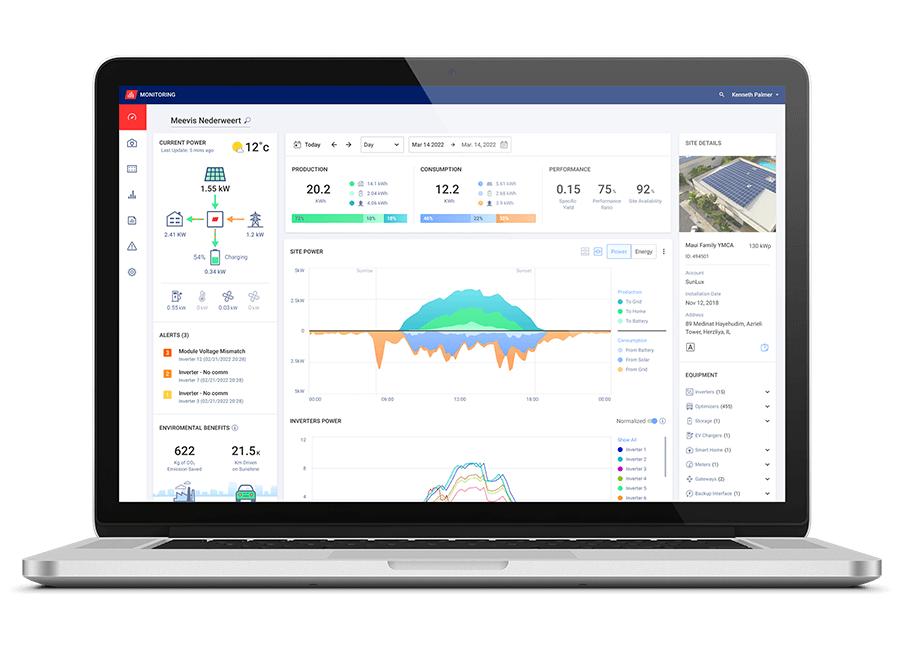
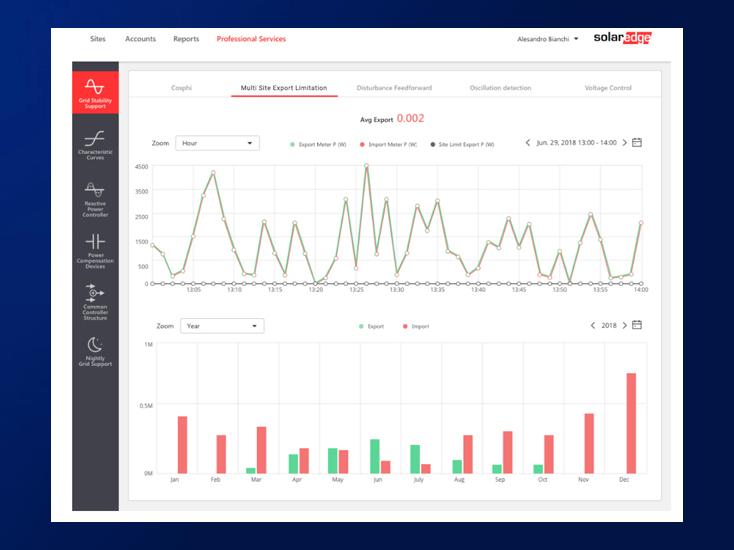
- Real-time energy production and consumption tracking with historical data viewable over custom time ranges
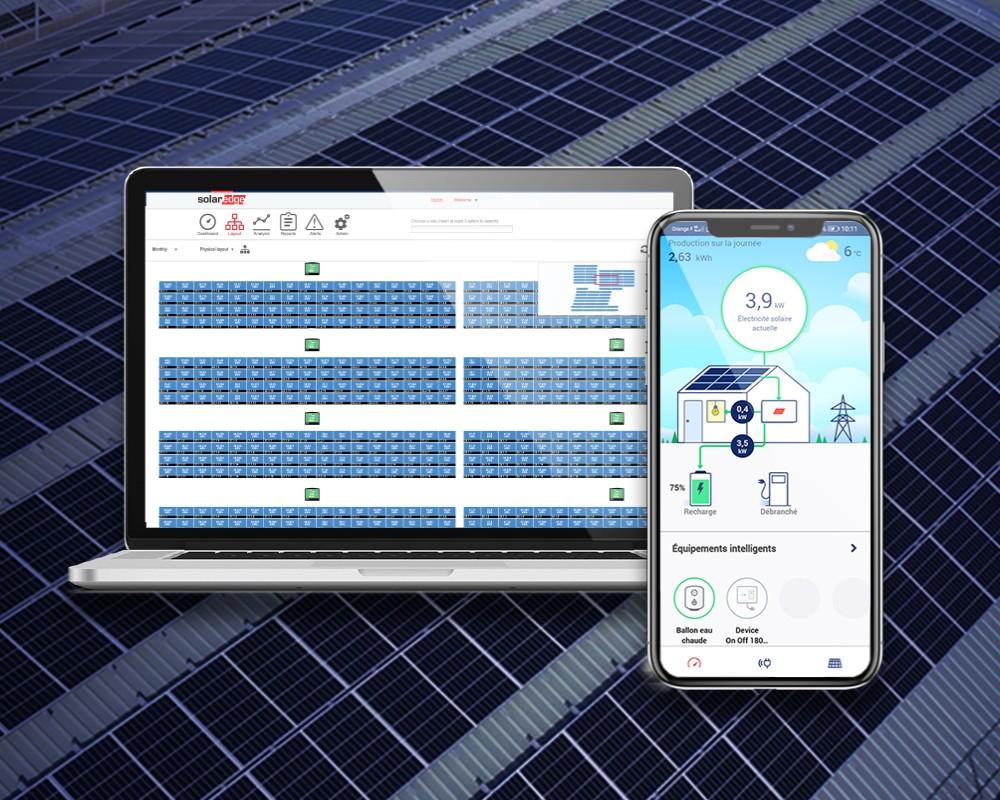
- Module-level performance monitoring so that underperforming panels are identified precisely, rather than flagged as a general system issue
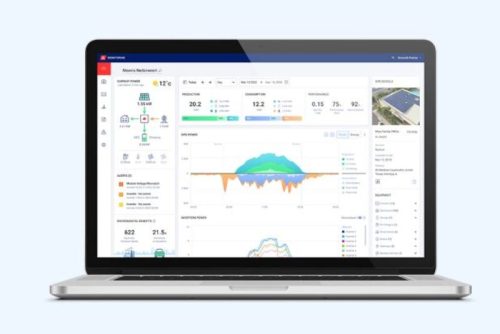
- Real-time energy flow illustrations showing how solar, battery, grid, and consumption interact at any moment
- Weather Guard for battery backup systems — detects severe weather and automatically charges the battery to full capacity before a potential grid outage
- Remote inverter troubleshooting with step-by-step instructions through the mySolarEdge app on SetApp-enabled inverters
- Inverter communication and network settings configuration from the app on SetApp-enabled inverters
- Smart home device control and SolarEdge EV charger management from within the app
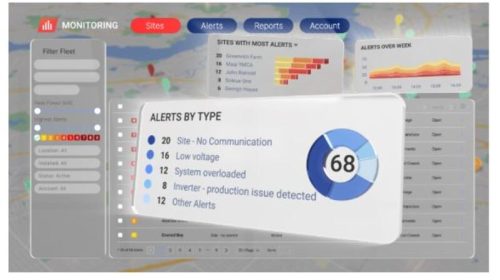
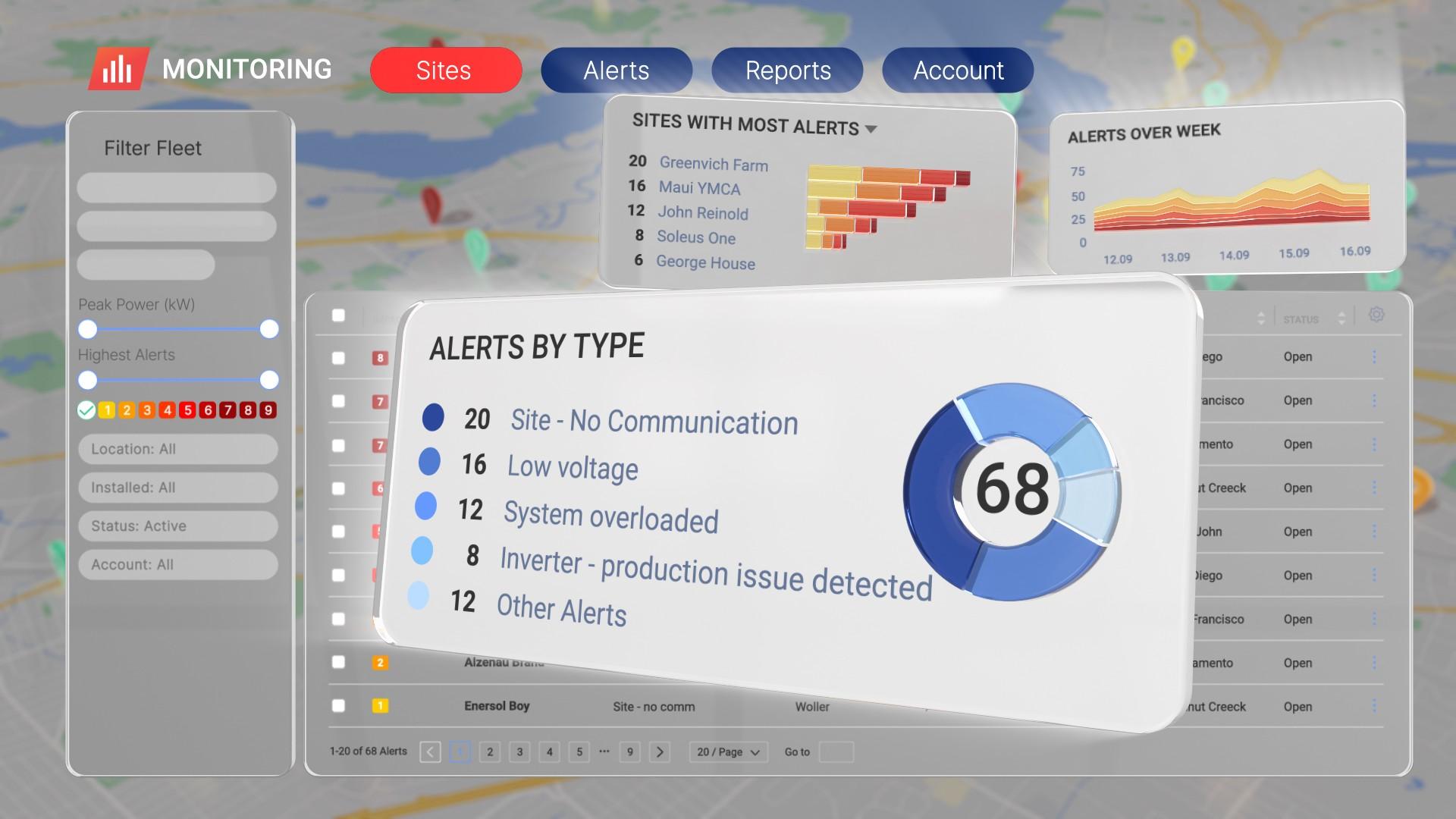
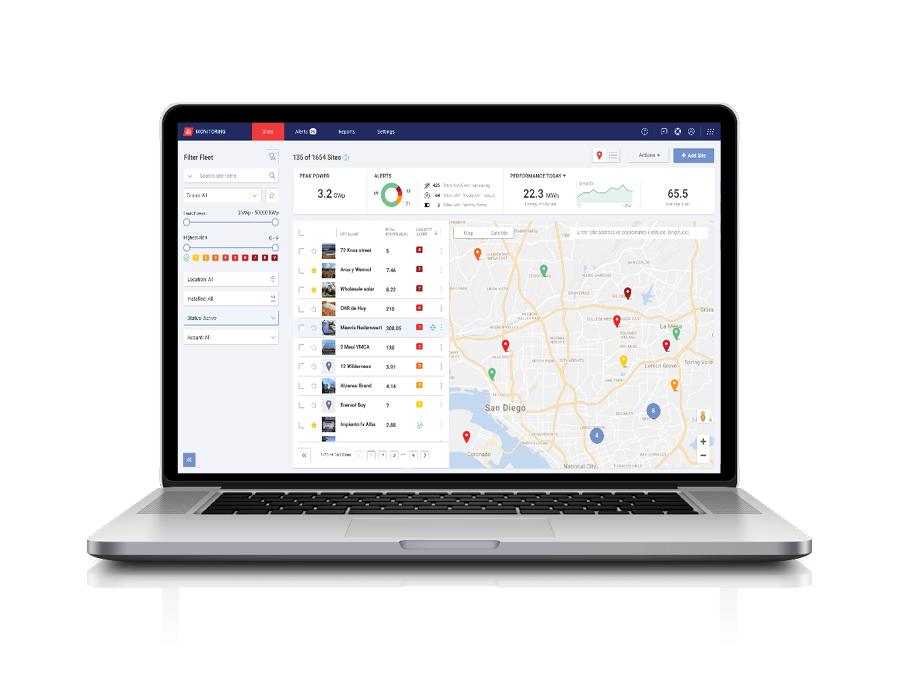
- Installer dashboard for monitoring all residential installations from one view, with module-level automated alerts
- Google Wear OS compatibility for monitoring and site control on supported smartwatches
SolarEdge Monitoring Platform Pricing
The mySolarEdge app and web monitoring portal are free for all SolarEdge system owners — no subscription, no monthly fee. The platform comes with owning a SolarEdge system, and the only requirement is a registered account that your installer creates during commissioning. Installers access their professional dashboard through a SolarEdge installer account at no additional per-site cost.
Integrations
The SolarEdge Monitoring Platform stays within the SolarEdge hardware ecosystem rather than casting a wide third-party net. Power optimizers, inverters, Energy Banks, and EV chargers all feed data into the same monitoring view without requiring separate apps or manual data entry.
The mySolarEdge app extends to Google Wear OS devices. So, a quick glance at a compatible smartwatch shows live system status. Smart home device control sits alongside solar and storage management in the same interface. The inverter connects to the SolarEdge cloud over Wi-Fi, Ethernet, or cellular, depending on what’s available at the site.
Screenshots
How to Set Up the SolarEdge Monitoring Platform
The installer handles the initial groundwork during commissioning. Here is what the setup process looks like from the owner’s side:
- Your installer registers the system and creates your monitoring account during commissioning
- An activation email arrives from [email protected] — check the spam folder if it doesn’t show up in your inbox
- Click the confirmation link and create your account password
- Download the mySolarEdge app from the App Store (iOS 14.0 or later) or Google Play (Android 7.0 or higher)
- Log in and start reviewing your system’s production and energy flow straight away
How to Use the SolarEdge Monitoring Platform
Once logged in, keeping tabs on your system becomes part of a quick daily habit:
- Open the app or web portal to check live production figures and see how energy is moving through your system right now.
- Pull up the PV layout view to spot any panel that has dropped below the expected output.
- Check the energy flow illustration when something looks off — it shows exactly where the energy is coming from and where it’s going.
- Turn on Weather Guard if you have battery backup, and let the system handle pre-storm charging on its own.
- On SetApp-enabled inverters, scan the QR code on the inverter from the app to restore connectivity if data stops appearing.
- Adjust EV charging settings from the app and choose whether the home battery contributes to charging or stays reserved.
How to Create with the SolarEdge Monitoring Platform
The platform is built around monitoring, but the data it holds is genuinely useful beyond daily check-ins. Here is what you can produce from it:
- Generate historical production and consumption reports over any time period for utility billing reviews or savings tracking.
- Pull together verified production records when selling a home — buyers see real output history instead of projected estimates.
- Installers can build module-level performance summaries across their customer base for proactive maintenance planning.
- Use alert history and diagnostic logs to document a site’s service record for warranty claims or insurance purposes.
- Export site data for inclusion in reporting workflows or stakeholder presentations.
FAQs
Is the SolarEdge Monitoring Platform free to use?
Yes. The mySolarEdge app and web portal are free for all SolarEdge system owners with no subscription fee required for standard monitoring features.
Does the platform work without a consumption meter?
Solar production monitoring works without one, but tracking household energy consumption alongside solar output requires a consumption meter installed as part of the system.
What is Weather Guard, and which systems support it?
Weather Guard lives inside the mySolarEdge app and automatically charges a SolarEdge battery to full capacity when severe weather is detected. It is available only for SolarEdge systems with home battery backup installed.
Can installers monitor multiple customer sites from one account?
Yes. Installers have a dedicated dashboard that pulls all their residential sites into one view, with module-level alerts and remote diagnostic access for each without switching between individual accounts.