
SolarEdge Designer
Pros
- Fast system layout using satellite-based roof mapping
- Real-time electrical validation reduces redesign cycles
- Module-level performance modeling improves production accuracy
- Direct alignment with SolarEdge hardware specifications
- Built-in proposal generation with minimal formatting required
Cons
- Limited support for third-party components
- Internet dependency for all operations
- Reduced flexibility for custom or hybrid system designs
- CRM and external integrations are basic
Solar design work tends to break when tools don’t align. Layout happens in one place, electrical checks in another, and proposals somewhere else. That gap slows projects down.
SolarEdge Designer removes most of that fragmentation by keeping design, validation, and reporting inside a single workflow.
What is SolarEdge Designer?
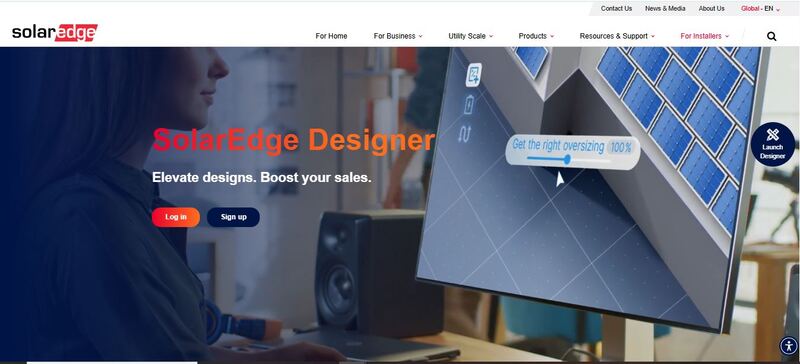
SolarEdge Designer is a cloud-based PV design platform developed by SolarEdge Technologies. It handles system layout, electrical configuration, and energy simulation in one place. Designs are checked in real time against SolarEdge hardware limits, so issues are flagged early instead of showing up later during engineering.
Features
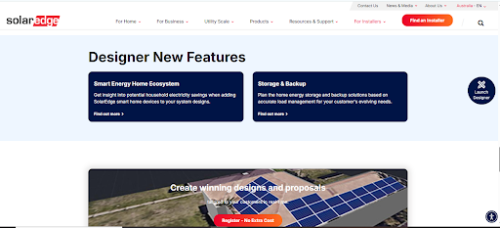
Here are some of SolarEdge Designer’s standout features that allow it to handle PV system design.
Automated layout generation
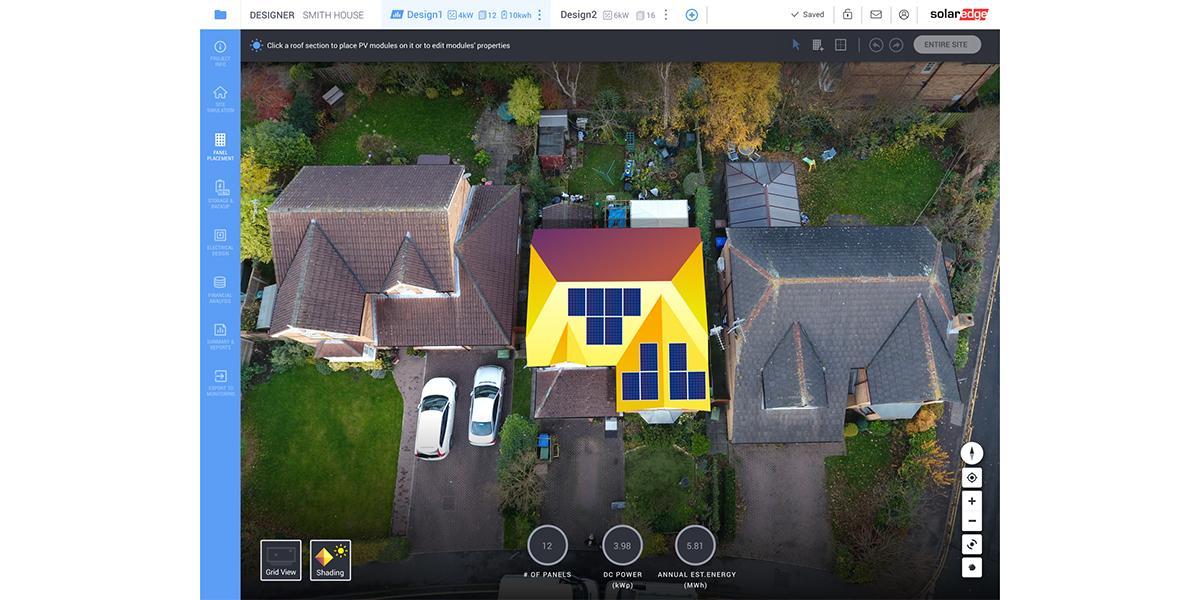
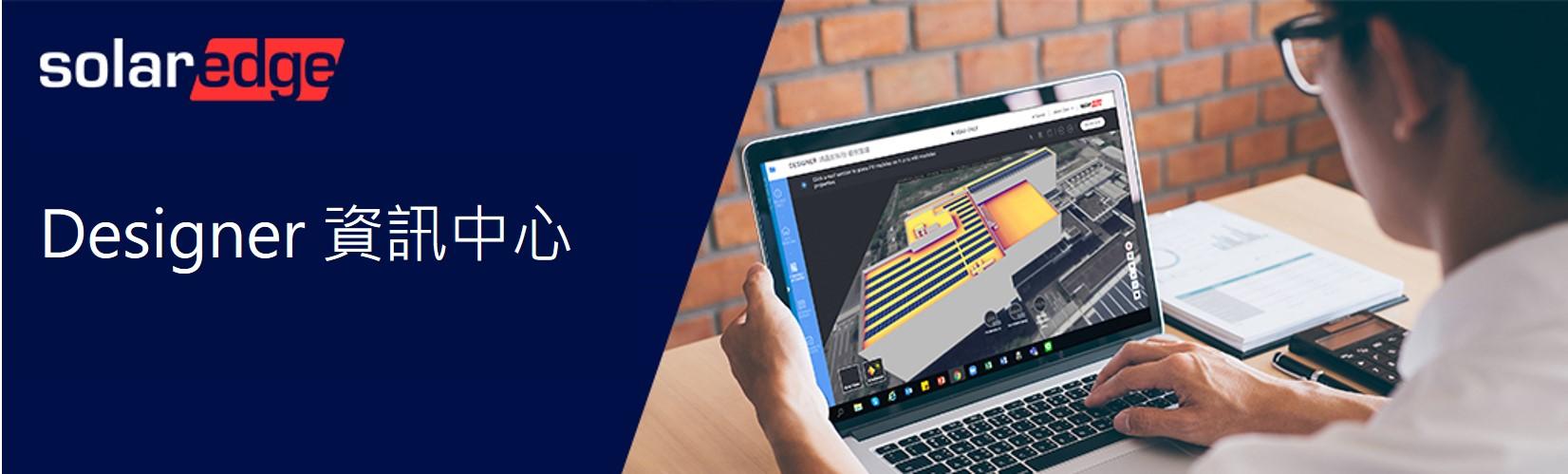
Roof areas are defined using satellite imagery. Panel placement can be handled automatically or adjusted manually. Spacing rules, tilt assumptions, and alignment are applied during placement, not after. That detail reduces correction work later.
Electrical validation engine
Voltage limits, string sizing, and inverter loading are checked continuously. Errors are not hidden in reports. They appear during configuration. This shifts validation earlier in the process, which matters when handling multiple projects in parallel.
Module-level performance modeling
Energy output is calculated at the panel level using optimizer behavior. That detail improves accuracy, especially in partially shaded conditions. It avoids the overestimation that often appears in simplified string models.
3D shading analysis
Shading is modeled across different times of day and seasons. The system estimates production losses and reflects them directly in annual yield calculations. It is not overly complex, but it is detailed enough for most residential and small commercial cases.
Component matching and constraints
System design is restricted to compatible SolarEdge inverters and optimizers. This limits flexibility, but it removes ambiguity. Installers work with configurations that are already valid from a manufacturer’s standpoint.
Proposal generation
Layouts, system specifications, and production estimates can be exported into structured reports. These are usable in client-facing proposals without heavy editing. Some teams still reformat them, but many do not need to.
Financial estimation tools
Basic financial outputs are included. Payback period, estimated savings, and system value can be adjusted based on electricity tariffs and installation costs. It is not a full financial modeling suite; it covers common sales requirements, though.
Screenshots
SolarEdge Designer Pricing
SolarEdge is genuinely free to access with no license or subscription fee needed.
- Usage requirement: SolarEdge account
- Dependency: SolarEdge inverters and optimizers required for system design
There are no paid tiers for design features. Costs are tied to hardware selection rather than software licensing. This structure works for teams already standardized on SolarEdge equipment. For others, it introduces a constraint instead of a benefit.
Integrations
This tool doesn’t try to connect with everything. Instead, it focuses on doing one job well within its own ecosystem.
Hardware ecosystem
The platform is tightly integrated with SolarEdge components. Inverters, optimizers, and monitoring systems are pre-configured within the design environment. This reduces compatibility issues during installation.
Monitoring transition
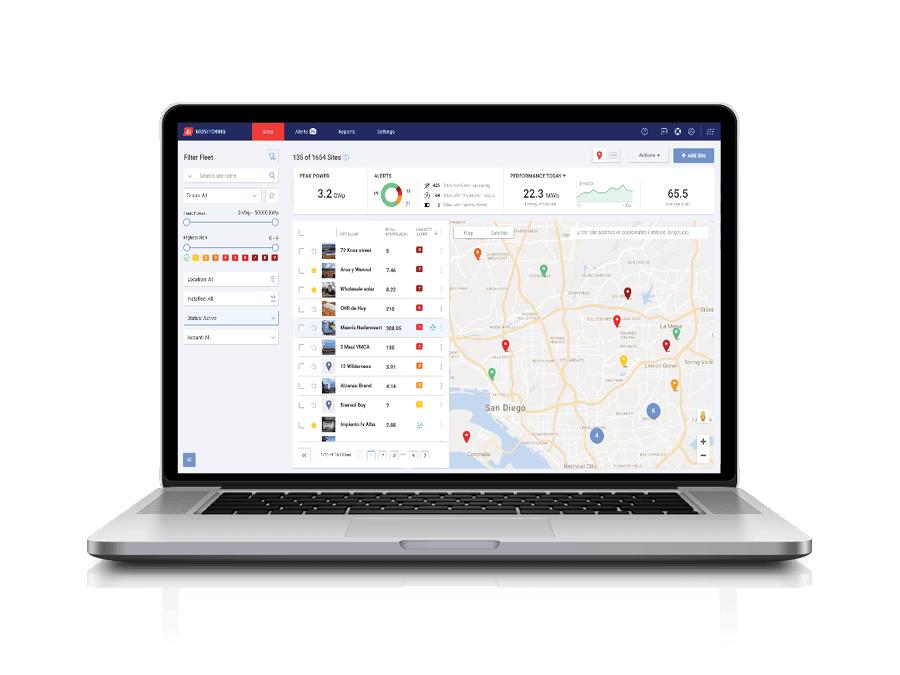
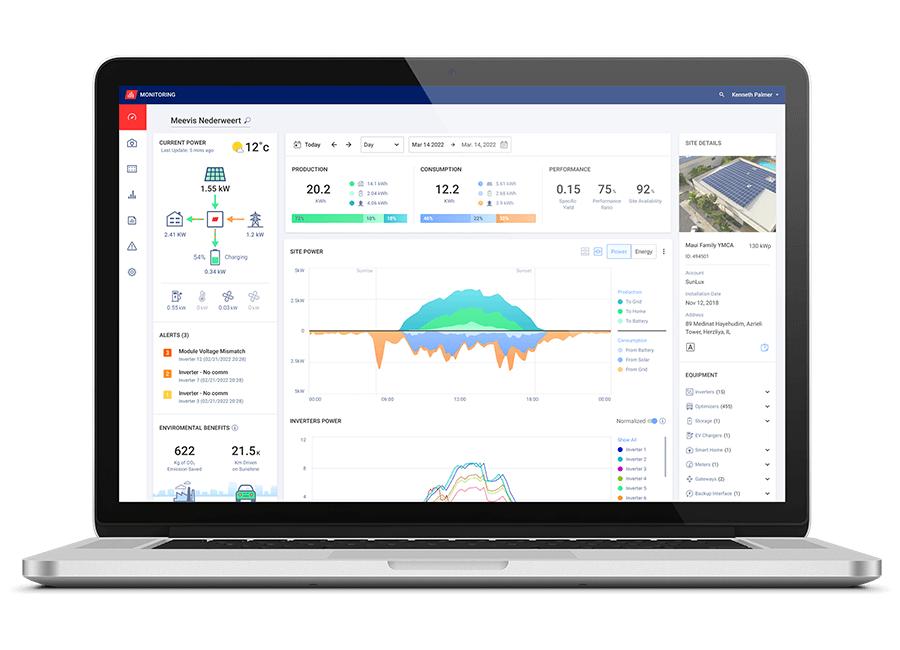
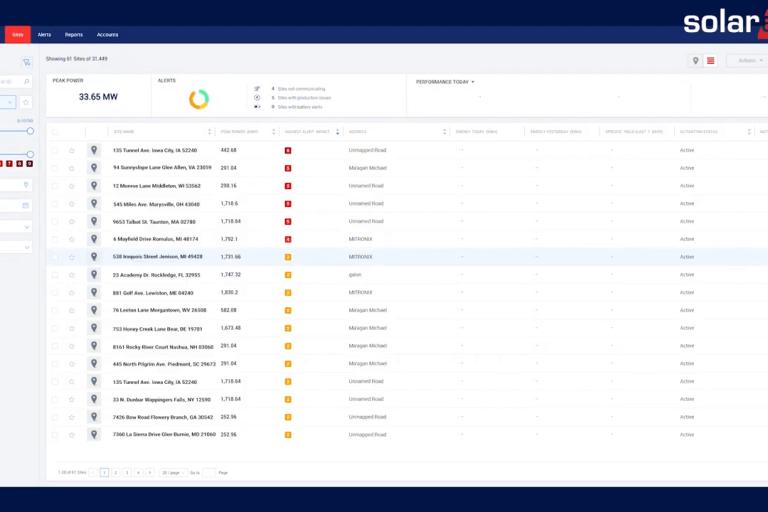
Designed systems can be transferred into operational monitoring workflows after installation. System configuration does not need to be recreated from scratch.
CRM and proposal workflows
While not deeply integrated with third-party CRMs, exported proposals can easily fit into existing sales pipelines.
How to Use SolarEdge Designer
Here are the steps:
- Create an account
Register through the SolarEdge portal. Access to Designer is provided through the main dashboard.
- Create project
Enter the project address. Satellite imagery loads automatically. No manual mapping required at this stage.
- Define roof geometry
Outline roof sections or use auto-detection. Adjust pitch, azimuth, and usable surface area based on actual site conditions.
- Place modules
Apply automatic panel placement or position modules manually. Adjust layout to account for obstructions or design preferences.
- Configure the electrical system
Select inverter models and assign power optimizers. The system validates compatibility immediately. Invalid configurations are flagged in real time.
- Run performance simulation
Generate energy production estimates. Review annual yield, system losses, and shading impact.
- Resolve validation issues
Address warnings related to voltage limits, string sizing, or inverter loading. These appear during configuration, not after export.
- Generate proposal
Export system layout, bill of materials, and performance summary. Files are ready for internal review or client presentation.
FAQs
Does SolarEdge Designer support large commercial projects?
Yes, it supports multi-array systems. However, highly complex or utility-scale designs may require additional simulation tools.
Is the platform suitable for early-stage sales design?
Yes. It is commonly used to generate quick layouts and proposals during the sales phase.
Can designs include battery storage systems?
Yes, but only within the SolarEdge ecosystem. Configuration options depend on supported hardware models.
Does it work with other inverter brands?
No. The system is restricted to SolarEdge components.
Is training required before use?
Minimal. The interface is structured, and most users can navigate it without formal onboarding.
Can multiple users collaborate on projects?
Yes. Teams can access shared projects depending on account permissions, although collaboration controls are basic compared to full CRM systems.




