PVComplete
Pros
- Significantly reduces engineering and drafting time.
- Works directly inside AutoCAD for professional engineering workflows.
- Strong automation for electrical design and compliance tasks.
- Smooth workflow transition from sales proposals to engineering plans.
- Useful AI assistant for design validation and code compliance.
- Excellent support for utility-scale solar design and terrain analysis.
Cons
- PVCAD requires familiarity with AutoCAD.
- Pricing may be high for solo designers or small businesses.
- Large terrain and 3D projects require powerful hardware.
- Basic packages offer less advanced topographic functionality than dedicated civil engineering platforms.
Solar design teams often struggle to move projects smoothly from early sales concepts into detailed engineering plans. Many companies still rely on disconnected software tools, manual calculations, and repetitive CAD work, which increases the risk of errors and slows down project delivery. PVComplete solves these challenges by combining solar layout, electrical engineering, and proposal workflows into one integrated software ecosystem.
Built for residential, commercial, and utility-scale solar development, PVComplete helps installers, EPCs, and engineering teams automate repetitive design tasks while improving accuracy and reducing soft costs associated with permitting and engineering.
What Is PVComplete?
PVComplete is a California-based solar software platform that provides cloud-based and AutoCAD-integrated tools for photovoltaic system design and engineering.
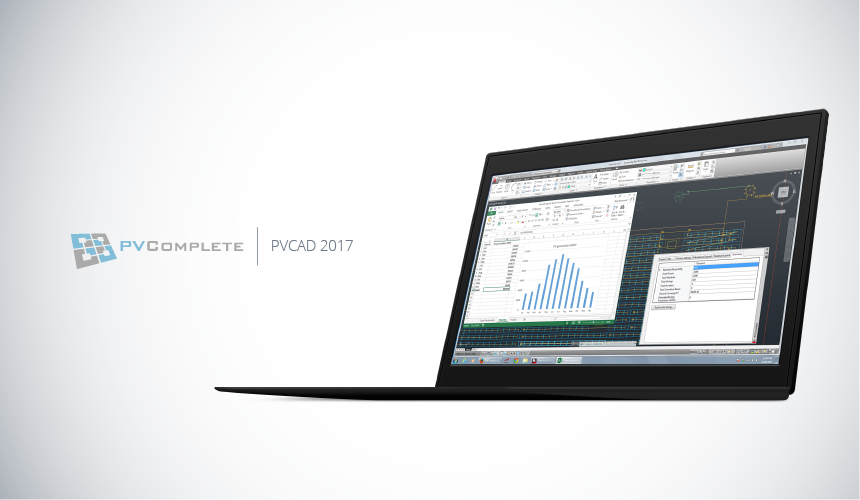
The platform includes PVSketch for fast web-based solar layouts and proposals, and PVCAD for detailed AutoCAD-based engineering, electrical drawings, and permit-ready plan set generation.
Features
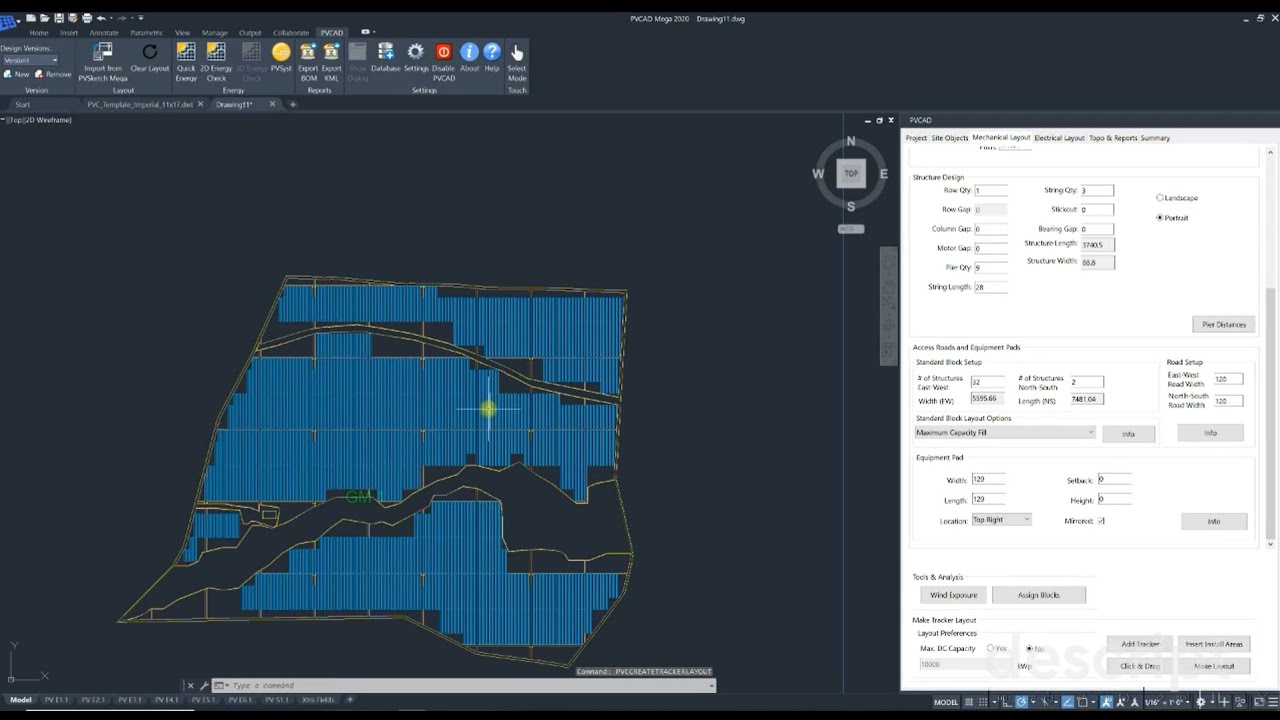
- Automated Module Layouts: Automatically place panels while accounting for setbacks, obstructions, and safety zones.
- Electrical Design Automation: Generate stringing layouts, single-line diagrams, and electrical calculations.
- Integrated PV Equipment Database: Access up-to-date solar panel, inverter, and battery specifications.
- Shadow and Shading Analysis: Analyze seasonal shading impacts on production performance.
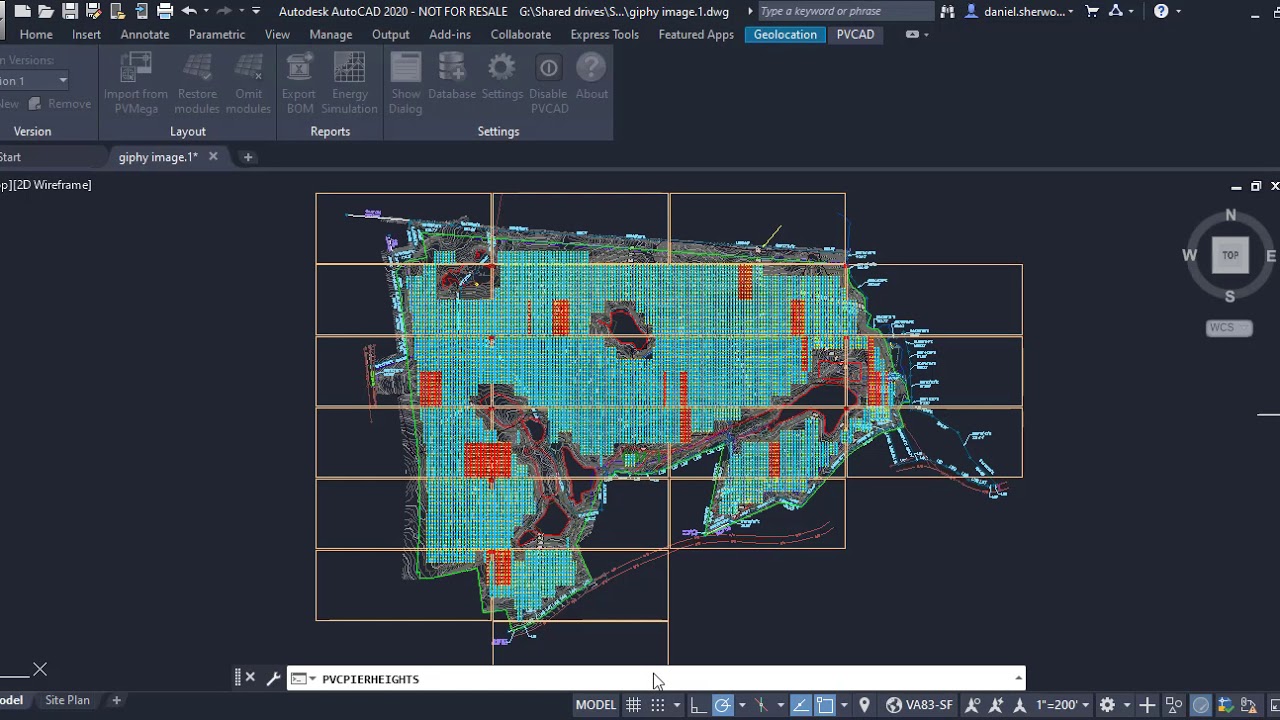
- Utility-Scale Optimization: Design large-scale fixed-tilt and tracker systems using terrain analysis tools.
- PVComplete AI Assistant: Use AI-driven support for code compliance checks and engineering tasks.
- Bill of Materials (BOM) Generation: Automatically create equipment and wire length reports.
Screenshots
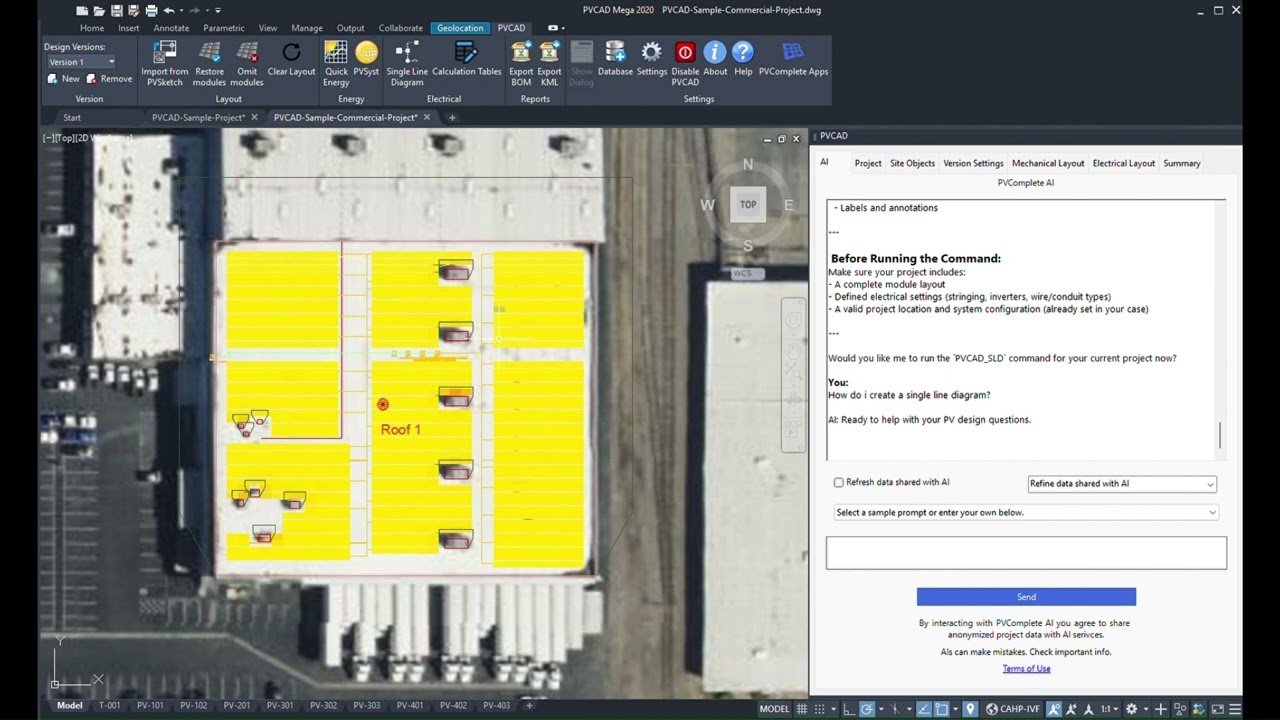
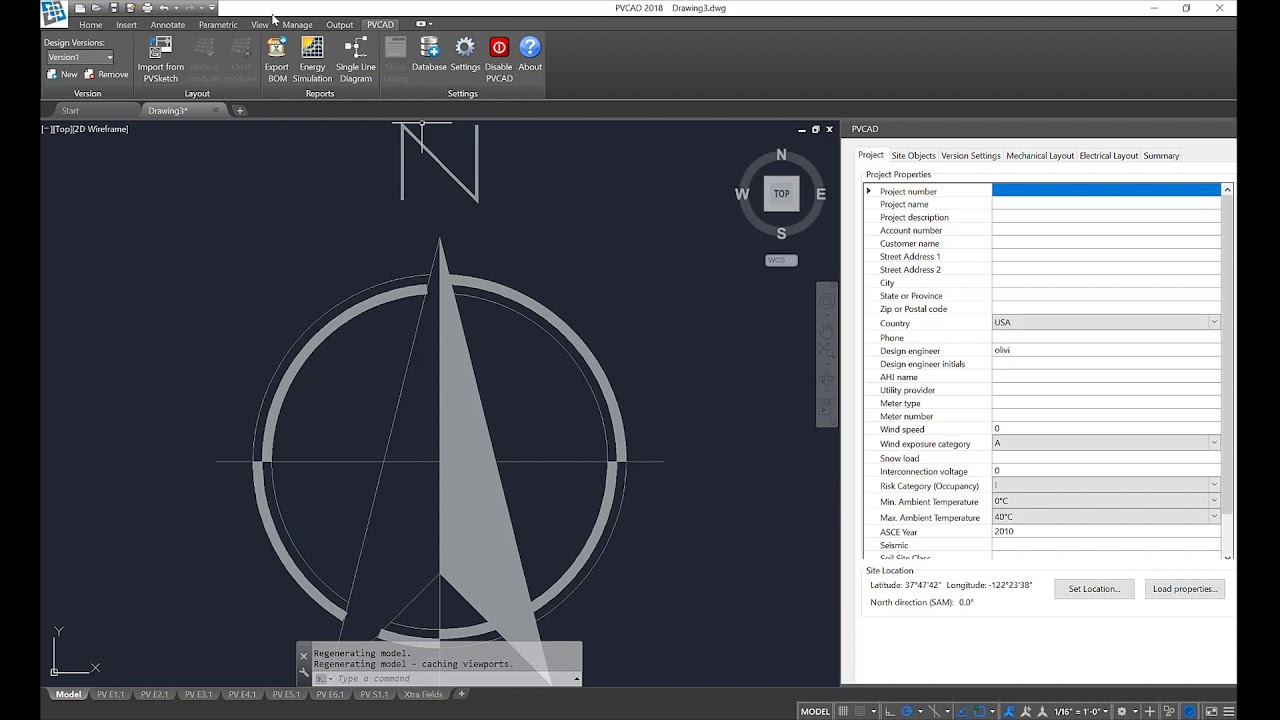
PVComplete Pricing
PVComplete offers multiple pricing tiers based on project complexity and engineering requirements.
- PVSketch Free Version: Limited free access for up to two projects per month.
- PVSketch Basic: Around $50/month for residential proposal workflows.
- PVSketch Pro: Around $100/month with advanced design features.
- PVSketch Unlimited: Around $250/month for unlimited project creation.
- PVCAD Plug-In: Approximately $180/month for AutoCAD-based engineering workflows.
- PVCAD Bundle: Around $230/month including AutoCAD licensing.
- Enterprise and Mega Plans: Custom pricing for utility-scale and enterprise deployments.
Integrations
PVComplete integrates with engineering, mapping, and renewable energy modeling tools.
- AutoCAD and Civil 3D: Native plugin integration for engineering design workflows.
- PVSyst: Export project data for energy production simulations.
- Google Maps and Elevation: Import site imagery and terrain information.
- CRM and ERP Systems: Enterprise synchronization for sales and engineering coordination.
- Cloud Equipment Databases: Access updated solar component specifications automatically.
How to Set Up PVComplete
- Create a PVComplete account and choose either PVSketch or PVCAD.
- Select a pricing plan or begin with the free PVSketch version.
- Install the PVCAD AutoCAD plugin if advanced engineering is required.
- Configure preferred equipment libraries and local code settings.
- Connect mapping and project databases.
- Begin creating projects using site addresses and satellite imagery.
How to Use PVComplete
Most users begin inside PVSketch by entering a project address and outlining rooftop or ground-mounted installation areas. The software automatically generates optimized panel layouts and preliminary energy estimates for customer proposals.
Once projects move into engineering, the layouts can be imported directly into PVCAD for detailed electrical design work. Engineers generate single-line diagrams, stringing layouts, BOM reports, and permit-ready documentation while using the AI assistant for compliance checks and workflow automation.
What You Can Manage with PVComplete
- Solar Layouts: Create rooftop and utility-scale solar site designs.
- Electrical Engineering Drawings: Generate permit-ready diagrams and calculations.
- Bill of Materials: Manage equipment quantities and wire calculations.
- Topography and Terrain Analysis: Evaluate slopes and land conditions.
- Sales Proposals: Build customer-facing energy and ROI presentations.
- Compliance Reviews: Verify adherence to local electrical codes and standards.
FAQs
What does PVComplete do?
PVComplete automates solar system design and engineering workflows, helping teams move from early layouts to permit-ready construction documents more efficiently.
Who is PVComplete best for?
It is designed for solar engineers, EPCs, installers, and development teams that require integrated AutoCAD-based solar design workflows.
Is PVComplete free?
PVSketch offers a limited free version, but professional engineering tools such as PVCAD and utility-scale products require paid subscriptions.
What are the main limitations of PVComplete?
Main limitations include dependence on AutoCAD skills, relatively high pricing for advanced plans, and hardware requirements for large engineering projects.
What are the best alternatives to PVComplete?
Popular alternatives include Aurora Solar, OpenSolar, HelioScope, PVcase, and Solargraf.