pvPlanner
Pros
- Highly accurate solar irradiance and weather modeling.
- Trusted “bankable” reports widely accepted by investors and lenders.
- Global coverage with long-term historical weather datasets.
- Combines technical and financial analysis within one workflow.
- Easy-to-use cloud-based interface.
- Strong reputation within utility-scale solar development.
Cons
- Higher pricing compared to entry-level solar tools.
- Focused on simulation rather than CAD or electrical drafting.
- Requires stable internet connectivity because it is cloud-based.
- Some hardware models may require manual updates if newly released.
Planning a solar photovoltaic system involves much more than selecting panels and inverters. Developers and engineers must evaluate weather conditions, site geography, energy production risks, and long-term financial performance before a project can move forward confidently. One of the biggest challenges in the industry is the gap between predicted energy output and actual field performance, which can affect profitability and investor confidence.
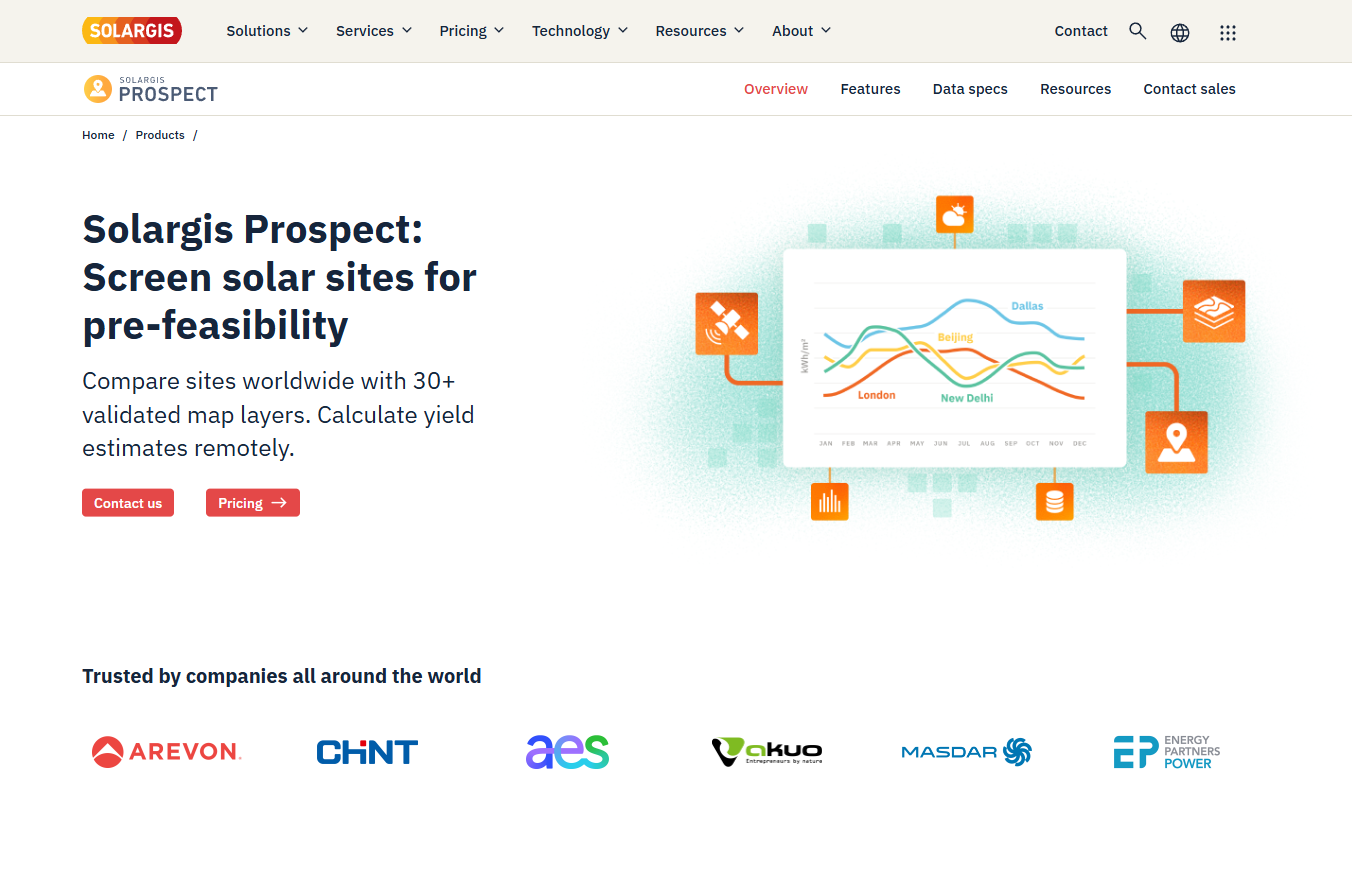
pvPlanner addresses these challenges with a high-precision web-based solar simulation platform built around the Solargis meteorological database. By combining detailed weather modeling with advanced PV performance simulations, the platform helps developers, EPCs, and consultants generate reliable “bankable” energy yield assessments for commercial and utility-scale solar projects.
What Is pvPlanner?
pvPlanner is an online solar performance simulation platform developed by Solargis, a global provider of solar resource and energy assessment data.
The software focuses on solar energy yield modeling and financial analysis rather than CAD-based drafting. It allows users to evaluate site performance using long-term satellite weather data, system configuration parameters, and advanced PV simulation models.
Features
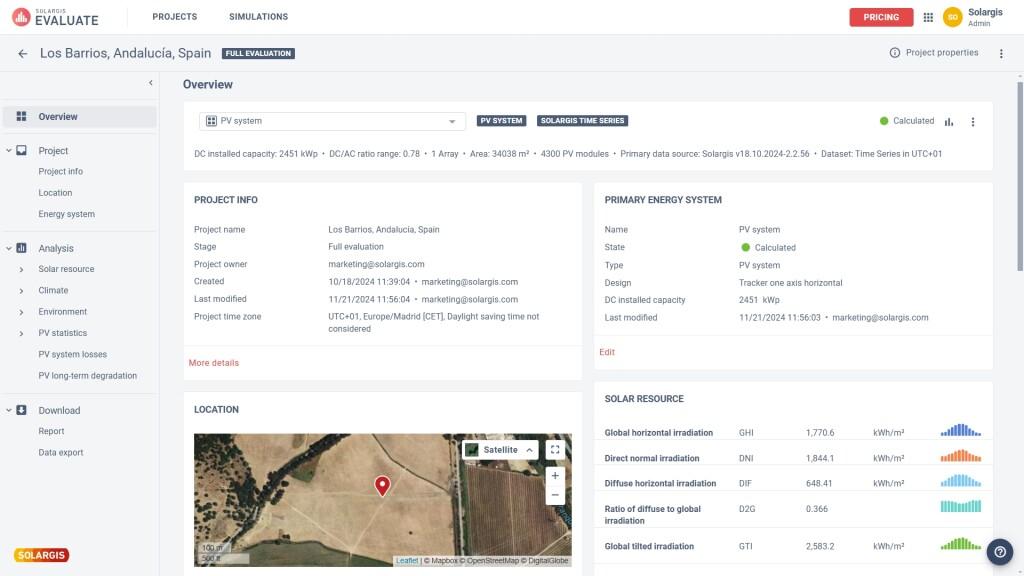
- Solar Resource Data Integration: Access high-resolution irradiance, temperature, and weather datasets from the Solargis database.
- PV Performance Simulation: Model real-world energy generation while accounting for module efficiency, temperature, and system losses.
- Financial Analysis Tools: Calculate NPV, IRR, payback period, and other project finance metrics.
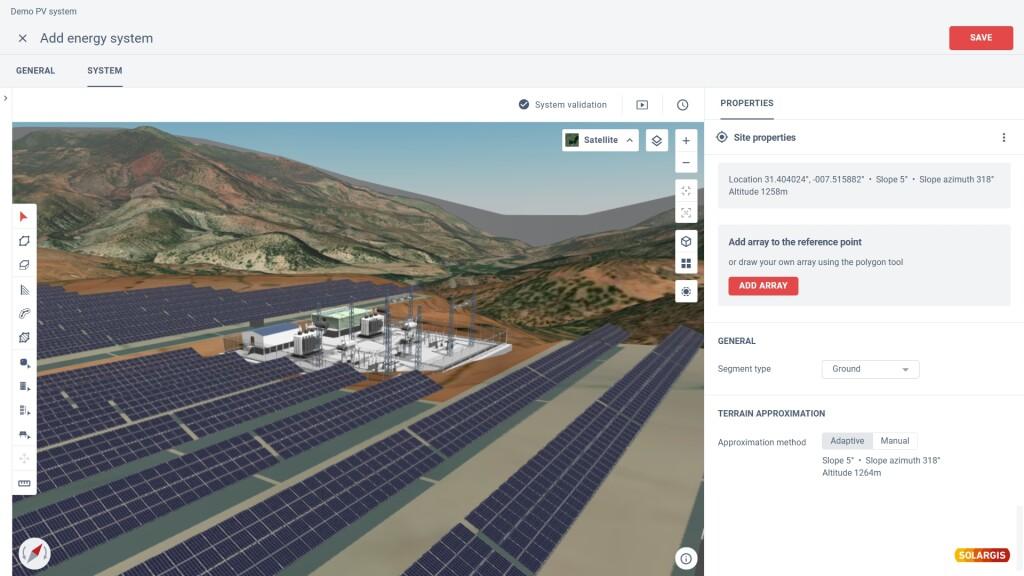
- Flexible System Configuration: Simulate fixed-tilt, tracking, and customized PV system designs.
- Automated Reporting: Generate bankable PDF and CSV reports for investors and project stakeholders.
- Multi-Location Comparison: Compare different sites and configurations within a single project portfolio.
- Loss Modeling: Analyze shading, cabling, soiling, and other production losses.
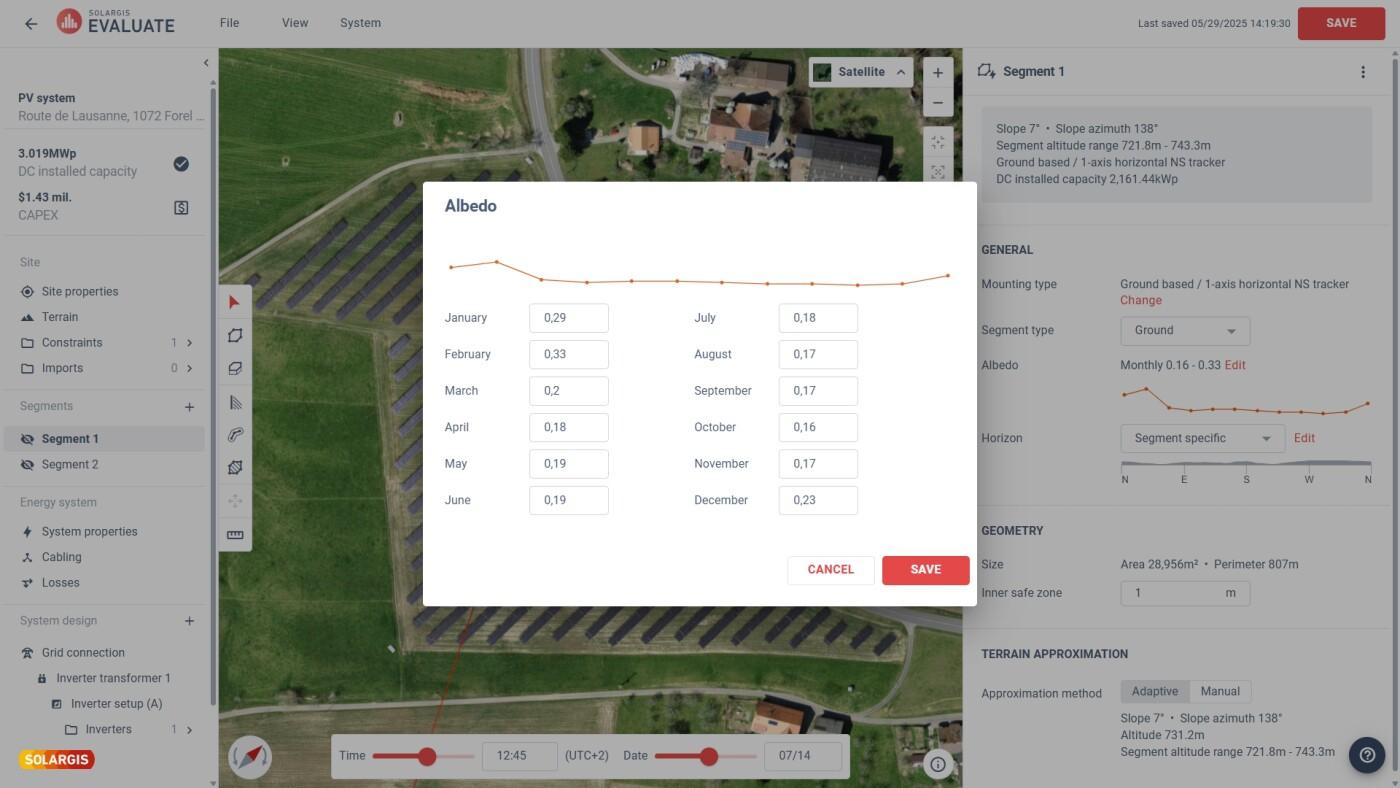
Screenshots
pvPlanner Pricing
pvPlanner uses professional subscription pricing tied to the broader Solargis ecosystem.
- Free Trial or Demo: Limited testing access is typically available upon request.
- Annual Subscriptions: Professional evaluation tools can cost approximately €12,000/year depending on usage and features.
- Project-Based Credits: Some workflows allow purchasing simulations for individual projects.
- Enterprise Licensing: Custom pricing available for large portfolios and API integrations.
Integrations
pvPlanner integrates with engineering and renewable energy analysis workflows.
- CSV and Excel Export: Export simulation data for financial modeling and reporting.
- API Access: Solargis APIs provide weather and TMY data integration.
- PVsyst Compatibility: Export weather and yield data into PVsyst simulations.
- Engineering Software Workflows: Compatible with CAD and project development systems through exported datasets.
How to Set Up pvPlanner
- Create a Solargis account and request platform access.
- Select a subscription plan or arrange a trial/demo.
- Configure profile settings such as currency and engineering units.
- Create a new project and select a site using map coordinates.
- Enter PV system technical specifications and losses.
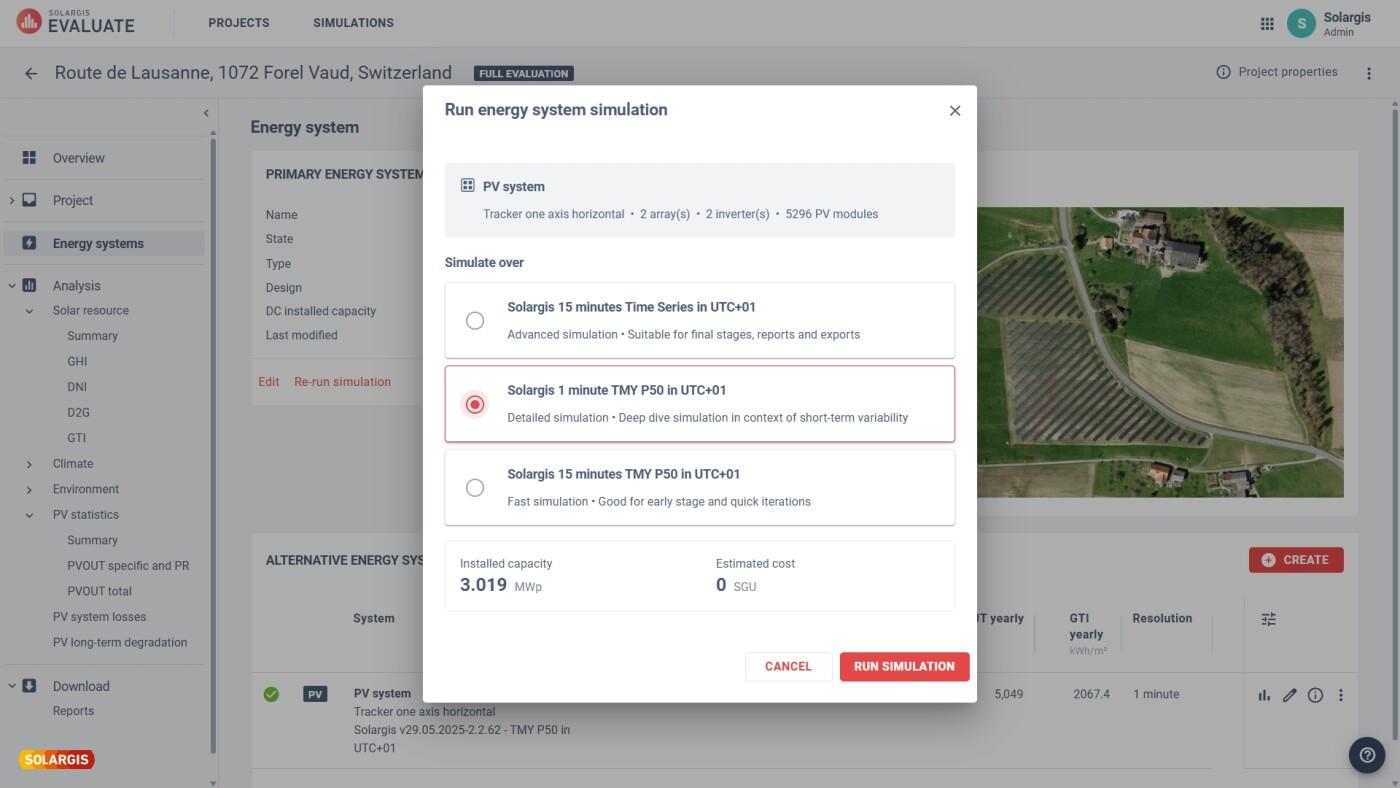
- Run simulations and generate financial and energy yield reports.
How to Use pvPlanner
Users typically begin by selecting a project site and importing local solar resource data from the Solargis database. They then configure the PV system by choosing module types, tilt angles, inverter capacities, and tracking configurations.
Once the simulation runs, the platform generates detailed energy yield forecasts and financial performance metrics. Teams can analyze seasonal production behavior, compare multiple project scenarios, and export bankable reports for investors and technical stakeholders.
What You Can Manage with pvPlanner
- Energy Yield Simulations: Forecast annual and monthly electricity generation.
- Financial Modeling: Evaluate ROI, IRR, and project payback periods.
- Meteorological Data: Access irradiance, temperature, and wind datasets.
- System Loss Analysis: Quantify shading and electrical efficiency losses.
- Project Portfolios: Compare multiple locations and configurations.
- Investor Reporting: Generate professional technical and financial documentation.
FAQs
What does pvPlanner do?
pvPlanner simulates solar PV energy production using high-resolution weather data and advanced performance models to help developers evaluate project feasibility.
Who is pvPlanner best for?
It is designed for solar developers, EPCs, consultants, and engineers working on commercial and utility-scale PV projects.
Is pvPlanner free?
No, pvPlanner is a professional paid platform, although demos and limited trial access may be available.
What are the main limitations of pvPlanner?
Main limitations include its premium pricing, lack of CAD drafting tools, and dependence on cloud-based access for simulations and reporting.
What are the best alternatives to pvPlanner?
Popular alternatives include PVsyst, Aurora Solar, RatedPower, SolarAnywhere, and Meteonorm.